

Work & learn better on iPad:
insights and tools for focused digital thinking
Join 1M+ people improving how they write, study and think on iPad.

Latest articles
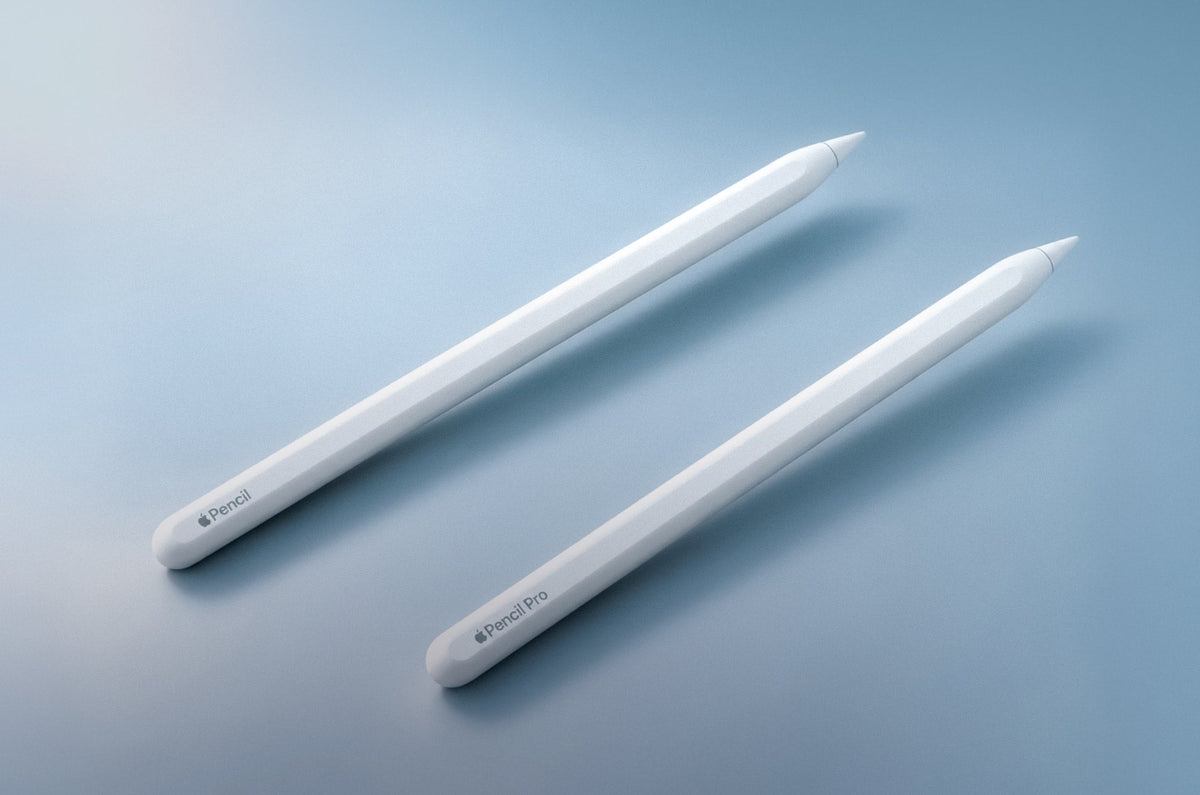
Apple Pencil vs. Apple Pencil Pro: Is the Upgrade Worth It?
Learn if it's worth it to upgrade to the Apple Pencil Pro for the iPad as a digital artist or note-taker.
 Alanna Flowers
Paperlike’s Holiday Gift Guide: The Best iPad Accessories for Creators & Doers (2026)
The holiday season is upon us once again, and you know what that means: It’s time for the new Paperliker’s Holiday Gift Guide!
 Lindsay Armstrong

The Best Gifts for Digital Artists (2026)
Find the best gifts for the digital artist in your life from this list of accessories, tools, and subscriptions.
Alanna Flowers

The Best Gifts for College Students (That They'll Actually Use)
Looking for a gift for the college student in your life? Here are 15 tech gifts they'll actually use, from must-haves to fun extras.
Lindsay Armstrong
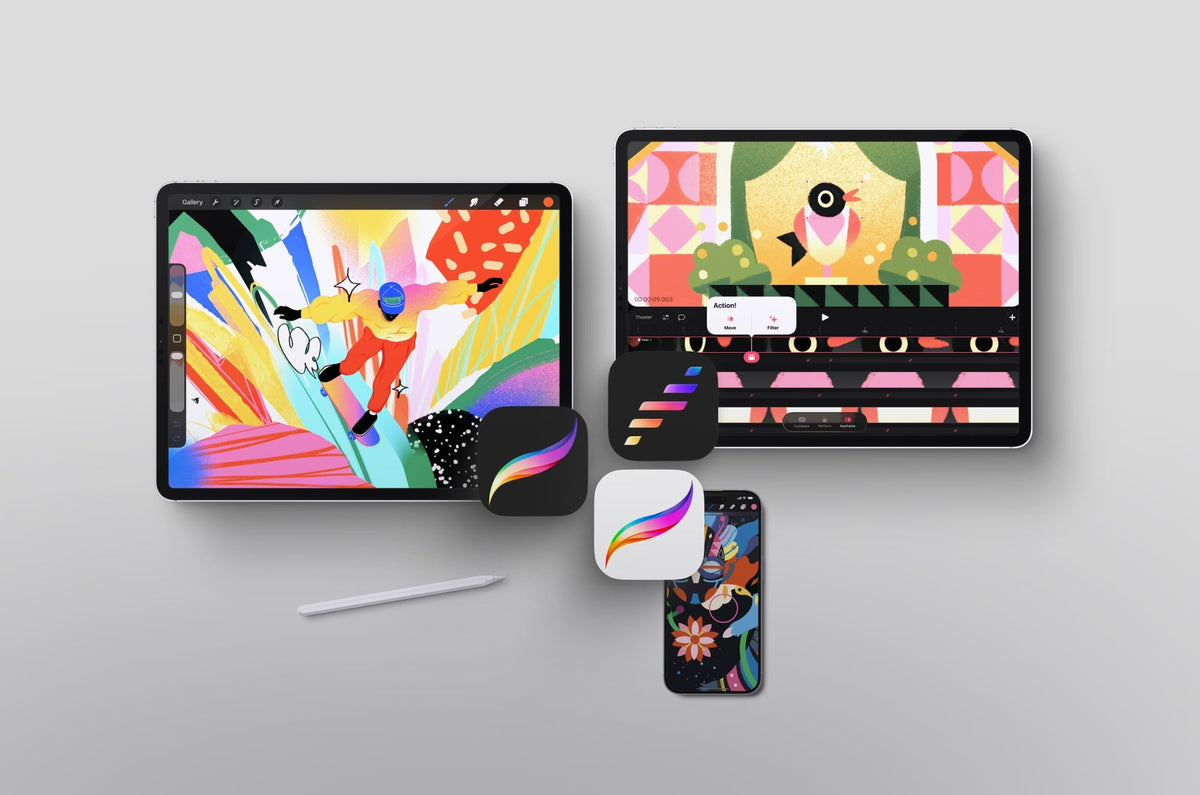
Procreate vs. Procreate Dreams vs. Procreate Pocket
Procreate, Procreate Dreams, or Procreate Pocket: Which one do you actually need? Compare pricing, features, and use cases to pick the right app.
Alanna Flowers
Note Taking Methods: A Comprehensive Guide for Students and Professionals
Here are five of the most popular note taking methods, shown side by side with the same example, so you can find the one that actually works for you.
Lindsay Armstrong
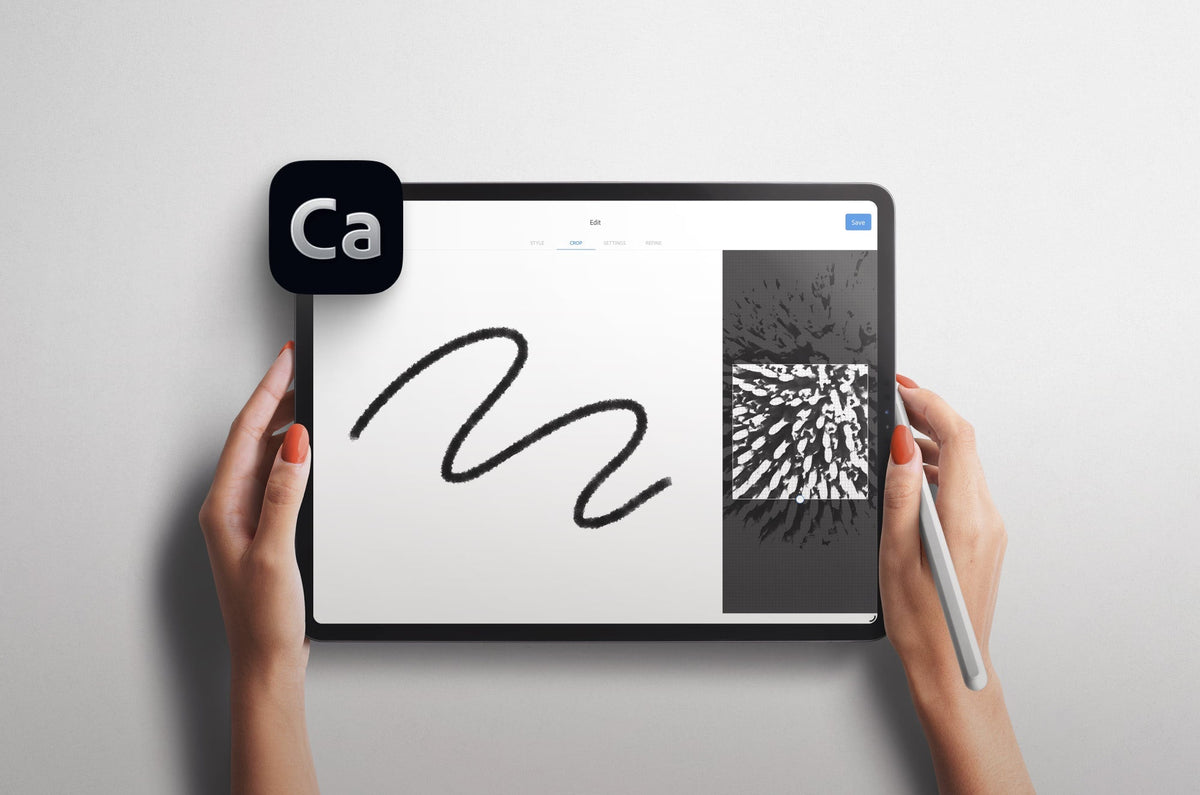
How to Create Custom Photoshop Brushes on your iPad
Learn how to create a Photoshop brush with the free Adobe Capture app.
Alanna Flowers
How to Sell Your Digital Art Online: Platforms, Fees and Insight from an Artist Who's Done It
Launching my own shop taught me a lot the hard way, from picking a platform to pricing my work. Here's what I learned about selling digital art online, so you can skip some of the mistakes I made.
Alanna Flowers
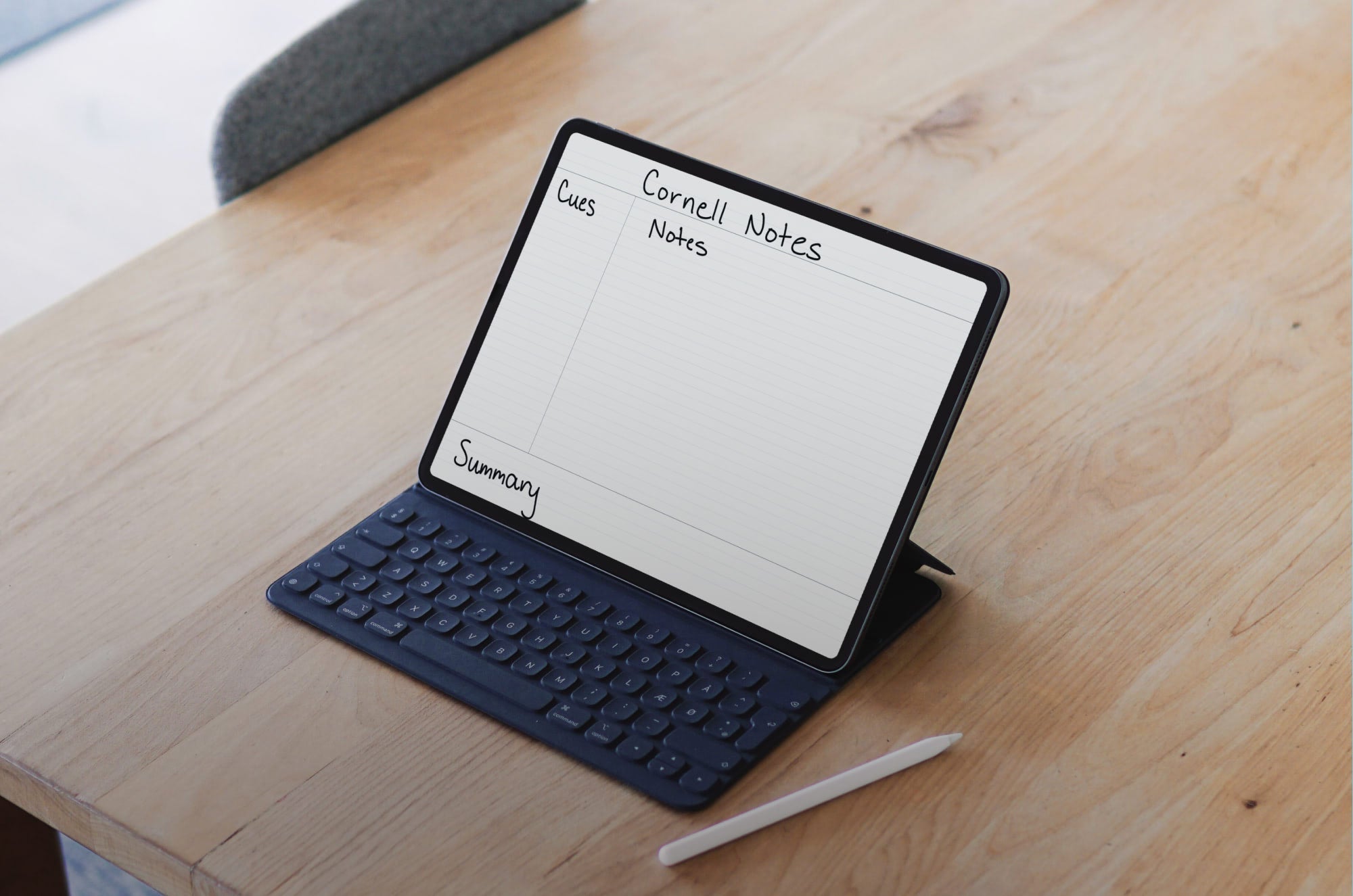
The Cornell Note-Taking Method: A Complete Guide
I used to think more notes meant better notes. Then I learned the Cornell method. Here's how the system works, the 5 R's that make it effective, and how to set it up on your iPad.
Lindsay Armstrong
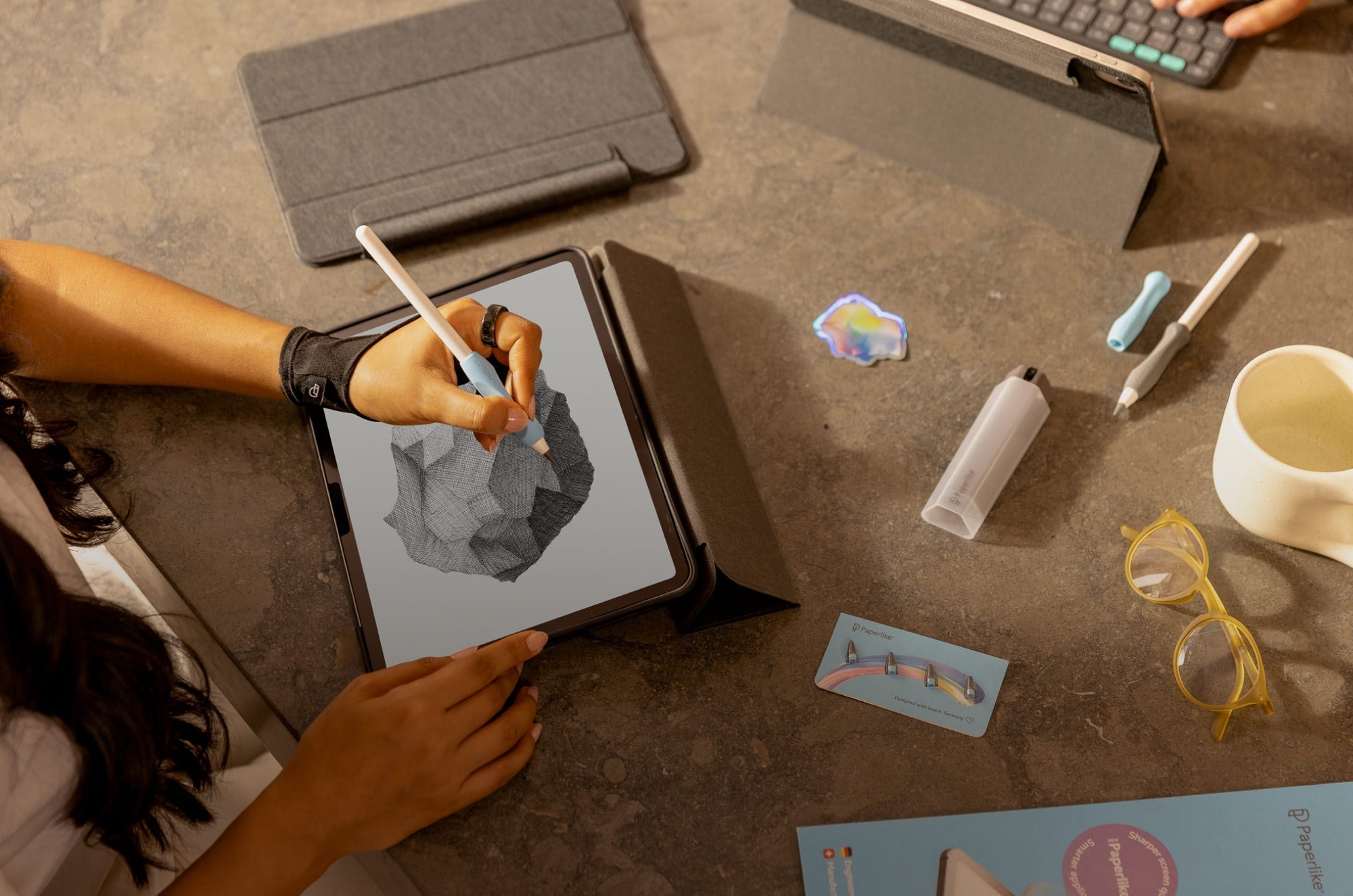
Digital Art Setup: How to Turn Your iPad Into A Portable Art Studio
A complete guide to setting up an iPad as a portable art studio, including hardware, software/app choices, and practical tips for working digitally on the go.
Alanna Flowers
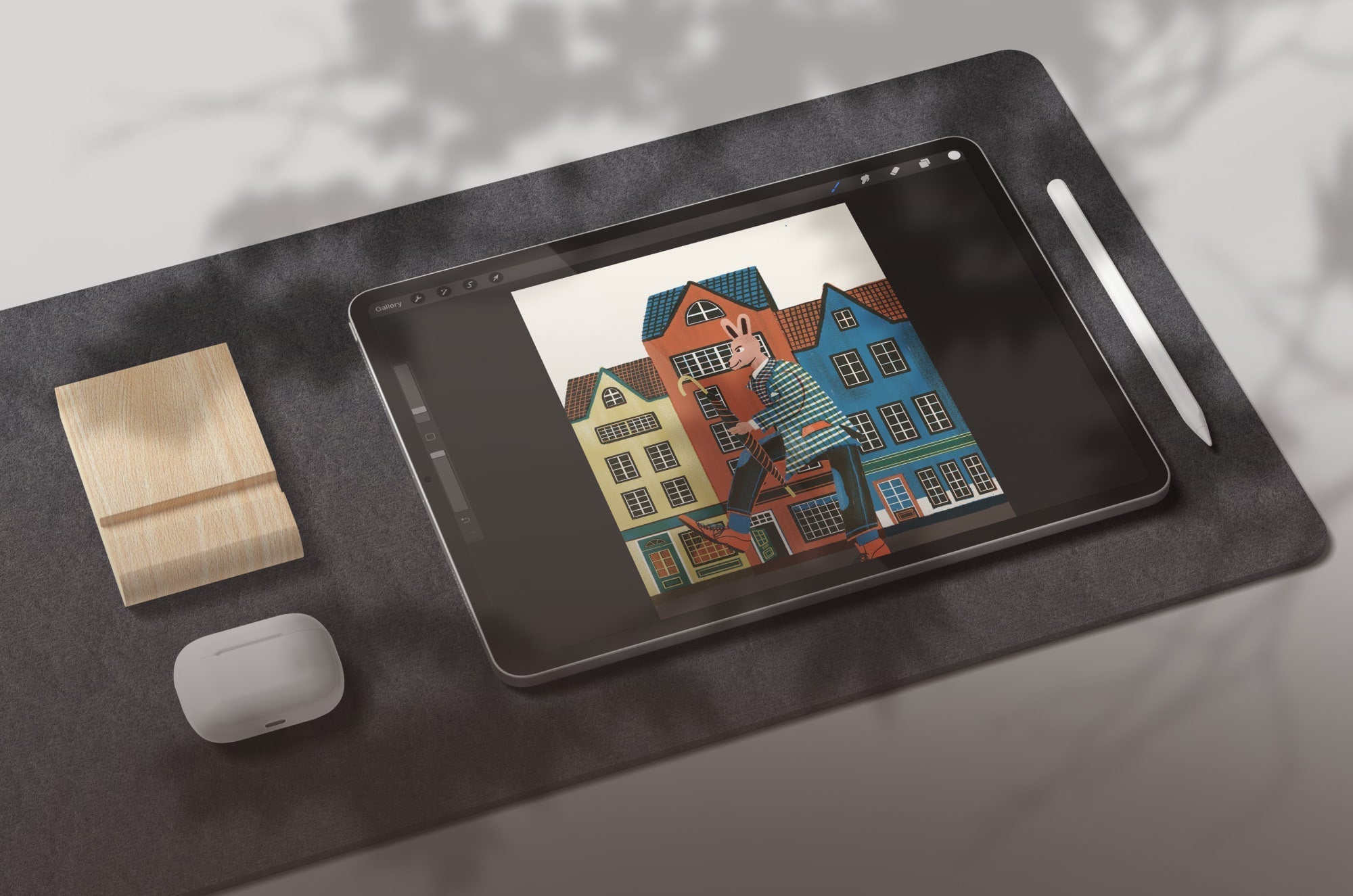
Procreate is one of the most popular digital art programs for the iPad out there. Learn everything there is to know about this app in this deep dive review.
Alanna Flowers
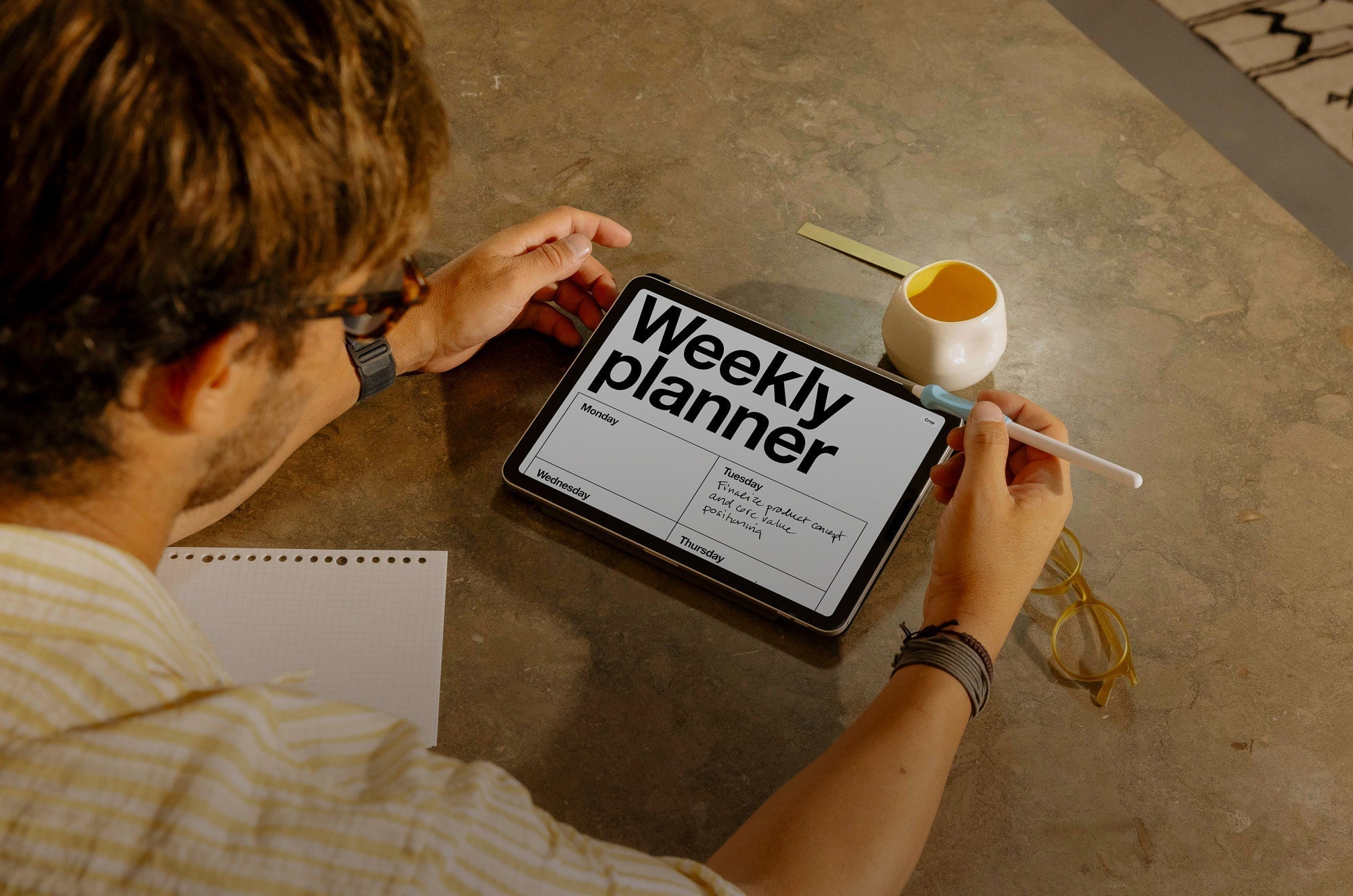
Digital Planner for iPad: A Step-By-Step Guide to Getting Started
I switched from a paper planner to a digital planner a few years ago and never looked back. This guide walks through the hardware, apps, and setup that actually make a digital planner easy to start...
Lindsay Armstrong
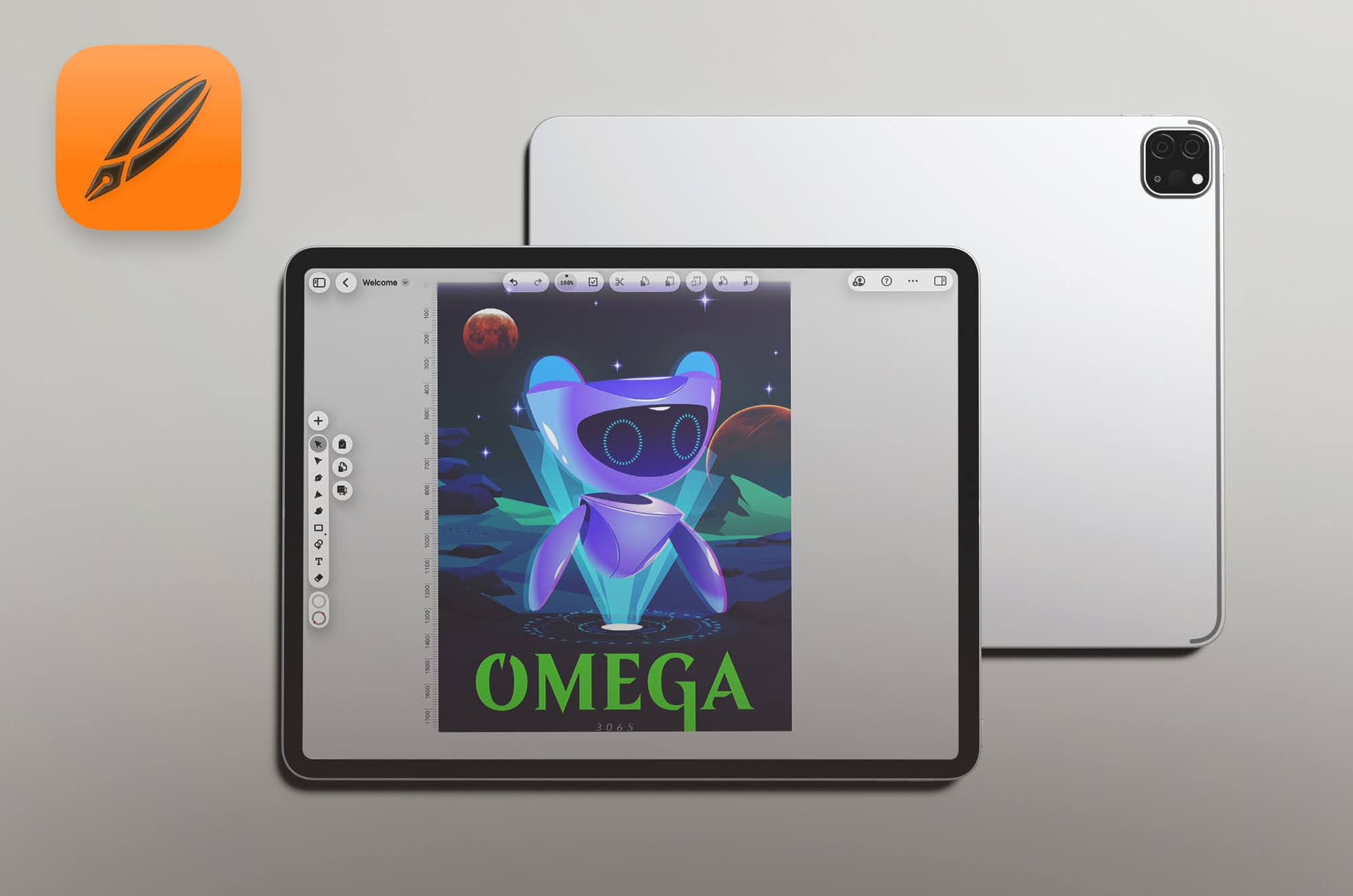
Linearity Curve Review 2026: Features, Pricing & Tips
Deep dive into the Linearity Curve app for digital artists on the iPad. Compare features, ease of use, and performance against Adobe Illustrator in 2026.
Alanna Flowers
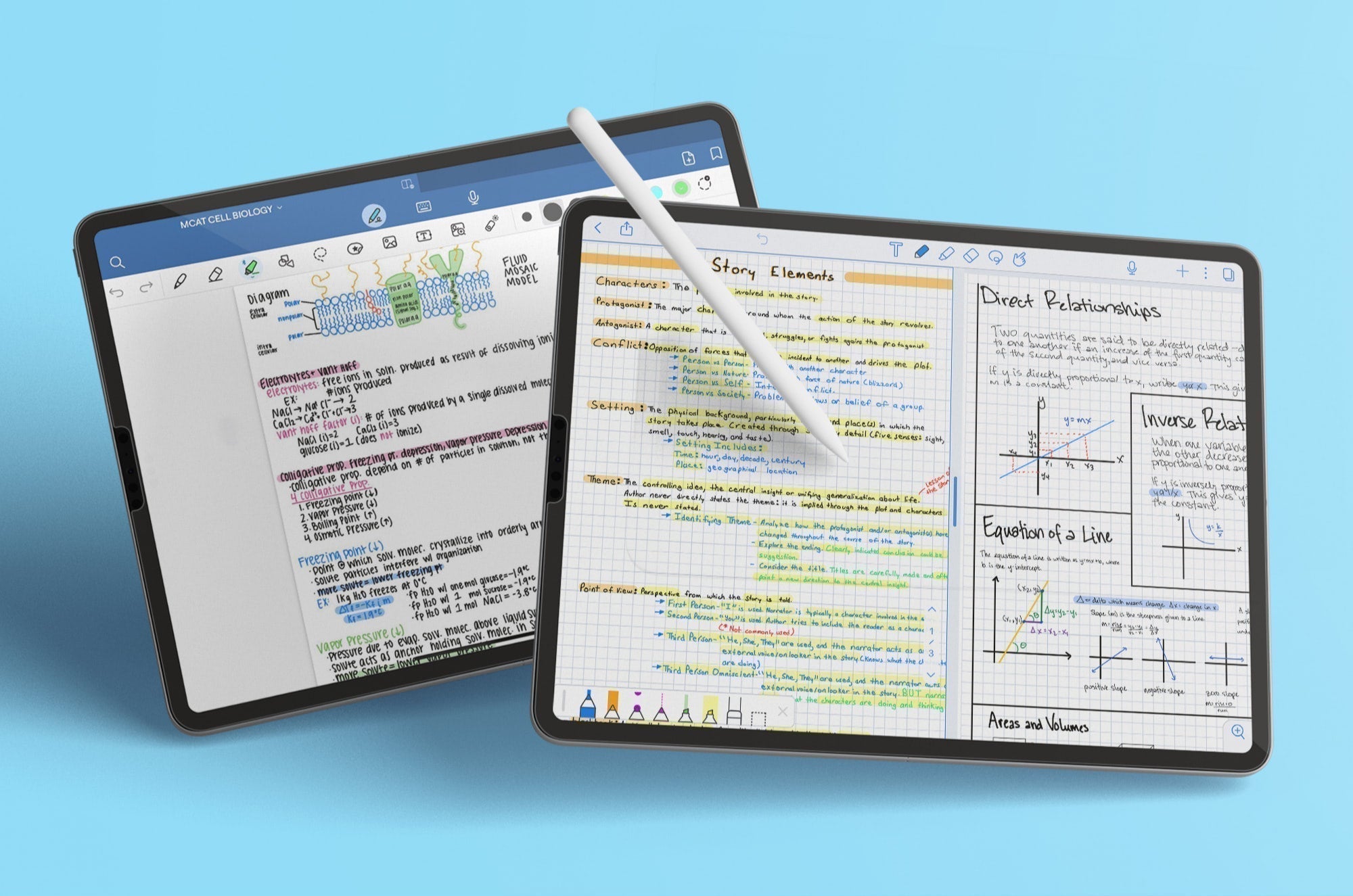
Goodnotes vs. Notability: App Review [Updated for 2026]
Need a new notetaking app? Goodnotes & Notability are two of the most popular options on the market today. Here’s a closer look at how they measure up.
Lindsay Armstrong
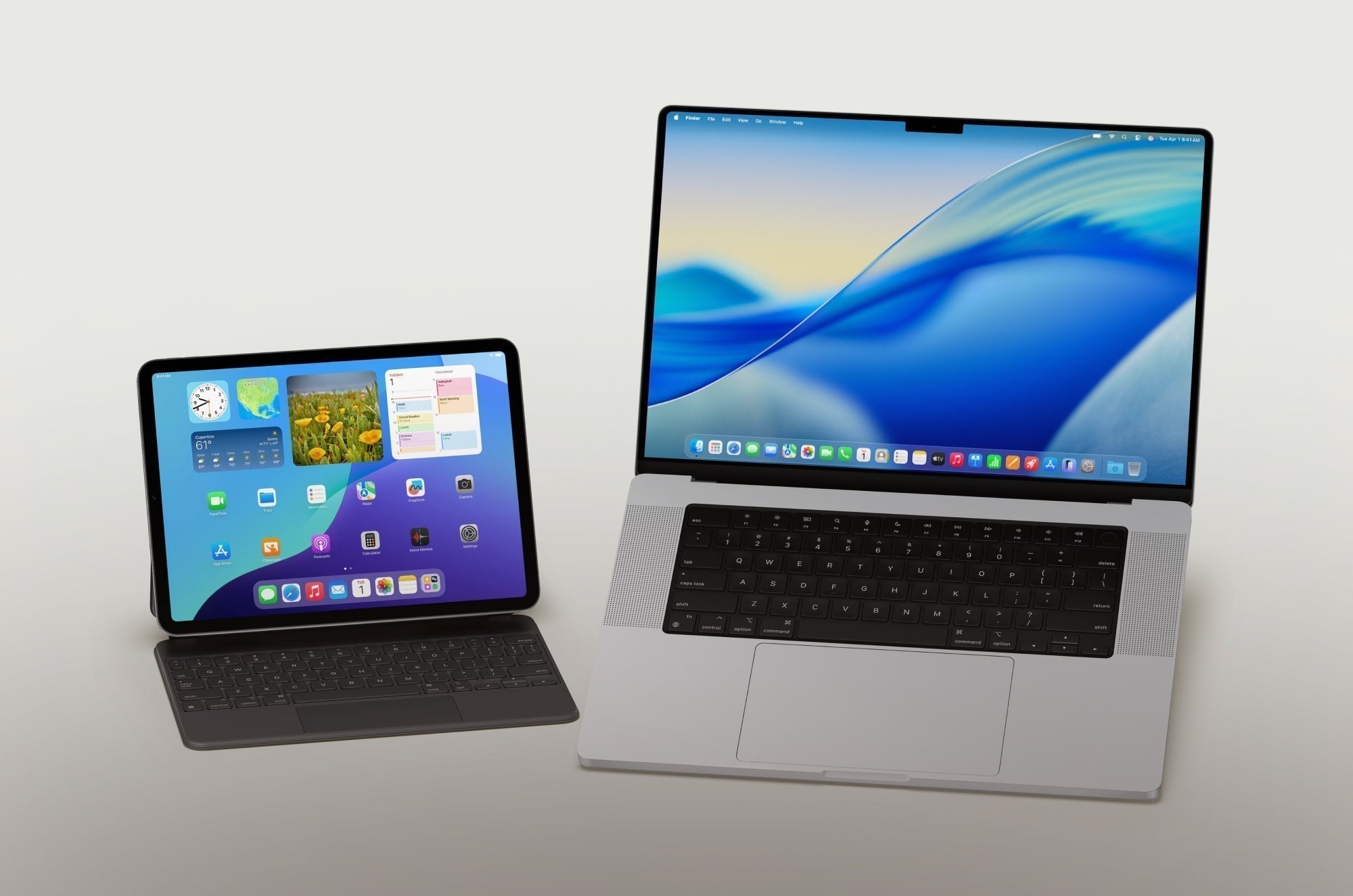
How to Use Your iPad & Mac Together: 7 Continuity Features to Try
Discover how to use your iPad and Mac together with 7 Continuity features, plus setup steps and requirements for each one.
Lindsay Armstrong
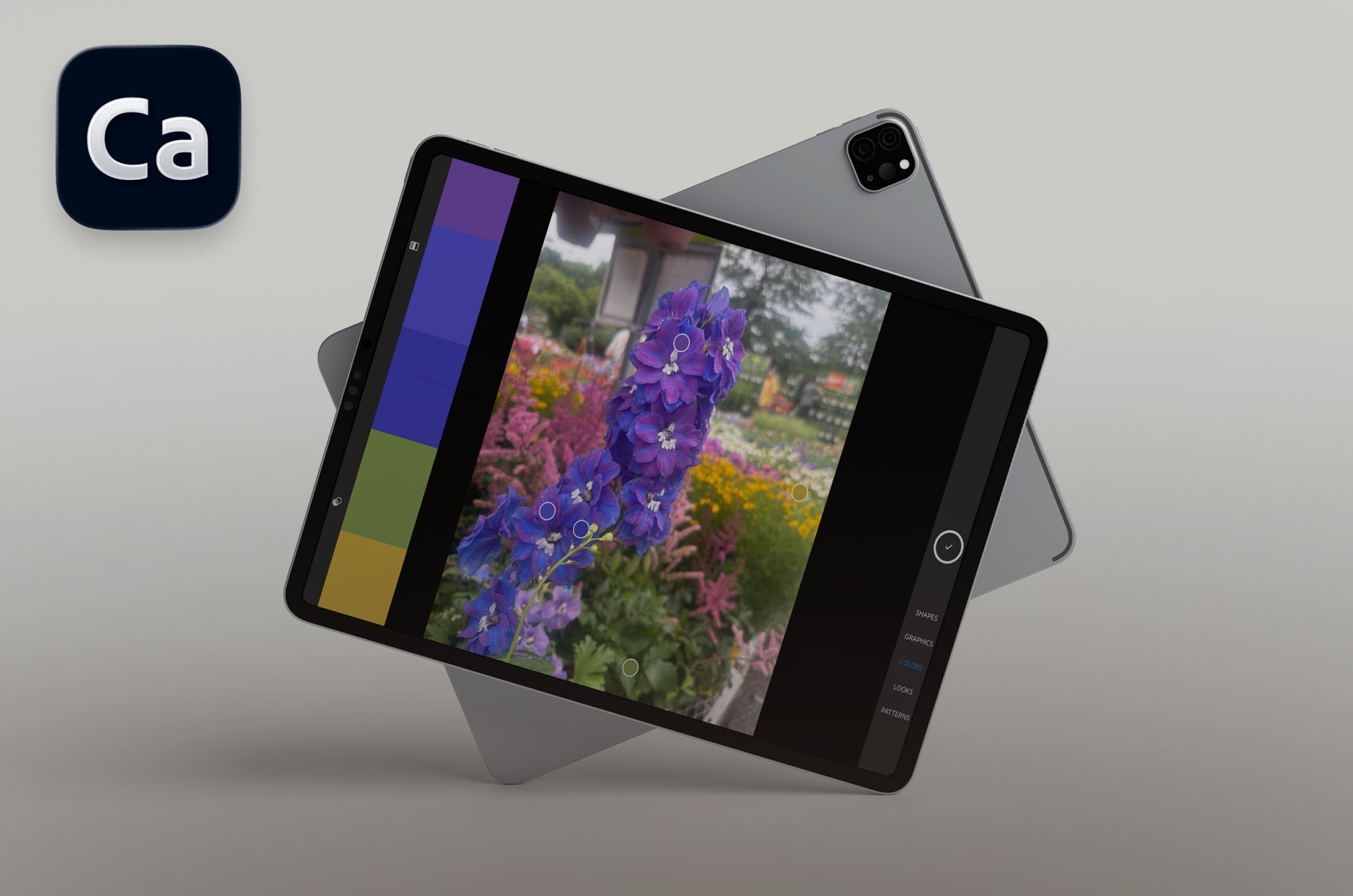
Adobe Capture: An All-In-One Creative Companion
Learn more about how Adobe Capture works and what you can do with it.
Alanna Flowers

Buying Guide: Essential Tools for Digital Notetakers in 2026
What tools do you need to take great digital notes? We've gathered a list of both categories and specific items to help you out.
Lindsay Armstrong
Buying Guide: Essential Tools for Digital Artists in 2026
Better tools for better digital art. Get top recommendations to build up your digital workspace.
Alanna Flowers

30+ Back to School Resources for Digital Creatives
Want resources to sharpen your creative edge? This article is full of apps, courses & hardware recommendations to make the most of your creative sessions.
Alanna Flowers

30+ School Resources to Boost Your Productivity
Need a productivity boost in the classroom? This article is full of apps, courses & hardware recommendations to make every note-taking and study session a breeze.
Lindsay Armstrong
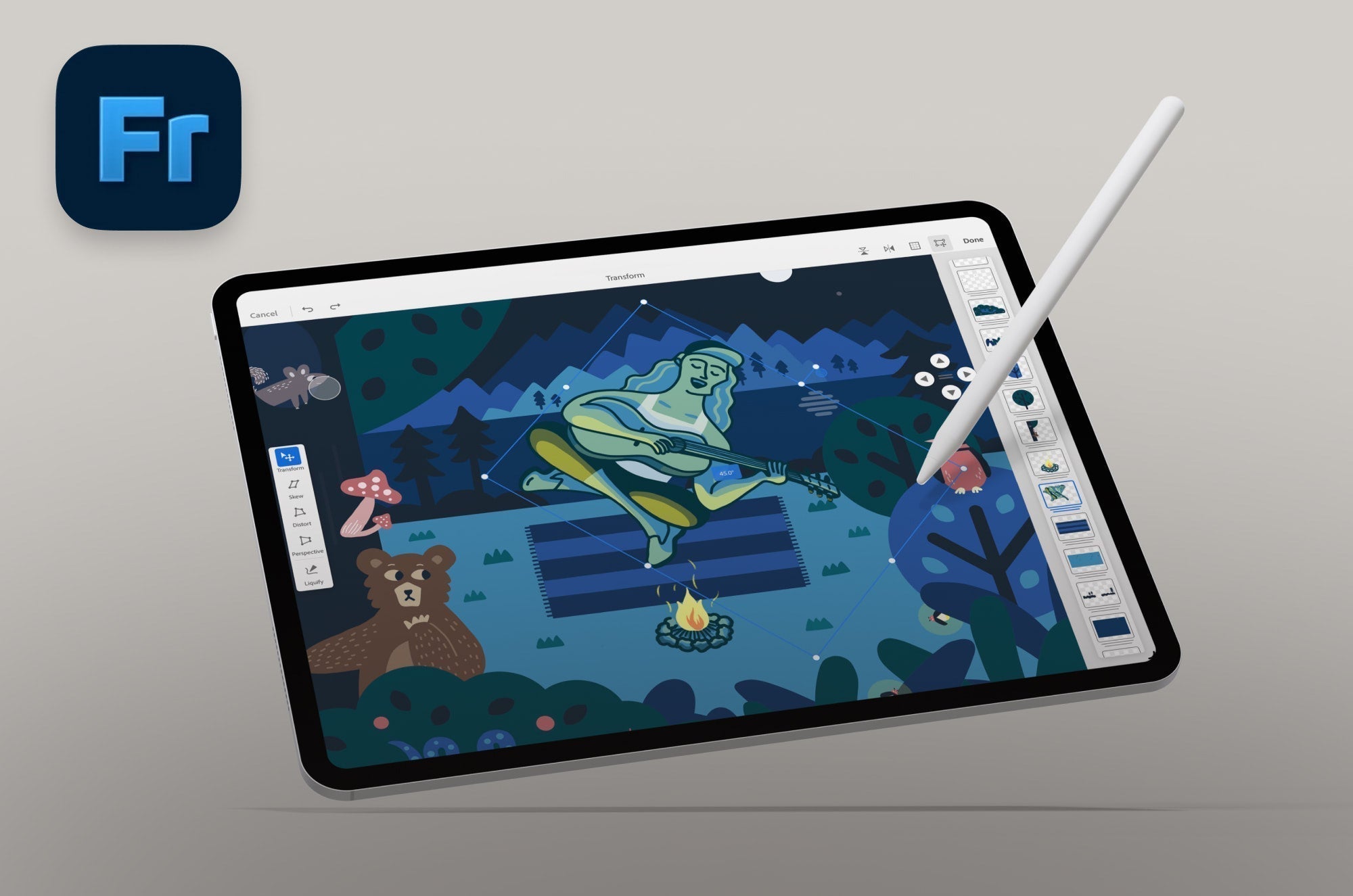
30+ Adobe Fresco Tips You Have to Know
Want to be a pro at Adobe Fresco? Here are 30+ Adobe Fresco tips to help you do even more when drawing and painting with this outstanding app.
Alanna Flowers
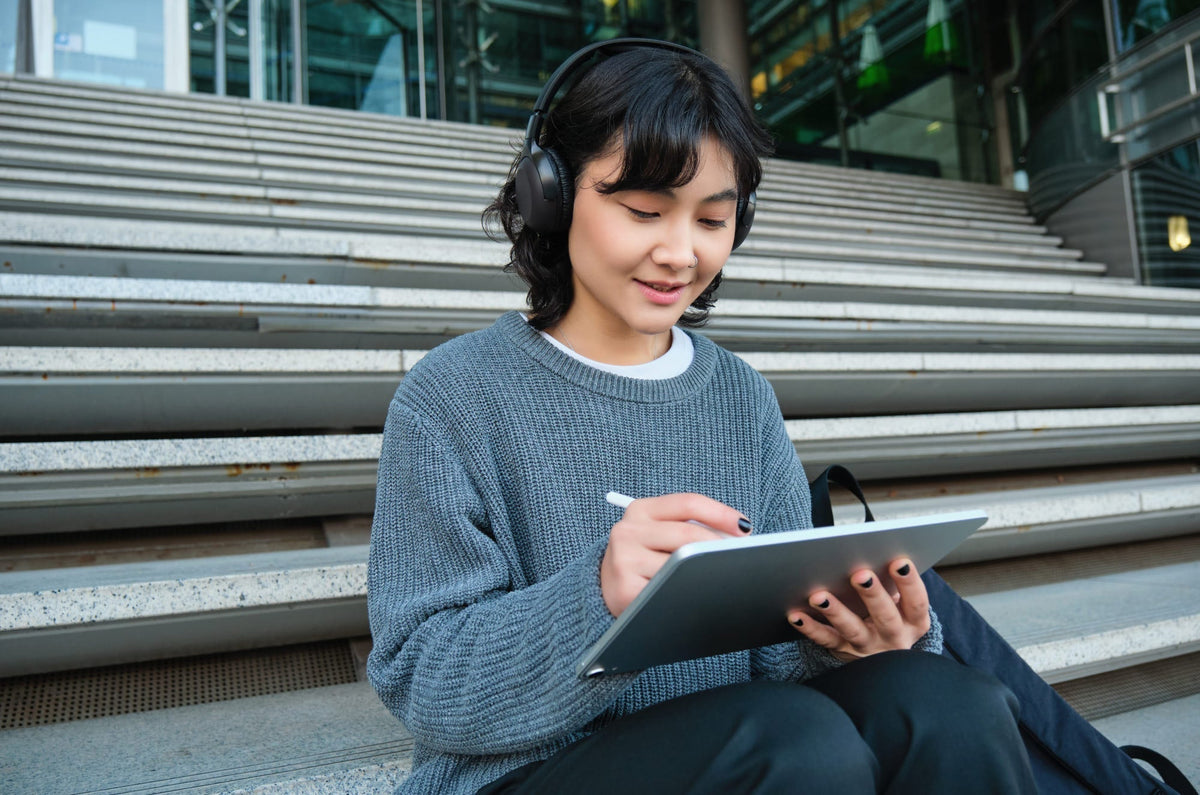
19 Best Note-Taking Template Packs for College Students
Need to take better notes in class? Use a note-taking template to keep your notes organized and on track. Check out a roundup of our favorite note-taking layouts.
Lindsay Armstrong

Color Theory for Digital Artists: How to Build & Use Color Palettes on iPad
Learn color theory for digital art and discover how to build, organize, and use effective color palettes on your iPad to create vibrant, cohesive artwork.
Alanna Flowers
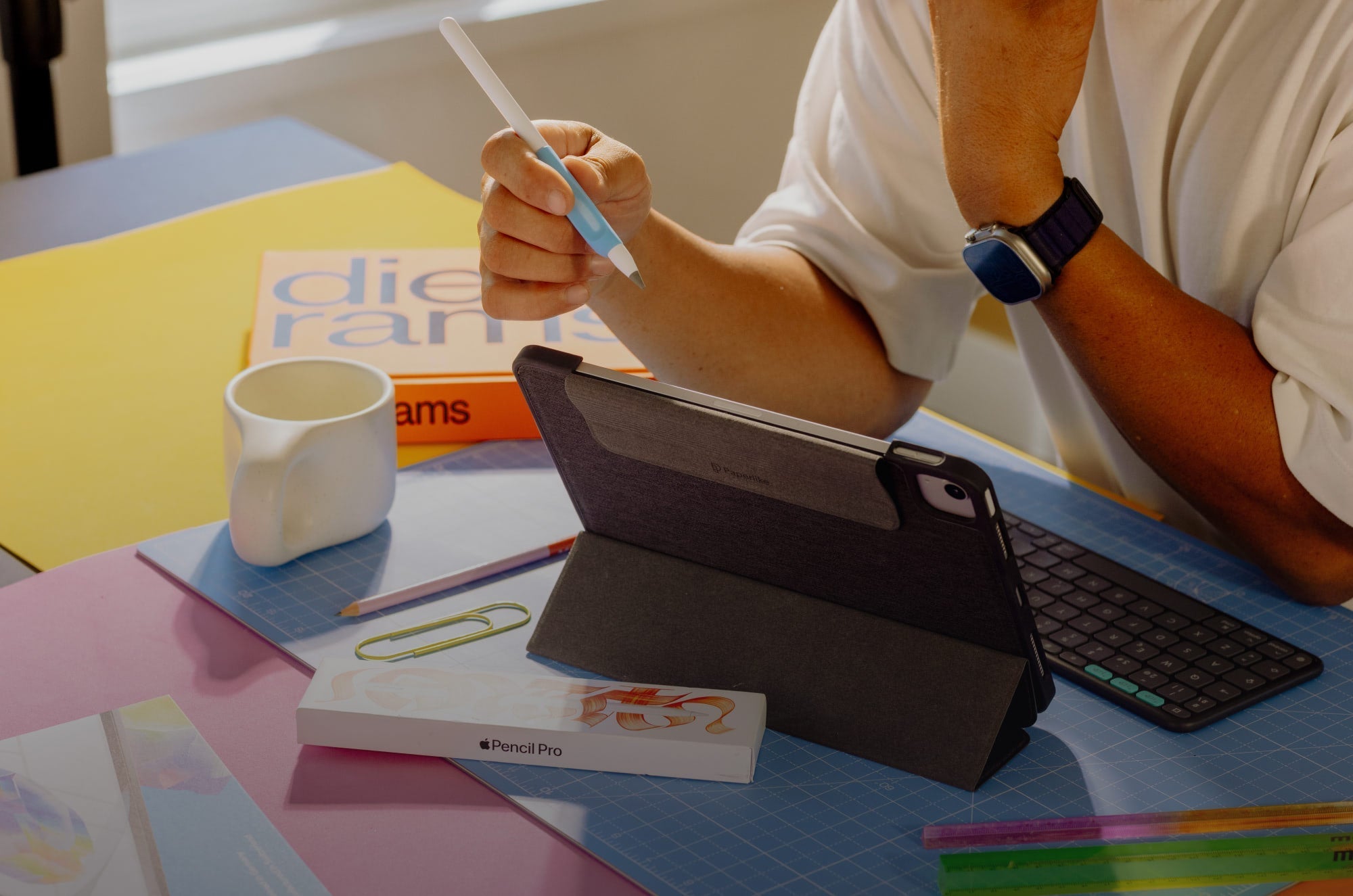
How to Set Up Your iPad as a Focused Workstation
Here’s how I turned my iPad into a focused workstation and how you can do the same in five easy steps.
Lindsay Armstrong
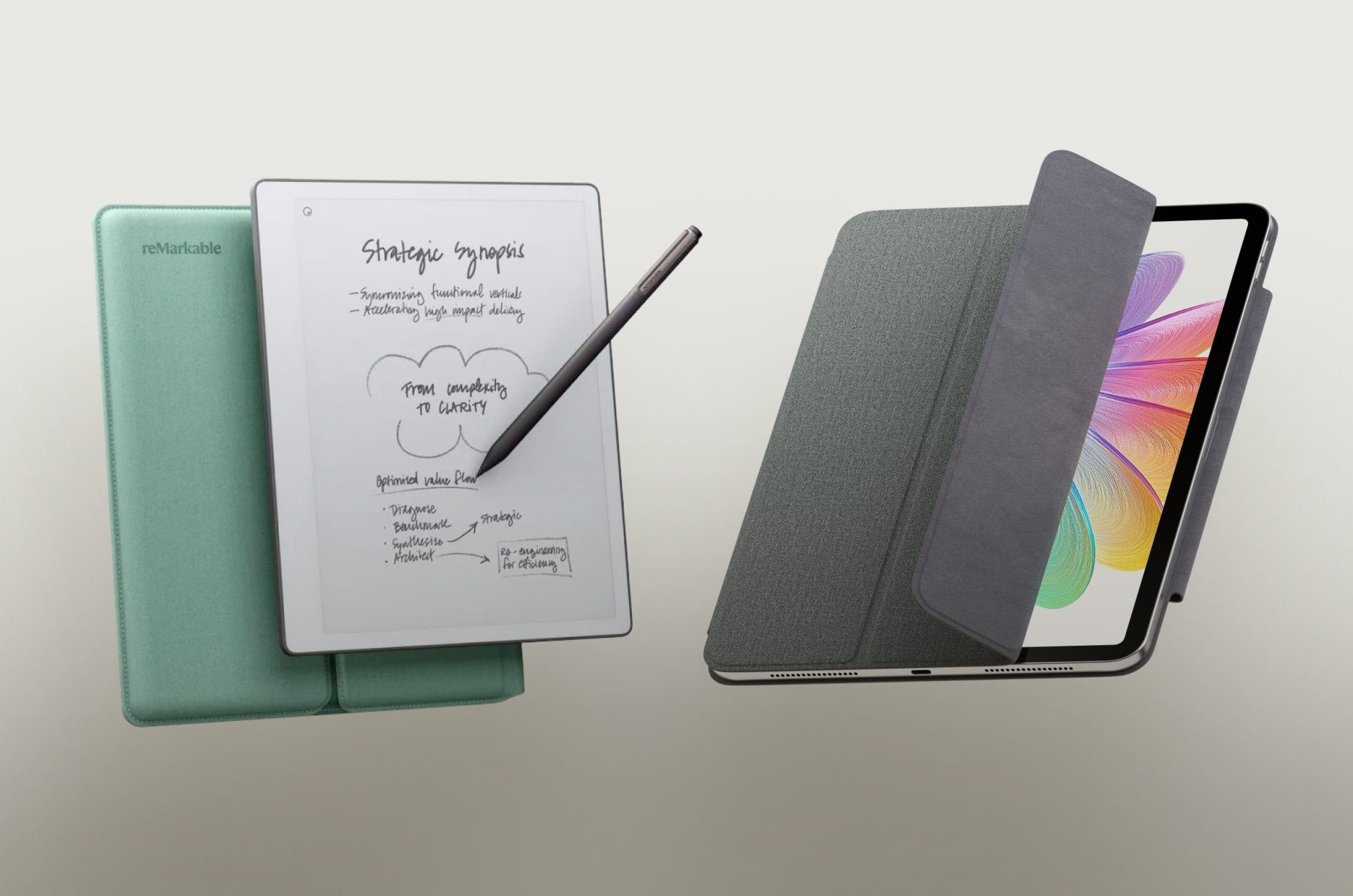
reMarkable vs. iPad: Which One Feels Like Paper?
An honest comparison of feel, functionality, and value between reMarkable and the iPad. Plus, why the right iPad setup beats both.
Lindsay Armstrong
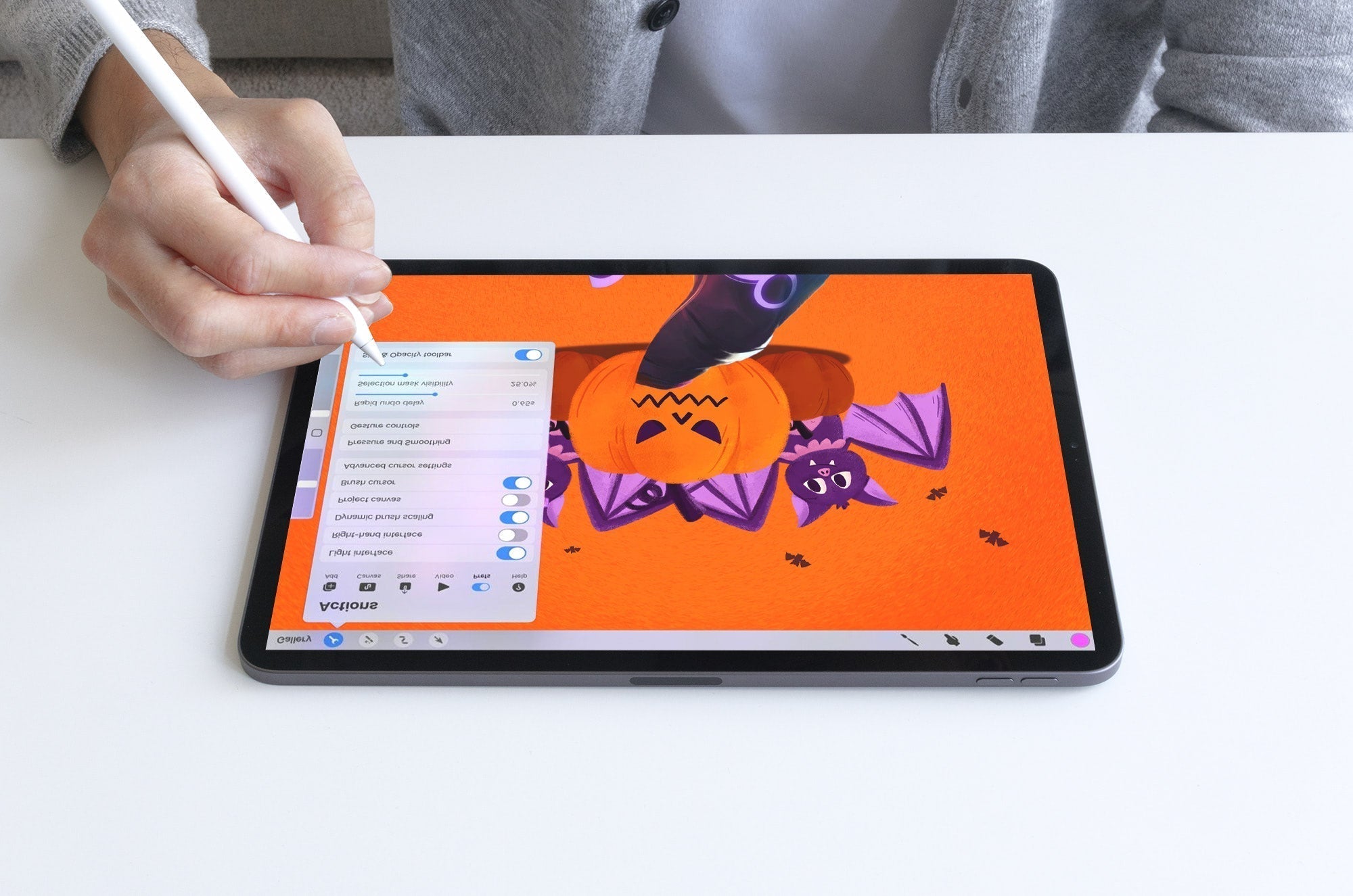
30+ Procreate Tips You Have to Know
Want to be a pro at Procreate? Here are 30+ Procreate tips to help you do even more when drawing and painting with this outstanding app.
Alanna Flowers
Best Note-Taking Apps for iPad in 2026
Taking notes with an iPad & Apple Pencil? App choice will impact note quality. Here’s a look at 10 of the best note-taking apps out there today.
Lindsay Armstrong
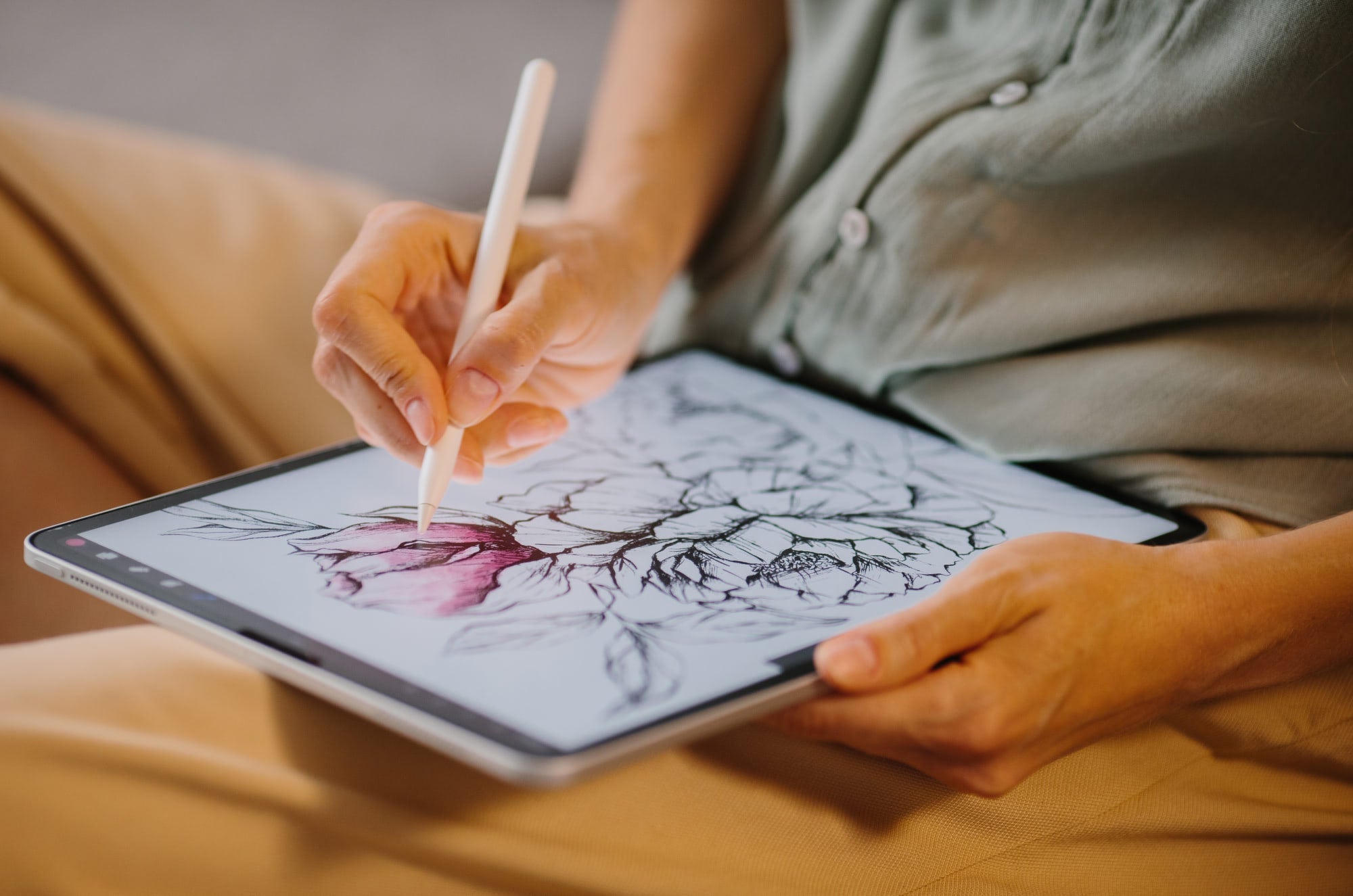
30+ Best Procreate Coloring Pages
Looking for a way to relax and unwind while being creative? If so, a little creative coloring might be just the thing you need. Here's a list of 30+ coloring pages to help you create beautiful ar...
Alanna Flowers
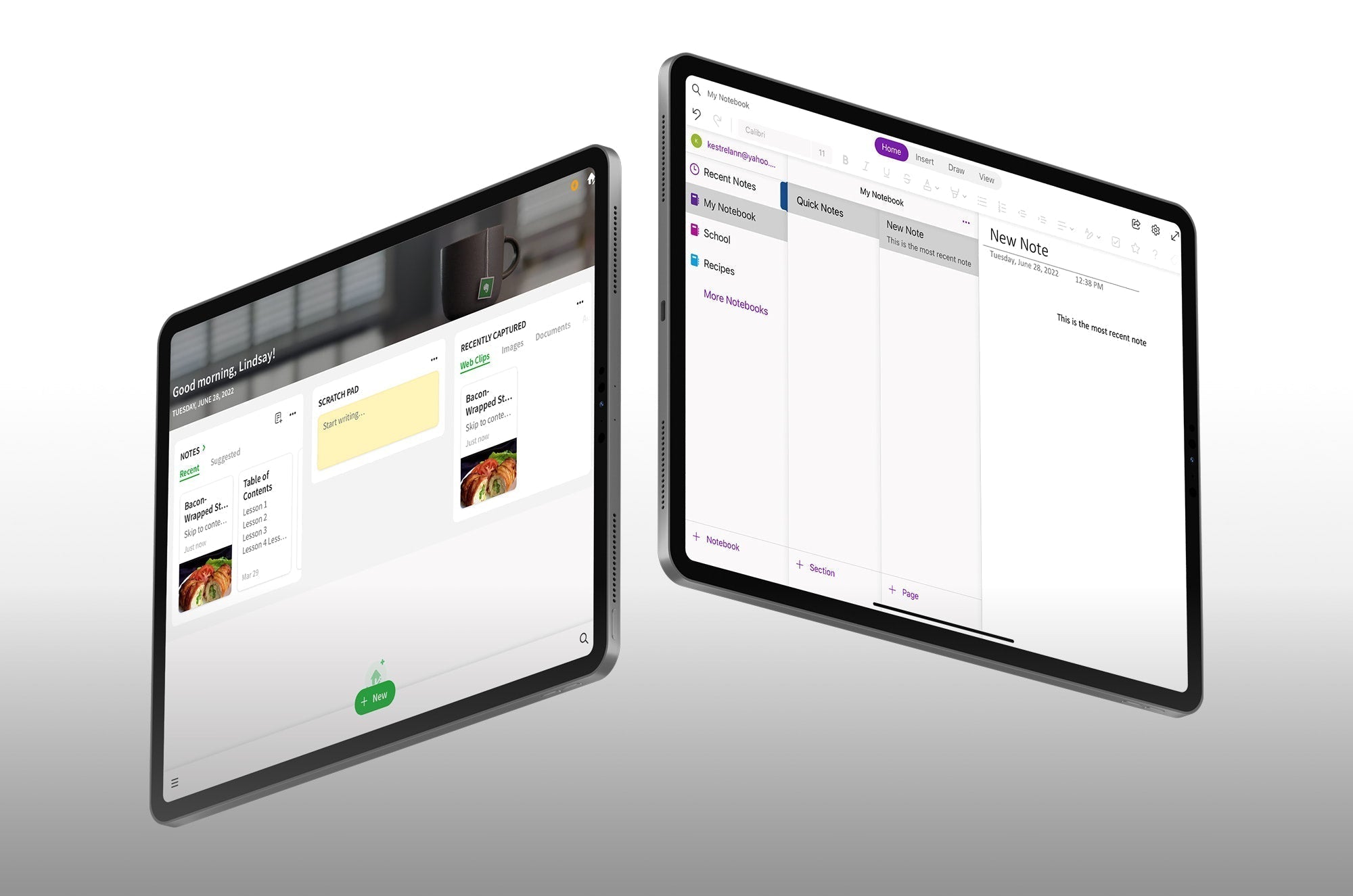
Evernote and Microsoft OneNote are two of the most well-established notetaking apps on the market. But which ecosystem is a better home for all your notes?
Lindsay Armstrong
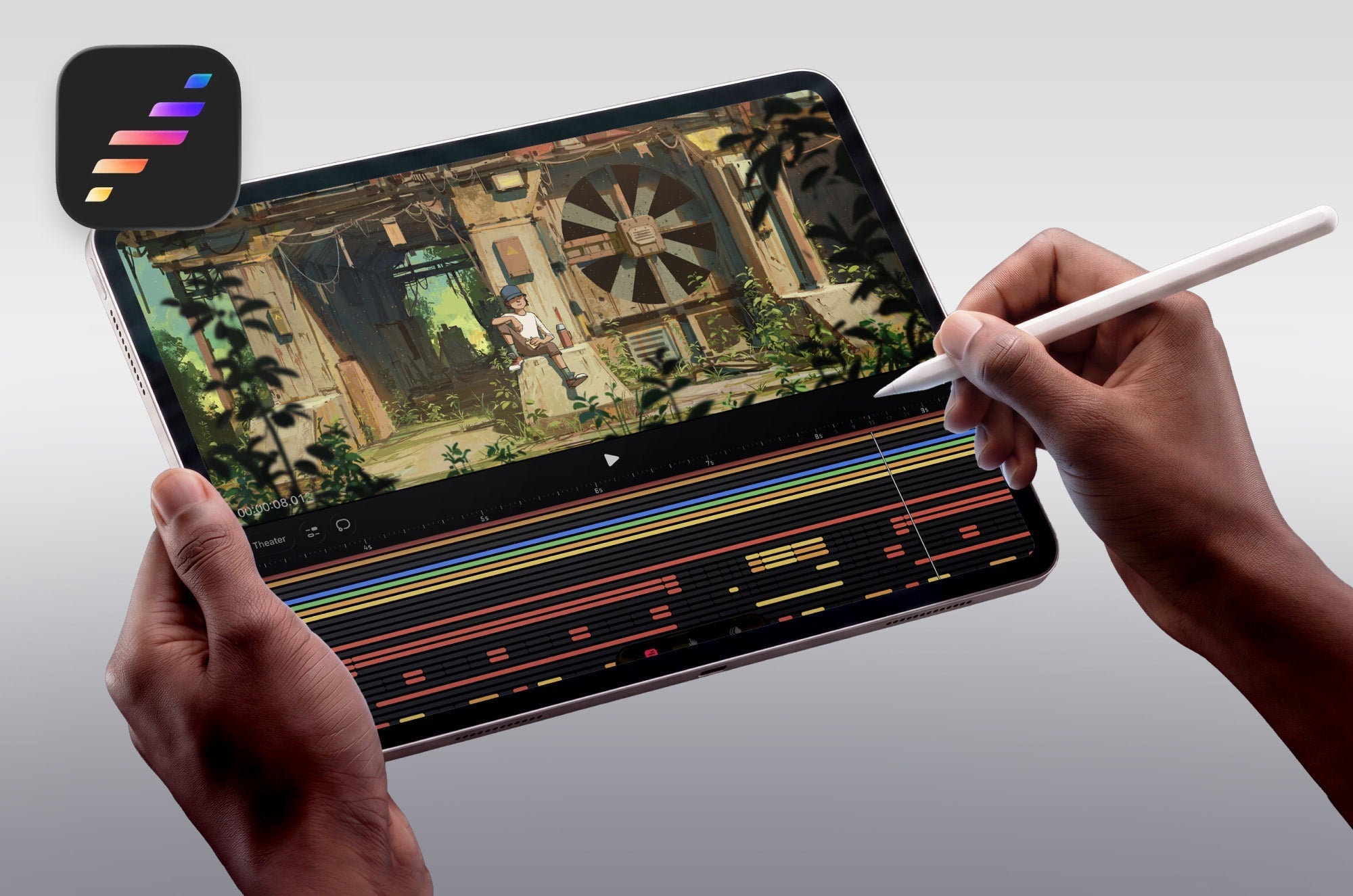
15 FREE Procreate Dreams Animation Tutorials
Want to learn how to animate with Procreate Dreams? We'll cover 15 free animation tutorials to learn how to use Procreate Dreams at every skill level.
Alanna Flowers

Do You Actually Need a Drawing Glove for the iPad?
See why iPad note-takers and digital artists use drawing gloves for a better experience.
Alanna Flowers
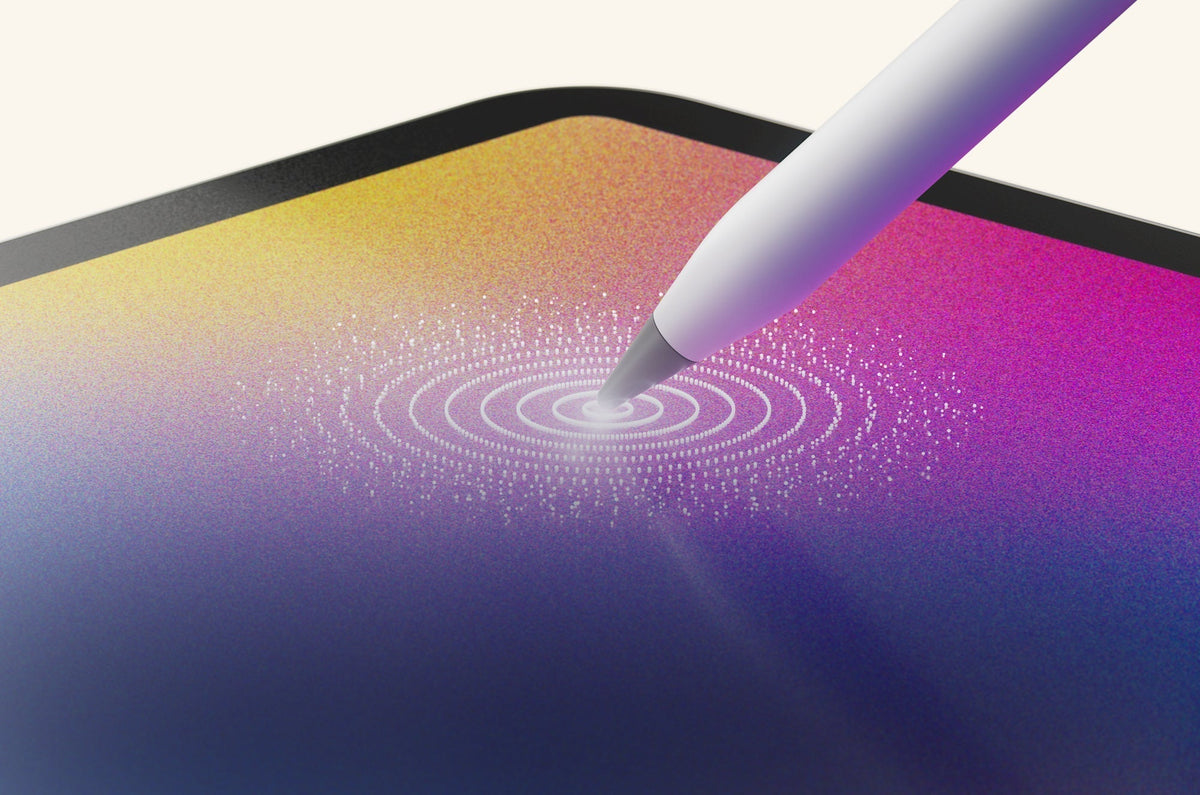
Your Apple Pencil is Capable of More Than You Think (Here's the Proof)
Most people use their Apple Pencil the same way forever. Take notes. Maybe sketch a little. Replace nothing. Change nothing. Assume the experience is just... the experience. But a few small adjustm...
Lindsay Armstrong
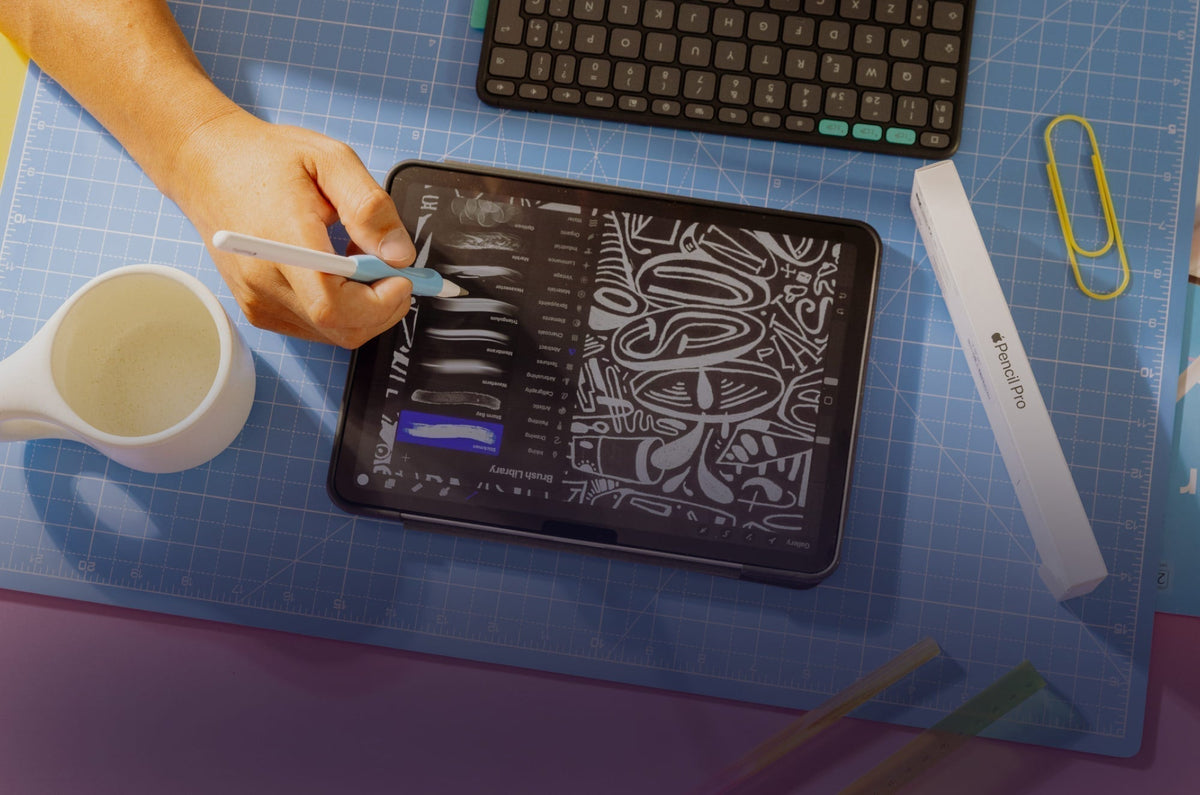
Best iPad Accessories for Note-Taking (2026 Setup Guide)
Discover the best iPad accessories for note-taking in 2026. Build a setup that improves comfort, control, and focus with the right tools.
Lindsay Armstrong
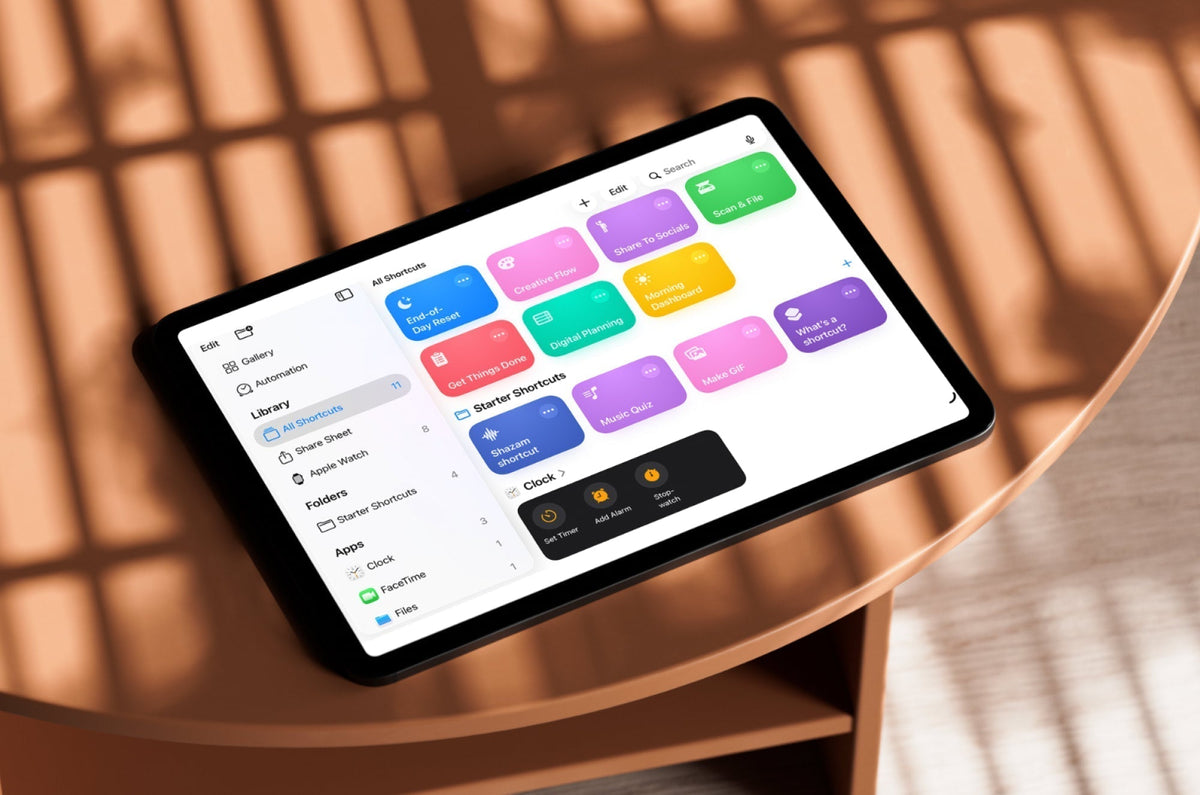
iPad Shortcuts You're Not Using (But Should Be): A Beginner's Guide to Automation
If your iPad routine starts to feel weirdly repetitive, you’re not imagining it. Open this app. Check that one. Adjust a setting. Repeat tomorrow. That’s exactly what Apple Shortcuts is designed to...
Lindsay Armstrong

Pixelmator Pro on iPad: What Artists Need to Know About Apple's Newest Creative Tool
Pixelmator Pro has officially made its way into Apple’s new Creator Studio lineup, bringing photo editing, illustration, and design tools to the iPad. But is it actually powerful enough for artists...
Alanna Flowers
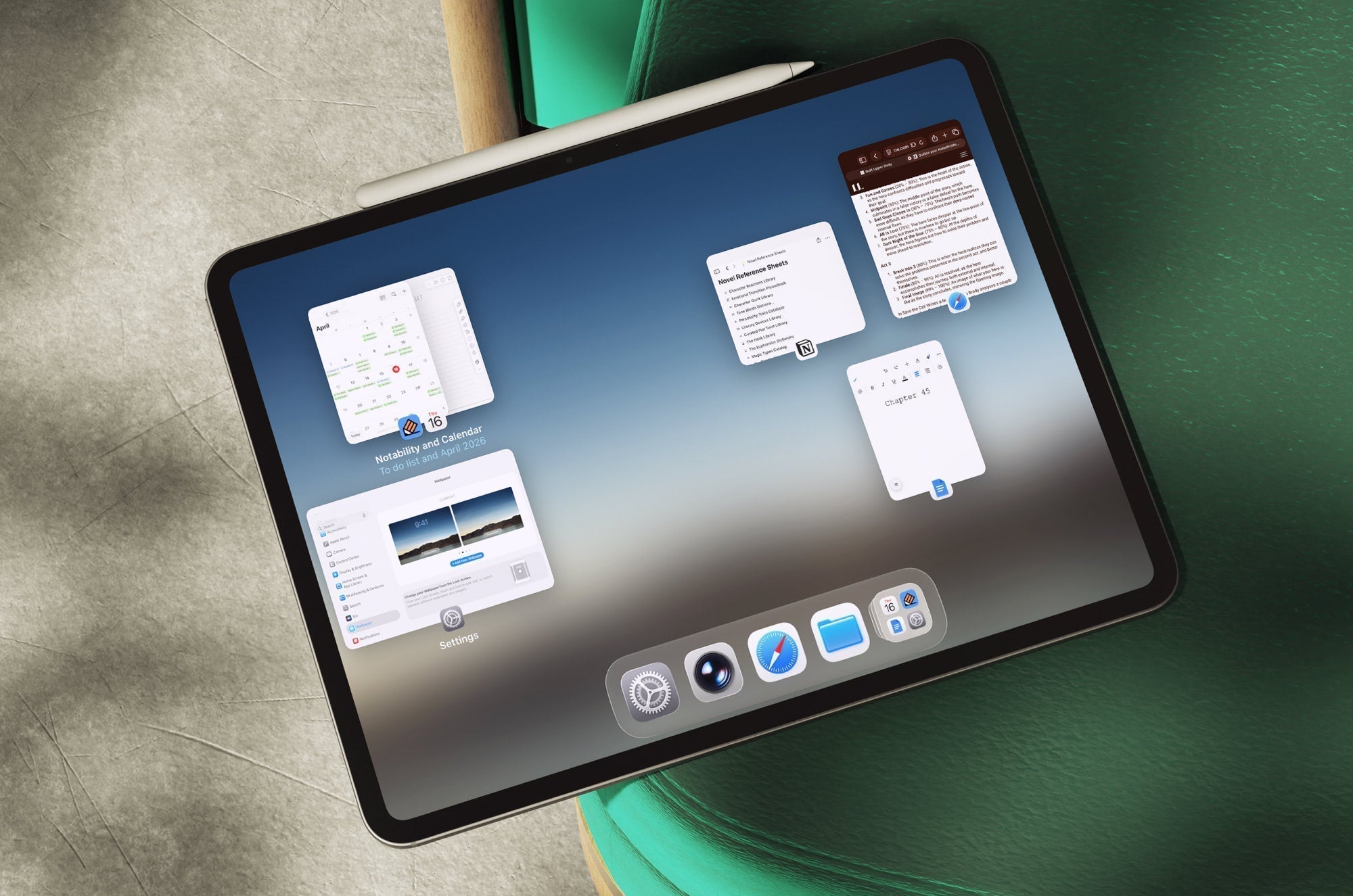
iPadOS 26 Multitasking: Full Screen, Windowed Apps & Stage Manager Explained
For years, the iPad worked the same way. You opened an app, focused on one thing, then switched when you needed something else. iPadOS 26 finally changes that. Now, your iPad can handle multiple ap...
Lindsay Armstrong
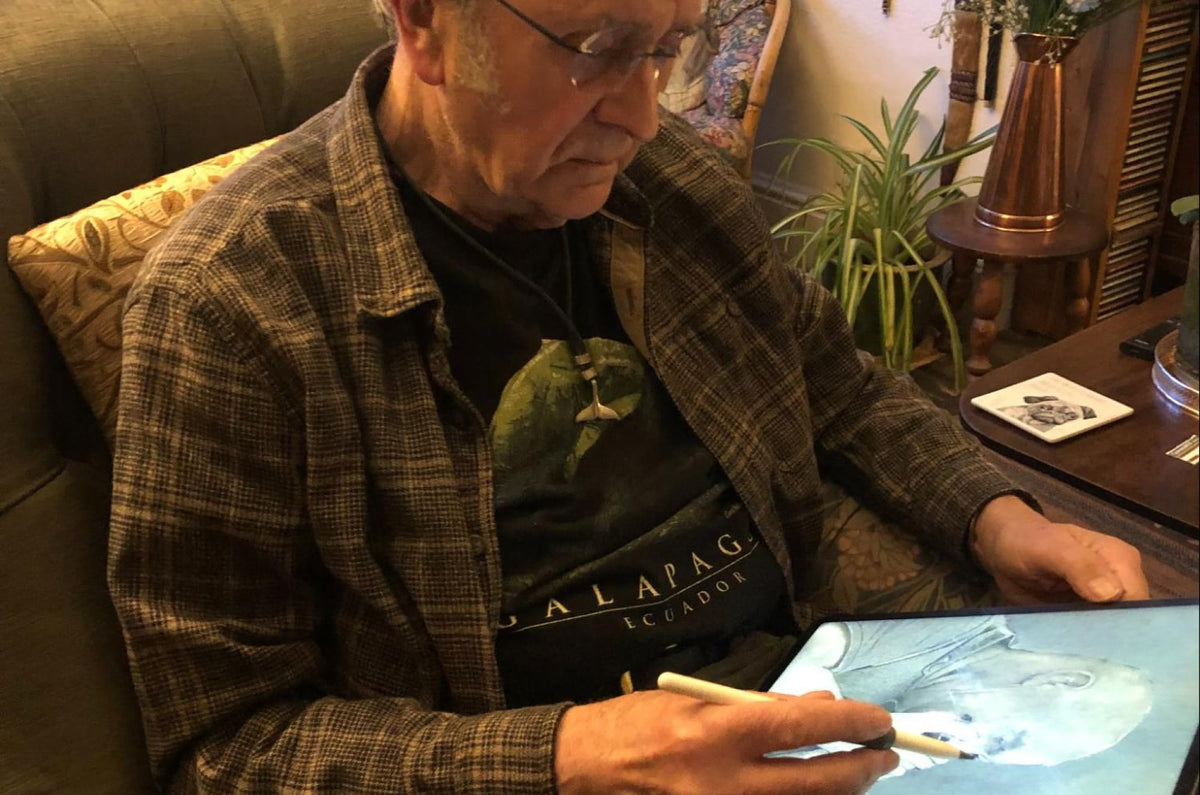
Creating Art at 80: Why Digital Tools Make It Possible
At 80 years old, John Hodkinson is still creating. Still experimenting. Still chasing ideas wherever they show up. Dead leaves in the garden. Old rocks. Scraps of texture most people would overlook...
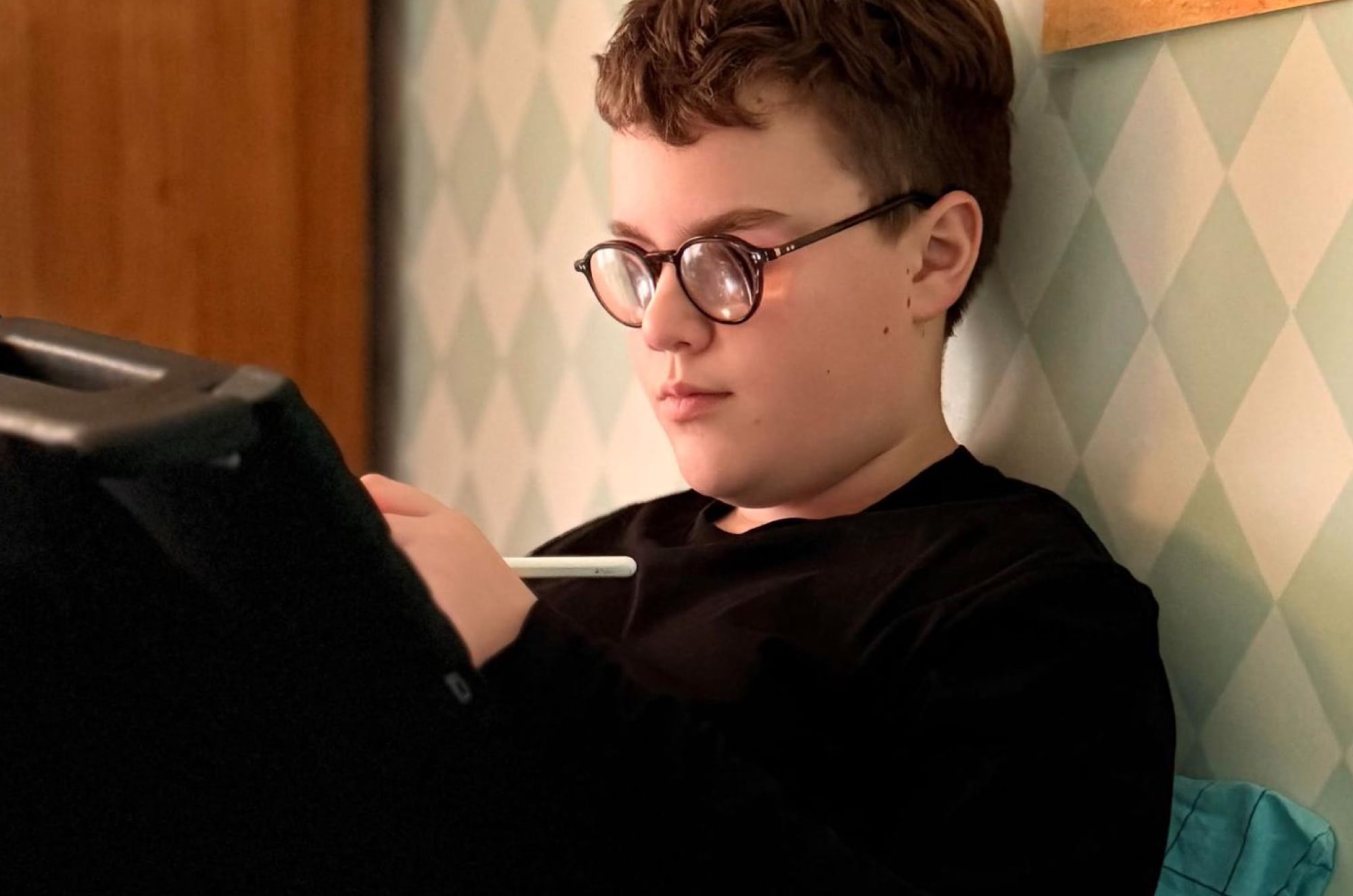
More Than Accessibility: How Technology Gives Kids Creative Agency
Visually impaired children rely on digital tools to communicate, learn, and create, but need tactile feedback to make iPads fully usable.
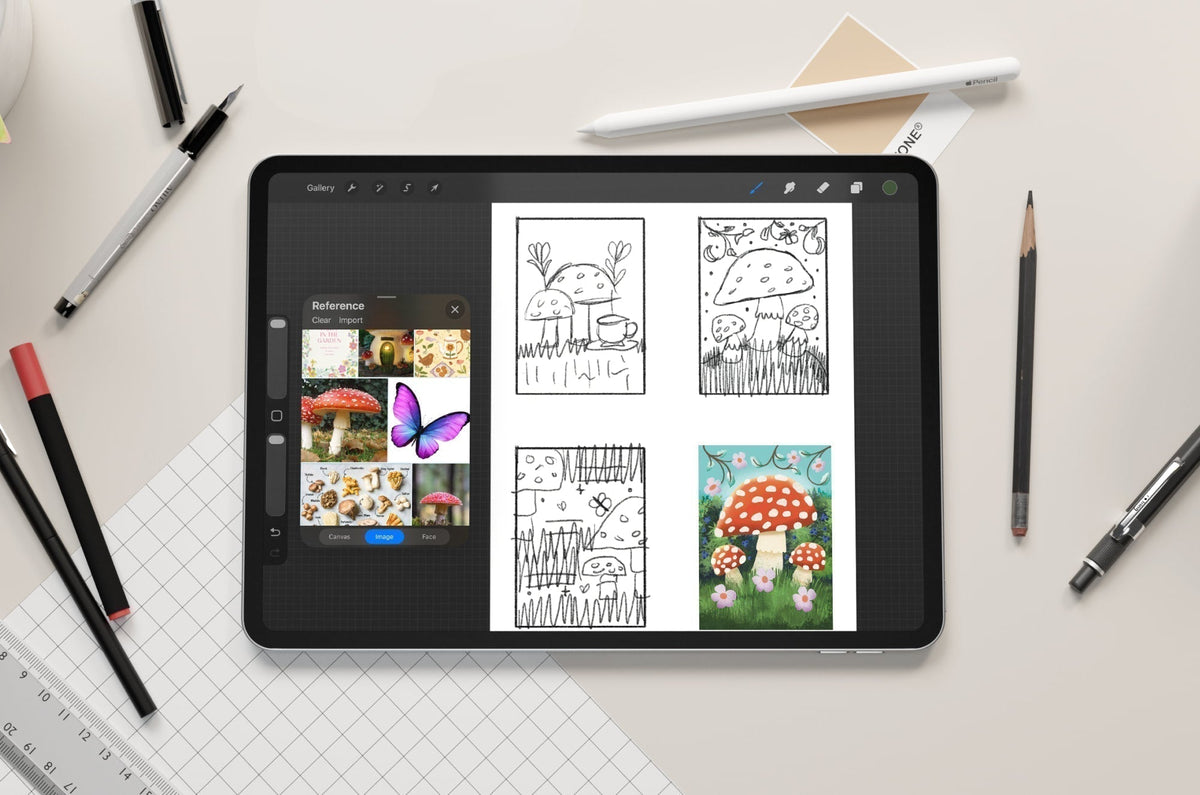
From Sketch to Finished Illustration: A Complete iPad Workflow for Digital Artists
Learn a complete iPad illustration workflow, from moodboards and sketching to coloring, shading, and final touches in Procreate. Perfect for digital artists at any level.
Alanna Flowers
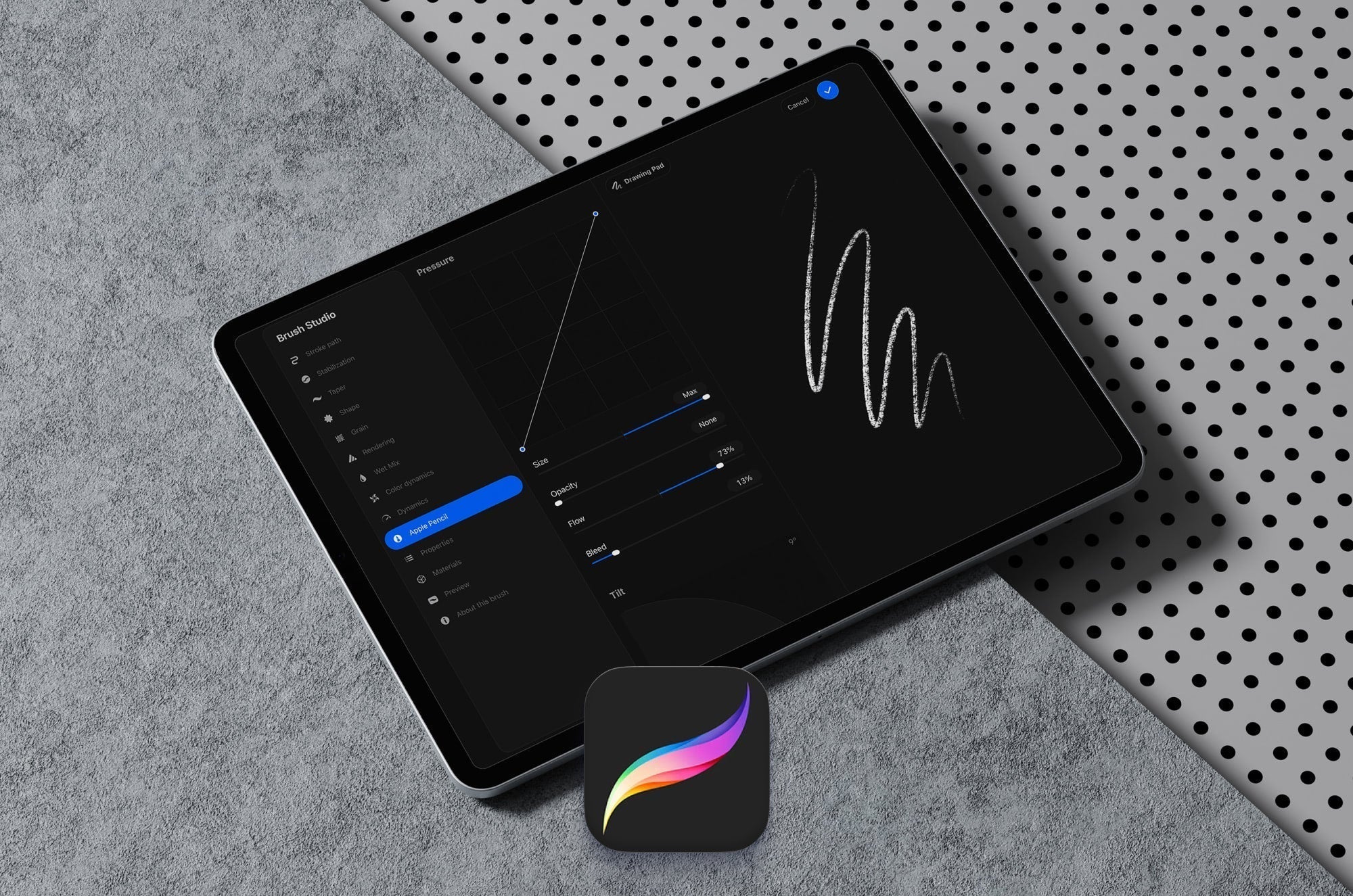
Procreate Brush Studio Explained: How to Create and Customize Your Own Brushes
Learn how to create custom Procreate brushes using Brush Studio. Master key settings like shape, grain, and pressure to design brushes that match your style.
Alanna Flowers
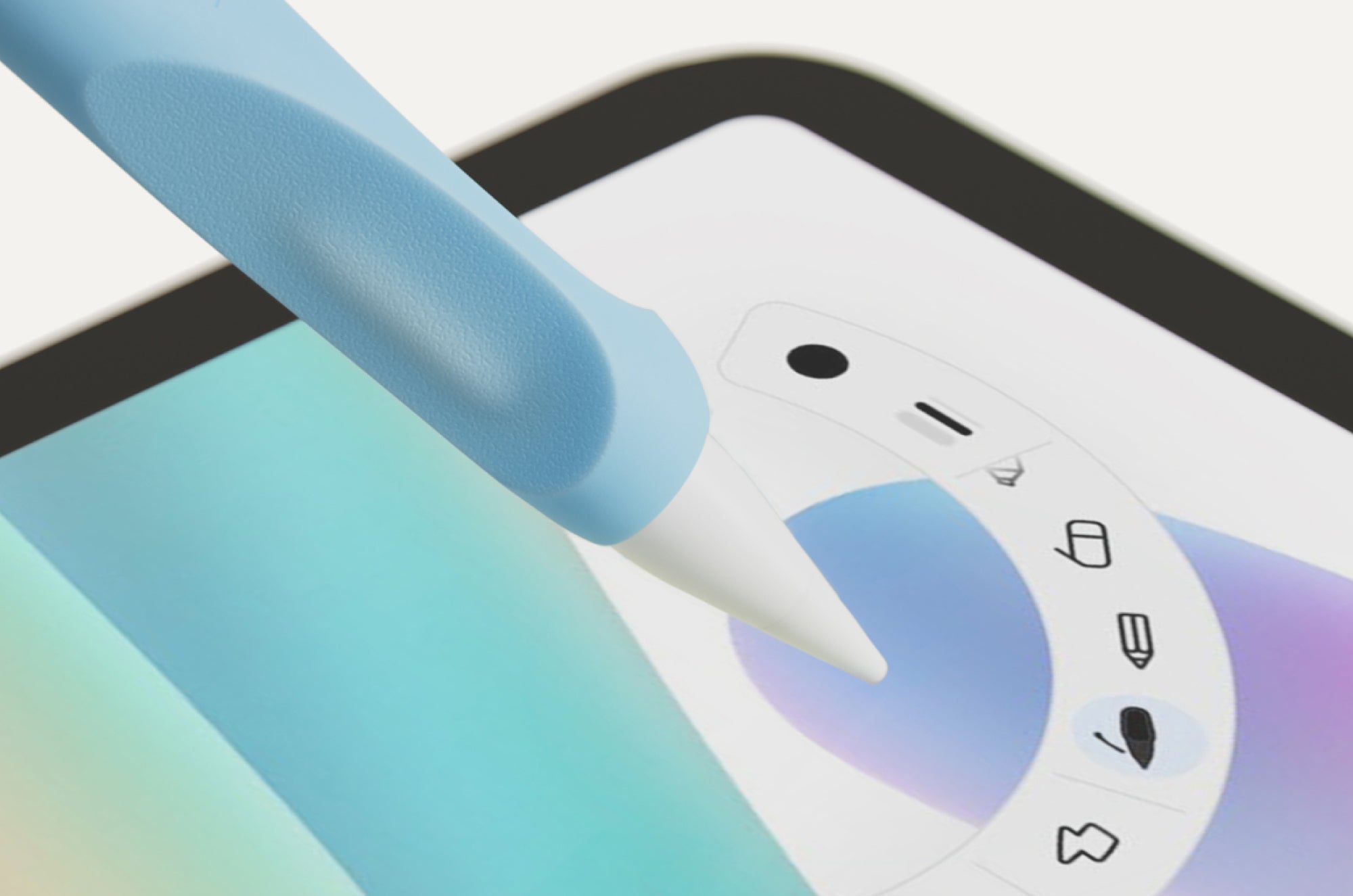
Apple Pencil Pro for Artists: How to Use Barrel Roll, Squeeze, and Hover in Your Drawing Workflow
Learn how to use Apple Pencil Pro features like Barrel Roll, Squeeze, Hover, and haptic feedback to speed up your drawing workflow in Procreate and Adobe Fresco.
Alanna Flowers
What Jan Sapper Learned About Discipline from His Mother’s Final Opera
Jan Sapper grew up watching his mother pursue opera in Guatemala, a place where it barely existed. Her quiet, self-driven discipline shaped how he thinks about craft, practice, and building Paperli...
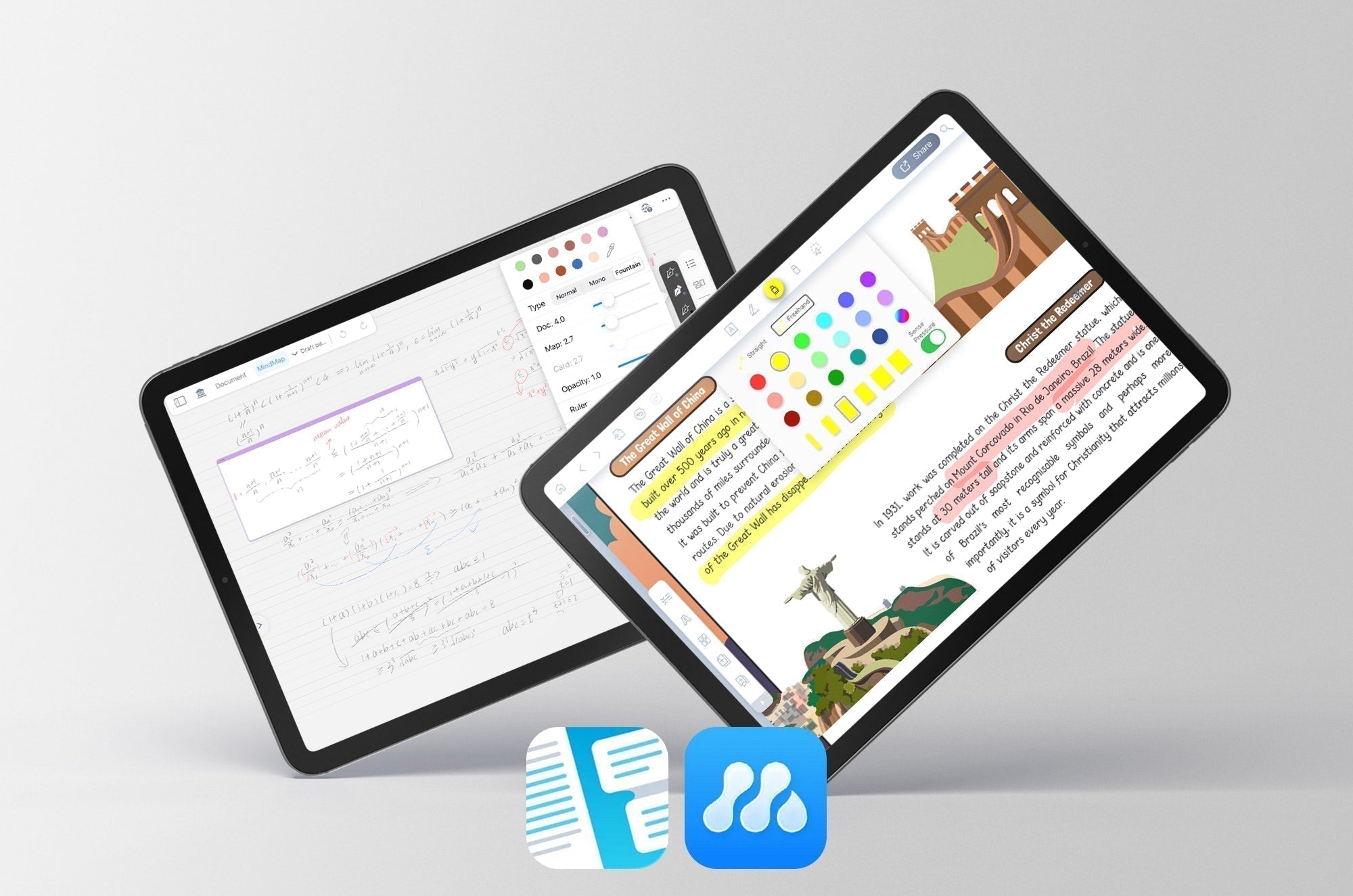
LiquidText and MarginNote 4 are two of the most comprehensive note-taking and study aids for the iPad. Here's a closer look at how these apps measure up.
Lindsay Armstrong
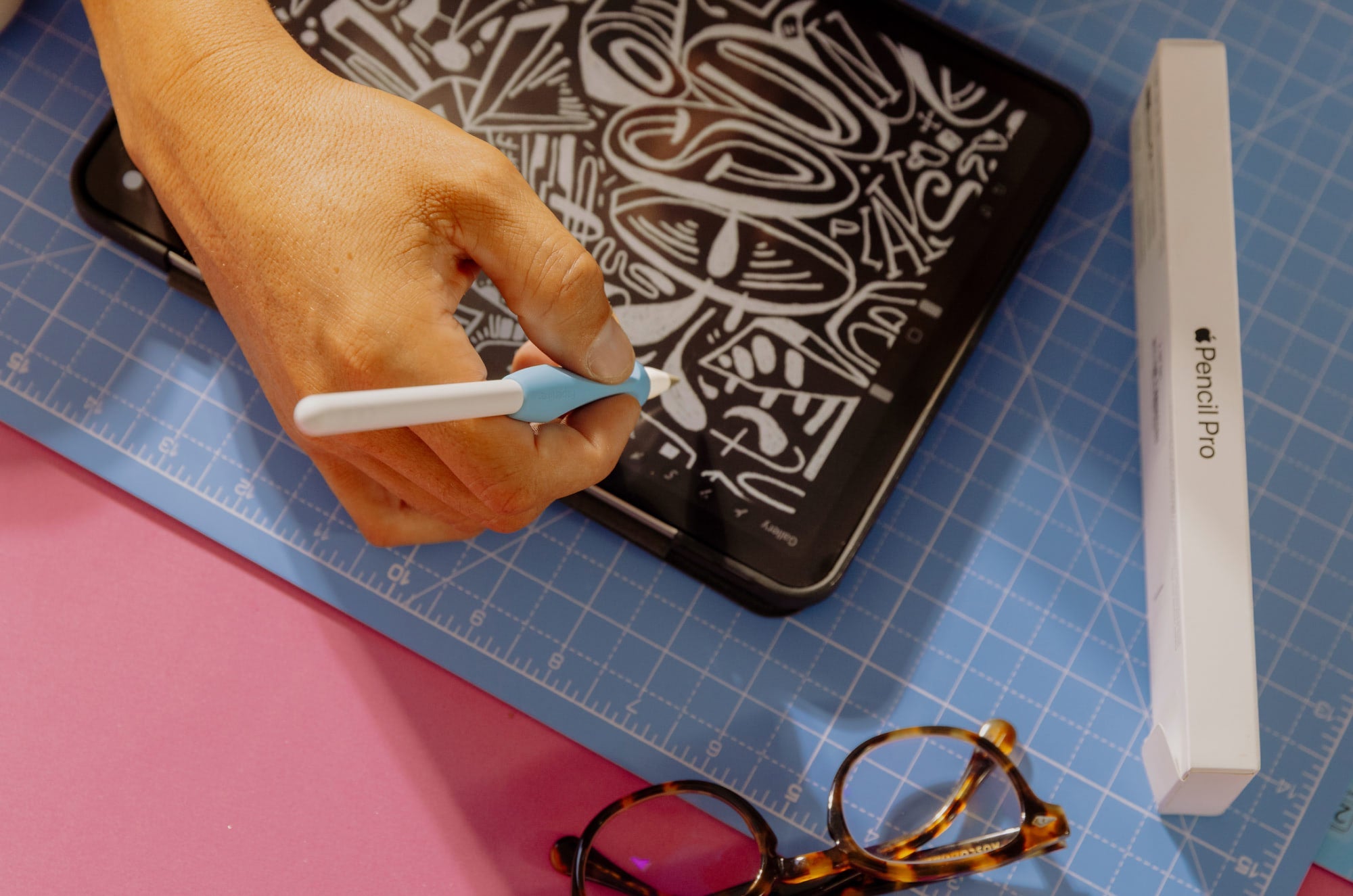
Why is my Apple Pencil Lagging? 5 Fixes to Restore Elite Performance
When your strokes trudge behind your Apple Pencil like a Husky on a walk (you know the videos), that’s called lag. Luckily, your Apple Pencil lag is easier to solve than your dog, who’s stubborn...
Lindsay Armstrong
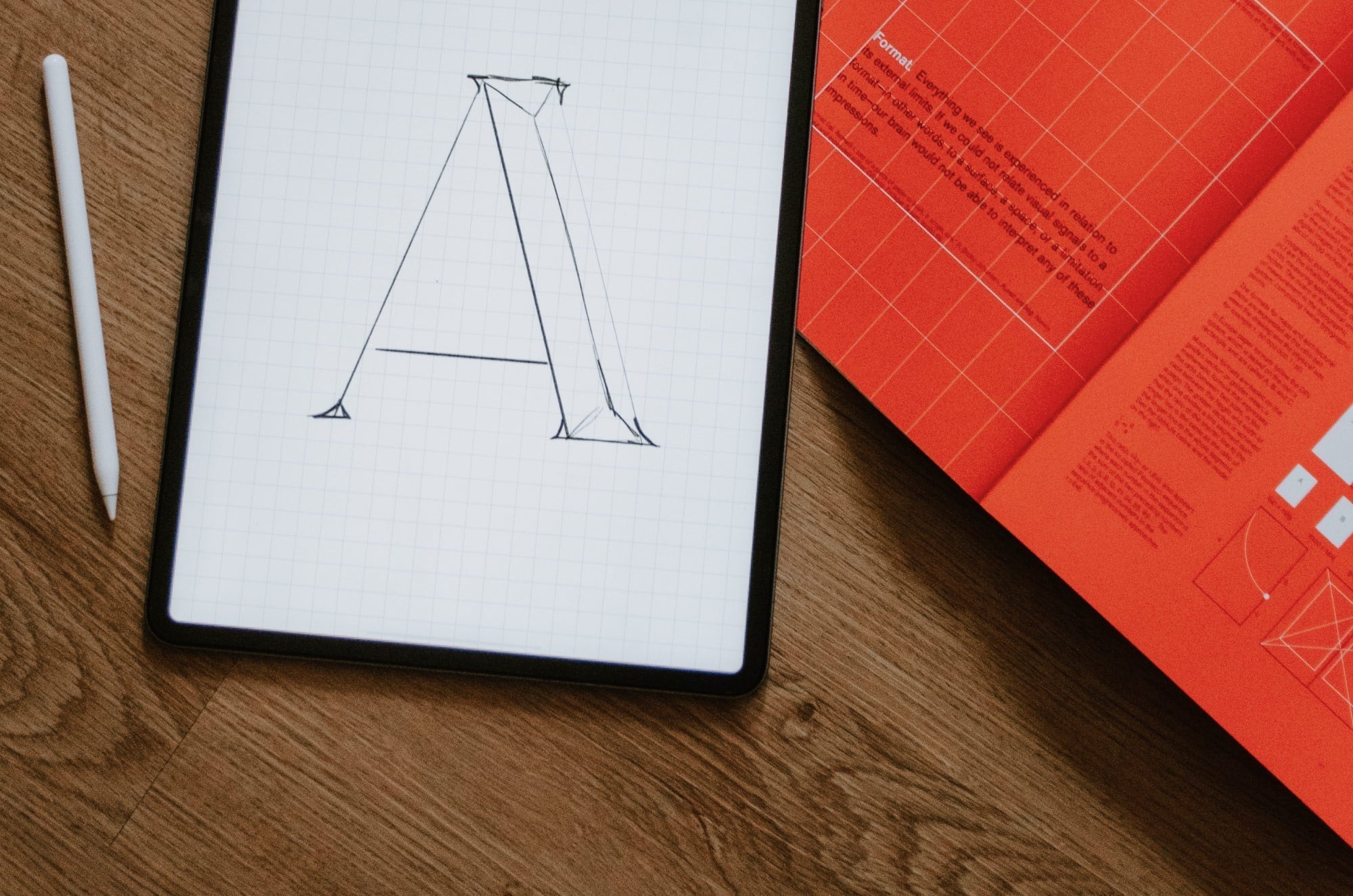
100+ Resources for Hand Letterers & Calligraphers
Want to level up your creative lettering skills? This guide features resources to help you find inspiration, improve your technique, and learn new skills.
Alanna Flowers
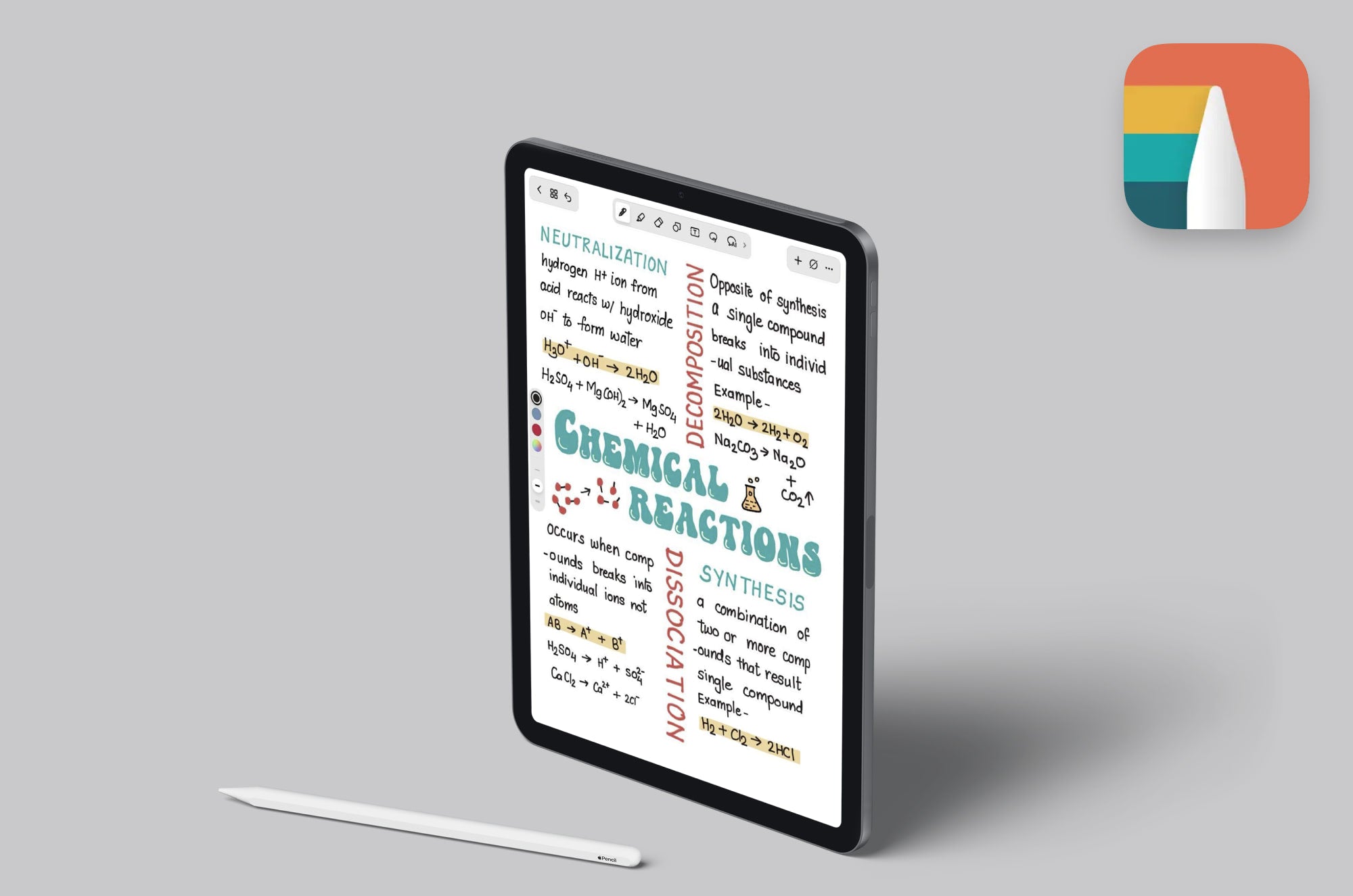
Noteshelf is a fantastic, cross-platform-compatible app for digital notetakers. But how does it measure up in 2026? Here’s a closer look.
Lindsay Armstrong
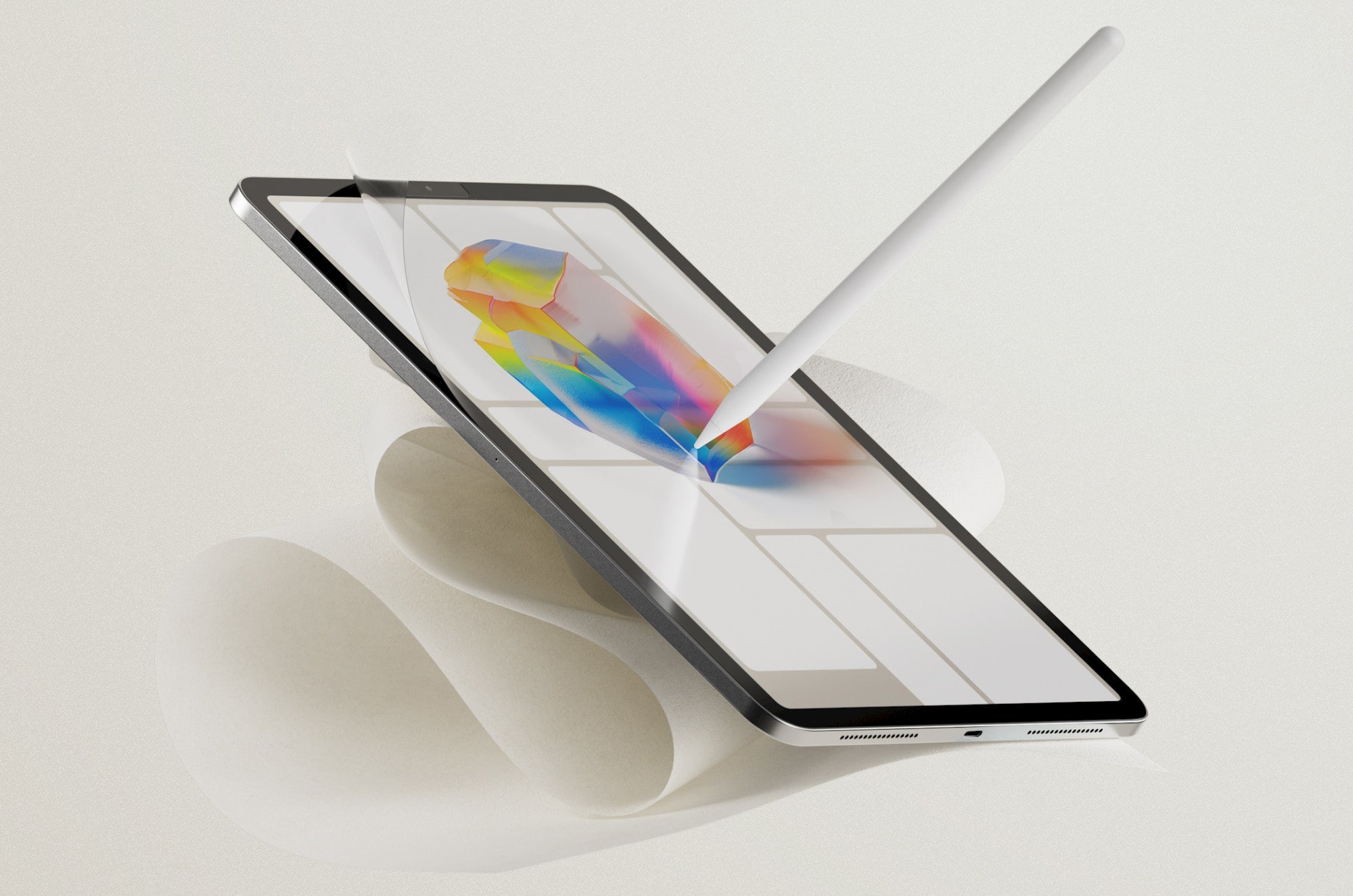
Paperlike Review 2026: Is It Worth It?
Read the definitive Paperlike review. See why 2.4 million power users trust Paperlike to improve haptic feedback, focus, and retention on iPad.
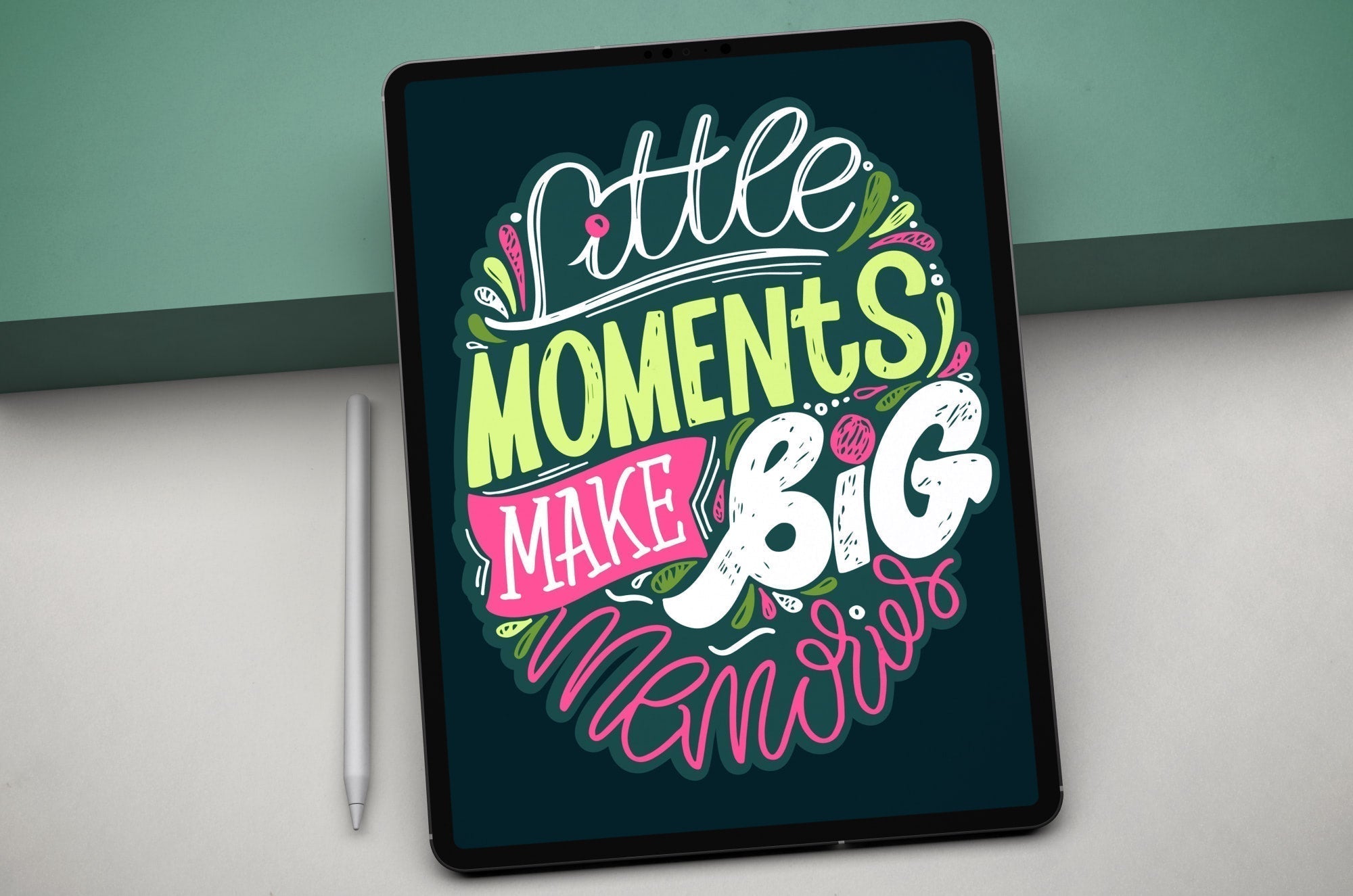
Hand Lettering & Calligraphy: A Digital Artist's Guide
Everything you need to know about using digital tools for hand lettering and calligraphy.
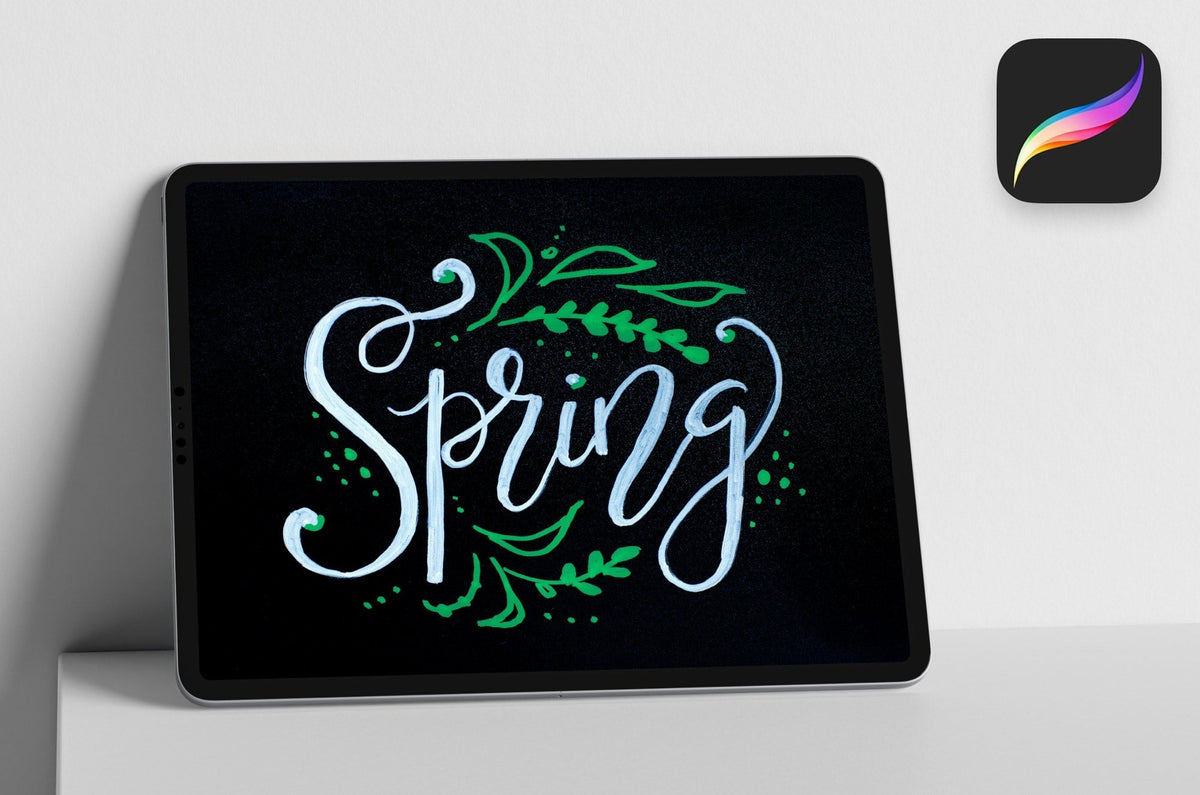
25+ Best Procreate Brush Sets for Lettering Artists
Looking for the best Procreate brushes for lettering? Explore 25+ brush sets for sketching, markers, script, monoline, textures, and effects, plus where to download them and how to install them in ...
Alanna Flowers
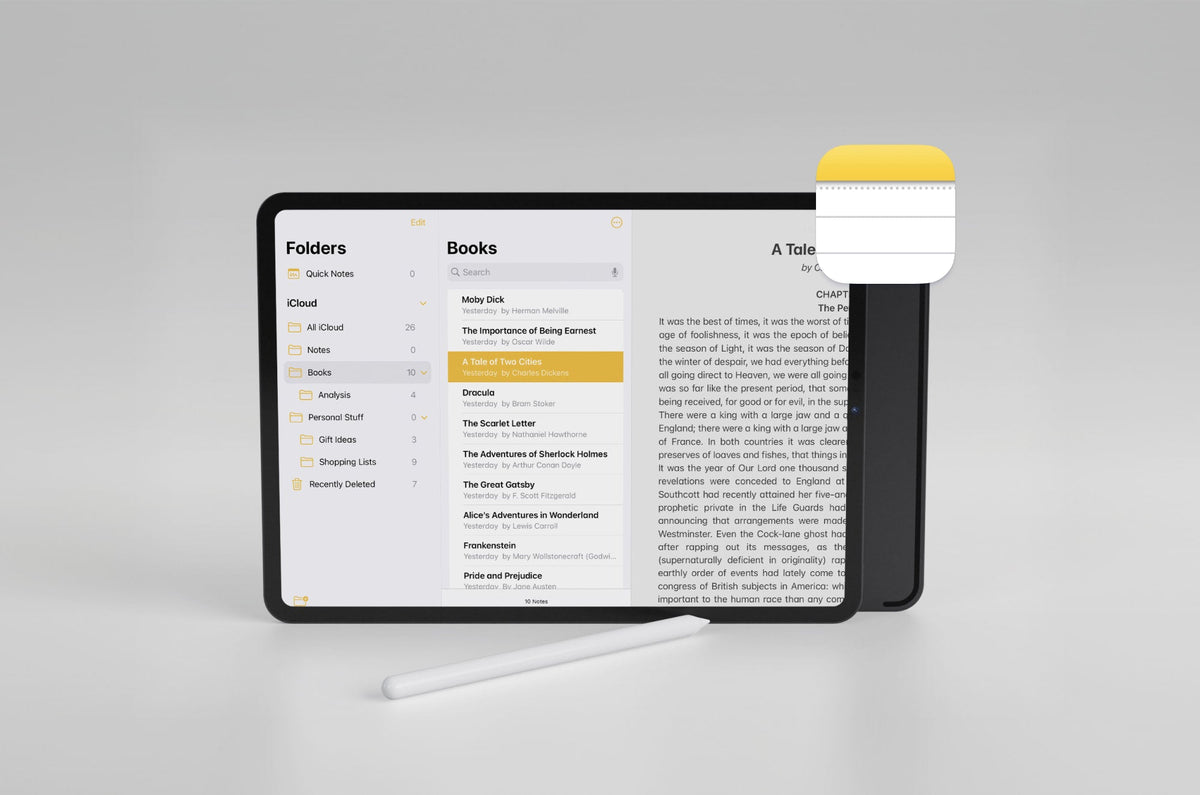
Is Apple Notes ready for serious notetakers? In this review, we tackle the nuts and bolts of Apple Notes and how it compares to other notetaking apps.
Lindsay Armstrong
No articles match “{query}”. Try a different keyword.
Get more out of your iPad
Join 1M+ people getting practical tools, app picks, and ideas to make the most of your iPad and Apple Pencil. Plus, get the Paperlike Digital Planner for free.
