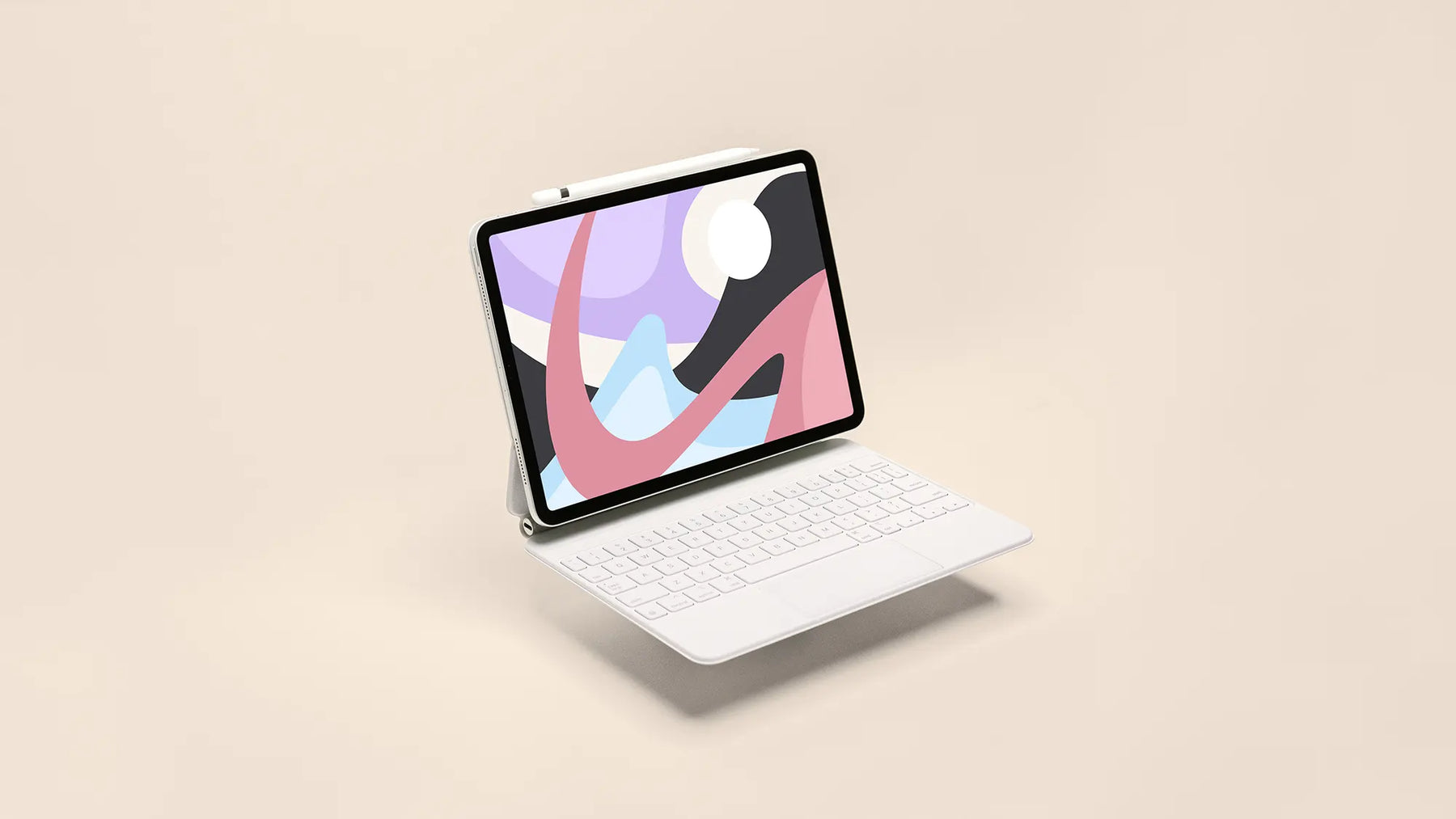
Paperlike by Canoopsy Free iPad Wallpapers


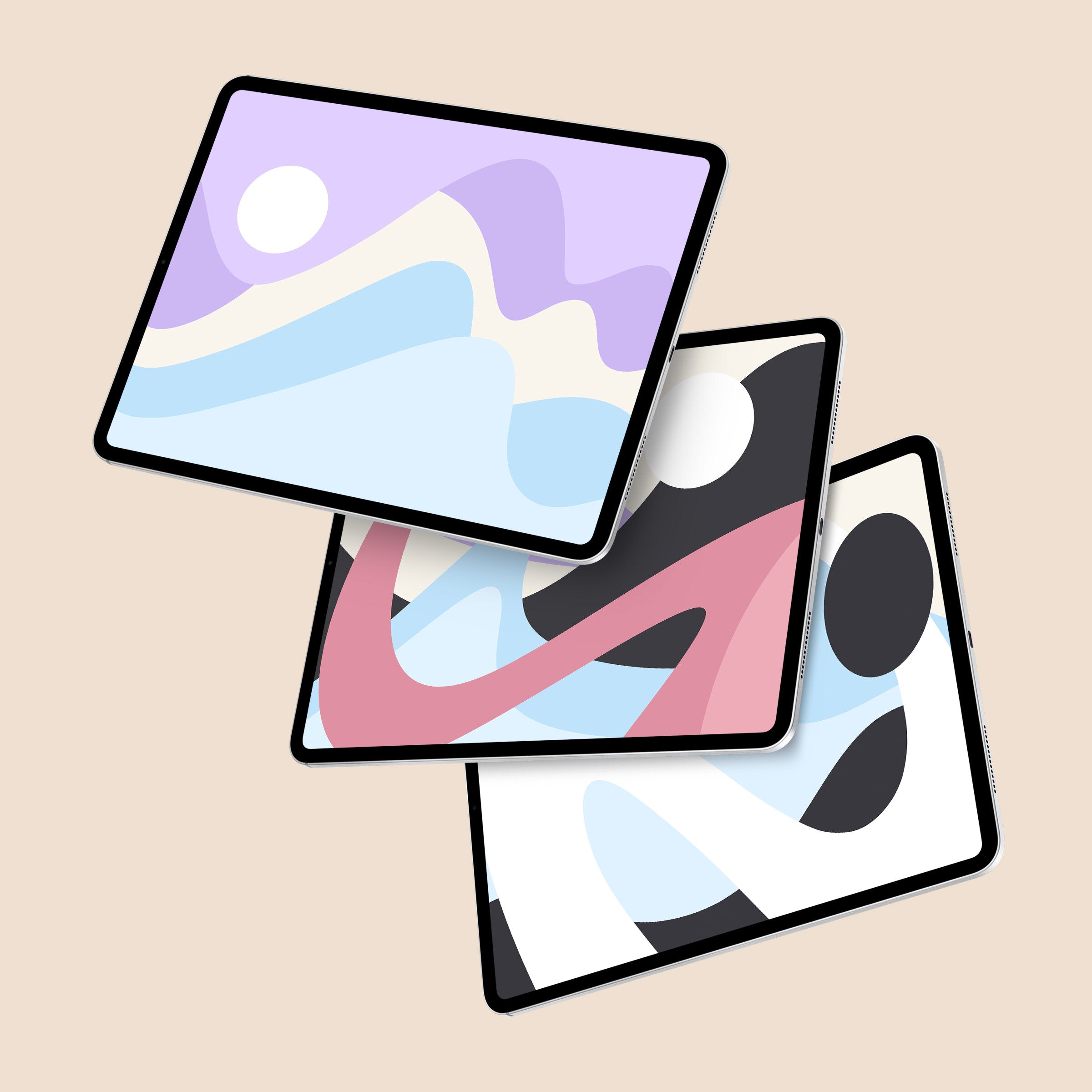
Give your iPad a fresh look with five free wallpapers, created with Canoopsy. Inspired by Paperlike, the collection combines airy colors, flowing shapes, and tactile textures to bring a little creative inspiration to your screen.

Enter your email address on the next screen to access the Paperlike Library.

What makes it special?

"When I set out on creating this collaborative wallpaper pack with Paperlike, I really wanted to highlight the key elements of Paperlike's brand identity in the work.

This collection of wallpapers features light, airy, colorful tones, in combination with visual representations of motion, smoothness, texture, and a tactile experience. This series of five wallpapers, was inspired by Paperlike and its products from start to finish.

These wallpapers look stellar on all of Apple's iPad models, and were designed on iPad Pro (with Paperlike installed, of course).

I hope you enjoy using these wallpapers on your favorite devices, as much as I did making them. It was an honor to work alongside Paperlike to develop this collection. Paperlike is a brand that truly believes in the power of creativity & expression as much as I do, and I hope to continue this collaboration well into the future."

- Canoopsy

Isaac Mosna (@canoopsy)

Isaac, more commonly referred to as Canoopsy, is a tech and lifestyle YouTuber, as well as an artist, designer, and photographer. Based in Toronto, Canoopsy is inspired by daily life in the diverse city that surrounds him - perhaps that is why his designs evoke a feeling of constant movement, in combination with such a vibrant palette of colors.

Isaac is a graduate of Sheridan College and OCAD University, where he studied advertising and design.View Canoopsy's other wallpapers & work on his website. Also, check out his YouTube channel.

How to get started

Getting up and running with these wallpapers is quick, easy, and free. Here's how:

  1. Click “Get your Free Digital Product” and use your email address to access the Paperlike Library.
  2. Download your wallpapers to your iPad and save your favorite image to Photos.
  3. Open Settings.
  4. Scroll down and click on Wallpaper.
  5. Tap Choose a New Wallpaper and select which type of Wallpaper you want to use.
  6. Select an image and you'll be given a preview.
  7. If you like what you see, tap set and pick between using the wallpaper for your Lock Screen, Home Screen, or both.

You're all done!

Access the Paperlike Library to get the wallpapers


Download your Free Digital Product, then discover more free resources in the Paperlike Library to help you create, stay organized, and get more out of your iPad.

Enter your email address on the next screen to access the Paperlike Library.