


| What are the top paper-feel iPad screen protectors? |
| Paperlike is the original that established the category and is a leading brand, often considered the best overall option, but brands like ESR, Astropad (Rock Paper Pencil), and Protescreen AR+ offer popular alternatives that might work for you, depending on your priorities. |
I love Paperlike (obviously, I’m writing the Paperlike blog), but I also know we’re not the right fit for everyone. After years of writing about screen protectors, I’ve learned what features really matter in everyday use and which ones you can probably live without. With that in mind, I promise to give the alternatives a fair shake.
Because here’s the whole reason you came to this blog: writing on a bare iPad screen feels wrong. It’s too smooth, too slippery. Nothing like paper. That's why paper-feel screen protectors exist, and why Paperlike™ invented the category in the first place.
But we're not the only option anymore. If you're thinking about a Paperlike alternative, you probably want to know whether a different pick, or a cheaper one, can give you the same experience.
So I tested some of the most popular paper-feel alternatives, including ESR, Astropad's removable Rock Paper Pencil, Protescreen's AR+ (formerly called EliteDefender AR+), a few popular budget options on Amazon, and Belkin's tempered glass protector.
I looked at what matters once you own one:
- How it feels with the Apple Pencil.
- How smooth and precise writing and drawing feel.
- How much wear the surface puts on the tip.
- How clear the screen looks.
- How well the protector holds up over time.
- Price.
Here’s how they compare.
| Feature | Paperlike | Rock Paper Pencil | ESR Matte Screen Protector | Protescreen AR+ | Amazon & budget options | Tempered glass screen protector |
| Paper-feel texture is… | Finely textured. What your hand expects when you think of putting pen to paper. |
Perceivably rough. More resistance than you would expect from pen and paper. | Perceivably rough. More resistance than you would expect from pen and paper. | Some texture with minimal paper-feel resistance. |
Often rough like sandpaper. Doesn’t feel natural. | None. Not made for use with the Apple Pencil. |
| Thickness | The only option within Apple’s specifications | Almost 2x thicker than Apple specifications | 37% thicker than Apple specifications |
58% thicker than Apple specifications |
All thicker than Apple specifications |
Over 3x thicker, not recommended for Apple Pencil use |
| Apple Pencil precision | Excellent | Very poor with Apple Pencil tips / Excellent with RPP tips |
Moderate | Moderate | Poor to Moderate | Very Poor |
| Original Apple Pencil Tip wear (Based on independent lab tests.) |
Light Wears down Apple Pencil tips after 67,000 cycles |
Heavy Wears down tips after 24,000 cycles |
Heavy Wears down tips after 24,000 cycles |
Heavy Wears down tips after 28,000 cycles |
Heavy Wears down tips after 24,000-30,000 cycles |
Minimal Similar to a naked screen, which wears down tips after 156,000 cycles |
| Removable and reusable | No | Yes | Yes and No | Yes and No | Yes and No | No |
| Custom Tips required | No | Yes | No | No | No | No |
| Price range | $49.99 (2-pack) |
$49.99 |
Starts at $14.99 | $19.99 | Starts at $6.38 | Starts at $6.96 |
| Where the screen protector is manufactured | Switzerland | China | China | China | China, Japan & Korea | China |
| Custom engineered? | Yes Proprietary Nanodots™ texture, engineered and developed in-house |
No Sourced from existing suppliers |
No Sourced from existing suppliers |
No Sourced from existing suppliers |
No Sourced from existing suppliers |
No Sourced from existing suppliers |
| Best if… | You use your Apple Pencil most days and care about precision when writing, drawing, and taking notes. | You need perfect screen clarity for streaming or media on most days, and a paper-feel writing surface is a nice-to-have when you pick up the Pencil. | You use your Apple Pencil a few times a week and are comfortable trading some Pencil precision and screen clarity for a lower price. | You use your Apple Pencil occasionally and are comfortable with lower Pencil precision and screen clarity. | Are on a tight budget and you can live with decreased screen clarity and less Apple Pencil precision. | You only need basic screen protection and no texture for writing or drawing. |
What exactly is a paper-feel screen protector?
If you’ve only ever used your iPad with a bare screen or a glass screen protector, then you’ve likely experienced poor handwriting, slipping, and less overall control when using your Apple Pencil on the iPad.
Paper-feel screen protectors add friction to the surface of the iPad to mimic the feeling of using a pen or pencil on paper. The tactile feedback from a paper-feel screen protector gives you more control when writing or drawing. Your Pencil doesn’t glide as freely, so your handwriting feels more natural, and it’s easier to guide your strokes.
Not every paper-feel screen protector creates that feeling in the same way, which is where you’ll notice a difference between the options.
When choosing a paper-feel screen protector, the surface itself is what matters the most. Some screen protectors use exceedingly rough surfaces to create friction. Paperlike uses Nanodots™, which we have fine-tuned over almost 10 years of diligent engineering based on customer feedback.
Unlike a rough, sandpaper-style surface where the texture is random and inconsistent, Paperlike’s Nanodots are precisely engineered to give you a consistent feel with the Apple Pencil while being gentle on your Pencil tip, too.
There are a few other things to pay attention to. A screen protector needs to be thin enough (Apple specifies less than 0.095 mm) to keep your Apple Pencil responsive, clear enough that you’re not squinting at a hazy display, and tough enough to survive heavy use. And then, of course, there’s the price.
A cheaper screen protector might give you some tactile benefits, but will likely come with compromised screen performance, poor Apple Pencil precision, heavy Apple Pencil tip wear, and the cost of replacing a less durable product.
Those are the things I looked at when I compared Paperlike to the alternatives.

The original paper-feel screen protector: Paperlike 3
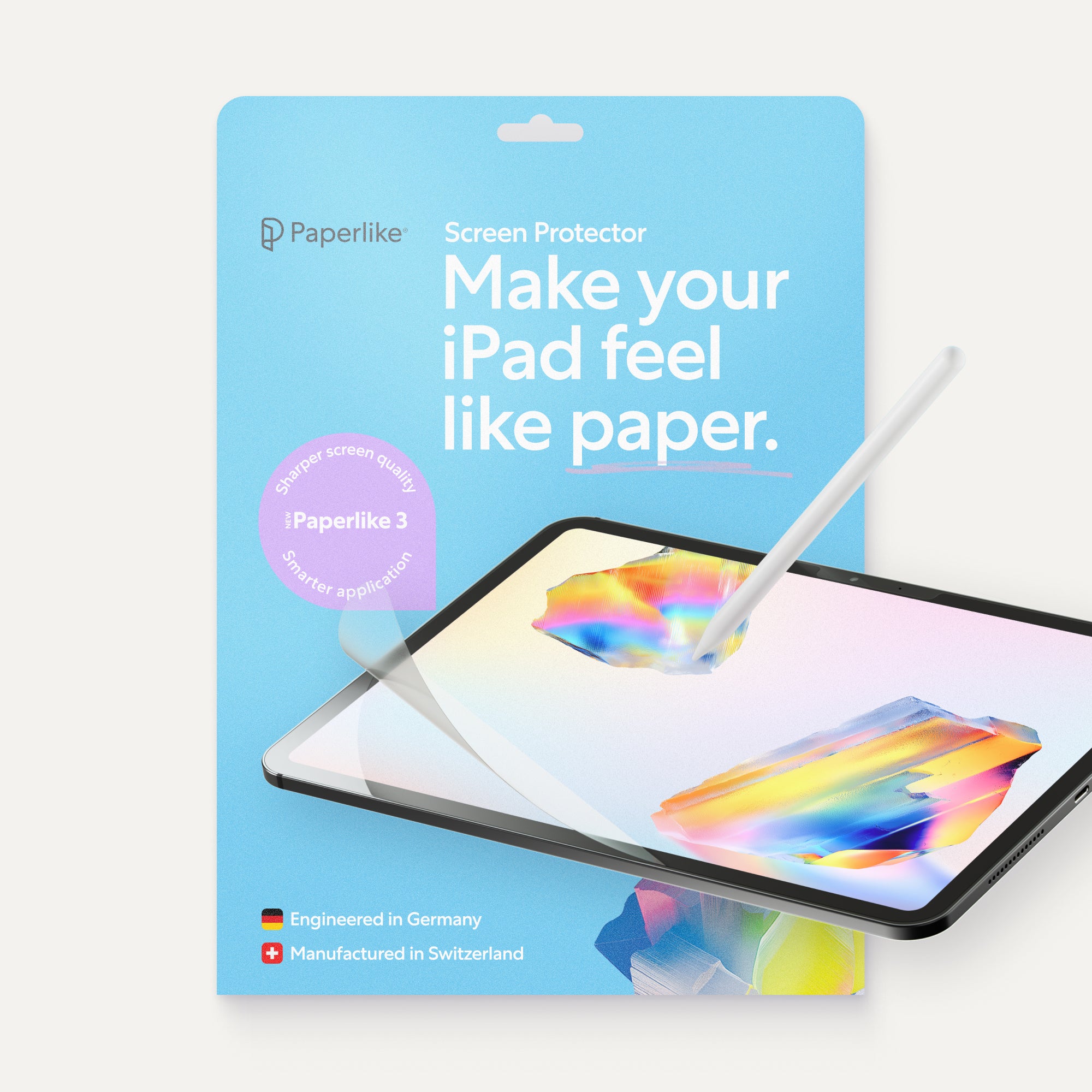
Paperlike established the whole paper-feel screen protector category in 2017. Since then, we’ve sold more than 2.4 million Paperlike screen protectors, and we’ve continued to refine it based on years of feedback from people who use their iPads every day.
Paperlike is the only major iPad screen protector brand to custom engineer its own paper-feel technology in-house; every other alternative builds on existing, off-the-shelf materials. Plus, Paperlike is the only brand in the whole iPad screen protector category that adheres to Apple’s 0.095 mm maximum thickness requirement, which directly impacts Apple Pencil precision.
Along the way, many providers have joined us in the paper-feel category. Paperlike alternatives are not custom-engineered and often sacrifice pencil precision, screen clarity, and compromise pencil tip durability.
We’re proud that every single element in Paperlike 3 was designed by us, from our Nanodots surface texture to our proprietary Butterfly Application System, each designed to be the best possible “paper-feel” solution on the market.
Our latest version, Paperlike 3, has just enough resistance to emulate the tactile feedback you get when writing on paper. Your Apple Pencil still moves easily, but you’ve got more control over your strokes. If your hand has ever cramped from pressing harder than you need to, or you’re constantly fighting to keep your handwriting neat on a bare iPad screen, Paperlike is a huge help.
The Nanodots™ surface is also designed to be gentle on your Apple Pencil tip, and drastically reduces wear of the pencil tip compared to the sandpaper alternatives. To be clear, Paperlike will wear the Apple Pencil quicker than a glass screen protector, but years of user feedback confirm it’s reasonable and causes less wear than the alternatives.
Paperlike is also thin enough that it preserves your Apple Pencil responsiveness, so you’re not sacrificing precision for paper feel, and it’s the only iPad screen protector within Apple’s guidelines.
Because our surfaces are precisely engineered to balance paper-feel writing, Pencil precision, screen clarity, tip durability, protection, seamless installation, and an amazing team to take care of you, you’ll see a slightly higher cost for Paperlike compared to the alternatives. Paperlike also offers a patent-pending application method, a Perfect Application Guarantee, and a refund or replacement if you encounter application issues.
Is Paperlike for you?
With all that in mind, is it worth it for you? If you use your iPad for note-taking for school/work or are a digital artist and require control and precision, then yes, Paperlike is a top choice. If you only pick up your Pencil every once in a while, and you use your iPad more to stream videos or edit photos, probably not. You can check out our deep dive on the Paperlike 3 here, or read about the pros and cons of the alternatives below.
Removable screen protectors: What to know before you buy
But what if you don’t want texture all the time? One popular alternative feature is the removable and reusable screen protector, also called a 'magnetic' screen protector.
Magnetic screen protectors have been around for years, primarily for laptop privacy. A few years ago, generic iPad screen protector brands began adapting this approach for paper-feel alternatives. Removable designs offered a practical advantage: users could avoid permanent application and remove the protector whenever they wanted the iPad’s original screen quality.
To stay reusable, these protectors are typically thicker than adhesive films (often over 0.18 mm) and require careful storage between uses. This added thickness and air gap between the protector and the iPad can affect Apple Pencil precision. Some solutions address this by including specialized tips, often with metal ends, that bring the Pencil closer to the screen.
Despite these trade-offs, removable paper-feel protectors remain popular, and manufacturers continue to refine the design. If you split your time between taking notes and streaming or drawing and reading, that trade can be worth it. Just be aware that you’ll need to store it somewhere and clean it every time you want to reapply it.
If you hold your Apple Pencil for hours a day, the extra thickness is harder to ignore, and a thinner screen protector will probably feel better. The right pick depends less on which type is “best” and more on how you actually use your iPad.
So which one should you buy?
Once you know how you’ll use your iPad, the options get much easier to sort. Below, we compare Paperlike side by side with some of the most popular paper-feel screen protectors, so you can see how each one stacks up on feel, clarity, and Apple Pencil performance.

Paperlike vs. ESR Matte Screen Protector
Best for: Price-conscious users who don’t use the Apple Pencil very much.
ESR is a generalist consumer electronics company, originally called “Electronic Silk Road”, with a vast amount of products aimed at Apple and Samsung devices. They also joined the paper-feel category with every possible permutation. Here are some examples: removable magnetic, removable microsuction, adhered paper-feel, and adhered paper-feel glass.
I tested their adhered paper-feel screen protector, which gives you a noticeable increase in friction compared with a bare iPad screen.
The biggest difference I noticed compared with Paperlike was the surface itself. ESR gives you that extra resistance, but it’s a rougher, less refined texture. That roughness isn’t great for your Apple Pencil tip, and based on our testing, it wears it down to the metal core three times quicker than a Paperlike.
Screen clarity is another trade-off. The ESR protector gives your iPad screen a rather “sparkly” look. You’ll definitely notice it while you’re browsing, and even more starkly whenever your iPad has a white screen. (Meanwhile—obligatory self-promotion and also just facts—Paperlike preserves more of the iPad screen clarity.)
Depending on which ESR protector you choose, your Pencil precision varies. Even with the traditional paper-feel option, the thickness is higher than Apple’s maximum requirement for full Apple Pencil responsiveness. The magnetic and tempered glass options are even more problematic, because they’re almost two to three times thicker than Apple’s guideline.
The price is the main advantage compared to Paperlike. Depending on your iPad model and the type of screen protector you choose, ESR’s current prices are around $15-$27 for the paper-feel versions.
Is ESR for you?
If budget is top priority and you still want a reputable brand, ESR is a solid pick. The trade-off is a coarser texture that dulls screen clarity and wears down Pencil tips faster. If you only reach for your Apple Pencil to jot a quick note or to-do list every now and then, then wear and tear won’t matter much, and ESR gets the job done. But if you write or draw daily, those costs can add up quickly.

Paperlike vs. Rock Paper Pencil by Astropad
Best for: Occasional Apple Pencil users who often need perfect iPad screen performance and have less of a need for screen quality and Apple Pencil precision when using the Apple Pencil.
Astropad started in 2013 as a software company, founded by two former Apple engineers. Its first product, Astropad Studio, turned the iPad into a drawing tablet for Mac, and it later added hardware like Luna Display. In 2023, it brought that creative-tools focus to the paper-feel category with Rock Paper Pencil (RPP).
Rather than a semi-permanent adhesive film, RPP uses a removable screen protector that comes with a storage sleeve. Astropad pairs it with specialized Apple Pencil tips to reduce wear on your standard tips, and because the film is thicker, each kit includes a metal tip and a meant-to-be-worn-down plastic tip, with replacements sold separately.
The removable design also lets you take off the protector when you want the iPad’s original screen clarity, like when you’re streaming the latest TV show. However, reusing it requires storing the film and cleaning both surfaces before reattaching it.
RPP offers a pronounced, textured writing feel that some users prefer, particularly with its metal ballpoint tip. Version 4 also introduced a “graphite” tip made from softer plastic, designed to wear down over time and claimed to replicate the drag of a 2B pencil.
That said, there are a few trade-offs. In our testing, the metal tip scratches the protector over time. Astropad also warns against using it without the film, since it can scratch your iPad’s screen. And if the screen protector does get scratched, replacing it means purchasing the full kit again, even if you don’t need another sleeve or additional tips.
Switching back to Apple Pencil tips brings its own problems. I noticed a gap between the Pencil tip and the on-screen stroke, along with faster tip wear than I observed with many other protectors.
At $49.99, RPP is priced similarly to Paperlike but includes one screen protector, compared with Paperlike’s two. RPP includes specialized tips and a storage sleeve, while Paperlike works with standard Apple Pencil tips.
Although the removable design offers flexibility, regularly removing, cleaning, and reattaching the protector can be inconvenient. Some users may prefer to leave it on, even when they no longer need the paper-feel texture.
Is Rock Paper Pencil for you?
Overall, Rock Paper Pencil is a legitimate option for users who prioritize a pronounced, textured writing feel and the flexibility of a removable protector. If you prioritize a more permanent setup (with a clearer display), precision that meets Apple’s standards, and no additional accessories needed, Paperlike may be a better fit.

Paperlike vs. Protescreen AR+ Screen Protector
Best for: People who aim for a matte surface to reduce glare & reflection.
Protescreen is a Chinese screen protector manufacturer that started out selling standard screen protectors for MacBooks, iPhones, and iPads through Amazon. Lately, it’s been moving beyond basic screen protectors and putting more into marketing, with products marketed around anti-reflective (AR) coatings, paper-feel writing feel, and optical clarity.
Protescreen’s paper-feel protectors are very matte, which helps reduce reflections and glare. The downside is that this matte finish softens fine details, so the screen looks less sharp. If you want a strong texture with minimal glare, this may be a worthwhile compromise. But if crisp text and sharp images matter more, you’ll probably notice a difference.
Protescreen offers several types of screen protectors, including paper-feel options in both removable and adhesive versions. So you’ll need to weigh which type is best for you: a removable protector that allows full screen clarity when you need it but attracts dust if it’s not stored properly, or the convenience of a long-term application at the expense of less screen clarity all the time.
Is Protescreen right for you?
Overall, Protescreen’s paper-feel range is built around a heavy matte finish that cuts glare well, but you give up some screen clarity to get it. Paperlike takes a different approach, aiming for a paper-feel texture that keeps text and images sharper, with less of that hazy look.
If glare is your biggest frustration and you don’t mind a softer screen, Protescreen is worth a look. If you want the writing feel without noticeably losing clarity, Paperlike is the better fit.

Paperlike vs. budget screen protectors
Best for: People who use the Apple Pencil often and want to keep upfront costs low.
Budget paper-feel screen protectors are widely available online, often at prices between $10 and $20. If price is your top priority and you don’t need a known brand, they can get the job done. Just go in knowing what you’re giving up.
Quality varies a lot, and it’s hard to know what you’re getting until it arrives. Some come with application tools, while others include almost nothing, which makes dust, bubbles, or a crooked fit more likely.
Most budget options also come with two trade-offs you’ll have to live with: a softer, grainier-looking screen and faster Pencil tip wear. Some are thick enough to make your Apple Pencil feel less responsive, too. And if you’re replacing tips often, that cost eats into what you saved.
That makes budget protectors a poor fit if you only use your Apple Pencil occasionally. It sounds backwards, but if you mostly watch, read, and scroll, you’ll notice the duller screen every day and rarely benefit from the texture.
Budget options make more sense if you write or draw often, want the paper feel, and are willing to accept a less clear screen and more tip replacements to save money upfront.

Paperlike vs. tempered glass screen protectors
Best for: iPad owners who don’t use the Apple Pencil.
Glossy tempered glass protectors are among the most common iPad screen protectors. Their rigid construction and included application trays often make them easier to install than flexible plastic films.
For Apple Pencil users, though, these protectors are too thick, creating too much distance between the Pencil tip and the screen. This interferes with responsiveness and makes precise strokes more difficult. Plus, smooth glass makes for a very different writing experience. The Pencil glides across the screen with little friction, which, if you’re only tapping with the Pencil and not using it for writing, isn’t a big deal.
If you mainly use your iPad for drawing, note-taking, or handwriting, this slippery surface works against you. You end up gripping the Pencil harder, which can lead to hand cramps, and your strokes are less accurate. Writing and drawing will generally feel less satisfying (and if your Pencil doesn’t feel good to use, will you even use it?)
Tempered glass protectors are primarily designed to help protect the screen from scratches and certain direct impacts. However, they can’t prevent every type of screen damage. An impact to the iPad’s edges or corners can still crack the display, even when a glass protector is installed. For broader drop protection, a bumper case that covers the edges and corners is worth considering.
Glass protectors also don’t guarantee protection against pressure applied directly to the screen. Depending on how hard something presses and where, your iPad’s display can still crack underneath a protector that looks perfectly fine.
Here’s an example of an iPad with a shattered screen under a glass protector that didn’t break at all.

In short, glossy tempered glass can be a useful choice if screen protection is your main priority. But if you regularly write or draw with an Apple Pencil, the smooth surface offers little in the way of the friction that makes handwriting feel natural.
A paper-feel protector, such as Paperlike, is designed to provide more resistance for writing and drawing while helping protect the screen from everyday scratches and scuffs, which is 98% of visual damage.
Several established brands offer tempered glass screen protectors, including Belkin ScreenForce, ZAGG InvisibleShield, and PanzerGlass. There are also many lower-cost options available online, with varying features and quality.
Some tempered glass protectors also come with a paper-feel surface for Apple Pencil users. But then you have to consider thickness, which can throw off your Pencil’s accuracy. In the example below, slow diagonal lines drawn on these protectors came out noticeably wobbly.
If natural handwriting and precise drawing are your priorities, thinner paper-feel screen protectors will be a better option.

TL;DR - Should I buy Paperlike or an alternative?
At this point, you should have a good idea of the differences between Paperlike and some of the more popular alternatives. So which one is right for you?
Paperlike is right for you if…
- Your Apple Pencil output is important. Whether you take notes every day or practice digital art, you want your handwriting to feel natural and your drawing experience to feel precise and controlled.
- You rely on your iPad for more than consumption. You use it for meaningful tasks like note-taking, drawing, planning, journaling, annotating, or creative work.
- Screen clarity is important to you. You want a paper-feel writing experience while preserving the crispness and detail of your iPad’s display.
- You value tools that improve your work. You’re willing to invest in a quality writing experience rather than simply choosing the lowest-cost option.
An alternative is right for you if…
- Your Apple Pencil is more of an occasional tool. You mainly navigate with your fingers and only use the Pencil for quick notes or occasional annotations.
- Your iPad is primarily for consuming content. Watching videos, scrolling social media, and browsing are your main activities, and you don’t mind removing and reapplying your protector.
- You’re willing to trade some screen clarity for other benefits. You may prefer a more pronounced paper-feel texture, a removable design, or a lower price.
- Your main priority is keeping costs down. You want a basic paper-feel experience and are comfortable with the compromises that may come with a lower-cost option.
If you’re like me, and the Apple Pencil is a core tool for your iPad, be it for drawing, writing, or sketching, Paperlike is made for you from the ground up. We don’t simply buy off-the-shelf materials; we have built the whole thing from the bottom up to give you the absolute best paper-feel experience you can get.

What you should know about Apple Pencil tip wear
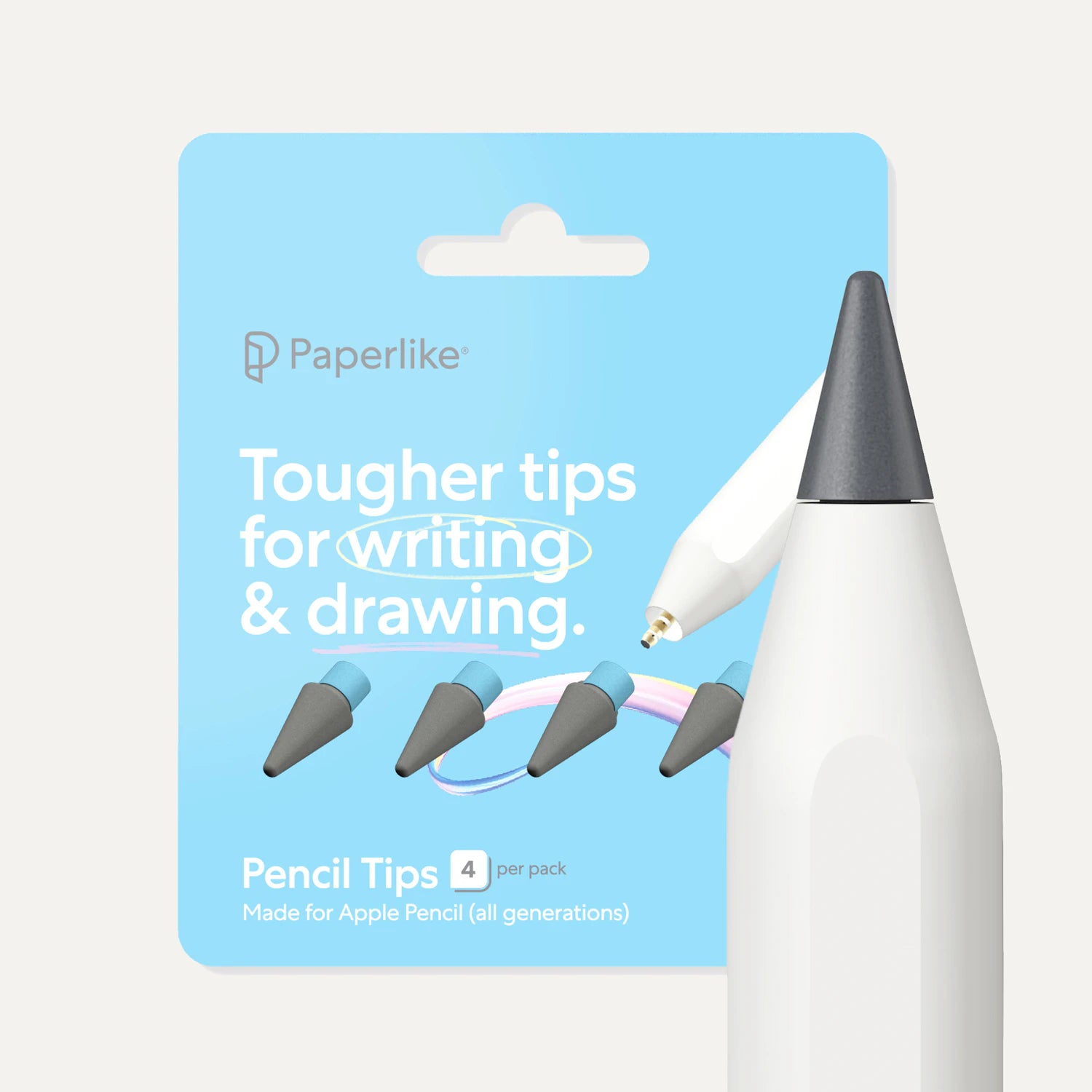
The Apple Pencil tips are replaceable because Apple knew they would wear over time on the iPad’s bare glass. In fact, the very first Apple Pencils came with an extra replacement tip! Naturally, when you add texture to the iPad screen, the pencil tips will wear quicker.
With that said, Paperlike Pencil Tips were built to hold up to that extra resistance, so they’ll last even longer than your normal tips. Consider picking up a set when it’s time to replace the ones you have.
Frequently Asked Questions
Is Paperlike worth the price?
A: If the Apple Pencil is a core tool for you and you use your iPad for note-taking, sketching, planning, journaling, drawing - it’s a resolute yes. If you don’t really use your Apple Pencil, or price is the deciding factor, you may prefer an alternative.
Which paper-feel offering is best for Apple Pencil?
A: It depends on how you use your iPad, but if you want one protector that works well across the board, I recommend Paperlike. It preserves the Apple Pencil’s amazing precision by adhering to Apple’s 0.095mm maximum thickness guideline for iPad screen protectors, and is the only one on the market that does this.
Which Paperlike alternative is the best overall option?
A: It really depends on your starting point:
If budget is the priority: Search on Amazon (or your preferred marketplace) for options that adhere to the iPad. Pay attention to reviews for images of worn Apple Pencil tips (avoid these).
If you want a more gritty/grainy feel on your iPad, then I’d go for ESR’s offering. I’d also recommend Elecom’s paper-feel options in the “firm type”.
If you are an absolute matte enthusiast, then Protescreen’s offering may be for you, but be warned, it will wash out letters and fine crisp elements on your screen.
Does Paperlike affect screen clarity?
A: All screen protectors affect screen clarity depending on their surface characteristics. Glossy glass screen protectors have the lowest effect on screen clarity, while excessively grainy paper-feel alternatives have the worst effect. Paperlike minimizes that effect as much as possible and offers better screen clarity than the vast majority of paper-feel alternatives.
How long does Paperlike last?
A: It depends on how intensively you use your Apple Pencil. Heavy users (artists who draw for hours every day) may replace the Paperlike every 6 months, while more occasional users may never need to replace the Paperlike during the lifetime of their iPad. Paperlike comes with two protectors, so you always have a replacement ready, doubling the time between purchases.
Is Paperlike easy to apply?
A: Yes. Paperlike 3 uses the Butterfly™ Application System, which virtually eliminates air bubbles and dust during installation by keeping the screen sealed until the moment of application. It’s the part of applying screen protectors that most people dread. Paperlike has made it easy and enjoyable.
Does Paperlike come off easily?
A: It removes cleanly, but it rarely can be reapplied once removed, due to dust getting caught on the adhesive.
Is there a cheaper alternative to Paperlike that’s still good?
A: While many 'Paperlike dupes' claim to offer the same experience, budget options carry trade-offs: higher tip wear and more noticeable effect on screen clarity. For anyone using a Pencil regularly, those trade-offs tend to cost more over time than the initial savings, but they do let you pay less upfront.
How does Paperlike compare to Rock Paper Pencil?
A: Paperlike wins on precision, tip wear, and screen clarity. Rock Paper Pencil wins on ease of application. You can also remove the Rock Paper Pencil for media and put it back on for writing - but don’t forget to clean the screen and the foil before every reapplication. Paperlike is made to stay on and not degrade the screen experience.
Does Paperlike damage Apple Pencil tips?
A: Any textured surface creates some tip wear. That’s unavoidable if you want a paper feel. Paperlike’s Nanodots™ technology minimizes it compared to the alternatives, and our Paperlike Pencil Tips are engineered specifically for longevity on textured surfaces.
Should I get a magnetic or adhesive screen protector?
A: For most use cases, an adhesive version will be the best overall experience. In practice, most removable foil users end up leaving it on and degrading their iPad screens. If you’ll really put it on and off, and need a perfect screen at times, then removable ones may be a legit option.
Weiterlesen
 Lindsay Armstrong
