


How do I know it's time to replace my Apple Pencil tip? Skipping strokes, less resistance, or exposed metal. These are signs of needing to replace your Apple Pencil tip.
Replacing your Apple Pencil tip on a regular schedule prevents performance loss and keeps your tools in better condition before you ever get down to the metal nib.
Knowing when to replace your Apple Pencil tip is essential for any iPad digital artist or note-taker.
This guide covers the signs and step-by-step instructions for replacing your Apple Pencil tip. Don’t worry, it’s easy, but our additional recommendations will keep you ahead of the curve.

Signs it's time to replace your tip
There are signs it’s time to replace your Apple Pencil. It starts with knowing what to look for. Some signs are more obvious than others, and it’ll take experience to know when things start to feel off.
Here are common signs it’s time to replace your Apple Pencil tip, with general guidance for artists and note-takers. What you specifically go through will depend on your level of use and personal habits, but more on that later.
Skipped or lagging strokes
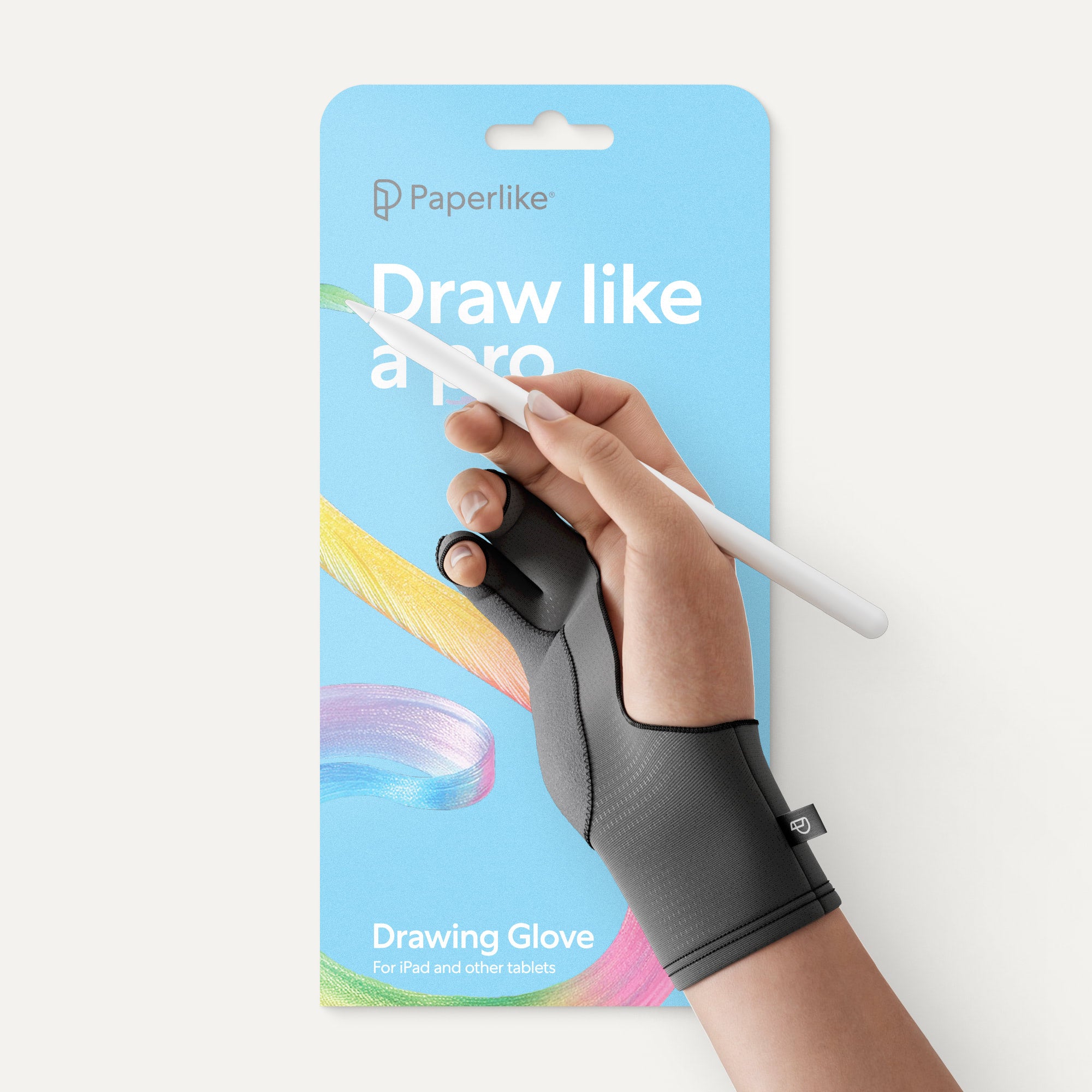
You’ll be using your Apple Pencil one day and suddenly notice that your strokes are skipping. If you’re like me, you might’ve forgotten to put on your drawing glove and thought it was a failed case of palm rejection.
But if the issue persists, it may be time to replace your Apple Pencil tip. A worn tip can cause your strokes to lag and make it hard to draw or take notes as usual.
Apple Pencils are designed for low latency, meaning immediate feedback and reaction as you create. When that’s interrupted, your productivity can suffer.
Exposed metal
If you unscrew your Apple Pencil tip, you’ll see a small gray dot inside it at the very top. This small metal conductor helps your stylus interact with your iPad screen.
It’s kind of crazy how much tech lives inside such a tiny piece! If you use the same Apple Pencil tip for too long, you risk wearing down the plastic until you expose the metal underneath.
Continuing to use your Apple Pencil tip in this condition risks not only your stylus's overall performance but also potentially damaging your screen protector or screen.
If you reach the metal of your tip in two months or less, you may be pressing too hard on your screen. If you’re new to using an iPad and Apple Pencil, it can take some time to get used to the low latency and responsiveness that they have even with a lighter touch. Overall, using less pressure will help improve your tip's longevity.
Decreased resistance
Your Apple Pencil tip will only have so much resistance against your iPad screen. This is because the glass surface is quite slick and will cause your stylus to slip if you’re not using a screen protector.
Look closely at your tip to see whether it's wearing down in certain spots. Drawing or note-taking without a screen protector can lead to habits like overcompensating for how far your hand travels.
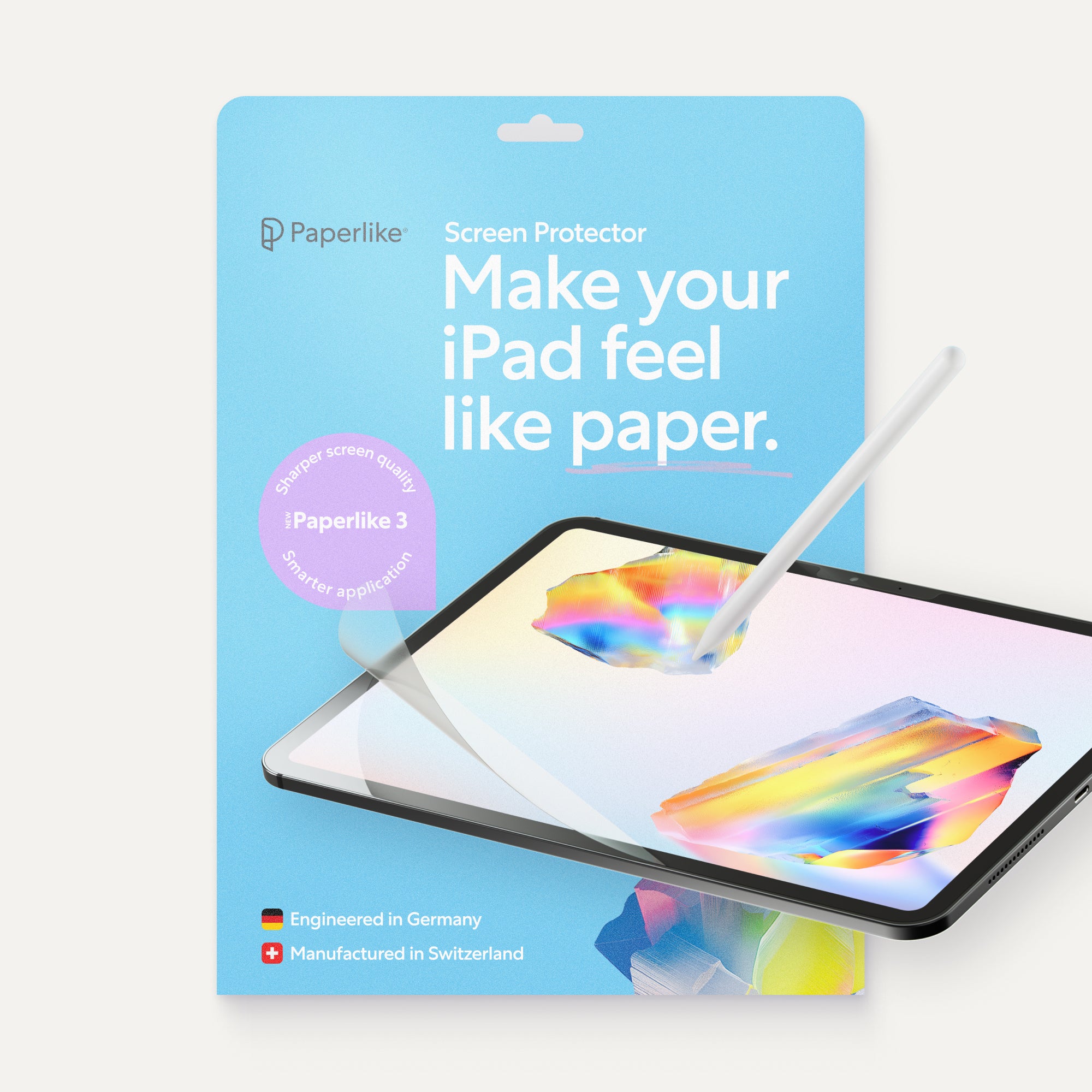
Glass has very little resistance to begin with, so you might get used to correcting when you’re working on that type of surface. Using accessories like the Paperlike Screen Protector can help by introducing friction to make your stylus movements more controlled, like if you were working on paper.

How long Apple Pencil tips actually last
| Level of iPad use | Suggested replacement schedule |
| Daily drawing & note-taking | Every 3 to 6 months |
| Weekly light sketching or note-taking | Every 6 to 12 months |
| Infrequent monthly use | Every 12 to 24 months |
Depending on the type of iPad user you are, you might need to change out your Apple Pencil tip more or less frequently.
If you’re not using your iPad a lot, you might be able to hold out over a year before you replace your Apple Pencil tip. For daily users like professional artists and heavy note-takers, a 3- to 6-month schedule will keep your tip in good working condition without negatively impacting your stylus performance.
While Apple Pencils no longer come with extra replacement tips, they’re not expensive or hard to replace. If you’ve bought a refurbished Apple Pencil in the past, as I have, your Pencil may or may not come with additional tips.

Why some tips wear out faster than others
You might experience unusual or uneven wear from your Apple Pencil tips for a number of reasons. This is the part of your Apple Pencil that makes direct contact with your iPad surface, so which one you use matters.
Some third-party Apple Pencil tips can wear unevenly because of the material they use, how hard you press, or how you hold your Apple Pencil. Other tips use an exposed metal nib by design.
But if you want resistance that improves stylus control and overall performance, consider an accessory like the Paperlike Screen Protector. It adds balanced resistance with Nanodots™ surface technology that gives you precision whether you’re drawing or note-taking.
This keeps your stylus gliding smoothly across your iPad screen without impacting your display quality. Now let’s learn how to replace your worn-out Apple Pencil tips.

How to replace your Apple Pencil tip
You can rest assured that replacing your Apple Pencil tip isn’t difficult, but it is delicate. Follow these steps to get your new one in place in less than five minutes.
1. Prepare a work surface
Nothing fancy needed. This simple rule makes it easier to keep your Pencil tips organized while you work. Remember, these tips are small and can be easy to confuse at a glance.
2. Unscrew your Apple Pencil tip
Gently loosen your current Apple Pencil tip by twisting it counter-clockwise. Don’t apply too much pressure when untwisting your tip, as it’s still a delicate piece that can damage your Pencil if not removed properly.
3. Screw on your new Apple Pencil tip
Place the new tip gently over the connector rod. Screw the new tip on with light pressure until it’s screwed securely in place. It shouldn’t feel loose, as a good fit is essential to proper function. Also, note that there is naturally a small space between the top edge of your Pencil tip and the body of your Apple Pencil.
4. Test your Apple Pencil tip
Now that your new Apple Pencil tip is in place, be sure to test it out. Open your favorite digital drawing or note-taking apps and see if it works as expected. If it feels off or your strokes aren’t landing properly, double-check that your tip is properly screwed in place. What should you do with your old tips? Recycle them or discard them as usual.

Choosing your replacement: Paperlike Pencil Tips
The best part of replacing your Apple Pencil tips is that it lets you start fresh. Since the tip of your stylus makes direct contact with your screen, it’s important to have the right gear.
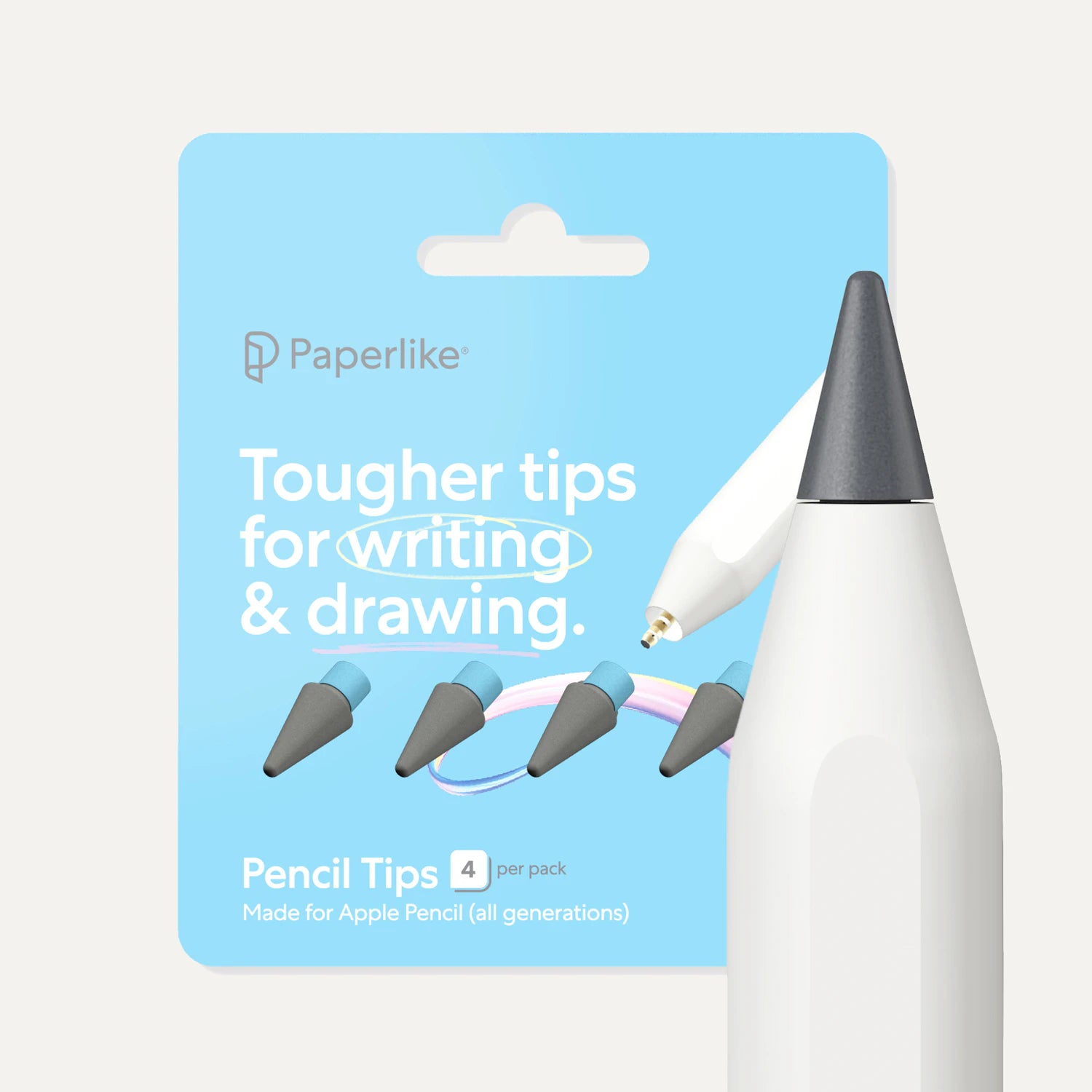
Paperlike Pencil Tips are engineered to provide more resistance and durability, especially when paired with the Paperlike Screen Protector. They're built to last up to 10x longer than standard Apple Pencil tips. Use them on any model of Apple Pencil so you're ready to go no matter what your setup.
Wrap up
Not replacing your Apple Pencil tip routinely can be a costly mistake. It’s a simple but often overlooked part of digital art and note-taking, especially since using the Apple Pencil is such a great experience.
Anything that could make that less than stellar is worth addressing quickly. That includes using the generic tips that come with the Apple Pencil. Pairing the best accessories together for drawing and note-taking is what gives your setup the longevity you need.
Frequently Asked Questions
How long do Apple Pencil tips last?
A: If you use your iPad and Apple Pencil daily, for long drawing or note-taking sessions, you're accelerating the wear on the tip. It should last anywhere between 3 to 6 months before needing to be replaced.
What are the signs my Apple Pencil tip needs replacing?
A: Lag, skipped strokes, less resistance, and exposed metal in the tip are all signs that your tip needs to be replaced. Waiting too long to replace your Apple Pencil tip could risk damage to your iPad screen.
Does a screen protector affect how fast Apple Pencil tips wear out?
A: Yes. It will wear down your Apple Pencil tip because of the smooth resistance being applied. But you will have even wear on your tip over time.
Is Apple Pencil Pro's tip replacement different from older models?
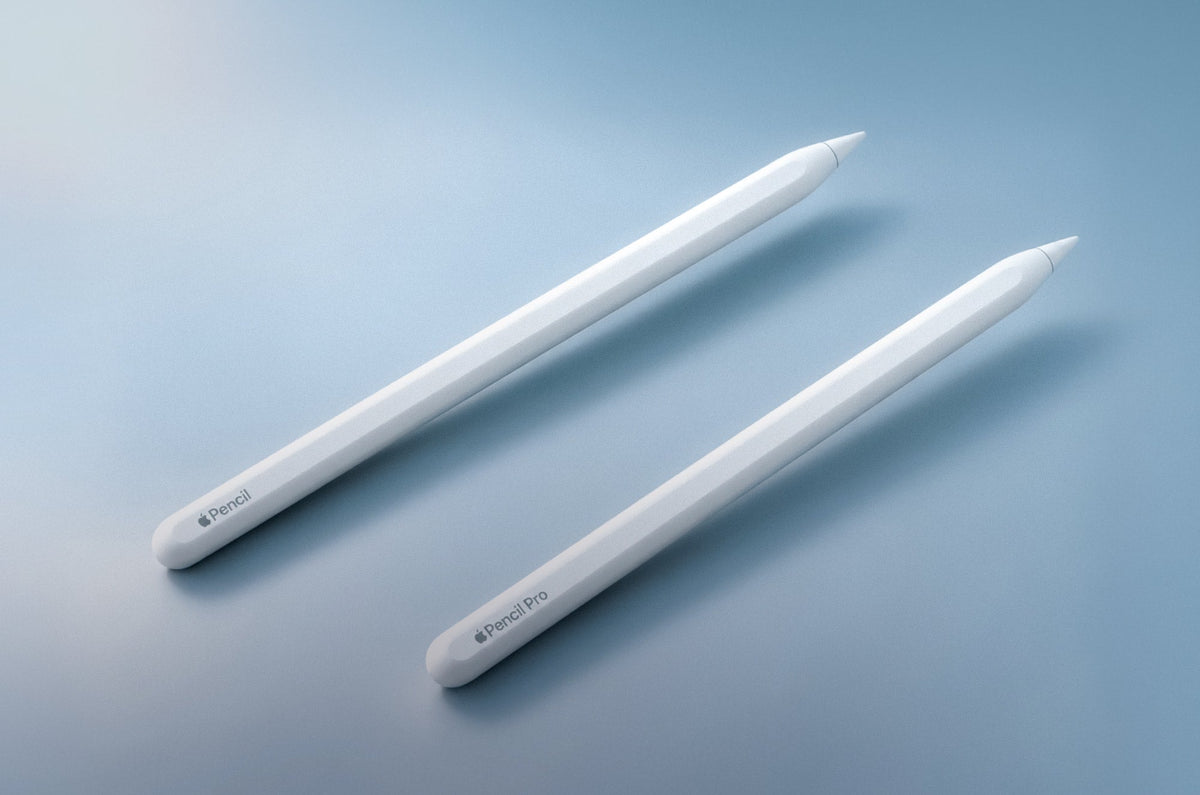
A: Apple Pencil tips are universal and don’t need to be upgraded to fit certain pencil models. For example, Paperlike Pencil tips also work for all Apple Pencil models.
Weiterlesen

 Lindsay Armstrong
