
It's the most wonderful time of the year! But if you're trying to gift something to the digital artist in your life, it can also be the most stressful time of year.
Look no further than this list to make their next year even better. With a mix of work-and-play gifts and price ranges for everyone, you'll be sure to find something meaningful.
Gifts for digital artists
The gifts on this list will be a welcome addition to the life of any digital artist or creative that you know. They're thoughtful, practical, and will make them feel seen.
I know because I've been gifted some of the items on this list, and they were so great that I had to include them.
Ready, set, gift!

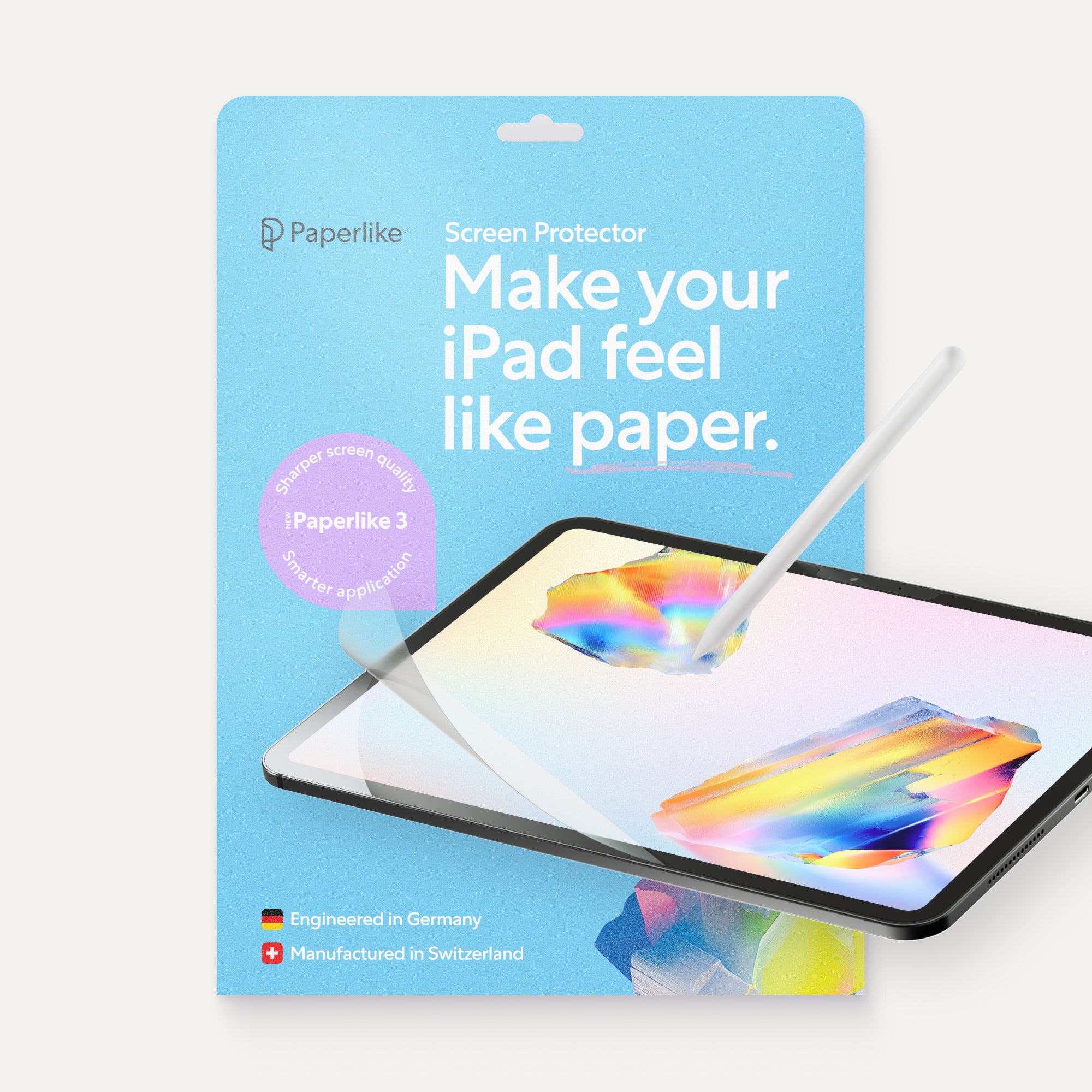
Paperlike Screen Protector
| Feature | Details |
| Price | $49.99 |
| What is it? | A screen protector that makes your iPad feel like paper. |
| Who’s it for? | iPad digital artists and note-takers. |
| Where to get it | Paperlike |
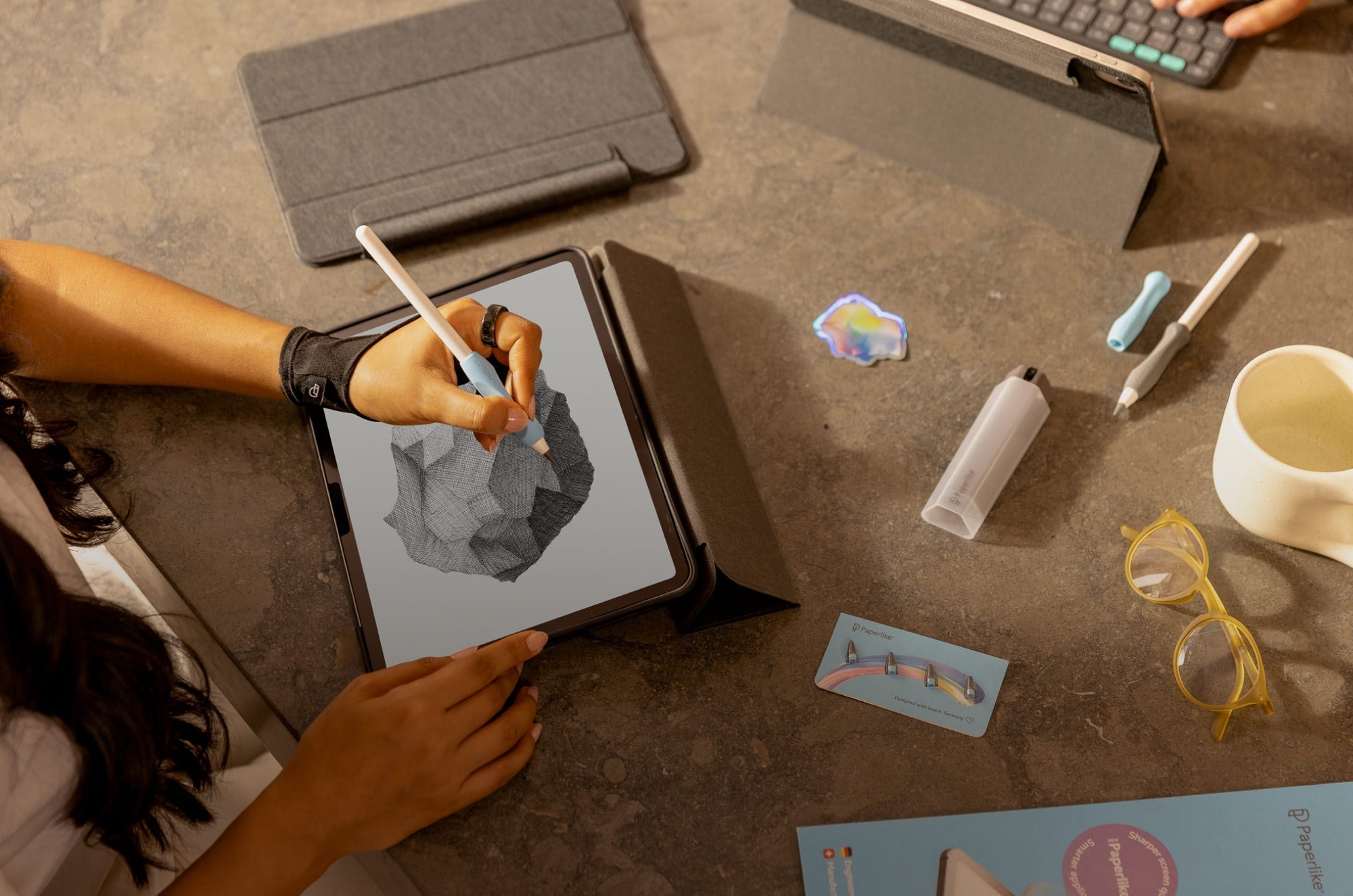
If you know an iPad artist, chances are they don't like the feel of the slick glass on their iPad screen. That's because it means less control over their strokes. The Paperlike™ Screen Protector solves this problem without compromising screen clarity. As a digital artist, I've loved mine since I got my iPad Pro.
It offers tactile feedback and precision with each stroke drawn, giving a more natural paper feel to a digital medium. It's easy to install, and each pack comes with two, so they'll have a backup ready to go.

Sketchboard Pro 2
| Feature | Details |
| Price | $149 |
| What is it? | An award-winning iPad stand to create a workstation anywhere. |
| Who’s it for? | iPad digital artists, students |
| Where to get it | Sketchboard Pro |
Does the digital artist in your life like to move between their desk and the couch? Or the dining table? The Sketchboard Pro 2 makes using an iPad more comfortable and versatile. Thanks to its easy-to-grip handle, it'll go with them wherever they want to work.
The magnetic legs can be propped up at multiple angles, and artists can work in landscape or portrait orientation. It's also designed to fit charging cords and an Apple Pencil stylus even while the iPad is nested. To take their Sketchboard Pro 2 even further, get the Artist Bundle. This includes a travel bag and a bonus Essential Procreate Brush Pack.

Skillshare membership
| Feature | Details |
| Price | From $69 |
| What is it? | A membership for on-demand online learning across thousands of courses. |
| Who’s it for? | Illustrators, designers, small business owners |
| Where to get it | Skillshare |
Artists, business owners, freelancers, and more will benefit from online courses. A Skillshare membership is a unique gift that will help them build skills through courses they choose.
Skillshare gives them access to thousands of courses that they can take at their own pace. They can ask expert instructors questions, learn alongside fellow students, and post projects showing what they learned. Gift them anywhere from three months to a year of access.

Satechi Dual Vertical Aluminum Laptop Stand
| Feature | Details |
| Price | $40 |
| What is it? | A device stand designed to organize and free up desk space. |
| Who’s it for? | iPad digital artists, note-takers, small business owners, students |
| Where to get it | Best Buy |
A clear desk is a happy desk. Give the gift of reclaimed desk space with a Satechi Dual Vertical Aluminum Laptop Stand. But it's more than a laptop stand. It has universal device compatibility, making it ideal for laptops, tablets, and phones.
This helps keep multiple devices off the desk surface, store them in one central location, and simplify charging. Its sleek, minimal design also adapts easily to any workspace.

AOIKTYE Keyboard for Procreate
| Feature | Details |
| Price | $41.99 |
| What is it? | A compact Bluetooth shortcut keyboard for Procreate iPad artists. |
| Who’s it for? | iPad digital artists |
| Where to get it | AOIKTYE |
Procreate is one of the leading drawing and painting apps for the iPad. I've only heard great things about the AOIKTYE Keyboard from Procreate users. It helps artists work more efficiently in the app with over 20 custom Procreate shortcuts. This keyboard speeds up functions like undo, redo, eraser, zoom, and more.
It's a compact, Bluetooth-enabled device that won't take up much desk space and supports USB-C charging. They can place it next to their iPad while they work without disrupting their workflow or hand positioning. Plus, with just a two-hour charge, they'll get 84 hours of working use from this shortcut keyboard.

Paperlike iPad cases
| Feature | Details |
| Price | From $54.99 |
| What is it? | Cases that add protection and keep your Apple Pencil secure. |
| Who’s it for? | iPad digital artists, note-takers, students |
| Where to get it | Paperlike |
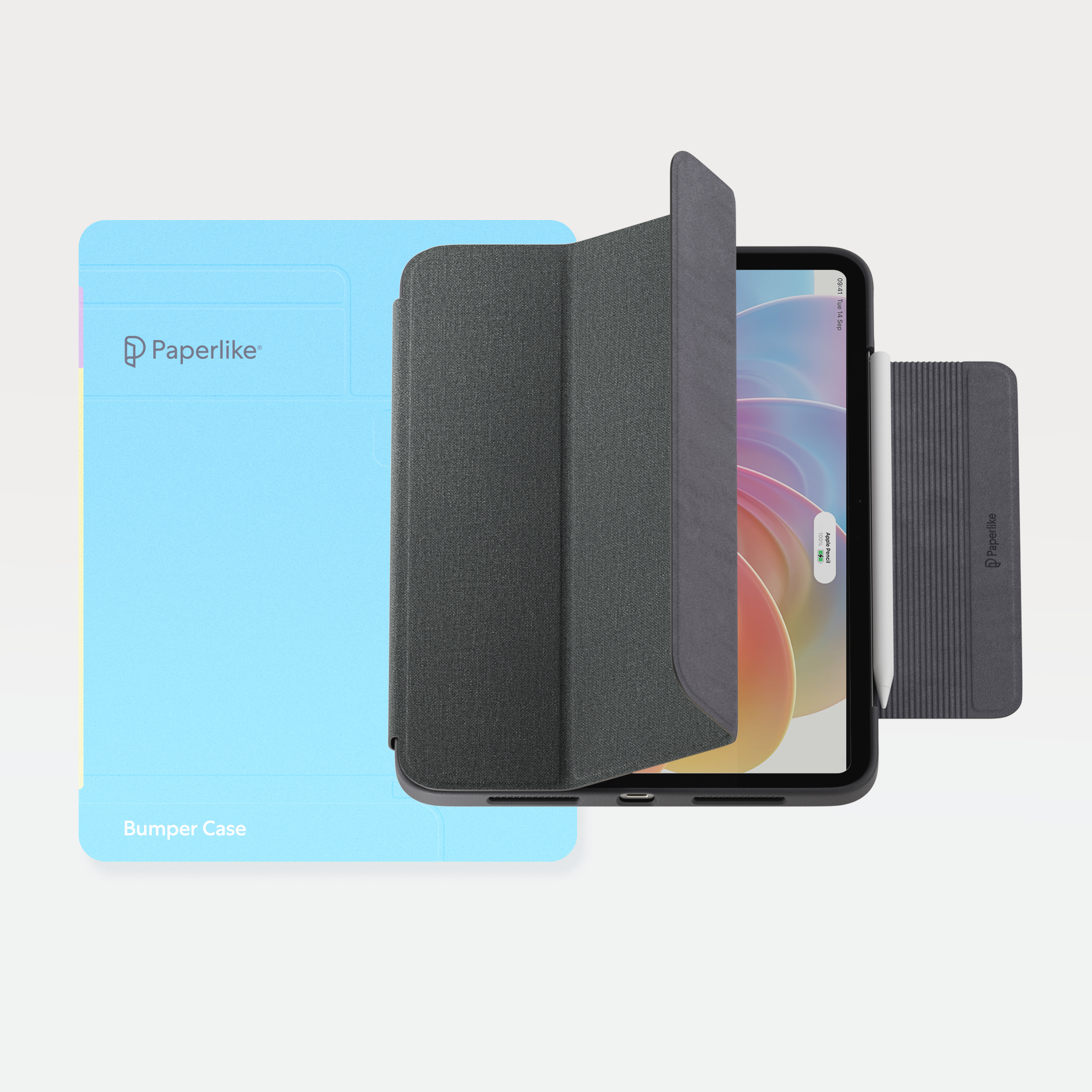
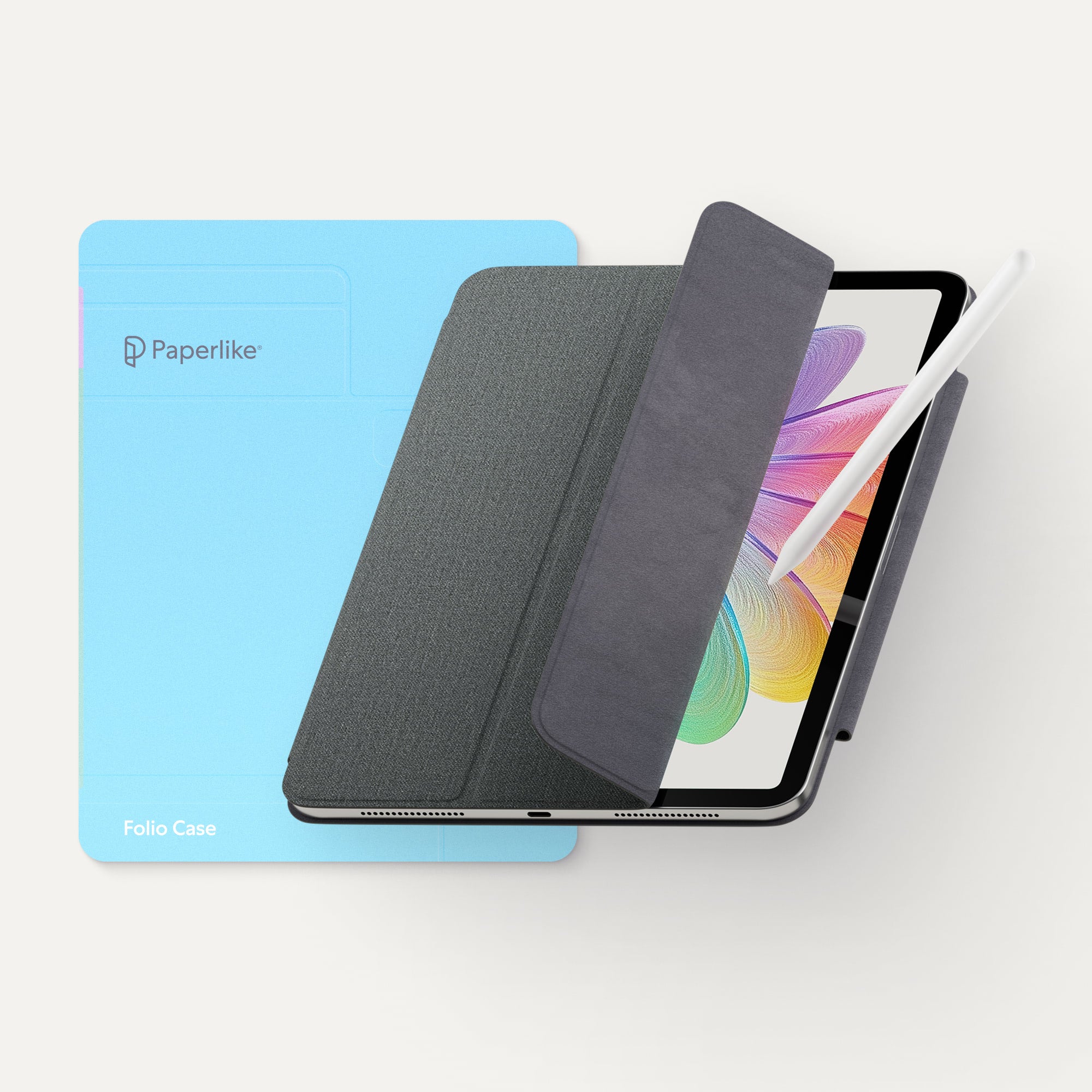
iPads are expensive. A case is one of the best ways to protect them from accidental falls, scuffs, and damage. Paperlike has two case options: the Folio case and the Bumper case.
The Folio case protects the iPad and has a secure flap to hold an Apple Pencil in place. There are also multiple viewing angles for watching videos and working. Think they want something with a bit more durability? The Bumper case offers robust 360-degree protection and quality design. It also has a large flap to keep an Apple Pencil secure.

Logitech Studio Series Desk Mat
| Feature | Details |
| Price | From $22.99 |
| What is it? | An anti-slip, spill-resistant desk mat in a variety of colors. |
| Who’s it for? | Artists, designers, students, small business owners |
| Where to get it | Logitech |
Mousepads tend to be boring. The Logitech Studio Series Desk Mat is the opposite. It's also ready for anything an artist could throw at it (because thankfully it's spill-resistant). It's also anti-slip, so it won't move around or bunch up. This is the exact desk mat I've used for a few years, and I've loved it.
I like that it adds a pop of my favorite color to my otherwise plain white desk and eliminates the need for a separate mouse pad. You can choose from five different colors to gift whichever best suits the artist in your life.

SanDisk Solid State Drive
| Feature | Details |
| Price | From $159.99 |
| What is it? | A compact and durable solid state drive for fast, reliable file storage. |
| Who’s it for? | iPad digital artists, students, photographers, videographers, designers |
| Where to get it | Best Buy |
As a digital artist, there's nothing more devastating than losing work you spent hours creating. That's why a gift like the SanDisk Solid State Drive will give them peace of mind.
Solid state drives are better for storing files than an external hard drive because they're more secure, offer more storage space, and are more durable. This one is also highly portable and compact, making it easy to travel with without added unnecessary bulk.

Sotion Seat Massager
| Feature | Details |
| Price | $80 |
| What is it? | A seat massager with multiple vibration seatings and a heat option. |
| Who’s it for? | iPad digital artists, small business owners, designers, editors, students |
| Where to get it | Amazon |
Sitting a lot comes with the territory of being a modern creative. For me, that usually means being hunched over my iPad for hours on end. But I know we need to take better care of our bodies and stay comfortable while we work. Instead of buying the artist in your life an expensive chair, consider this chair accessory instead.
The Sotion Seat Massager turns any chair into a massage chair, and it's as wonderful as it sounds. With 10 different vibration settings, it can relieve stress and loosen tight muscles. It even has a heat seating for added relaxation! I've had mine for years, and it's one of the best gifts I've received.

Cable Management Kit
| Feature | Details |
| Price | $18.99 |
| What is it? | A cable management system for organizing wires and decluttering desk setups. |
| Who’s it for? | Artists, designers, small business owners, editors |
| Where to get it | Minimal Desk Setups |
Creating digital art can quickly lead to an accumulation of wires. If you've ever seen an artist's work-from-home setup and watched them get tangled in the mess they created, this kit is a simple way to make a huge difference in their daily lives.
This Cable Management Kit comes with cable ties and mounts, adhesive cable channels, and holders. They're easy to install, and once in place, it'll be like the cables disappeared!

Logitech Pebble Keys 2 K380 Wireless Keyboard
| Feature | Details |
| Price | $39.99 |
| What is it? | A lightweight wireless keyboard that can connect to up to three devices. |
| Who’s it for? | Artists, designers, small business owners, students |
| Where to get it | Logitech |
As a digital artist and freelancer, I primarily use my iPad for drawing. But one of the iPad's best features is its versatility. This lets me pair it seamlessly with a wireless keyboard like the Logitech K380. This is one of my favorite keyboards because it’s lightweight, has a long battery life, and can pair up to three other devices.
It’s a great option for artists or students who also like to use their iPad for typing or as a mobile alternative to their desktop setup. I also like that you can keep the iPad in its case and not worry about snapping on a separate keyboard folio to add extra functionality.

Brick
| Feature | Details |
| Price | $59 |
| What is it? | A small device that blocks distracting phone apps. |
| Who’s it for? | iPad digital artists, designers, small business owners, students |
| Where to get it | Brick |
Do you know someone who is trying to reduce their screen time? Get them this Brick to help them hold themselves accountable. So how does it work? It's a device they can program to block certain apps on their phones, reducing their overall screen time and distractions.
They can tap it to block the apps, and tap it again to unblock them. Ideally, it'll be left in a different room so that they have to be intentional about their device usage.

Daily Creative Book by Blythe Harris & Mallory May
| Feature | Details |
| Price | $18.95 |
| What is it? | An interactive book designed to help build a creative practice in 5 minutes a day. |
| Who’s it for? | Artists, designers, students |
| Where to get it | Daily Creative |
Digital tools and devices allow artists to be infinitely creative. Oddly enough, they can also feel limiting because we get stuck in a perfection mentality. Digital art can make it hard to remember how to use our hands and traditional tools.
The Daily Creative Book by Blythe Harris & Mallory May is a creativity guide that helps artists, or anyone, be creative without being stuck in their own minds. With just five minutes a day, artists can build their creativity and tap into their natural curiosity and playful spirit.

Paperlike Pencil Tips
| Feature | Details |
| Price | $19.99 |
| What is it? | A set of four extra durable pencil tips for added stylus control. |
| Who’s it for? | iPad digital artists and note-takers |
| Where to get it | Paperlike |
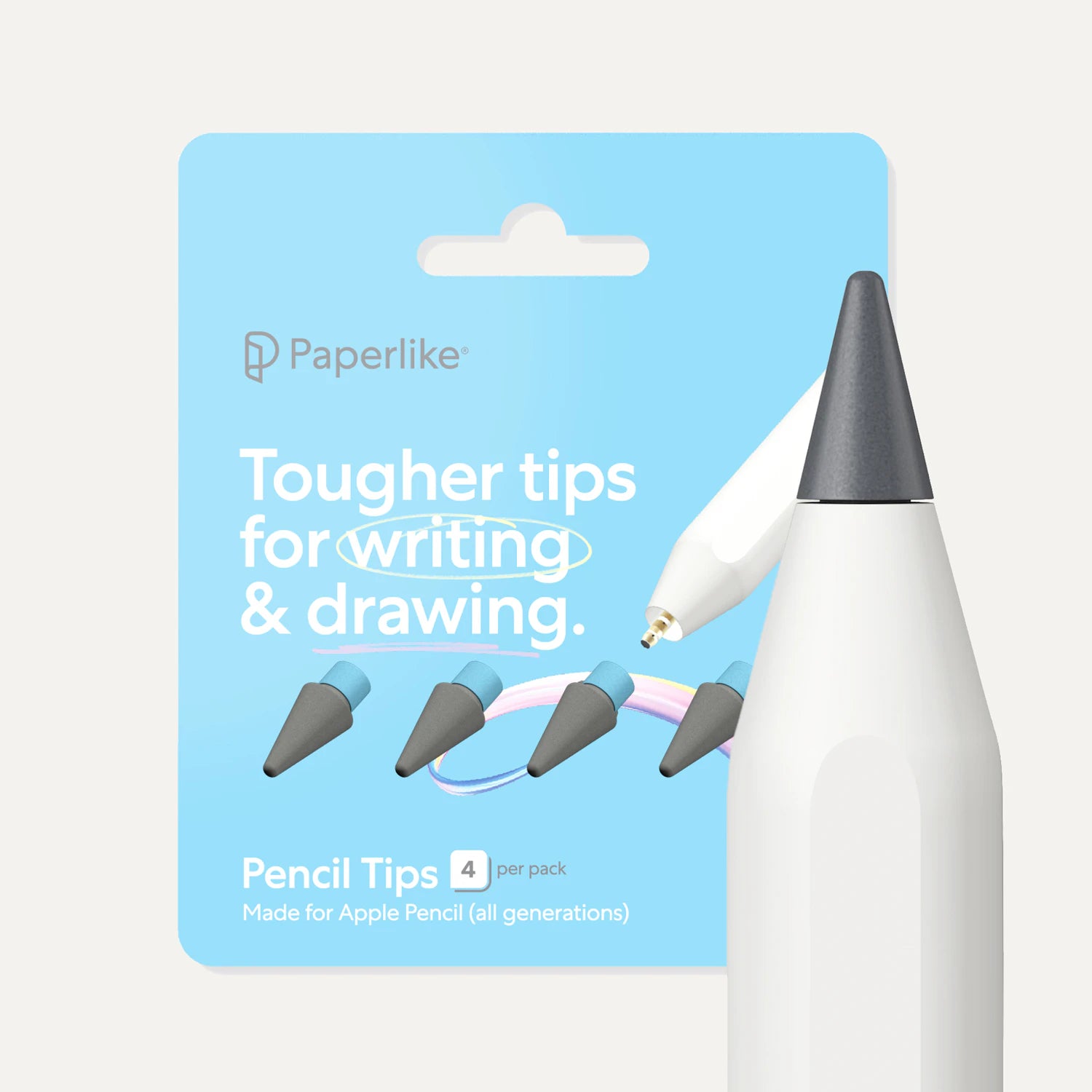
Apple Pencil tips are easy to unscrew and replace. When was the last time the artist in your life changed theirs out? These Paperlike Pencil Tips give digital artists more than a spare set of four tips to switch to. They're designed to provide maximum control and satisfying feedback.
When used with the Paperlike Screen Protector, they'll give them even more friction and feedback to improve their drawing strokes. Built for extra durability, they'll last up to 10x longer than standard Apple Pencil tips. Don't know which Apple Pencil they use? These tips are compatible with all generations.

The Graphic Artists Guild Handbook: Pricing & Ethical Guidelines, 17th Edition
| Feature | Details |
| Price | $55 |
| What is it? | A book with real-world pricing guidance, advice, and more across creative disciplines. |
| Who’s it for? | Artists, designers, small business owners, freelancers |
| Where to get it | Graphic Artists Guild |
If you know someone about to embark on a freelance journey with their art, this book will be their guiding light. The Graphic Artists Guild Handbook: Pricing & Ethical Guidelines gives insights into a variety of creative disciplines.
And as the landscape is ever-changing, artists who are worried about AI or confused about NFTs will begin to find the answers to their questions in this book. It has helped me immensely in building my own sustainable art practice.
Wrap up
This isn't an exhaustive list, but I hope it sets you up for success. With a mix of books, accessories, and a bit of play, you can be sure to find something special for the digital artist in your life.
That person may even be yourself!
Either way, you'll be ready to jump into the new year with a gift you know will be a hit. And Paperlike Screen Protector is the perfect gift to upgrade any iPad setup. It adds just the right level of resistance so you'll get precise control over your strokes. Start the year with a more comfortable iPad setup that lets you focus on your creativity.