



My tasks have a talent for multiplying and a second talent for acting like they’re all equally urgent. It’s actually kind of impressive.
Unfortunately, it stalls my productivity because when everything looks important, I don’t know where to start. Instead, I’ll scan the list, reread the same few items, maybe reshuffle something, and somehow end up doing none of it.
So I decided to try the Must, Should, Want method to see if a little sorting would help.
About Must, Should, Want
The Must, Should, Want method is exactly what it sounds like. You take your to-do list and split it into three parts.
Musts are your true non-negotiables. These include things with deadlines, commitments, and anything that would cause a real problem tomorrow if it’s not done.
Shoulds are important, useful, and responsible tasks. They make things better, smoother, or easier, but they aren’t an immediate concern.
Wants are things you actually want to do. Creative work. Personal projects. Nice-to-haves that tend to get pushed aside when the day fills up.
What makes this method work is the constraint. You’re not supposed to load up the Must list. Just like the Eisenhower Matrix or the 1-3-5 Rule, you’ll categorize and limit your tasks to give yourself a clear picture of what to do next.
The concept: Use three simple buckets to separate true non-negotiables from everything else, instead of treating your entire list like an emergency.
The goal: Make it easier to decide what to work on without overthinking it or carrying guilt about everything you didn’t get to today.

When all tasks feel like a “must”
When I decided to try this method, I wasn’t drowning in work. I was drowning in options.
My to-do lists were long, but I could (mostly) handle them. The problem was that every task felt like it deserved immediate attention. Things like answering emails, writing blog posts, planning tasks, admin work, personal errands, and creative writing were piling up, and I wanted to do them all.
I spent too much energy deciding what to do next and second-guessing those decisions once I made them.
What was I aiming for? A way to look at my list and know what to start, without reevaluating after every task.
I didn’t want a stricter schedule. I just wanted the priorities to feel obvious.
So I committed to using Must, Should, Want daily for a few weeks and used it as a simple check before I started working.

How to use the Must, Should, Want system
I started each day the same way. I wrote out everything I thought I might need or want to work on, then sorted those tasks into three lists.
The Must list was the hardest. At first, I wanted to put almost everything there. Writing deadlines. Emails and Slack messages. Prep work that technically could wait. But once I asked myself what would actually happen if a task didn’t get done that day, most of them lost their Must status.
On a typical day, my Must list ended up with only one or two items. Three at most. For example: Finish a blog draft, submit edits that someone else was waiting on, or handle a time-sensitive personal obligation. If skipping it would cause a real problem tomorrow, it belonged here. If not, it didn’t.
On the other hand, my Should list was, by far, the longest. That’s because everything on it was important to me. It included outlining future blog posts, picking new topics, answering non-urgent messages, and editing. Since they weren’t as time-sensitive, seeing them clearly labeled in the Should column helped lessen the pressure to get them done immediately.
The Want list was completely different. Nothing on it had to be done anytime soon. However, there were plenty of things that I wanted to get done, like working ahead so I could take time off, writing my novel, or doing small cleanup tasks in my digital notebooks. I usually just kept those things in the back of my head somewhere, so it was nice to have them actually on the list.
What surprised me was how I used my task list. I didn’t have to scan the whole thing anymore. I’d just look at the Musts first. If those were done, the day felt successful, and anything else that I managed to do was a bonus.
Some days my energy was low, and I couldn’t bring myself to tackle a Should task. When that happened, choosing a Want task kept my momentum going without forcing it. There were also busy days where only the Musts got done, and that felt okay.
After a couple of weeks, I realized I wasn’t wasting as much time staring at my list and trying to decide what to do next. I’d already made the decisions, so all I had to do was start the next task.
What worked and what didn’t
What worked? The method made my priorities obvious and lowered the pressure I felt when some tasks went unfinished.
- My list felt calmer. Limiting the Must tasks made it easier to get those done quickly.
- Decisions got faster. Knowing what counted as a Must meant I could just work down the list.
- Finishing became easy. When the Must tasks were done, the day actually felt complete. If I got some Should tasks done, all the better.
- Want tasks stopped disappearing. Even though these weren’t super important right away, having them where I could see them kept them top of mind.
But what didn’t? The system only worked when I was honest and consistent.
- It’s easy to overload the Must list. When that happened, the stress crept right back in.
- Want tasks were the first to slip. On busier days, they were easy to ignore unless I made a point to include them.
- Skipping the daily sort made everything blur together. Without that quick check, the categories lost their meaning.
Final thoughts
What I liked most about the Must, Should, Want method is that it doesn’t try to control your time. Your schedule is still flexible, but now you know what to do next.
Some days are for Musts only. Some days leave room for Shoulds and Wants. And instead of constantly feeling behind, you know exactly where you stand.
If you often feel productive but still overwhelmed, this method adds just the right kind of structure.
Not everything needs to be done today. But the right things do.
Frequently Asked Questions
How many tasks should go in the Must list?
A: Usually one to three. If you start adding more than that, the category loses its meaning. The point is to identify what truly can’t wait, so not everything feels important.
What if everything I do feels like a Must task because of deadlines?
A: That’s common, and it’s usually a sign that some tasks need to be broken down further. When you zoom in on what actually has to happen today, the Must list should shrink. Everything else can move to Should.
Can the Must, Should, Want method be used alongside other productivity methods?
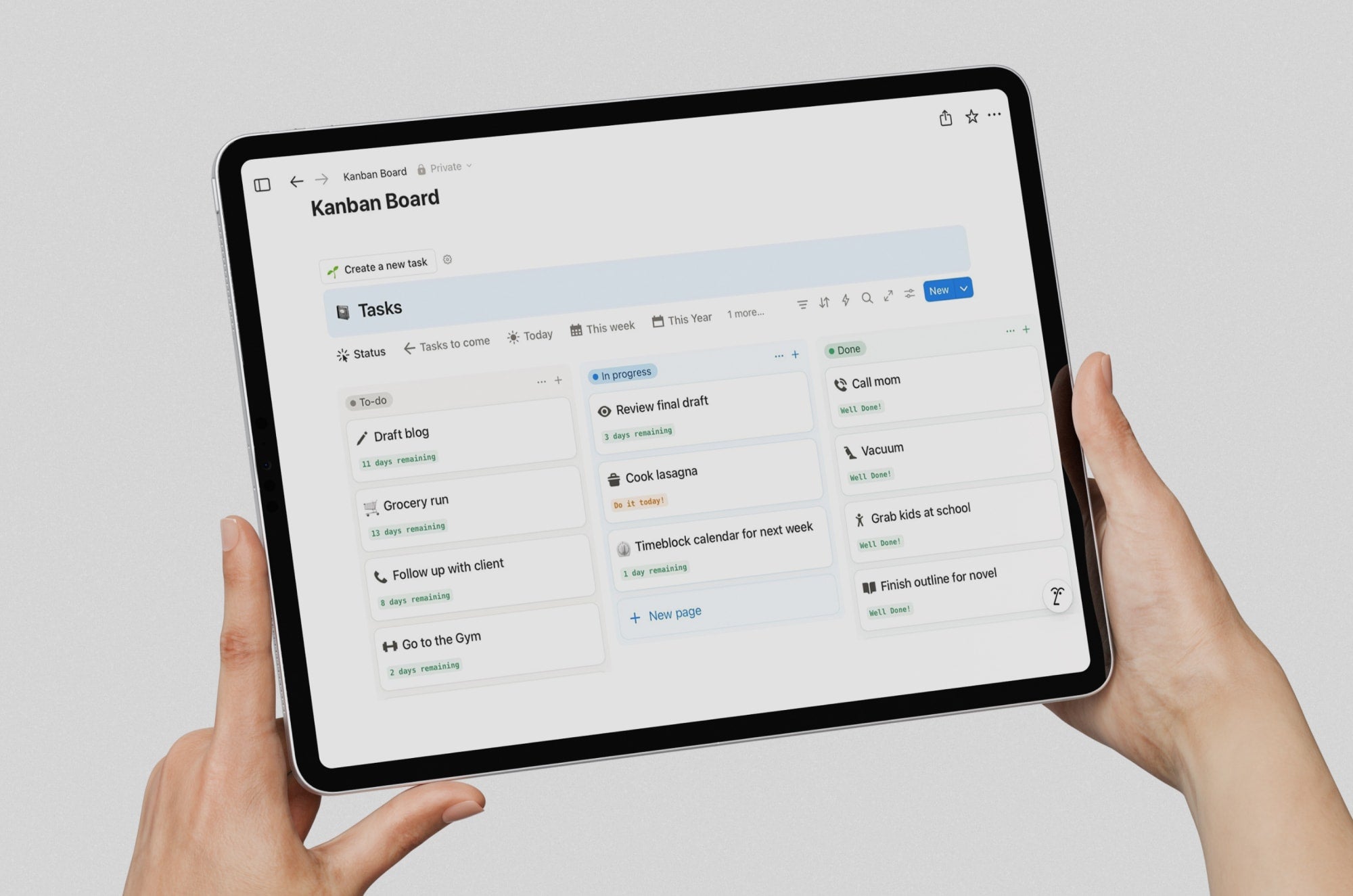
A: Yes, and it probably should. It works best as a filter for your tasks, but keeping on top of them will probably take a different method. Many people pair it with Time Blocking to protect Musts, Kanban to track progress, or the Pomodoro Technique to stay focused. It also fits naturally into Weekly Reviews and works well alongside GTD when deciding which next actions actually matter today.
Can I use the Must, Should, Want method in a digital planner or notetaking app?
A: Yes. A simple three-section daily page works well in most digital planners or notetaking apps. Many people just duplicate the same layout/template each day to make it easy.
What tools make this method easier to stick with?
A: Anything you’ll actually use consistently. A simple digital planner, a notetaking app you already rely on, or even a single reusable page works well. If you’re writing on an iPad, a Paperlike™ Screen Protector can help you stay in the flow longer with its analog paper-feel texture.
Read next
 Lindsay Armstrong
 Lindsay Armstrong
