



| What is the Pomodoro Technique? |
| The Pomodoro Technique is a productivity method that has you break your work sessions into 25-minute intervals with five-minute breaks in between. |
I’m a chronic procrastinator. Even when I’m writing a blog, I tend to take multiple breaks to scroll on my phone or get a drink. Whatever I can do to not work.
A lot of my coworkers swear by the Pomodoro Technique, so I thought I’d give it a try. The idea is pretty simple, making it an easy productivity method to pick up and test out.
Here’s how it went and how I’d tweak it if you want to try it yourself.
About the Pomodoro Technique
The Pomodoro Technique is a time management method developed by Francesco Cirillo in the late '80s. Cirillo used a tomato-shaped kitchen timer (pomodoro means tomato in Italian, which is where the name came from) to track his work sessions.
The idea is to set a timer for 25 minutes (one pomodoro) and focus solely on one task. After the timer goes off, you take a short five-minute break to recharge.
After four pomodoros, you take a longer break, around 15-30 minutes.
The theory is that working in these short bursts and giving yourself regular breaks keeps you motivated and helps prevent burnout.
You can learn more about it on the Pomodoro Technique website here.
Slicing through the Pomodoro Technique
The concept behind this technique is pretty simple, so I was excited to get started.
My main goal was to boost my productivity and focus, especially during those long work sessions where I often found myself losing steam halfway through. 🥵
I struggle a lot with procrastination, especially when I’ve got a big project, so I wanted to see if this method could help. I’d hoped that the shorter sessions with a break in between would help keep me from getting distracted.
To start, I made a task list, opened my timer app, set a timer for 25 minutes, and got to work. I just used the built-in one on my phone to test things out, but there are tons of Pomodoro apps out there that you can try, like Focus Keeper - Pomodoro Timer, Forest, Pomodoro - Focus Timer, or Be Focused - Focus Timer.

The first few rounds felt great. I started with small, manageable tasks, like emails and admin work. It was easy to build momentum because the short time blocks made it feel like I was racing the clock in a fun way. And when each session was done, it was very satisfying to check things off the list.
After that, I moved on to deeper tasks like writing and editing. That’s where things got trickier. I’d be halfway into a thought when the timer would go off, and I’d have to decide: take the break or push through?
At first, I tried to follow the rules and break after every session. But sometimes, those breaks pulled me out of a groove I didn’t want to leave. Other times, I was grateful for the reminder to step away, even just to refill my coffee or stretch a little.
By the end of the first few days, I started noticing a pattern. Some types of work (like brainstorming or editing) didn’t fit as well into neat little 25-minute blocks. So, I started adjusting.
For more complex work, I stretched my Pomodoros to 30 or even 45 minutes. I also gave myself permission to skip or lengthen breaks when it made sense. That made a real difference for me.
I also got serious about reducing my distractions. I have a bad habit of picking up my phone after writing a few paragraphs or finishing a big section, and next thing you know, it’s been 30 minutes, and I’ve done nothing but scroll.
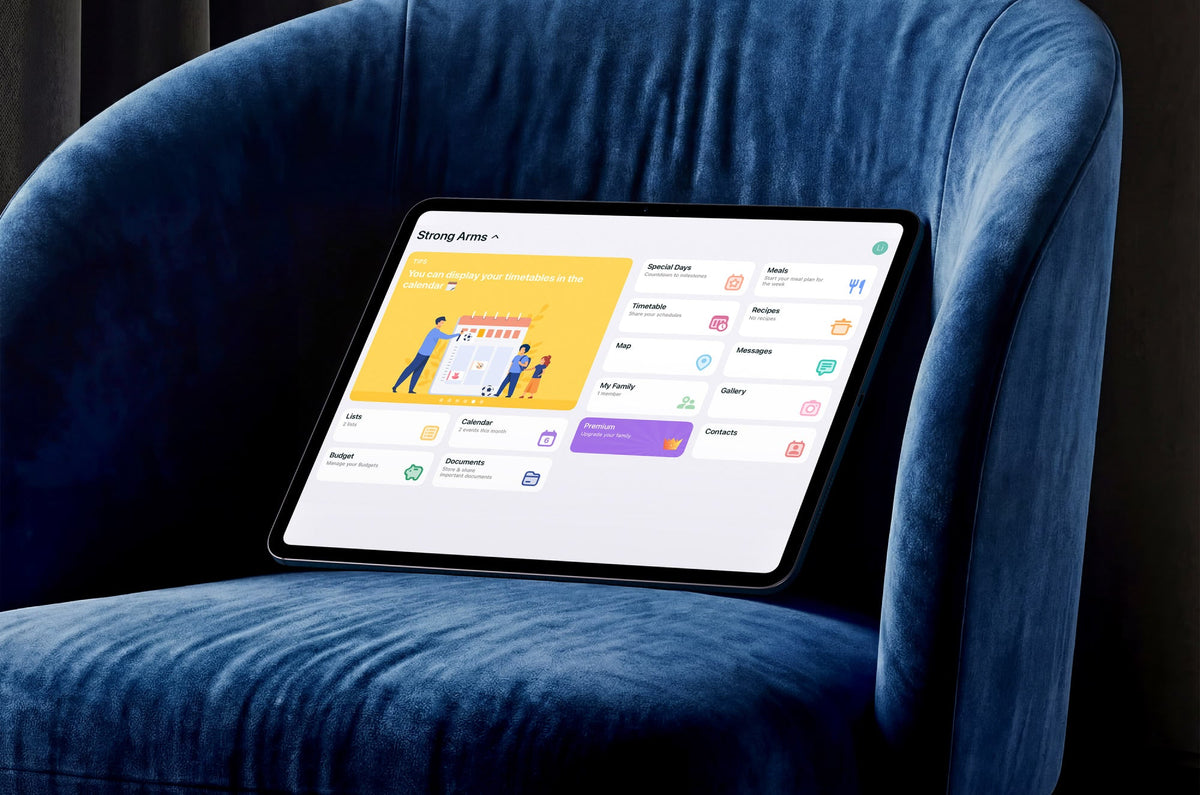
The solution was to turn on Focus Mode. That’s the easy fix, but I went even further and set up my iPad as a focused workstation, too. Although I do most of my writing on my desktop, I usually grab my iPad for a lot of little tasks, so setting it up for work was a big improvement.
One day, I decided to see if I could get the first draft of a 3,000-word how-to guide done in a day. That should be totally doable if I didn’t let myself get distracted. Typically, it would take two to three days, though that wasn’t always due to distractions. (I’m a freelancer, so I make my own hours and have other commitments I need to schedule in, as well.)
Using everything I’d learned while testing out the method, I easily finished the task. Since I’d already done the research and outlined the blog ahead of time, all I had to worry about was writing it, and I managed to finish it in three hours (or six pomodoros, plus breaks). That’s pretty impressive.

What worked and what didn’t
What worked? The Pomodoro Technique gave me a solid framework to build on.
- I got quick wins. The short 25-minute sprints helped me stop overthinking and just start.
- I stayed energized. The regular breaks gave my brain just enough time to reset before jumping into the next round.
- I felt accomplished. Even when I didn’t finish everything, I could see tangible progress in smaller chunks.
But what didn’t work? Pomodoro needed some adjusting before it worked for me.
- Some tasks needed more time. For bigger or more creative projects, 25 minutes felt too short to get into a good flow.
- Distractions were still a problem. My phone, inbox, and all the usual culprits were hard to ignore. (Thank you to Focus Mode for saving me.)
- It felt rigid. When I was really in the zone, stopping because a timer went off felt counterproductive.
Final thoughts
I’ll definitely continue using the Pomodoro Technique, especially when I have big projects that need to be broken down into more manageable chunks. I appreciated the breaks more than I thought I would, and having a timer set to go back to work kept me from letting those breaks take over my time.
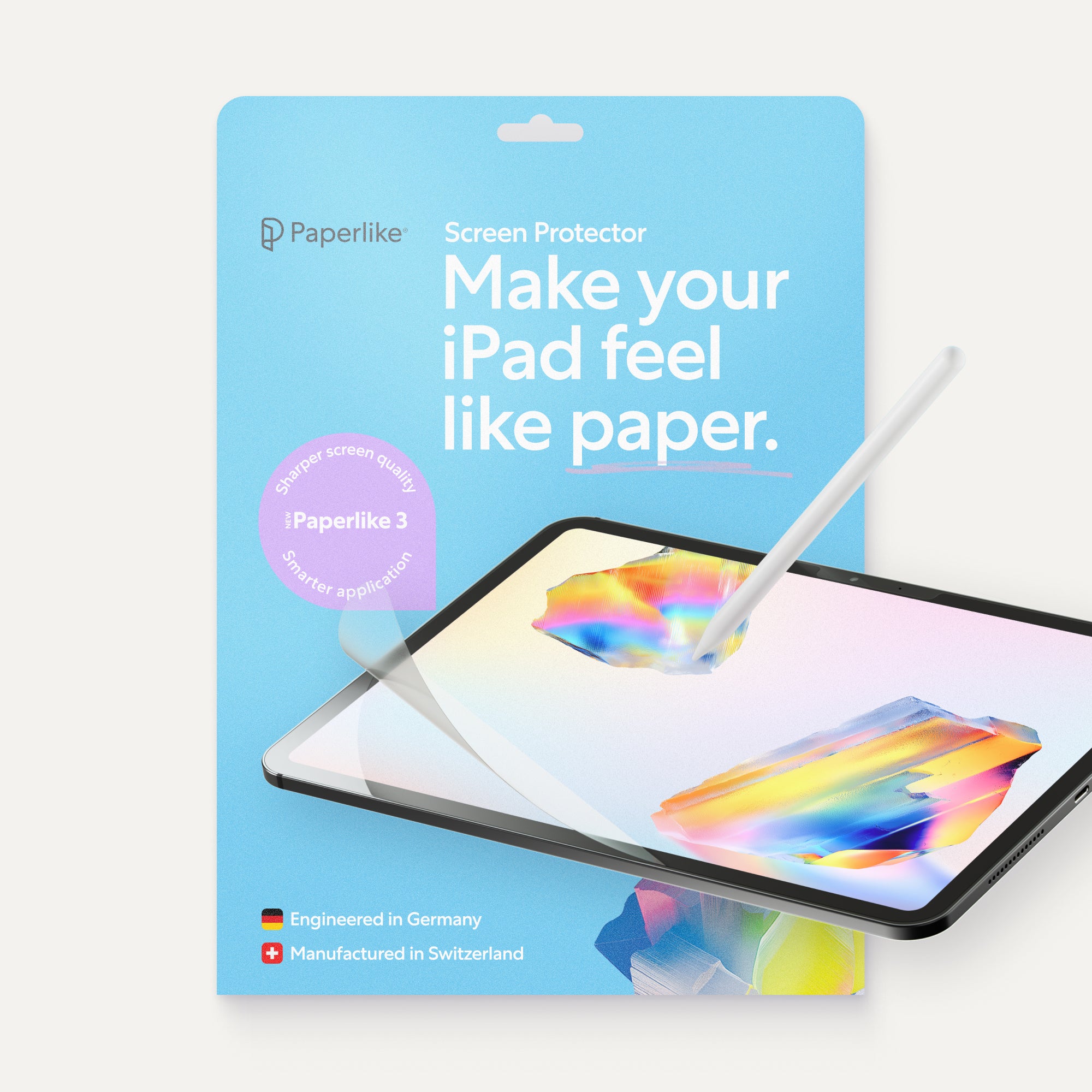
Want to make your focus sessions even more effective? Paperlike’s Screen Protector adds just the right amount of friction to your iPad, so writing, planning, or sketching during your Pomodoro blocks feels natural, like pen on paper. Paired with our iPad accessories, you’ll be getting more done in no time.
Read next
 Lindsay Armstrong

