
The reMarkable is something that has been on my radar for a while now, and the pitch is always the same: it feels like real paper. I had to find out for myself, so I bought one and put it up against my iPad and Apple Pencil setup to see if the hype held up.
It mostly does. First page, first word, it just felt right in a way glass never quite has for me. But a few weeks in, I found myself reaching for the iPad again anyway. The reMarkable does one thing extremely well, but that’s all it does.

What each device does well
reMarkable feels better to write on. That’s not up for debate, and I’m not going to pretend otherwise just to seem fair.
Our founder and CEO, Jan, actually used reMarkable as one of his reference points when he first started designing Paperlike.
[reMarkable] has done a really great job. This was almost 10 years ago, but I even considered getting one and calling it a day and stopping the development of [the original] Paperlike. My need would have been covered with having a digital alternative to taking notes on paper.
CEO and founder of Paperlike
That’s saying something, coming from the guy who ended up building an entire company around making the iPad feel more like paper.
The reMarkable now comes in three versions:
- The Paper Pure ($399) is black and white, has up to three weeks of battery, and is about as close to a blank notebook as a screen gets.
- The Paper Pro ($629) adds color and a bigger 11.8” display.
- The Paper Pro Move ($449) is a smaller, more portable version (about an inch larger than an iPhone Pro).
The core idea for them is the same. It’s an e-ink screen, so it reads like paper in direct sunlight instead of turning into a mirror, and there’s nothing else running on the device competing for your attention. Open it, and you’re just looking at a page.
The iPad does more. It comes in a variety of options ranging from $449 to $1199.
I’ve used the Air and the Pro, and both write okay, but that’s not really their purpose. It has apps, real multitasking, and a screen that you can use for more than just a notebook. Being able to switch from a note-taking app to Procreate to Netflix without picking up another device is what makes it feel less like a gadget and more like the one thing you always have on you.
| Feature | Winner |
| Writing feel | reMarkable |
| Versatility | iPad |
| Battery life | reMarkable |
| App ecosystem | iPad |
| Connectivity | iPad |
| Display (daylight) | reMarkable |
| Portability | reMarkable |
| Distraction-free mode | reMarkable |
| Price (if you already own an iPad) | iPad |

Does reMarkable feel better to write on?
I’d heard such great things about the reMarkable, and it didn’t disappoint. I noticed the difference within thirty seconds of writing my first line.
reMarkable’s screen has texture built into the display itself, so the pen tip catches on the surface the way it does on a piece of paper.
Writing on an iPad’s bare glass is a different experience entirely. When I first got an Apple Pencil, I couldn’t figure out why writing felt so hard. My handwriting was almost illegible (It wasn’t that great on paper, but I could read it). Turns out, glass has zero resistance, so the Pen just slides, moving faster than expected.
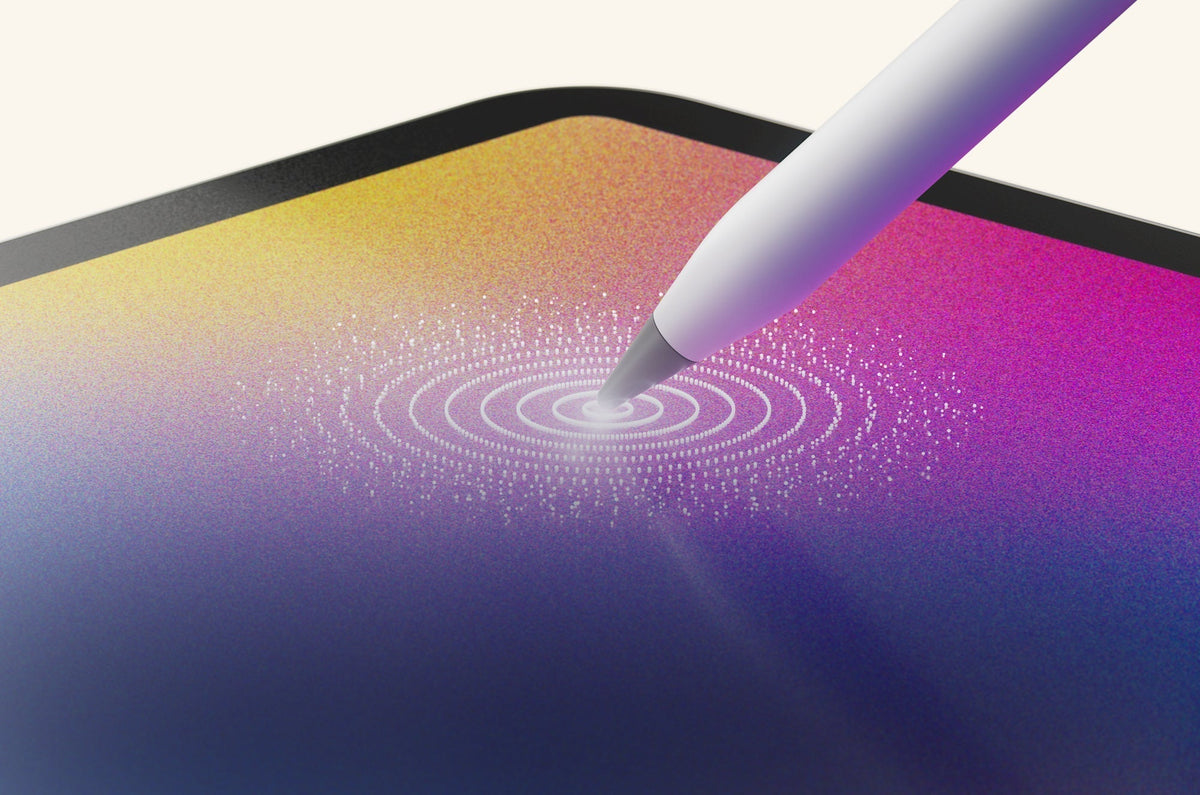
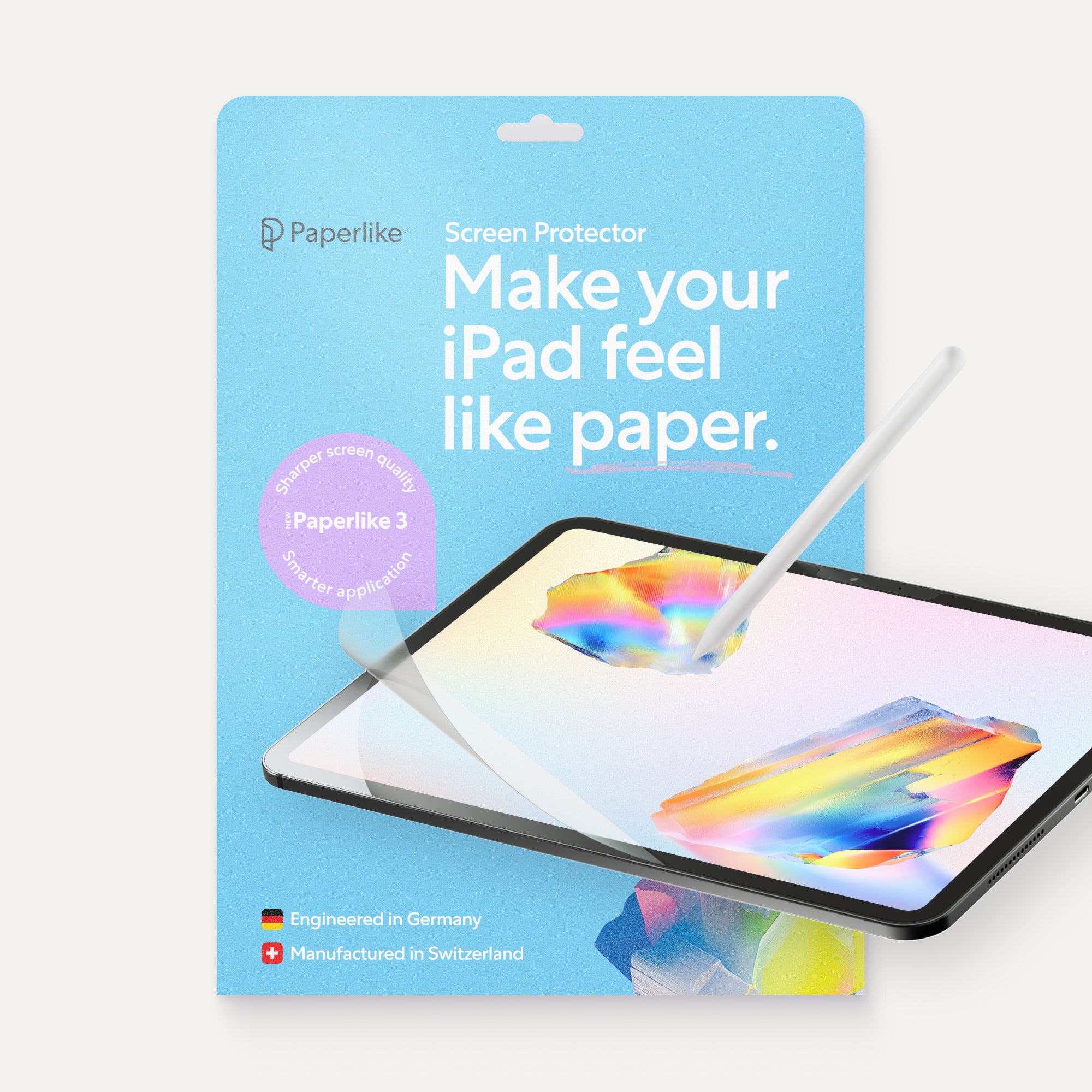
Paperlike™ is what fixed that for me. Its Nanodots™ surface technology gives the Apple Pencil tip resistance, so you get the same slight catch you’d feel dragging a pen across a page instead of across ice. It’s not quite as good as the reMarkable, but it’s pretty darn close.
reMarkable’s e-ink screen stays readable outside, even in full sunlight, though, and no amount of texture on glass changes that. I tested this on a coffee shop patio that turned out to be dead center in the sun. By the time I noticed the ice had melted in my iced coffee, I’d also noticed I couldn’t read my iPad without tilting it and my head into weird positions. The reMarkable, on the other hand, was easy to see.
There’s also the battery life. reMarkable’s battery keeps going for weeks, not hours, which is a huge bonus when you’re relying on it all day. Jan keeps one specifically for trade fairs, where a full day of meetings would drain an iPad by lunch.
I know the battery will last the whole day, and you don’t have the distractions or notifications popping up, so it’s great for focused meetings.
CEO and founder of Paperlike
But there’s a reason Jan didn’t stop once he discovered reMarkable.

What you can’t do on a reMarkable
I get why the writing feel alone is tempting enough to just buy the thing. But everything the reMarkable does well (the feel, battery, glare-free screen) is really in service of one job.
My iPad is also my second monitor, my in-bed Netflix streamer, the thing I hand my kid when I need ten quiet minutes (I’m not a terrible mom, I swear), and the device I use for video calls.
My reMarkable doesn't do any of that, and it’s not supposed to. It’s a writing surface. Ask it to be anything else, and you’ll be disappointed.
My iPad is my day-to-day carry device. It gives me all the benefits of having a computer experience. I really need to do more on the tablet, which is why I continued to develop Paperlike.
CEO and founder of Paperlike
Jan uses his iPad with factory partners in China, where he and the engineers don’t share a language. He runs a translator app, but a lot of real communication happens through sketching. While you can draw on a reMarkable, it can’t run a translator app.
None of that’s a dealbreaker for me, but that’s because I already own an iPad. My reMarkable just sits next to it, one more thing to charge and remember I own, doing one job my iPad could mostly do anyway. But hey, at least I can focus when I’m writing.
If you don’t have an iPad yet and you’re trying to decide which to buy, that changes the math completely. A reMarkable can’t be your everything device, so if that’s what you’re after, it’s the wrong pick.

The setup most comparisons ignore
The cost is really the determining factor. If you don’t own either a reMarkable or an iPad, you’re looking at a significant investment either way.
In that case, you’d need to decide what’s more important to you:
- A dedicated, distraction-free writing tablet that makes it feel as if you’re writing on paper.
- A tablet that includes writing/note-taking (albeit without the paper feel), but can do so much more.
If you already own an iPad, the comparison isn’t really reMarkable vs. iPad. It’s: do you want to spend $49.99 to add a Paperlike to a device you already own vs. buying a $400+ new device? Paperlike doesn’t compete with the reMarkable hardware. It’s just a screen protector. What it does is make the writing on your iPad feel close to the way a reMarkable feels.
If you really want the best setup, I’d go with an iPad, an Apple Pencil, and the Paperlike Screen Protector.
And I know what you’re thinking: “You work for Paperlike, so of course you’re going to say that.” But I’m telling you that it’s true.
The writing feel on the reMarkable is better, sure. No argument here. But using the iPad with a Paperlike is close enough that I stopped noticing the difference within a few days, and it comes with everything else my iPad already does.
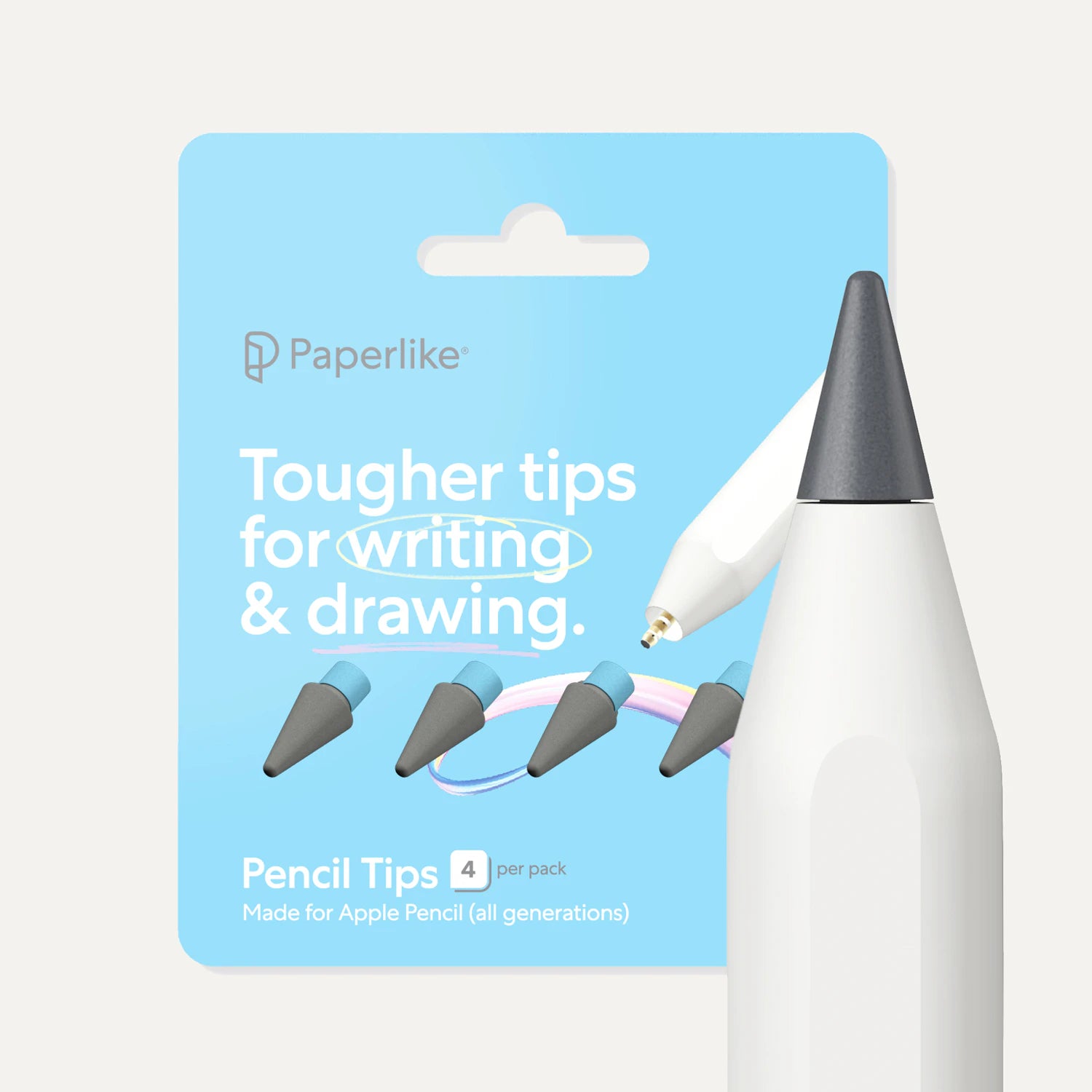
One setup note if you decide to go this route: get the actual Apple Pencil, not a third-party stylus. The pressure sensitivity is doing half the work alongside the Paperlike’s texture, and cheaper pencils may not have it. Keep a spare tip or two around, too, since that texture will wear them down over time.
What you’re not getting with this setup is e-ink. You’re still charging daily instead of every few weeks, and you’re still fighting glare in direct sunlight. Those don’t bother me, given the convenience of having all my day-to-day tools in one place.

Who should buy reMarkable?
If most of your writing happens outside, in direct sunlight, reMarkable is the right call. There’s no getting around it. E-ink can’t be replicated on glass, even with a screen protector.
The same goes if your goal is to remove distractions entirely. If you’ve tried to stay focused with focus modes and it hasn’t worked, a device that physically can’t run them will.
You should also get the reMarkable if you need the battery to last for weeks. Whether that’s because you just suck at charging your devices or because you spend a lot of hours writing outside of your home, the reMarkable can handle it. An iPad (even the latest, most expensive models) will need to be plugged in after half a day.
I’d skip it if you need a tablet with versatility. The iPad just does more. The note-taking (with a Paperlike) feels pretty close to a reMarkable, but you can use it for so many other things.
Frequently Asked Questions
Is reMarkable worth it if you already have an iPad?
A: Only if writing outdoors is a regular thing for you, or feel matters more than anything else. Otherwise, try a Paperlike first.
Does Paperlike make the iPad feel like a reMarkable?
A: Close, but not identical. reMarkable’s texture is built into the display itself, while Paperlike is a layer added on top, so reMarkable still wins on pure feel. But Paperlike is so close that the difference felt negligible to me.
Is a reMarkable or an iPad better for students?
A: For most students, the iPad wins, mainly because of everything else it does. Note-taking apps, PDFs for class readings, email, research, and entertainment, all in one device. A reMarkable can work if the goal is a distraction-free device for lectures specifically, but most students need one device that does everything, not a second one that only writes.
Can you use apps on a reMarkable?
A: No. That’s the whole design. It runs its own software for writing, reading, and PDF annotation, and that’s it. If you need apps or a browser, you need the iPad.
Is reMarkable Paper Pro worth the upgrade?
A: If color, speed, and a bigger screen matter to you, it’s worth it. If you just want the classic writing experience, Paper Pure is the better value.
Read next
 Lindsay Armstrong