


Most of my digital note-taking problems weren’t really about note-taking (I have plenty of years of experience with that). They were about staring at a blank page with no lines and no idea where to put anything.
That’s what a good template fixes. It gives your notes some built-in organization before you’ve even started, and once you’ve decided on a layout, you can focus on your note-taking technique instead of where to put your notes.
I searched the web to find the best note-taking templates out there, from tried-and-true Cornell layouts to some newer options I hadn’t seen before.
Here’s what I found, plus some tips on how to use them in your favorite note-taking apps.
Before you start: Check your app for templates
Before you download anything, it’s worth poking around in your preferred note-taking app’s own templates first.
If you're using Notability, Goodnotes, or Noteshelf (our top picks for high school and college students), you already have some paper options available.
All three of these apps have their own gallery or marketplace where you can grab some new paper packs (most of them are freebies, but Goodnotes might tempt you with a few paid options), but finding the exact template you need can be a bit like searching for a needle in a haystack.
Here’s a round-up of PDF template packs from across the web, so you can snag what you need with ease.
| Quick note: |
| We're jumping straight into the templates. But if you're new to the whole note-taking template scene or you need more options than what we've got here, you can skip down to our how-to section. |

01. Cornell Note Templates
- Price: $1.49.
- Download: Cornell Note Templates.
- Highlights: 48 pages across single- and double-page Cornell layouts, with lined, dotted, and grid options, plus header-free versions if you don’t need the labels.
I have a soft spot for the Cornell Method. It's the one system from an actual study skills class that stuck with me past the semester I learned it in (everything else from that class is long gone, sorry to whoever taught it).
The idea is simple enough: condense your notes into something you can study from later, instead of a wall of text you have to re-read from scratch every time. Walter Pauk built the method decades ago at Cornell University, and it's held up this long because it forces you to process what you're hearing instead of just transcribing it.
What sold me on this particular pack is that it doesn't lock you into one paper style to get that structure. You're looking at 48 pages across single- and double-page layouts, in lined, dotted, and grid. Grid for anything with numbers, lined for essay-heavy classes, same Cornell format either way.
I used to just default to lined paper for everything and then get annoyed trying to sketch a quick diagram in the margin. Having a grid built into the same format instead of a separate download fixed that.
The header-free layouts are the other detail worth mentioning. Most Cornell templates assume you want the labels for each section, but they’re really not necessary if you know what you’re doing.
Why use it
If you already like the Cornell Method but feel boxed in by a specific paper style, this is the pack that lets you keep the format and ditch the constraint. You get the structure without giving up your preference on lined versus dotted versus grid.

02. Student Note Taking Template Pack
- Price: $6.59.
- Download: Student Note Taking Template Pack.
- Highlights: 50+ layout variations, including lined, dotted, grid, Cornell, and dedicated lecture pages built for maximum space without losing structure.
This pack is like a Swiss Army knife for note-taking. Lined papers in both single- and two-column formats, dotted and grid options with enough spacing to think, and a handful of Cornell layouts if you want that format without buying a separate pack for it.
Most lined or gridded templates assume you're taking slow, deliberate notes, sitting there thinking through each sentence before you write it. Lectures don't work that way. Professors don't pause so you can catch up, and I've absolutely lost whole minutes just trying to finish writing down the last point.
These lecture pages are built for speed without losing structure, which is a harder balance than it sounds. They come in the same squared, lined, and gridded variety as the rest of the set, so you're not giving up your usual paper style just because one class needs something faster.
The rest of the pack covers boxing, charting, bullet points, and pretty much every other note style you'd want to try. I found two or three go-tos and mostly ignore the rest. But it's nice knowing the rest is there if a weird class comes along that needs something different.
Why use it
This is the pack to grab if your note-taking needs change depending on the class. Lecture-heavy course one semester, reading-heavy the next? You don’t need a new template pack. You’ve already got what you need.

03. Mind Map Printable Templates
- Price: $6.00.
- Download: Mind Map Printable Templates.
- Highlights: Four distinct layouts in both landscape and portrait, ranging from simple branching structures to more detailed, multi-level maps.
Mind maps are what I come back to when a subject stops making sense as a straight list. History was always the worst offender for me, because everything connects to everything else, and a lined page fights you the whole way, trying to force cause and effect into neat rows.
That's really the whole appeal of the method. You build a web of connections instead of a list, breaking complex ideas into smaller pieces while still seeing how they relate to each other.
This pack gives you four layouts to match how deep you need to go. The simpler ones are good for a rough brain dump, something like a loose idea before you've fully thought it through (I use one of these almost every time I'm stuck on how to start an essay). The detailed, multi-level ones hold up when there's genuinely a lot to connect, like themes across an entire novel, or a research paper's structure before you've written a single sentence of it.
I've also used these completely outside of class notes. Planning out a presentation, or just untangling my own thinking on a project that's gotten too complicated to hold in my head. They work anywhere you need to see connections instead of a list, which turned out to be more places than I expected.
Why use it
Worth it if your brain organizes information visually instead of linearly. And even if mind maps aren’t your usual go-to, having a couple of these on hand for brainstorming or planning is worth it on its own.

04. Brainstorming Project Papers
- Price: $1.99.
- Download: Brainstorming Project Papers.
- Highlights: One layout split into five sections (header, lined notes, checklist, dotted notes, and a blank box), available in 15 colors so you can keep projects visually separate.
This one is all about keeping a single project contained on one page. You get a header, a lined section, a checklist, a dotted section, and an empty box, and nobody’s telling you what goes where.
Sometimes I sketch something rough in the blank box. Sometimes I add a reference image. It’s the one spot on the page with zero rules, which is oddly useful when everything else about a project already has a plan.
The checklist section is what pushes this past a basic notes page for me. I’ll use it for a running to-do list for whatever I’m working on, so the notes and the tasks live in the same place instead of scattered across multiple notes or apps.
The lack of structure is a plus in my opinion, but it could be a real downside if you’d rather a template tells you what to do. This one expects you to decide that yourself, every time.
Why use it
The 15 colors mean you can tell three or four projects apart at a glance without reading a single word, and the mix of open space and structure keeps everything for one thing on a single page.

05. Digital Notes Templates
- Price: $4.99.
- Download: Digital Notes Templates.
- Highlights: 65 templates across 30 colors and 4 textures, plus a set of digital stickers you can drop into your notes.
Even your notes deserve a bit of personality, and this pack delivers.
The layout variety is solid on its own. Blank, dotted, grid, lined, Cornell, split-page — all the standards are here, so you’re covered no matter what a class needs. But the textures and 30 color options are what make this one feel different from a plain paper swap.
A math notebook in a flat white grid and a lit notebook in a warm cream, lined page just feel like two separate spaces, even though you’re using the same app for both.
The stickers are the part I didn’t expect to use as much as I do. I’ll drop one next to something I need to circle back to, or just to break up a page that’s turned into a wall of text.
Why use it
Reach for this if your notes currently look like a mess of text, and that’s part of why you dread opening them. The color and texture options make each notebook feel distinct without adding much real effort, and the stickers give you a lightweight way to flag things.

06. Digital Color Note Taking Paper Templates
- Price: $5.50.
- Download: Digital Color Note Taking Paper Templates.
- Highlights: 160 templates built from five or six core layouts, each with small structural variations, across a range of light and dark colors.
This one may not look like much, what with only five or six familiar layouts, but each one comes with enough small variations that turn it into a great option.
Take the two-column page. You can get one with a line straight down the middle, one with blank on both sides, or one with lines on one half and a grid on the other. On paper, that sounds like a minor tweak. In practice, it’s the difference between a page that fits how you actually split up information and one you’re constantly working around.
The light and dark variations round it out. If you’re the type who wants a specific mood depending on the class or time of day you’re taking notes, having that option baked into an already-familiar layout is nice. You’re not hunting for a new template, just a new version of one you already know.
Why use it
This one’s for dialing in a layout you already like, not finding a new one.

07. Complete University Study Planner Bundle
- Price: $9.49.
- Download: Complete University Study Planner Bundle.
- Highlights: 30 templates split across note-taking and separate categories for planning and scheduling, tracking and grades, and exam prep and reflection.
Using the same template for everything doesn’t really work. That’s why this one includes lecture notes, class notes, chapter summaries, and even an essay planner, all built as their own distinct templates, so you’re not stretching one layout to cover five different tasks.
The planning and tracking categories are what make this one worth a look. You’re not just set up to take notes; you’re set up to manage the semester around them: schedules, grades, exam prep, reflection, all built into the same bundle instead of pieced together from separate downloads.
Why use it
Good if you’d rather have a dedicated template for every type of note-taking than one flexible layout doing double duty. It takes the guesswork out of which type of layout to choose for each task, plus it gives you extras that are truly helpful.

08. Editable Meeting Notes Templates
- Price: $5.49.
- Download: Editable Meeting Notes Templates.
- Highlights: Seven layouts built around agendas, action items, and task tracking, made for group work rather than solo notes.
Let’s talk about group projects. Everyone’s favorite. Right up there with a root canal. But being prepared is half the battle, and these templates exist for the exact gap where things usually fall apart: between the meeting and the work actually getting done.
Everyone nods along, agrees on a plan, and somehow nobody remembers who was supposed to do what. The agenda and action plan columns are what make these worth using over a blank page, since you’re recording who owns what, not just what got discussed in the room.
Consider it a bit of insurance, too, against the one groupmate who insists they were never assigned anything.
Why use it
Useful if you’re the one holding a group project together. These help you keep track of task lists and progress, and they’re something the whole group can reference later if questions come up.

09. Lecture Notes Template
- Price: $4.99.
- Download: Lecture Notes Template.
- Highlights: Five Cornell-format layouts (wide-lined, college-ruled, blank, grid, dotted), each with clearly labeled fields for class, speaker, date, and title.
Sure, you’ll have reading assignments and other schoolwork, but let’s be real: most of your note-taking is going to come from lectures. If you already grabbed the Cornell pack from #1, you might not need this one too, since it covers similar ground in the same five formats, just with more of the setup already done for you.
Every layout has the fields already labeled: name, date, class, speaker, title, on top of the standard Cornell sections. You’re not deciding where anything goes. You’re just filling it in and paying attention to the lecture instead of the page layout.
Why use it
This is the one to grab if you want a lecture template that’s ready to go without much setup. It’s less flexible than #1, but faster to start using, so it really comes down to whether you’d rather customize or just start writing.

10. Student Note-Taking Templates & Study Tools
- Price: $6.76.
- Download: Student Notetaking Templates.
- Highlights: 120 note-taking layouts, 16 separate study tool templates, and a set of organizational templates for building your own class notebooks, all in four neutral colors for a grand total of 750 templates.
When you’re a student, you need a bit of everything, and that’s really the whole pitch here. The 120 note variations cover the usual bases (lined, dotted, grid, Cornell) in four neutral colors to keep things looking clean.
The 16 study tool templates are what push this past a basic notes set, though. These are built for the parts of studying that happen after the notes are already taken, for the specialized projects and assignments that don’t fit into a standard note layout.
The organizational templates round it out, giving you a way to build a consistent notebook structure across every class instead of cobbling one together yourself.
Why use it
This one pays off if you want your note-taking and your studying to come from the same set, instead of hunting down separate tools for each. Whatever paper style you prefer, you’ll find it in here, and those extra study templates are a solid bonus.

11. Whole Shop Digital Note Templates with Stickers and Notebook Covers Bundle
- Price: $6.00.
- Download: Whole Shop Digital Note Templates with Stickers and Notebook Covers Bundle.
- Highlights: 12 note layouts in over 3,000 color combinations and two sizes, plus a large set of notebook covers and 1,000+ stickers.
If you’re not sure yet what you want, this is the safest bet on the list. The sheer number of color options means you’re not stuck with whatever palette a designer picked for you, and the notebook covers let you build out a full notebook, one look per class, without repeating yourself.
Some people really love having options, but I found 3,000 colors to be too much to scroll through. I ended up just picking the first decent option instead of comparing them all properly.
The stickers are a nice bonus, and like I said earlier, I use them more than I thought I would. And with 1,000+, you’ll certainly have plenty of options.
Why use it
Best if you want maximum flexibility for your money. Between the colors, the covers, and the stickers, this bundle includes the most templates and extras of anything on this list, which helps you stay on top of your classes without buying anything else.

12. Study Notes Bundle
- Price: $3.75.
- Download: Study Notes Bundle.
- Highlights: Six templates: a plain lined sheet, two Cornell-style layouts, plus an outline, a research paper notes page, and a facts and concepts sheet.
Some days you just don’t need fifty options. This set is for that. It’s small on purpose, and everything in it earns its spot instead of padding out a count.
The boxy structure on most of these is what makes them work. You get enough framework to keep your notes organized without every section being locked down, so there’s still room to take notes the way you think. It’s the right mix of freedom and order, if you don’t need much of either to feel overwhelmed.
Why use it
Good if you get overwhelmed by too many choices, which, if #11 sounded exhausting rather than exciting, that’s probably you. This set is comprehensive enough to cover different note-taking situations without asking you to pick between a dozen near-identical layouts.

13. Student Notes Bundle
- Price: $6.00.
- Download: Student Notes Bundle.
- Highlights: 20 templates: 10 for note-taking and 10 for tracking, all with a blue color accent.
This one was designed by a professor, and it shows. There’s a separate template for notes taken from slides versus a lecture versus a textbook, which is the sort of distinction only someone who’s spent years watching students take notes would bother making. No matter how the information is delivered, there’s a template built for it.
The other half of the set keeps your academic life in check, tracking your class schedule, assignments, tests, and projects. Those extra templates are like having your own personal assistant keeping you on track all school year.
Why use it
It includes specialized templates for taking notes the way you need to for different types of learning.

Specialty templates
We've covered the basics, but there's a whole world of note-taking templates that don’t fit neatly into “lined, dotted, or grid.” Get ready to see some of our favorite picks that are sure to level up your college game.

14. 15 Subject Student Notebook
- Price: $9.00.
- Download: 15 Subject Student Notebook.
- Highlights: 15 subject notebook with 5 chapters each, 25 note paper designs, and hyperlinked navigation, built as a companion for Goodnotes or Notability.
If you're after a sleek, efficient way to organize your digital life, this is a great solution. It's designed specifically as a companion for Goodnotes and Notability, turning your iPad into what's basically your entire note-taking hub in one place.
15 subjects, five chapters each, and 25 uniquely designed note papers give you a mix of real structure and enough variety that it doesn't feel repetitive. You can copy and paste to create unlimited pages, so you're never scrambling for room in a class that runs long, and everything is hyperlinked, so switching between subjects and chapters is instant instead of scrolling through pages hunting for where Biology ends and Chemistry starts.
It’s the closest thing to a full notebook system, and it never leaves your iPad.
Why use it
If you’d rather have one notebook holding everything than five separate ones, this is the set for you. You’ll never lose a notebook or run out of space again, and you can customize the covers and color themes to fit however you like to work.

15. Digital Student Notebook with Tabs
- Price: $4.20.
- Download: Digital Student Notebook.
- Highlights: 200+ notebook covers and tabs, a hyperlinked table of contents, 64 note templates in seven colors, and 1,800+ stickers and widgets.
Unlike #14, this one skips the chapter structure entirely. It’s a do-it-yourself notebook that you can put together however you like. The tabs and covers do the real work here, letting you color-code each class the way you would with paper notebooks or binders, minus the bulk of carrying five of them around campus.
With 1,800-plus digital stickers and widgets thrown in, it’s like a whole stationery store living on your iPad. A handful are functional rather than pure decoration, which is the only reason I’m not calling the count excessive. These notebooks are also fully reusable, so you’ll never need to buy another one again.
Why use it
Best if you miss the tactile organization of paper notebooks and binders but want it digital. Pick your templates, arrange them in whatever order fits your style, and you’ve got a custom notebook that looks as good as it’s organized.

16. Study Guide Template for Textbook Note Taking
- Price: $3.00.
- Download: Study Guide Template.
- Highlights: Dedicated sections for vocabulary, events, people, and visuals, plus a general notes page.
Taking notes from a textbook can feel like trying to drink from a firehose. You end up with way more info than you need, and remembering the key points gets tricky.
This template set forces you to sort information into categories as you read, like vocabulary, events, people, and visuals, instead of highlighting everything indiscriminately. By the time the page is full, you’ve already built your own study guide.
Why use it
Reading-heavy majors will get the most out of this set. Whether you’re working through classic literature or a dense textbook chapter, this helps you zero in on the details you’ll need come test time.

17. Review Notes
- Price: $4.23.
- Download: Review Notes.
- Highlights: One template in six colors, with sections for a main idea, supporting details, and a short summary at the bottom.
Most students end up with way more notes than they need. This template helps you sift through everything to pull out the important parts.
When it's time to review for a test, use this worksheet to find the main idea and map out the key details that support and illustrate it. There’s even a handy section at the bottom where you can add a quick summary of your notes, making it easier to understand and remember the concepts you've learned.
This way, you’ll streamline your studying and focus on what really matters, so you’re studying more effectively.
Why use it
If you tend to take too many notes and dread reviewing them later, this set is for you. Unlike #12’s plain layouts, this one has an actual process built in for turning a big pile of notes into something you can focus on and study from.

18. Math Note Template Set
- Price: $2.99.
- Download: Math Note Templates.
- Highlights: Seven layouts across 112 total pages (different sizes and with/without headings), with space for concepts, explanations, formulas, and practice problems.
Math is its own special beast. No paragraphs of notes here, just a whole lot of equations, examples, and concepts that don’t fit neatly onto lined paper. Most general templates give you either too much space meant for prose or not enough room to show your work.
These are built around that specifically. Each layout sets aside space for the concept, an explanation, the formula used, and example and practice problems, whether you’re working through algebra, calculus, or geometry.
Why use it
Go for this one when your math class is equation-heavy. Sure, you could stick with plain grid paper, but having a layout that expects you to show your work makes the notes useful when you go back to study from them later.

19. Mindful Doodle Note-Taking Templates
- Price: $3.50.
- Download: Mindful Doodle Note-Taking Templates.
- Highlights: Standard note sections alongside space for doodles, sketches, and tracing, 10 unique designs, and a page quote to color.
This is the outlier on the list, on purpose. The core note sections are normal enough with sections for notes, key points, and vocabulary, but the doodle and sketch space is what sets it apart from everything else here.
Drawing something unrelated for two minutes mid-notes turns out to be a decent reset when your attention starts slipping, and each page comes with a fun, inspirational quote to color in while you let your creativity run wild.
It's not for everyone. If a busy page stresses you out more than it helps, this will probably work against you instead of for you.
Why use it
It sounds like a gimmick until you try it. A doodle or two mid-notes is enough to reset your attention without fully losing your train of thought. Using visuals in your notes also helps break up the wall of text, so if you can keep those doodles relevant, that’s even better.

How to use note-taking templates
These all come as PDF files, so there’s zero editing required. Download it, and it’s ready to use.
If you're sticking with pen and paper, just make sure they're printable (most are), print them out, punch some holes, and you're set.
Digital is even easier. Find the file and import it into your preferred note-taking app. Done.
How to import templates into your note-taking app
In theory, this should be a two-tap process on any app. In practice, I learned the hard way that not all of them treat “import” the same way.
I tested this on our three favorite apps: Notability, Goodnotes 6, and Noteshelf. Goodnotes and Noteshelf were exactly as easy as they should be. I imported the PDF file, and both apps understood that I wanted to use the file as a background for the document. When I filled up the sheet and created a new page, the app duplicated a blank PDF, and I continued with no problem.
Notability, on the other hand, made me work for it. While there is a way to import templates in the app, Notability doesn’t just add a new page with that background to your note when you need one. You’ll have to go into the Content Manager, click on the page you want, and then duplicate it.
I love a lot of things about Notability. This is not one of them, and it’s worth knowing before you build your whole system around it.

Where to find template packs
If nothing here is what you were looking for, you’ve got a few more places to look.
In-app stores
Many of the best note-taking apps have their own marketplace or gallery available to browse.
Notability’s Gallery offers thousands of free templates (created by other fabulous users) that you can download into your notes.
Goodnotes has a marketplace full of freebies and premium picks, from stickers to templates, digital notebooks, and more.
Etsy
Etsy is where all the indie creators live and where you’ll fall down a rabbit hole if you’re not careful. Cornell layouts, ultra-specific subject templates, stuff you didn’t know you needed until you saw it. Go in with some idea of what you want, or you’ll end up with twelve tabs open and no closer to picking one.
Google search
Last but not least, the good ol' internet search. You can find anything your heart desires on the internet, and note-taking templates are no exception.
You’ll need to get a little specific with your search terms to find what you need, and you’ll have to jump around to different websites, so it might be easier to just stick with Etsy or the in-app stores. But, you might find a creator that you really like who offers a whole host of other digital goodies (like awesome digital planners or digital stickers) to explore.

How to make your own templates
Feeling ambitious? Build your own.
You can use apps like Photoshop or Canva to design exactly what you need. Once your masterpiece is ready, save it as a PDF and import it into your note-taking app.
Different apps have different ways to add or customize templates, so be sure to check out the support pages for Goodnotes, Notability, or Noteshelf to get the details.

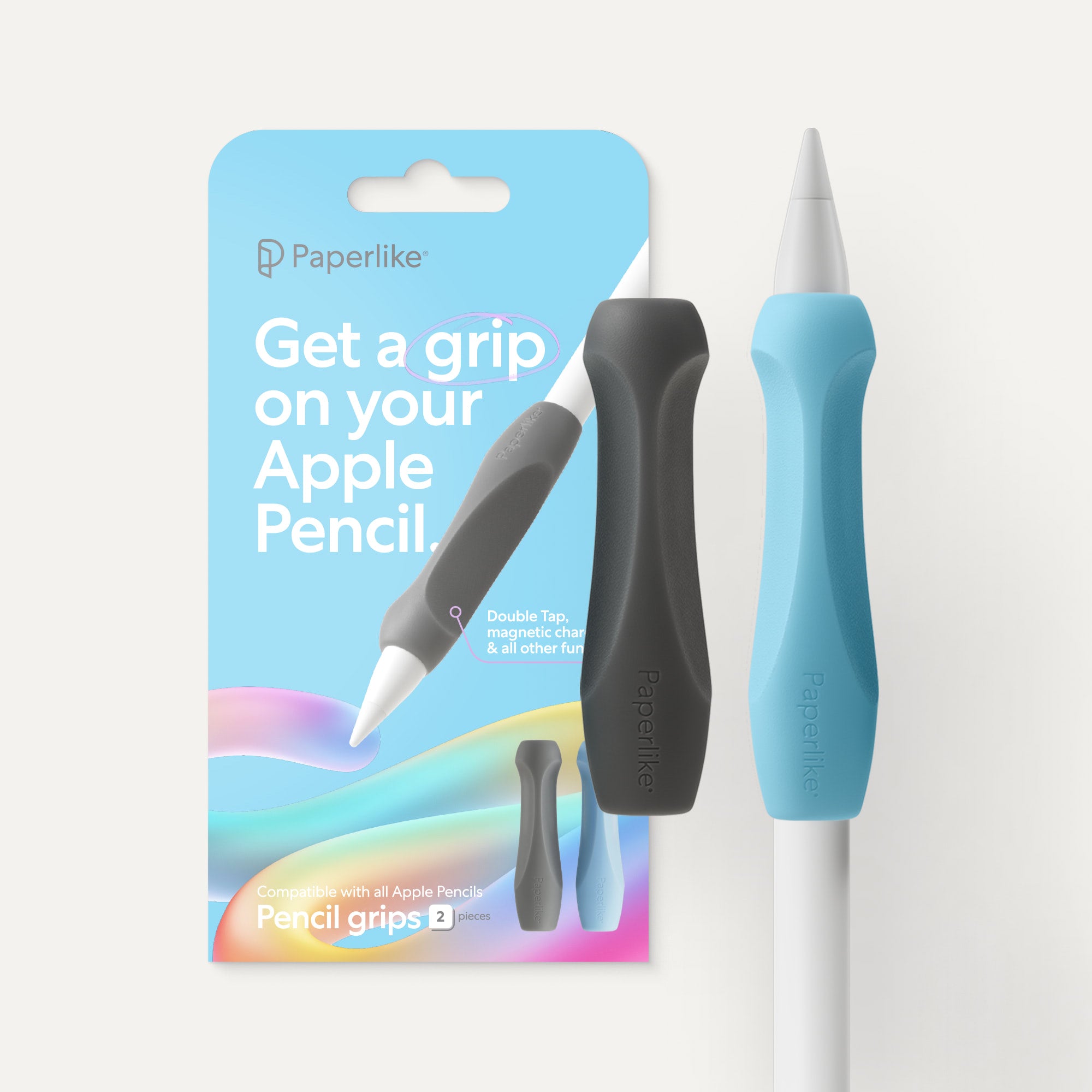
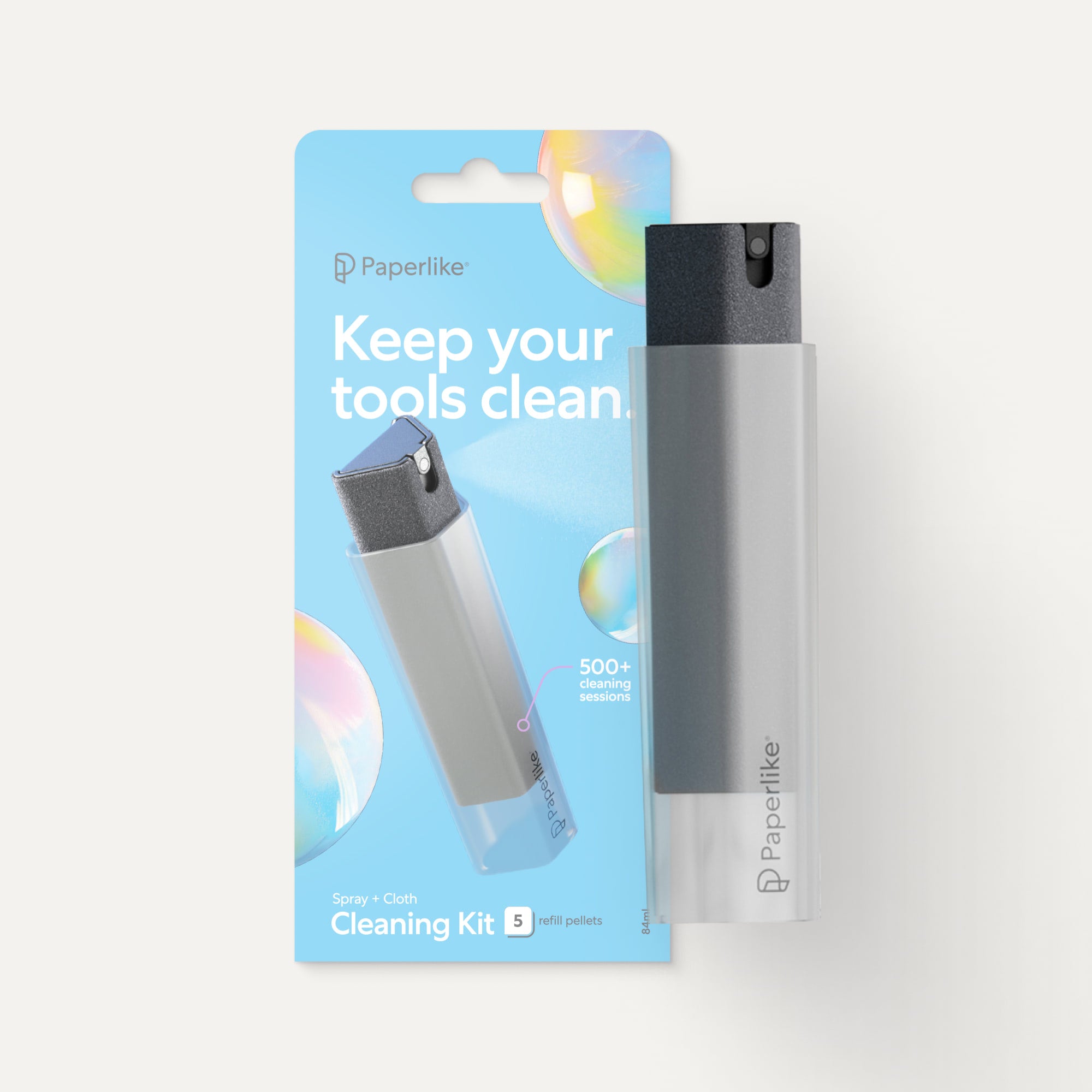
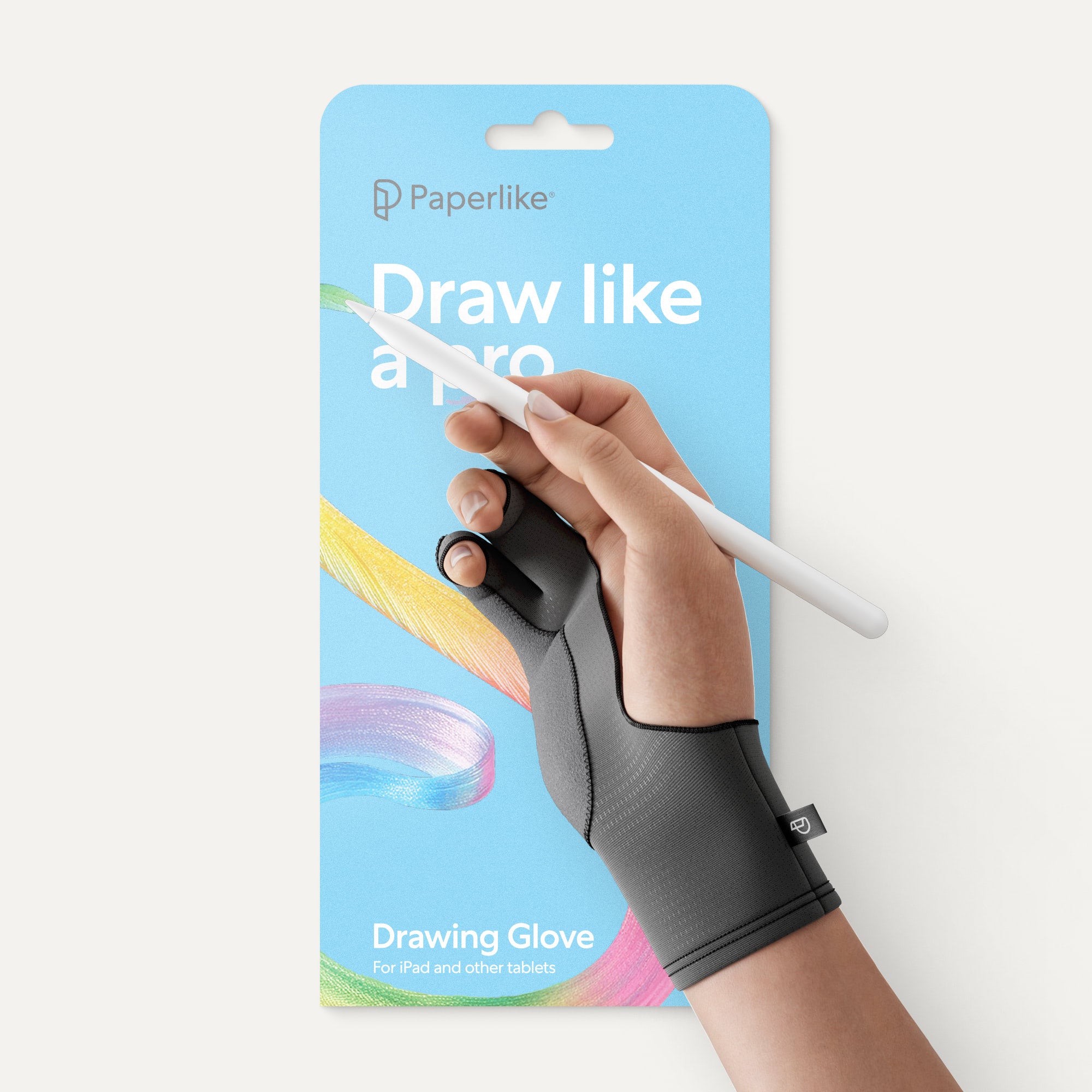
Complete your note-taking setup with Paperlike
If you're gearing up to tackle the school semester armed with an iPad, precision is key.
But let's face it, even the best template can't prevent your stylus from slipping and sliding across that glassy surface.
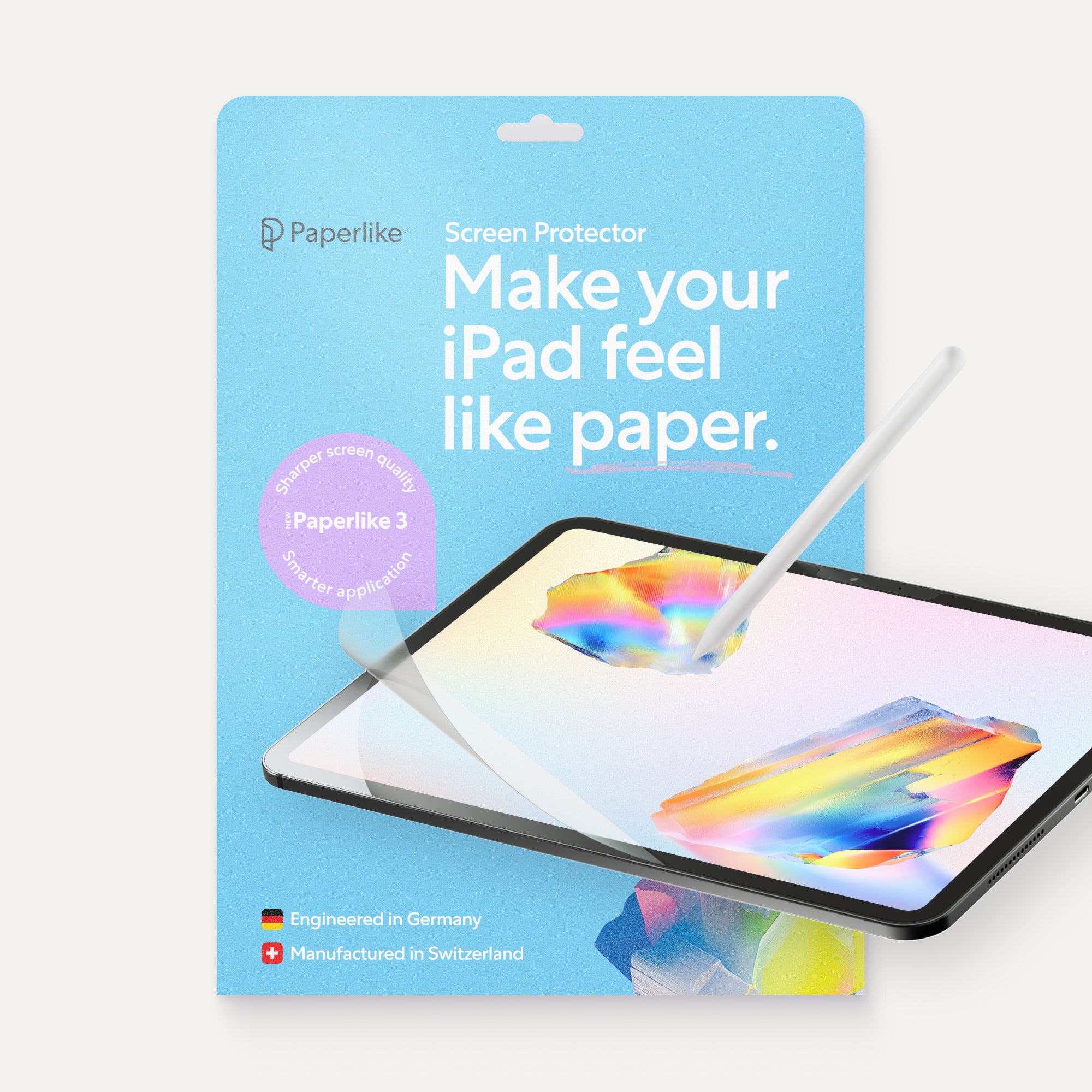
The Paperlike is the solution to this problem. Our Screen Protector transforms your iPad's surface, giving it the texture and resistance that you’d feel writing on paper.
With Paperlike, you can write and draw with the comfort and precision of traditional tools, all while harnessing the power of your iPad.
Read next

 Lindsay Armstrong
 Lindsay Armstrong
