By Alanna Flowers
You hate to see it: a random mark while you’re drawing on Procreate, smudges from your palm after a long note-taking session, that one jagged line you have to keep repeating because your hand just won’t glide smoothly across your screen.
Eventually, I got tired of palms sweaty, mom’s spaghetti. (Just kidding, mom, I still love your spaghetti.) That’s when I became a drawing glove fan. It’s saved me from hours of redrawing the same smooth line, and prevents smudges for those long note-taking sessions.
But! They’re not for everybody. So if you're wondering whether your iPad use warrants a drawing glove, stick around.

What a drawing glove actually does
I couldn’t stand when my Apple Pencil would make random marks all over my drawing canvas or in Goodnotes. I was confused and figured it might be because my hand was getting a bit sweaty (gross, but true), and that it was messing with my apps. I’d refresh my hands or try writing at a different angle, but nothing helped.
Later, I realized that a simple but elegant solution of getting a drawing glove would work wonders for me.
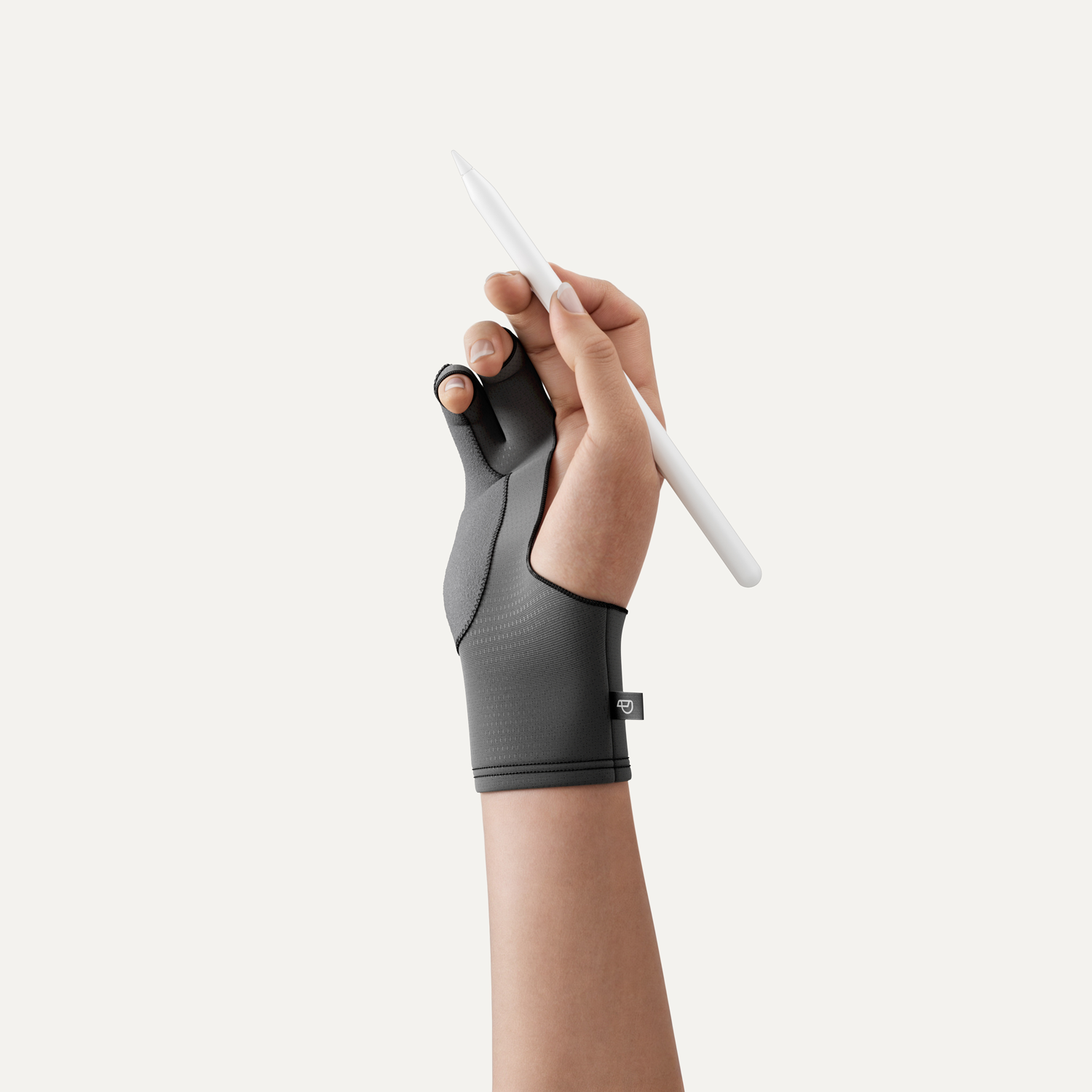
A drawing glove is a thin one-handed glove that you wear on your dominant hand while writing or drawing on a tablet. It helps reduce palm rejection and keeps your hand gliding easily across your screen. Palm rejection is what tells your iPad to ignore you resting your hand or wrist on your screen, and only register marks from your Apple Pencil. No technology or feature will be 100% accurate.
If you’ve ever been there, you know what a flurry of undo gestures can do to whatever flow state you were in. I was frustrated and knew I needed to find a solution. And when I did, I found that a drawing glove brought more benefits to my workflow than I'd anticipated.
My hand gets less tired when I use my drawing glove. That’s because my hand stays nice and cool (even against my warm iPad screen).
It also reduces the amount of skin oils and sweat that get on my iPad while I take notes or draw. Lastly, I like that I can keep my hand in a more natural position, like I would with a traditional pen and paper. Overall, my experience with the iPad has improved from this small accessory.

Do you actually need one?
| YES if | MAYBE if | NO if |
| You do detailed illustrations or long-form note-taking. | You’re a digital artist. | You’re mainly a note-taker or planner. |
| Your iPad sessions exceed 45 minutes. | Your iPad sessions exceed 30 minutes. | Your iPad sessions don’t exceed 20 minutes. |
| Your palm rejection has failed before. | Your palm rejection is mostly intact. | Your palm rejection is intact. |
| You don’t use an iPad screen protector. | You have a screen protector and occasional issues. | You have a screen protector, but haven't noticed any issues. |
If your answer was YES, then you’re definitely in the market for a drawing glove. When you rely on your iPad for detailed, focused work, you end up wasting a lot of time when your workflow is disrupted. This is also true for students or digital planner users who use apps like Goodnotes for long study sessions and notes. With a drawing glove on, you can keep your focus on your work.
If your answer was NO, then a drawing glove isn’t essential for you. You might still like the feeling of the fabric, but if you’re rarely on your iPad for long periods of time, you won’t benefit from it very much. It’s more apparent when you don’t have one after long iPad note-taking or drawing sessions than shorter ones.
If your answer was MAYBE, then you'll probably join the drawing glove community sooner or later. I wish random marks and sweaty palms on no one, but life happens. I was very confused when my palm rejection started to fail. I tried restarting my iPad, closing and reopening my apps, and even when it stopped, it was always temporary. Better to be ready and see if you like it in the meantime. It’s an inexpensive accessory, given how useful it is and how long it can last.

How a drawing glove and Paperlike work together
Here’s the thing: a drawing glove and a paper-feel screen protector aren’t solving the same problem. They’re two halves of a whole.
The glove covers my palm contact. No matter what the surface of your iPad is (whether glass or TPU) sweaty hands will stick to the screen surface and interrupt your writing or drawing. A glove stops your hand from dragging or triggering accidental marks while you work.
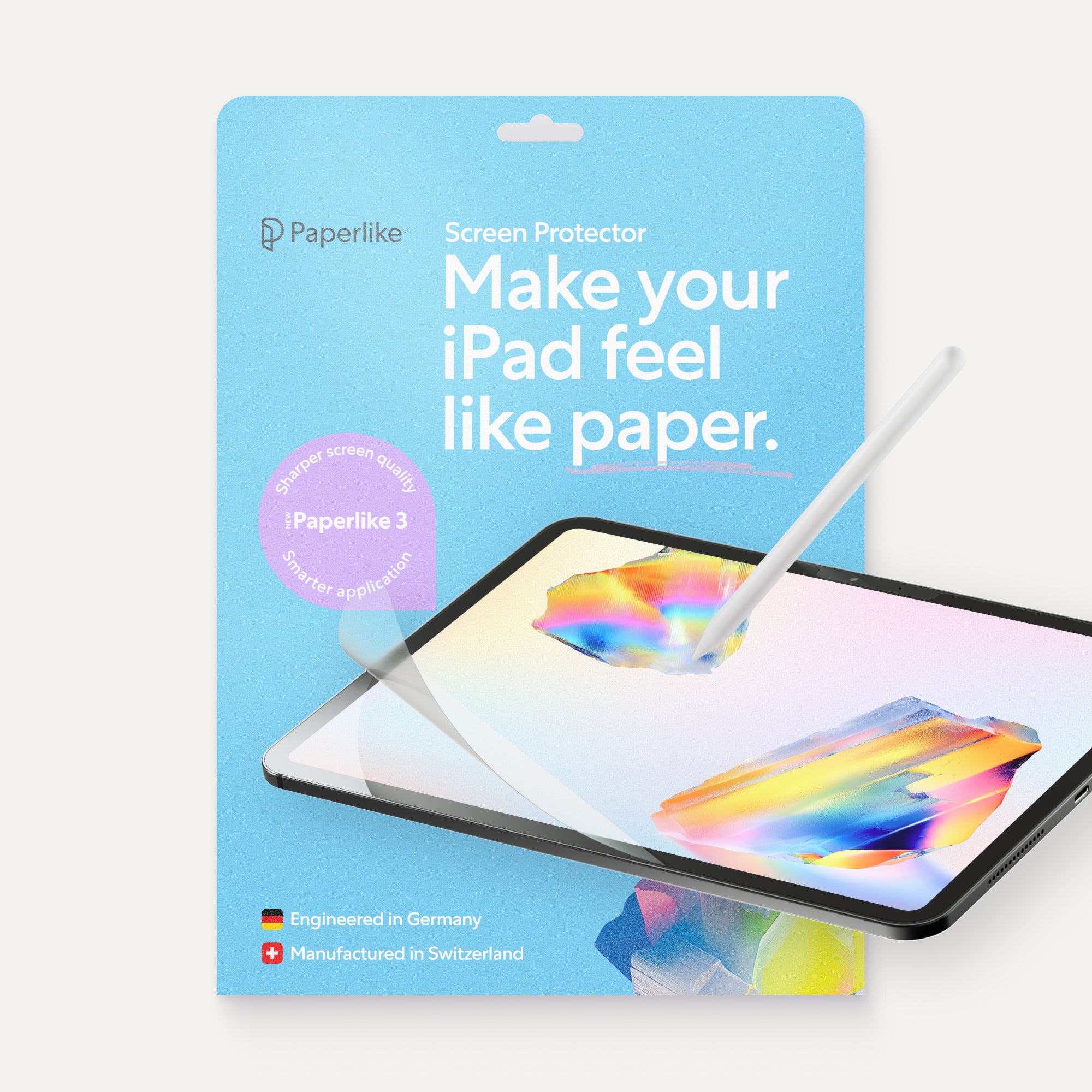
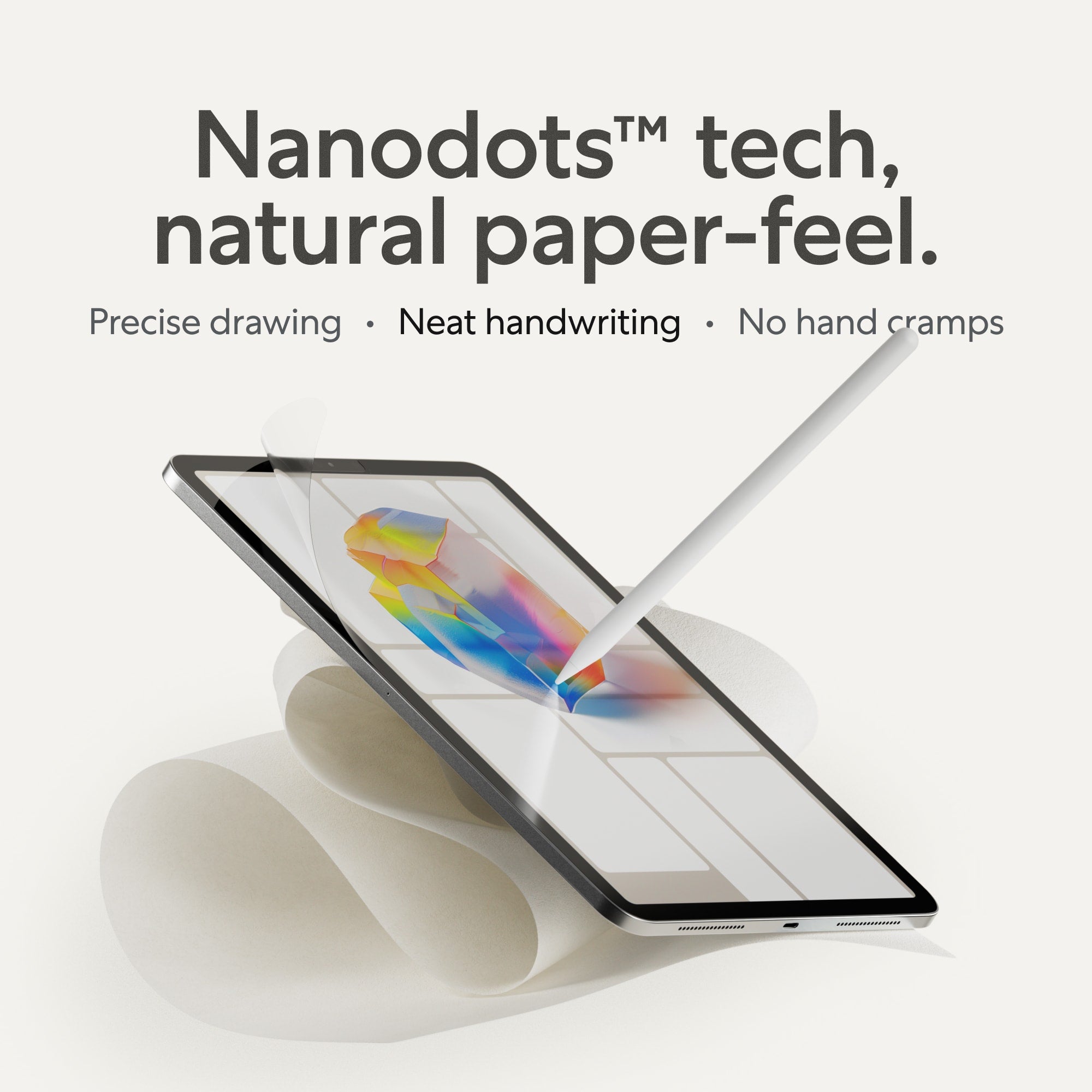
Paper-feel screen protectors like Paperlike cover the connection between my Apple Pencil and the screen. It gives the Pencil tip enough friction to prevent any skips or slides as you write or draw.
Between the two of them, I’ve got my bases (re: anything touching the surface of my iPad) covered.
Our tools and accessories exist to make creating easier and more efficient. And having both a Paperlike Drawing Glove and Paperlike Screen Protector by my side as a digital note-taker and artist, lets the medium fade into the background so my focus is just on the work.

The best drawing gloves for iPad
There are many options for drawing gloves, but here are some recommendations to get you started. You'll see that materials, use case, and budget are all factors in deciding which drawing glove to choose, whether you're a digital artist or a note-taker.
Best for light note-takers and doodlers: Huion Nylon Artist Glove
- Price: $7.99 USD / €7.99 EUR
- Sizing: one-size-fits-all
- Website
This was my first drawing glove, and it's a good one. The soft nylon Lycra material makes it comfortable to wear. The fingers are closed, so consider how often you use gestures in your programs. You don’t have to worry about sizing because it’s one-size-fits-all. It’s also great if you don't often use touch gestures when taking notes.
Best for long iPad sessions: Artist Drawing Glove by XP Pen
- Price: $9.99 USD / €9.99 EUR
- Sizing: one-size-fits-all
- Website
Have a long day of work ahead of you? The two-finger closed design of this drawing glove better prevents your skin oils from transferring to your screen during long drawing or note-taking sessions. It’s made of a soft Lycra material that’s breathable to keep your hand comfortable while you work. The one-size-fits-all sizing makes this a great option for everyone.
Best overall: Paperlike Drawing Glove
- Price: $19.99 USD / €19.00 EUR
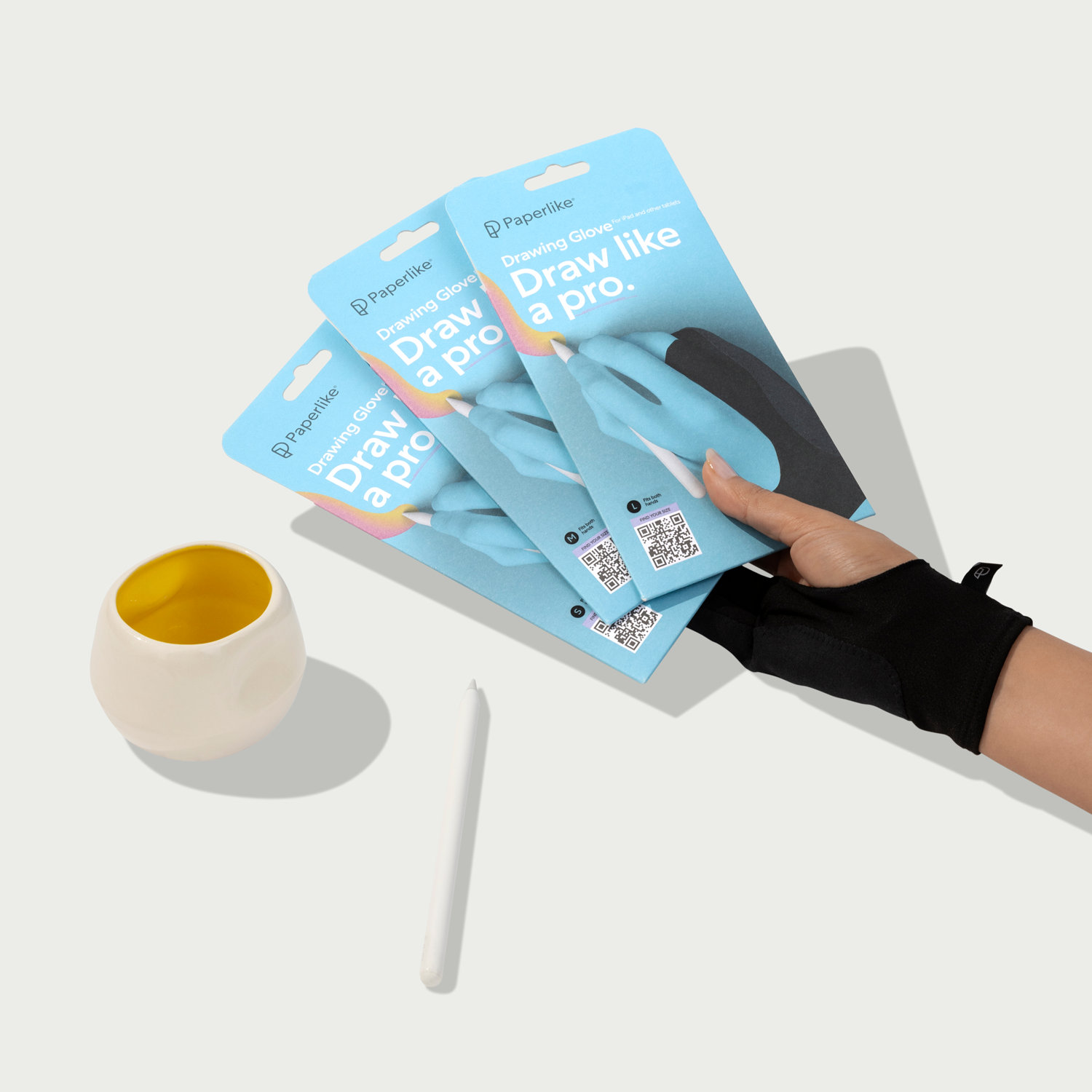
- Sizing: available in small, medium and large
- Website
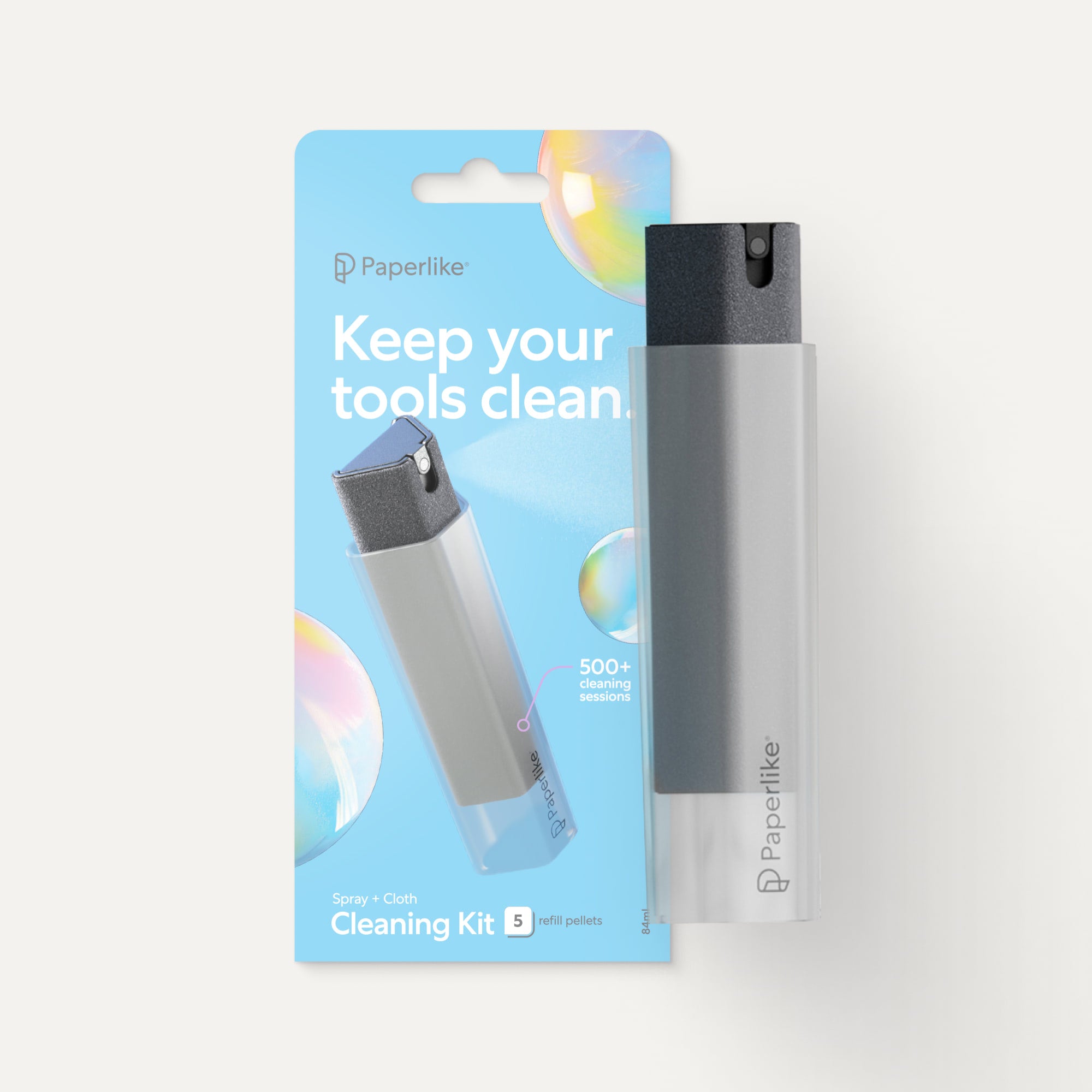
This is my current drawing glove. It features an open two-finger design with a cleaning cloth stitched on the side of the glove. The polyester is comfortable, and the cleaning cloth is a seamless accessory for keeping my screen clear of distractions. It comes in three sizes, so you can find your perfect fit. If you’re into using a lot of gestures and want a good fit for a hybrid creative approach, both artists and note-takers can benefit from this glove.
Best budget option: Xencelabs Drawing Gloves
- Price: $6.99 USD / €8.30 EUR
- Sizing: available in small, medium and large
- Website
Good accessories don’t need to break the bank. This drawing glove features a breathable Lycra fabric with two closed fingers. This drawing glove will work well to keep your hand moving smoothly. Choose from three size options, use it on either hand, and enjoy the affordable price.

The full iPad drawing setup
So what do you need to complete your drawing setup? For the balance of natural drawing feel and comfort, think of it as a three-layer approach. The Paperlike Drawing Glove, Apple Pencil Tips, and Paperlike Screen Protector. These are good foundational items for digital drawing and note-taking on the iPad.
If you want to build your ideal iPad drawing setup, explore the Paperlike Drawing Collection. More of a note-taker? Explore the best accessories for your note-taking workflow.
Looking for the latest on the Apple Pencil Pro for digital artists? Deep dive into all of the tools, features, and functions.
Wrapping up
Do you need a drawing glove? Yes. If not now, then eventually. And that's a decision that you get to make as it fits with how you like to work. I hope you found this helpful for your journey as a digital artist or note-taker (or both).
Drawing gloves have improved my iPad work so much, and they're part of the magic that fades into the background of the work I love to do.
Frequently Asked Questions
Do I need a drawing glove if my iPad has palm rejection?
A: Yes, using a drawing glove can help complete the palm rejection in your programs. Your iPad will mess up sometimes, and that’s why you have a drawing glove.
Does a drawing glove work with an Apple Pencil?
A: Yes, I like to wear drawing gloves on my drawing hand for a more comfortable drawing experience. I also use it when I take notes in GoodNotes on my iPad. If you're using a drawing glove with an open-finger design, you'll also retain all Apple Pencil Pro features, including Squeeze.
Does Paperlike work with a drawing glove?
A: Yes, I use a Paperlike screen protector and drawing glove, and they work very well together. The glove moves smoothly across my screen, preventing it from getting covered in smudges.
What's the best drawing glove for Procreate?
A: The best drawing glove for Procreate is the one that works with your workflow. Are you a hobbyist or a professional illustrator? Personally, I've used both the Huion and Paperlike Drawing Glove. I prefer the open-finger design of the Paperlike Drawing Glove for gestures and the polyester material. You might end up trying a couple of drawing gloves before finding the right one for you.