Paperlike™ 3 iPad Screen Protector 2 Pack
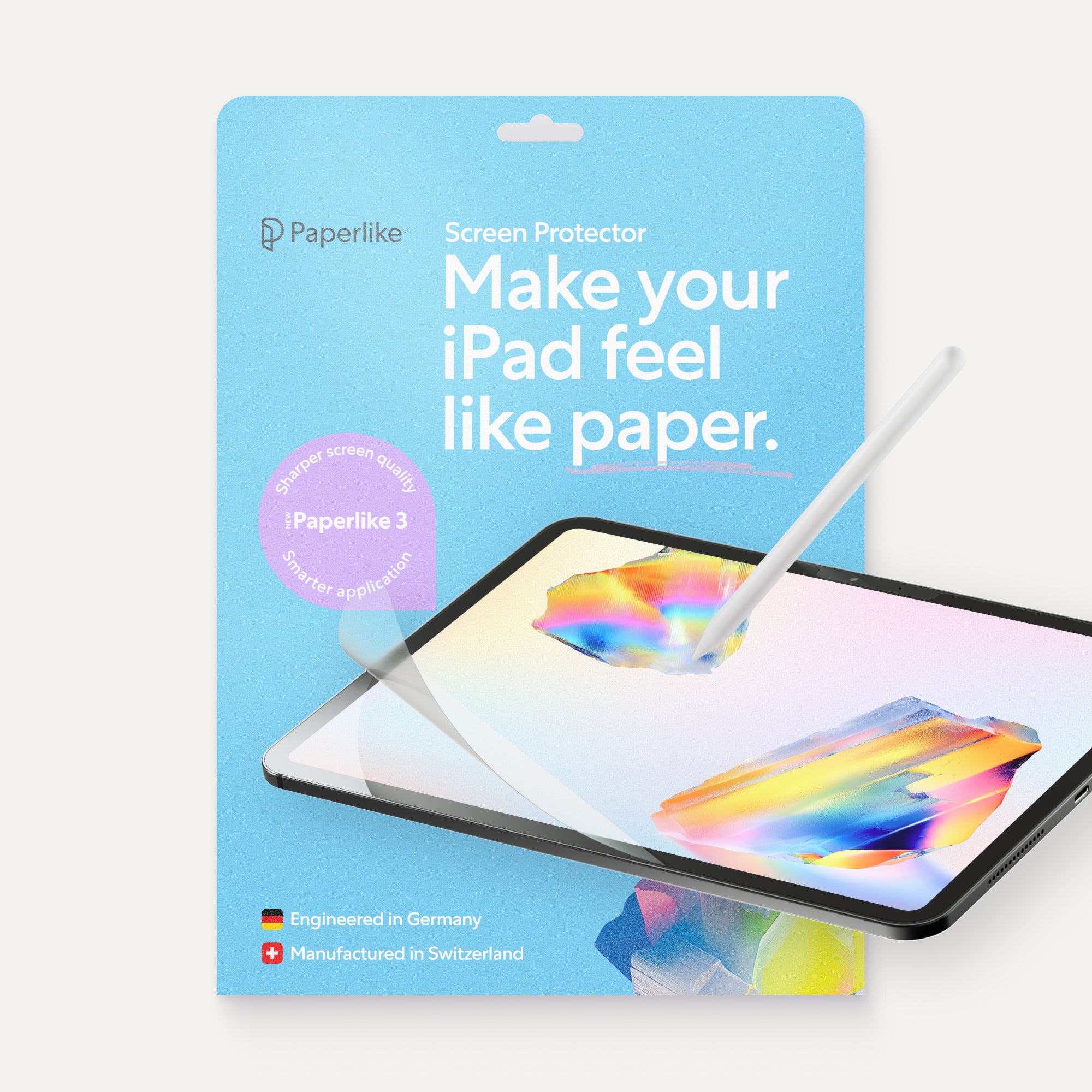
Paperlike 3 delivers a natural paper-feel for drawing and writing on your iPad. With the new Butterfly™ Application, you’ll install the screen protector perfectly aligned, bubble-free, and with zero stress.
Select your iPad find supported iPads
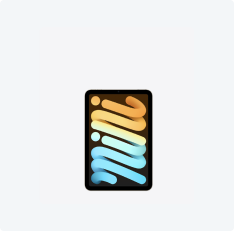
iPad Mini
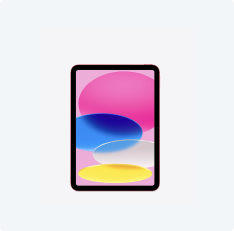
iPad
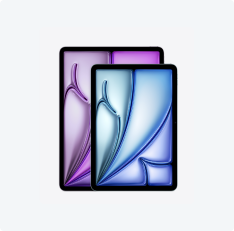
iPad Air
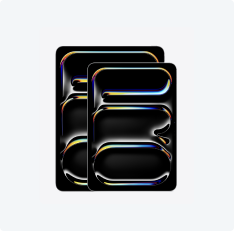
iPad Pro
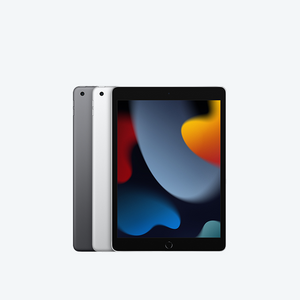
iPad 10.2"
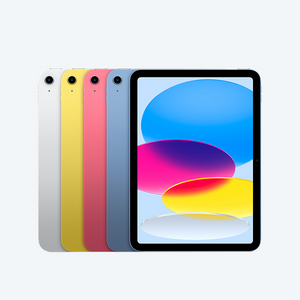
iPad 10.9"
iPad 11"
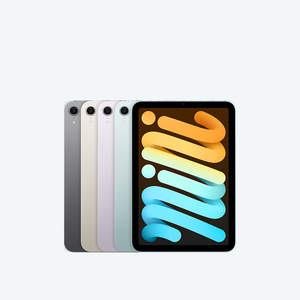
iPad Mini 8.3"
iPad Pro 11"
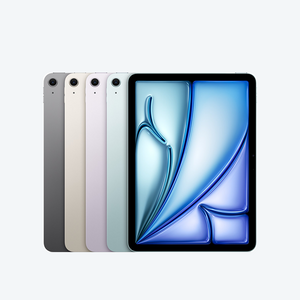
iPad Air 10.9"
iPad Pro 11"
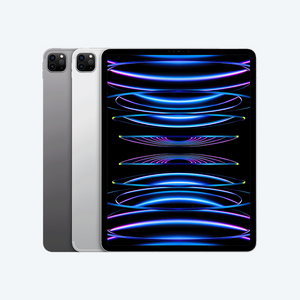
iPad Pro 12.9"
iPad Air 11"
iPad Pro 13"
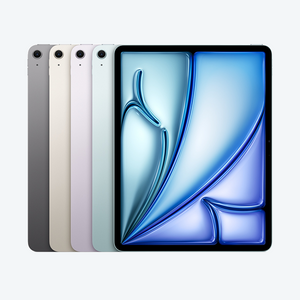
iPad Air 13"

Not sure? Identify your iPad model.


1. Find your model number
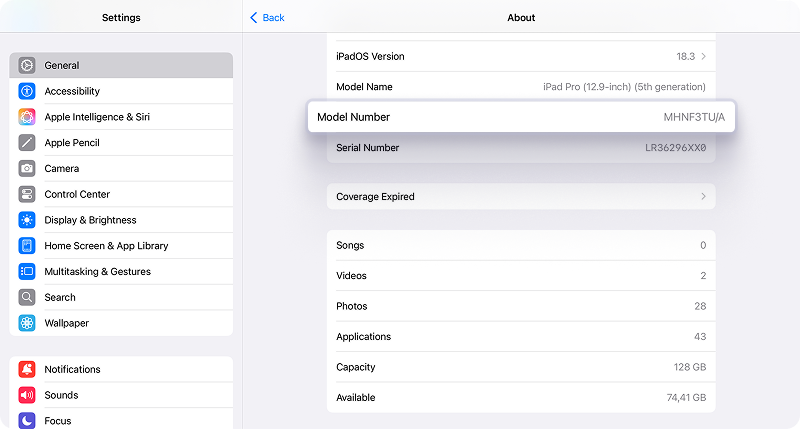
Look in Settings
Go to Settings > General > About. To the right of Model Number, you'll find the part number. To find the model number, tap the part number.
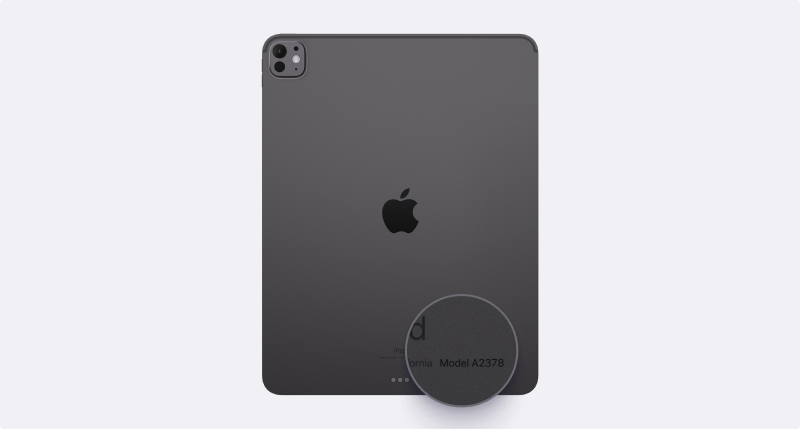
Look on your iPad
Find the model number on the back of your iPad.

100% Satisfaction Guarantee


2.4M happy customers
Paperlike 3 - Product Details
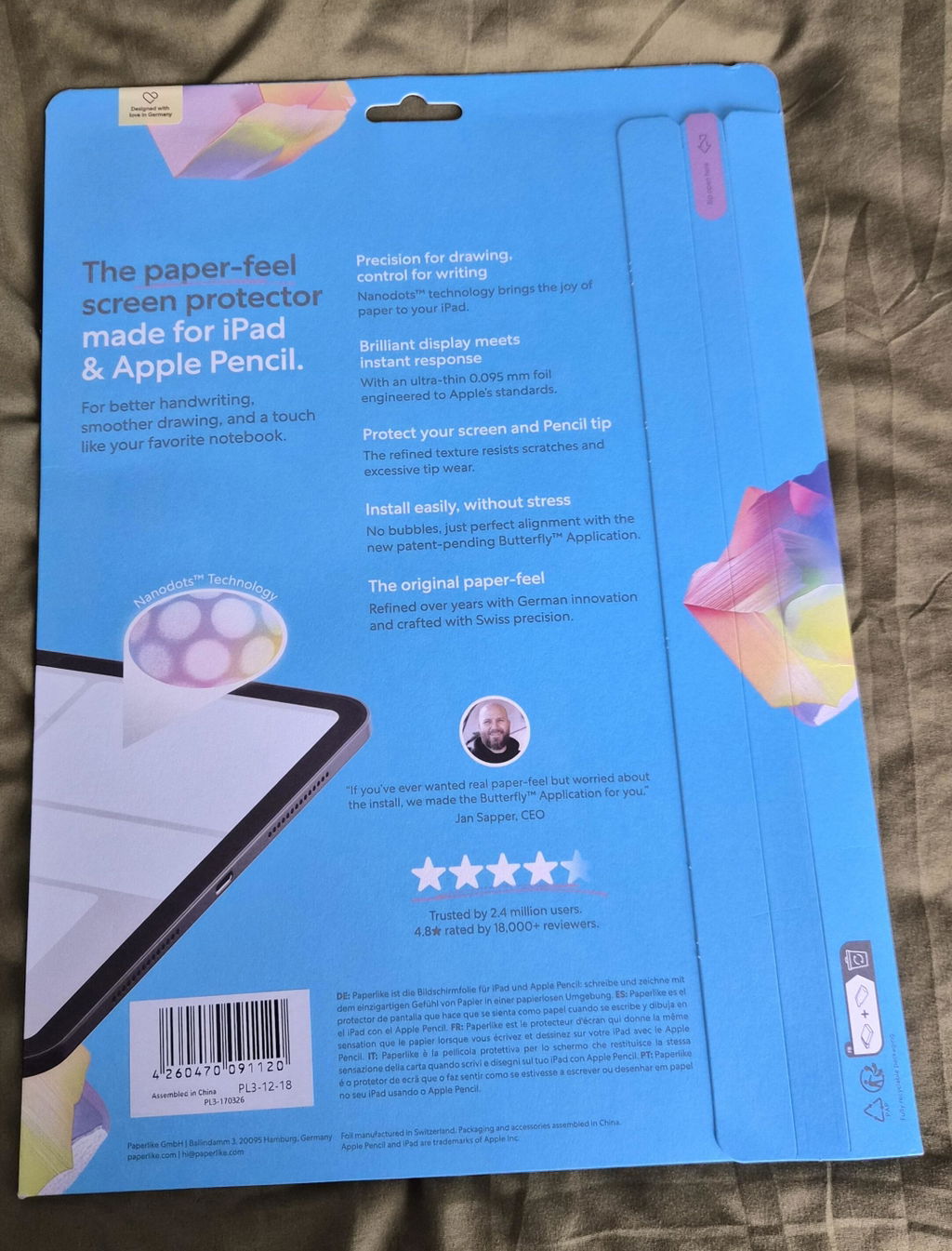
Paperlike 3 brings the joy of paper to your iPad.
Our Nanodots™ surface technology creates the perfect balance of resistance and smoothness: enough texture for precise strokes when sketching, steady control for notetaking, and crystal-clear display quality for everything else you do.
Designed for long hours of work, study, and play, it never compromises on comfort or clarity.
And with the all-new Butterfly Application, setup is simple: a perfectly aligned, bubble-free screen protector that’s ready in minutes, so you can feel the difference right away.
What’s inside?
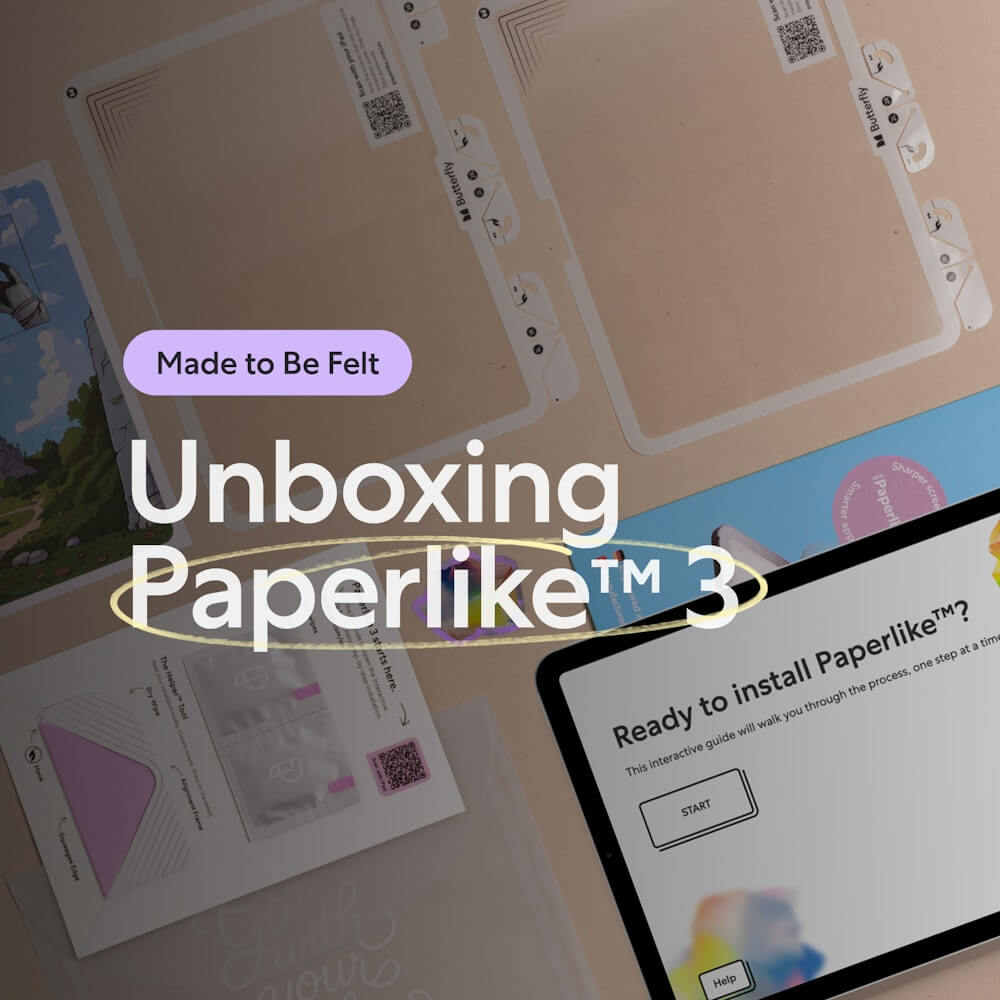
- 2× Paperlike 3 Screen Protectors with the new Butterfly™ Application system
- Helper Tool™ for perfect alignment, cleaning, and guidance
- Wet wipes to prepare your iPad before installation
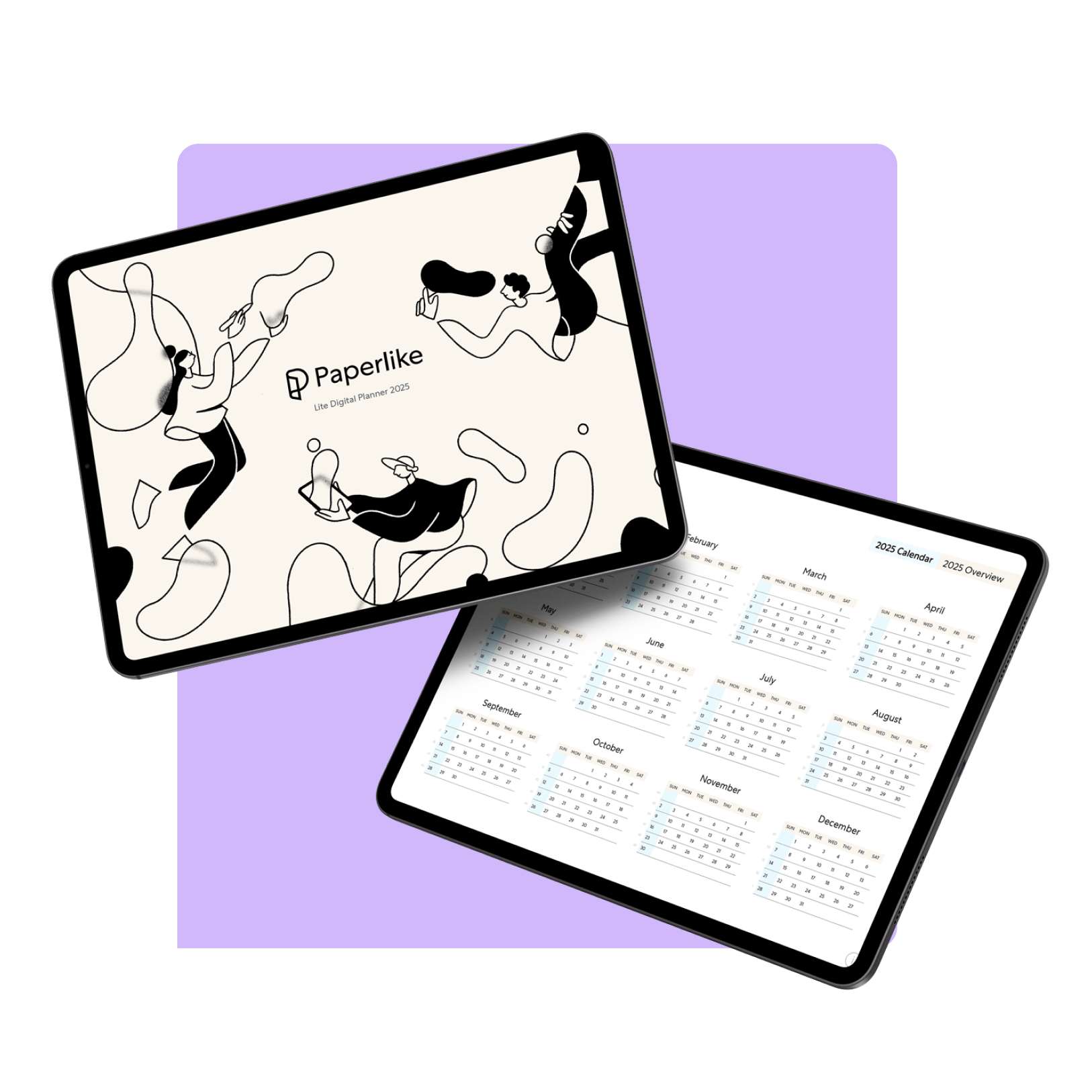
- Free access to exclusive digital products
Which Apple Pencils are supported?
Paperlike 3 is designed for all Apple Pencils. We’ve also tested it with popular alternatives like the Logitech Crayon, and it works perfectly.
What if I don’t like it?
We get it, you need to feel Paperlike 3 yourself to know if it’s right for you. If it’s not, no worries: every order comes with a 100% satisfaction guarantee. We’ll refund you, no questions asked. Only 1.7 % of customers ever take us up on that offer.
Why is Paperlike 3 more expensive than others?
Sure, there are cheaper paper-feel protectors out there — and if “ok” is good enough, those will do. But Paperlike 3 isn’t about “ok.” It’s the result of years of research, engineering in Germany, and manufacturing in Switzerland to ensure the best quality and innovation. We use it ourselves every day, and we wouldn’t settle for less.
Your iPad costs hundreds of dollars. Don’t compromise with a poor display, mediocre paper-feel, or worn-down Pencil tips just to save a few bucks.
Is this the easiest install ever?
Paperlike 3 — Same feel. Smarter install.
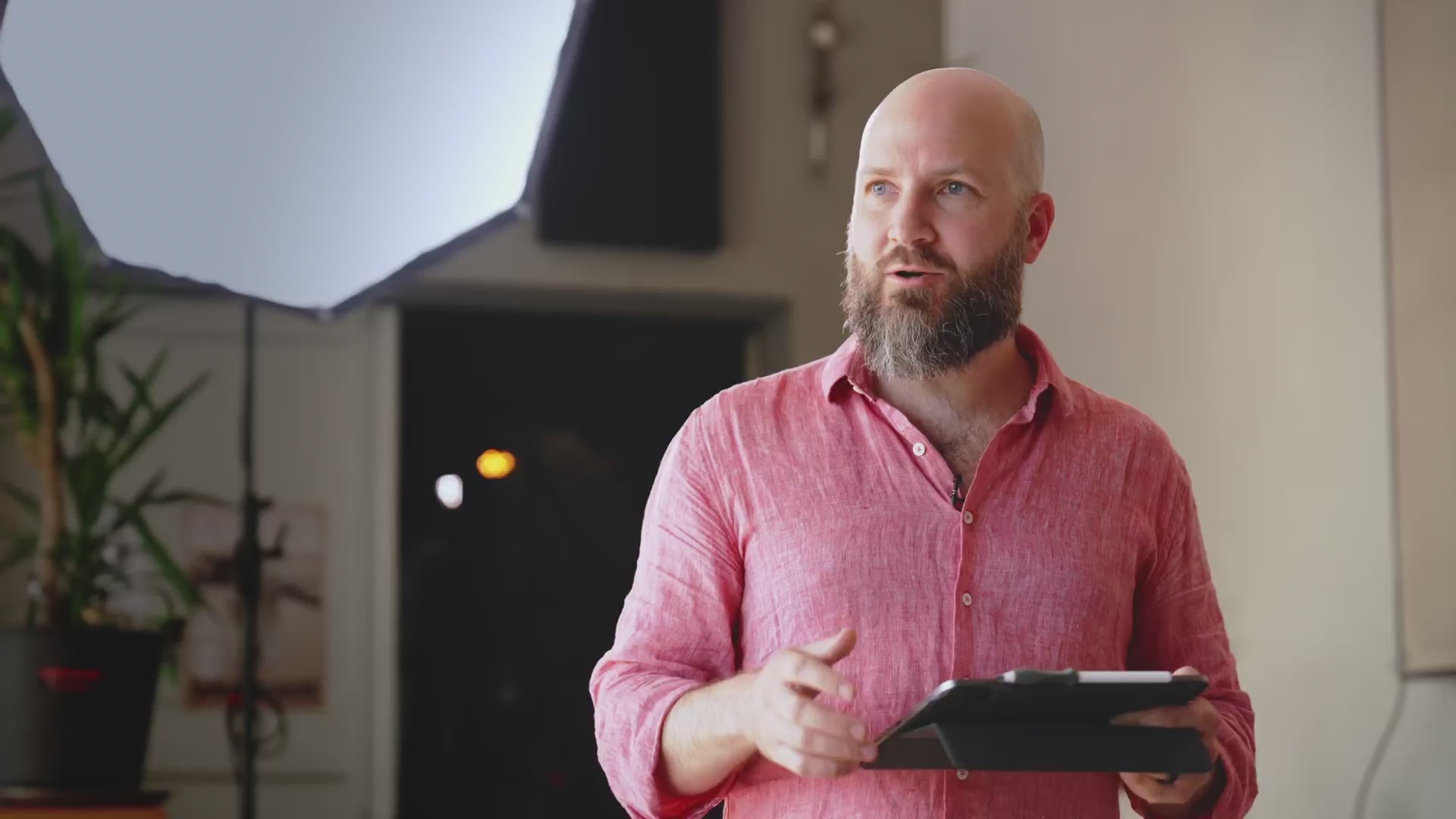
Meet the Butterfly™ Application (patent pending) — our smarter, stress-free way to install Paperlike 3.
Your iPad becomes the guide, walking you through each step at your own pace. The Helper Tool makes alignment a no-brainer, while the innovative dust-catching foil creates a Clean Room Effect. No dust. No bubbles. Just the same paper-feel that artists and notetakers have loved for years.
Paperlike™ 3. What's new?
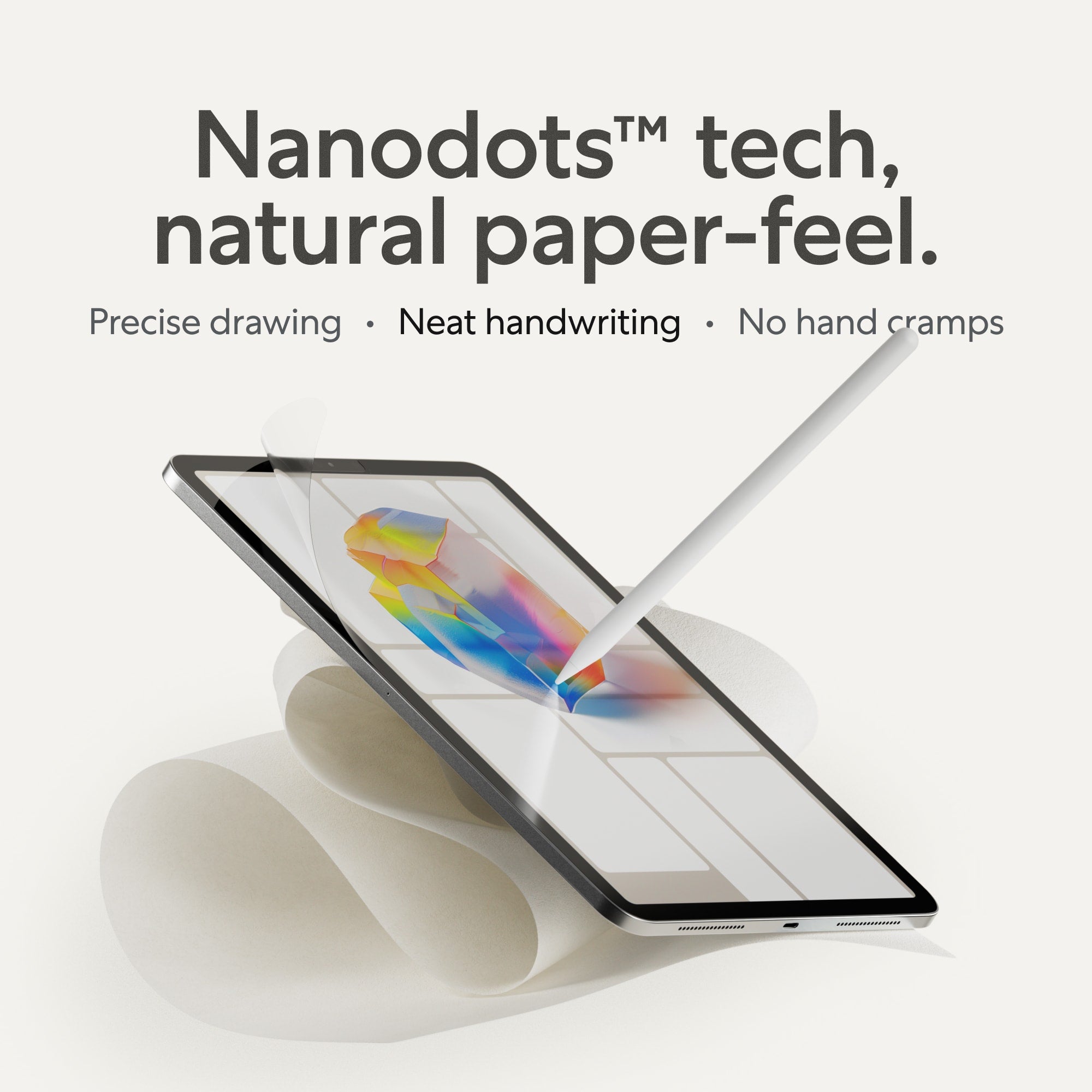
Natural paper-feel with Nanodots™.
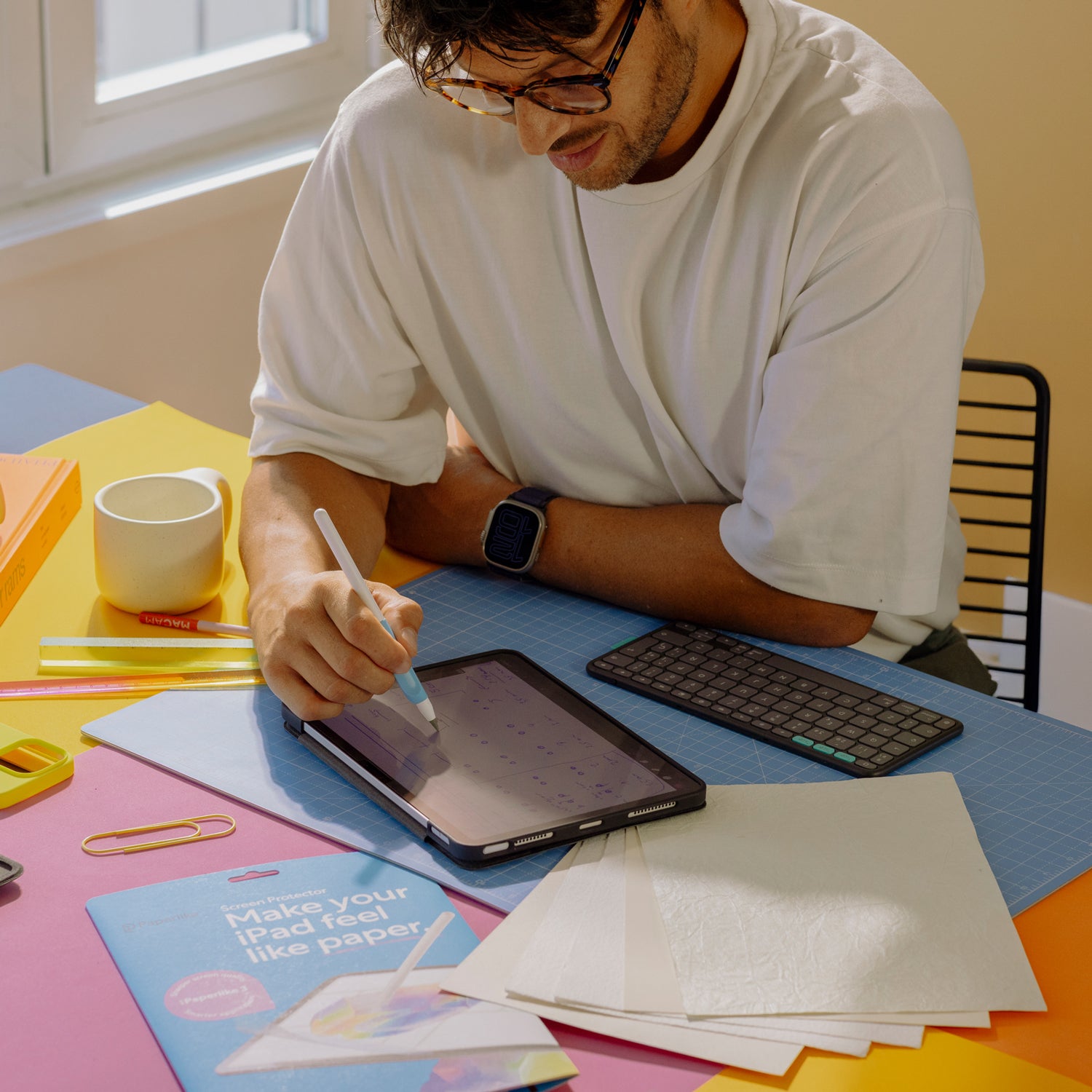
With Paperlike 3, your iPad feels like writing or sketching on high-quality Japanese paper.
Our refined Nanodots technology creates the perfect balance of friction and glide, giving you precision for drawing, control for neat handwriting, and the best of both worlds: the joy of paper with the power of digital.
Your handwriting — finally under control.
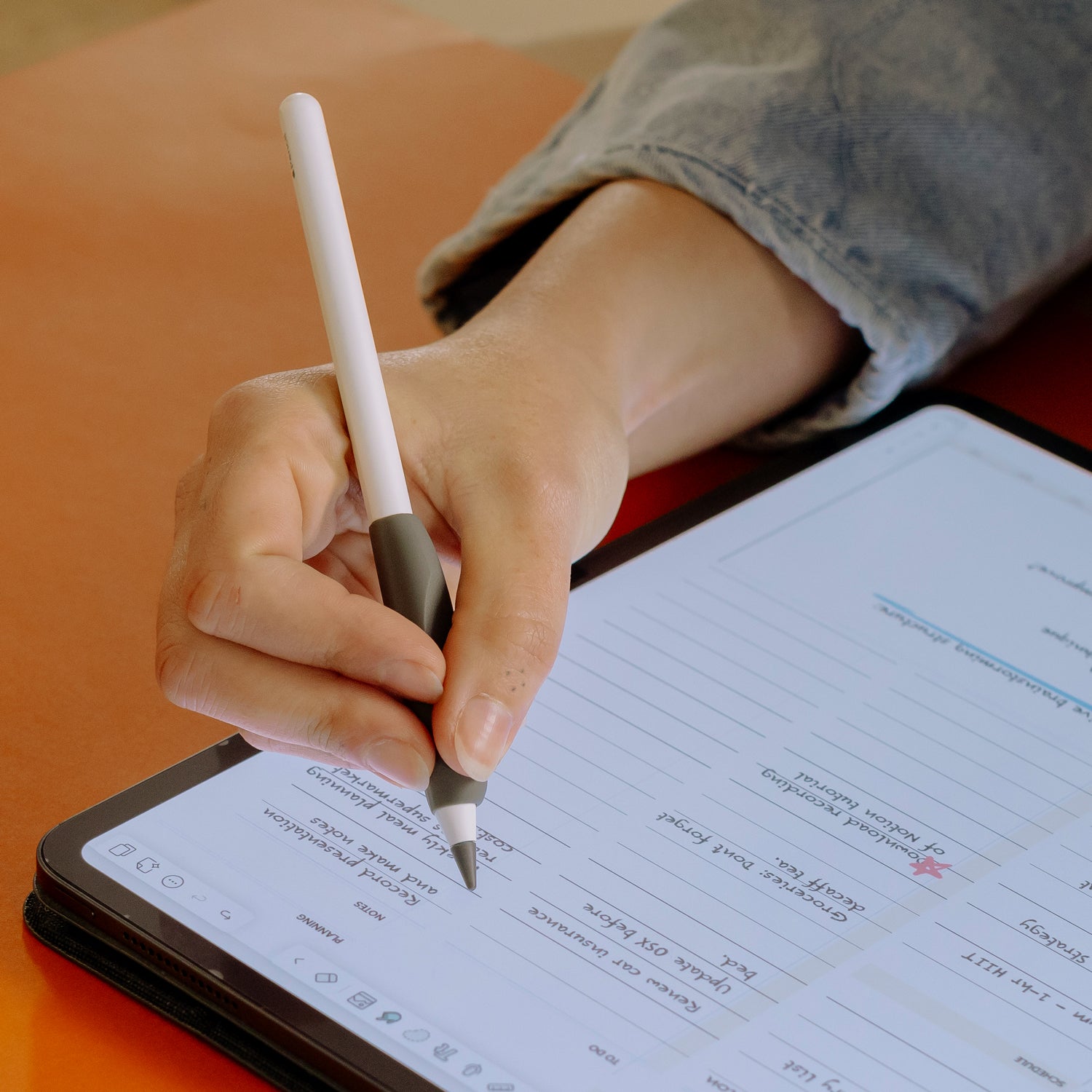
On the iPad’s glass, the Apple Pencil slips around like a three-year-old on ice. Notes turn messy and hard to decipher.
With Paperlike 3, you get back control so your handwriting looks like yours, hopefully neat and legible, just like on paper.
Draw like on your favorite sketchbook.
With Paperlike 3, every stroke feels deliberate and controlled.
The Nanodots surface adds just the right resistance, giving you precision for fine details and consistency for bold lines.
It’s the closest you’ll get to sketching on paper, with all the advantages of your iPad.
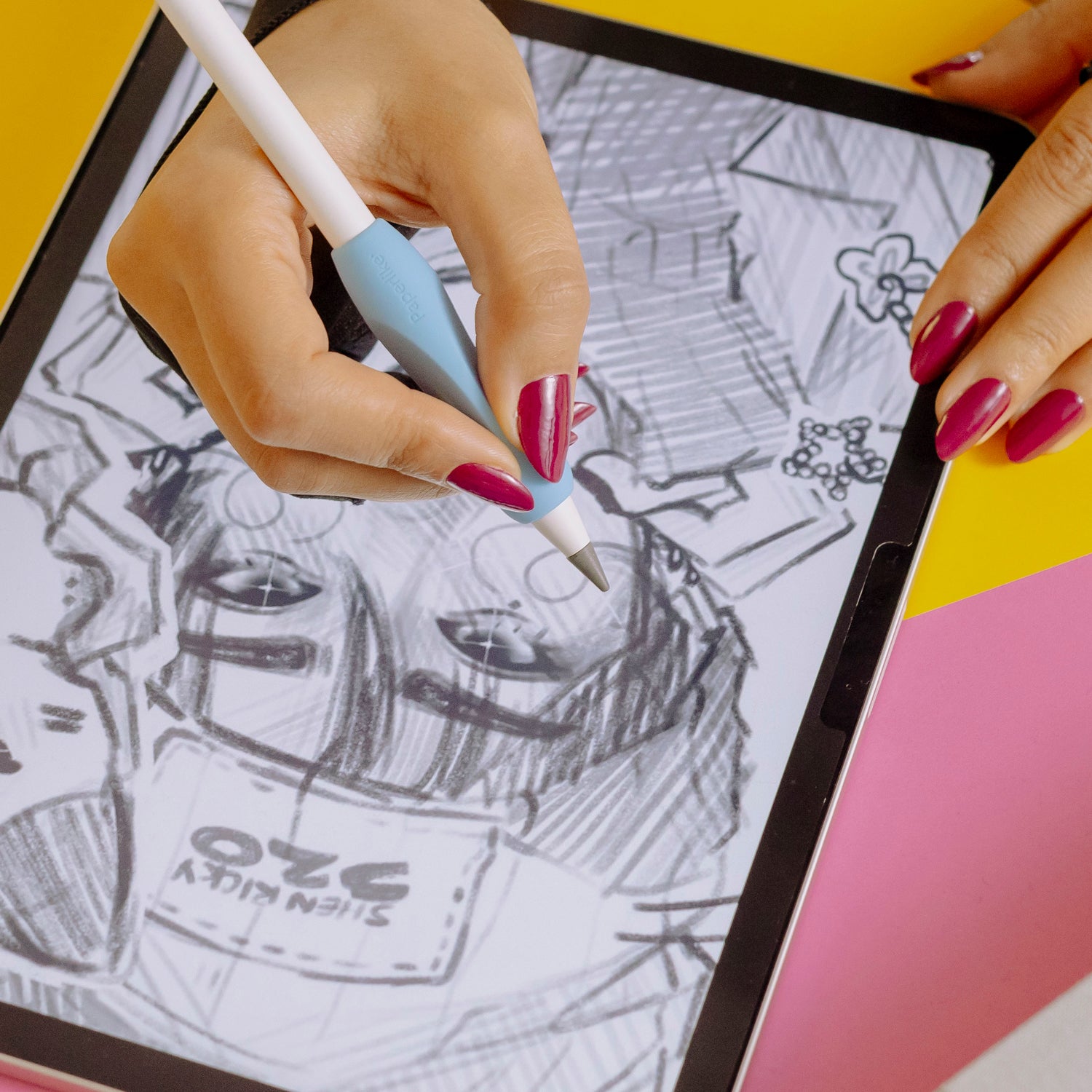
Write and draw for hours without cramps.
On glass, the Apple Pencil slips so easily that you grip harder to stay in control and end up with sore hands.
Paperlike 3 adds natural friction, so your Pencil glides with balance and grip. The result: relaxed hands, steady strokes, and long sessions without the strain.
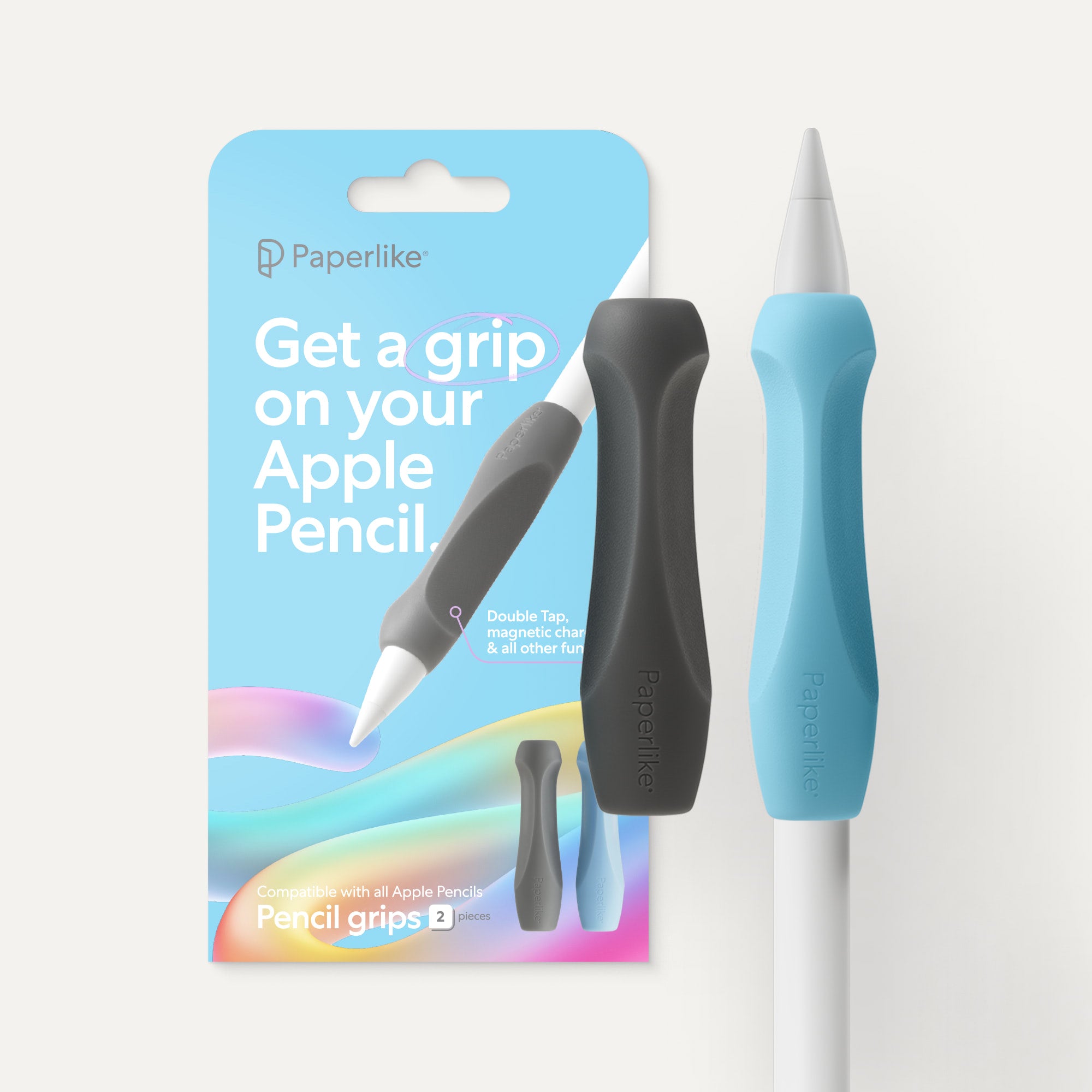
And if you want even more comfort, pair it with our Pencil Grips — designed to give you extra hold and keep cramps at bay.
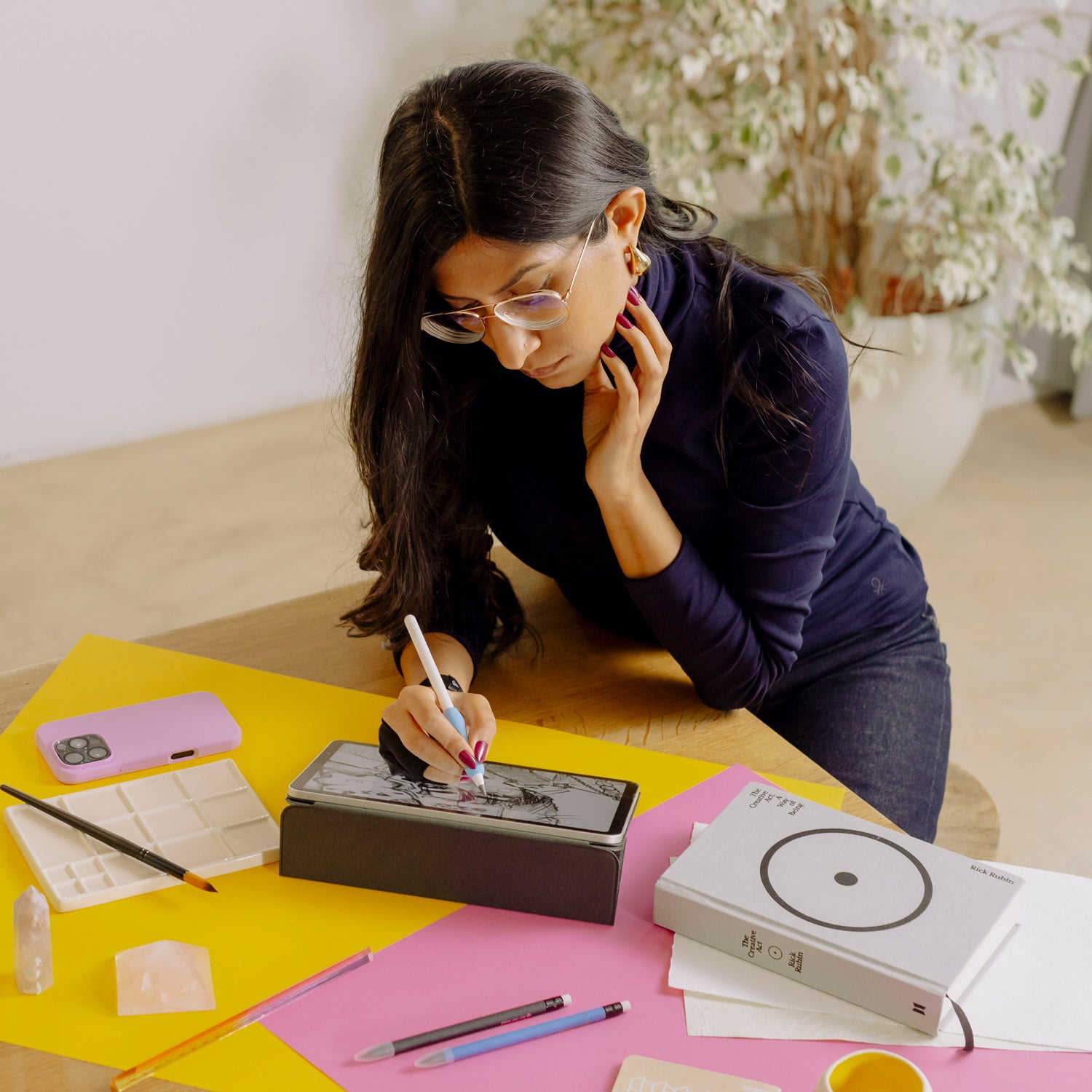
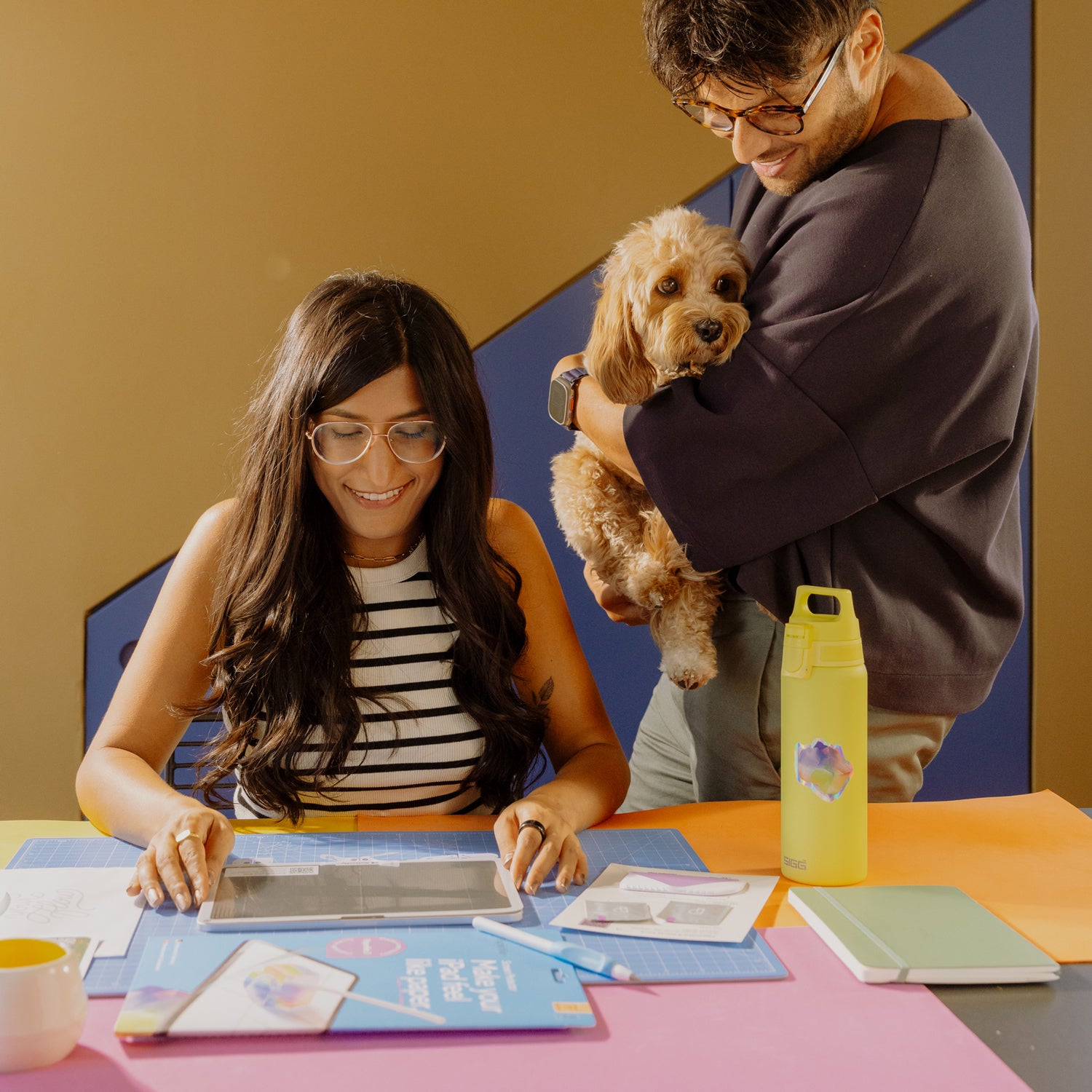
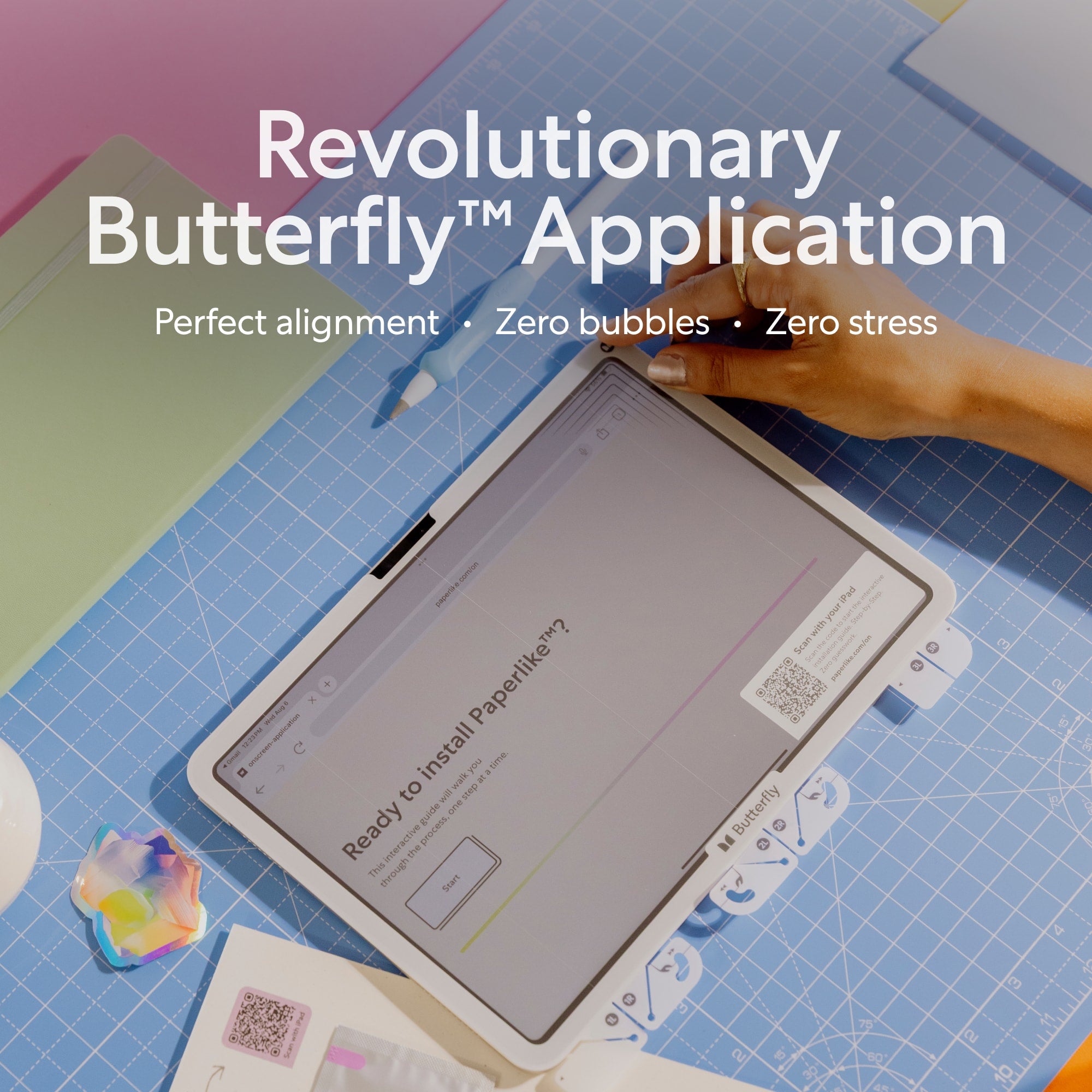
Butterfly™ Application — perfect install, zero stress.
Applying a large screen protector can be tricky — dust, bubbles, and misalignment always get in the way.
That’s why we spent 3 years rethinking the process from the ground up. The result is the Butterfly Application: a smarter system that gives you perfect alignment, zero bubbles, and zero stress.
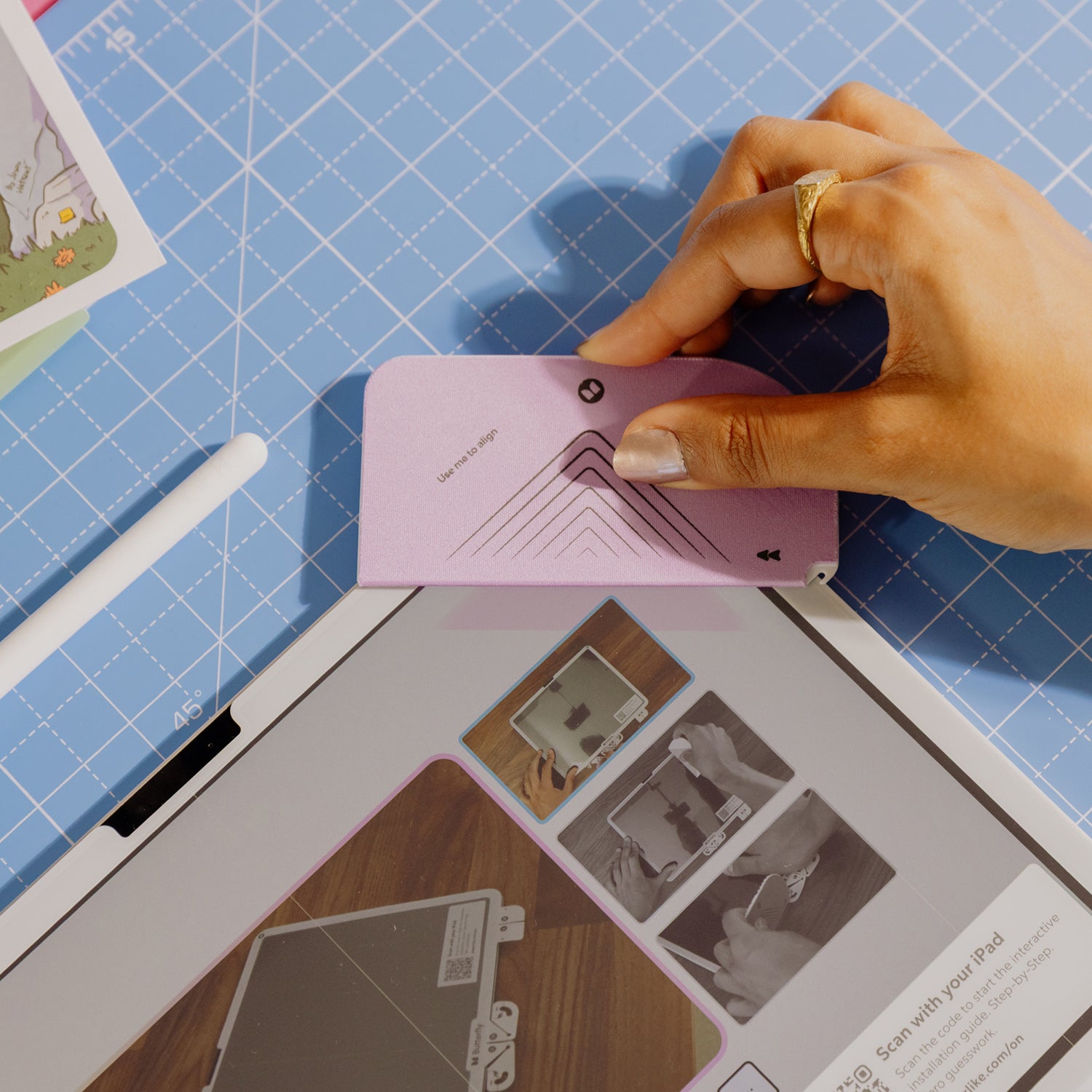
Perfect alignment made simple.
A misaligned screen protector nags at you every time you use your iPad: uneven edges, cases pushing against it, never quite right.
Enter "The Helper Tool". We invested 12 months perfecting its design... and about 5 minutes naming it.
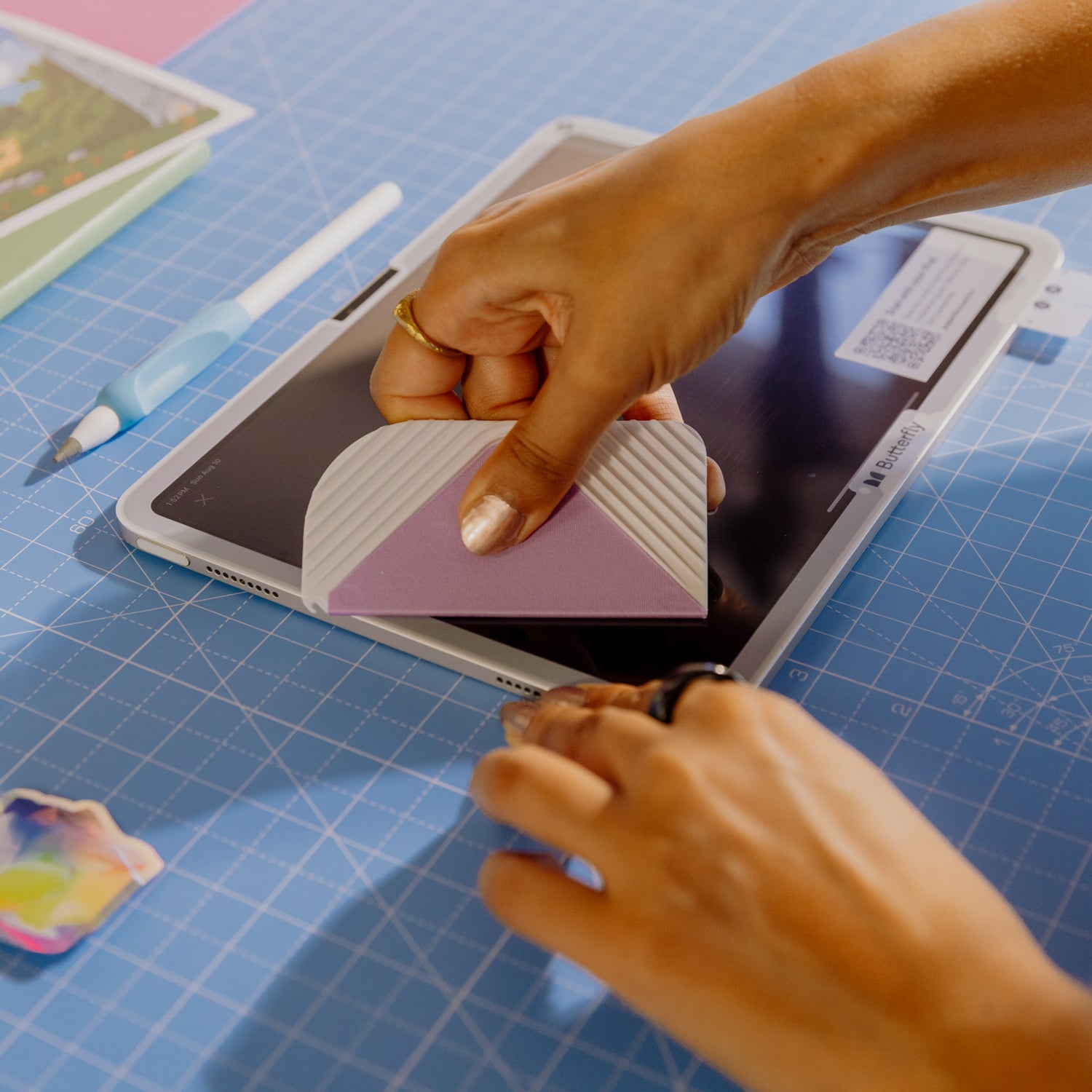
Snap it onto the edge of your iPad, slide the screen protector into place, and enjoy alignment that’s straight, seamless, and satisfying.
Bubble-free with the Clean Room Effect.
Most permanent bubbles come from tiny dust specks, almost impossible to avoid unless you live on the ISS.
That’s why Paperlike 3 brings the clean room to you. A dust-catching layer traps every particle on your iPad, then slides out from underneath while keeping air exposure to a minimum.
The result: no dust, no bubbles.
A guide that works with you, not against you.
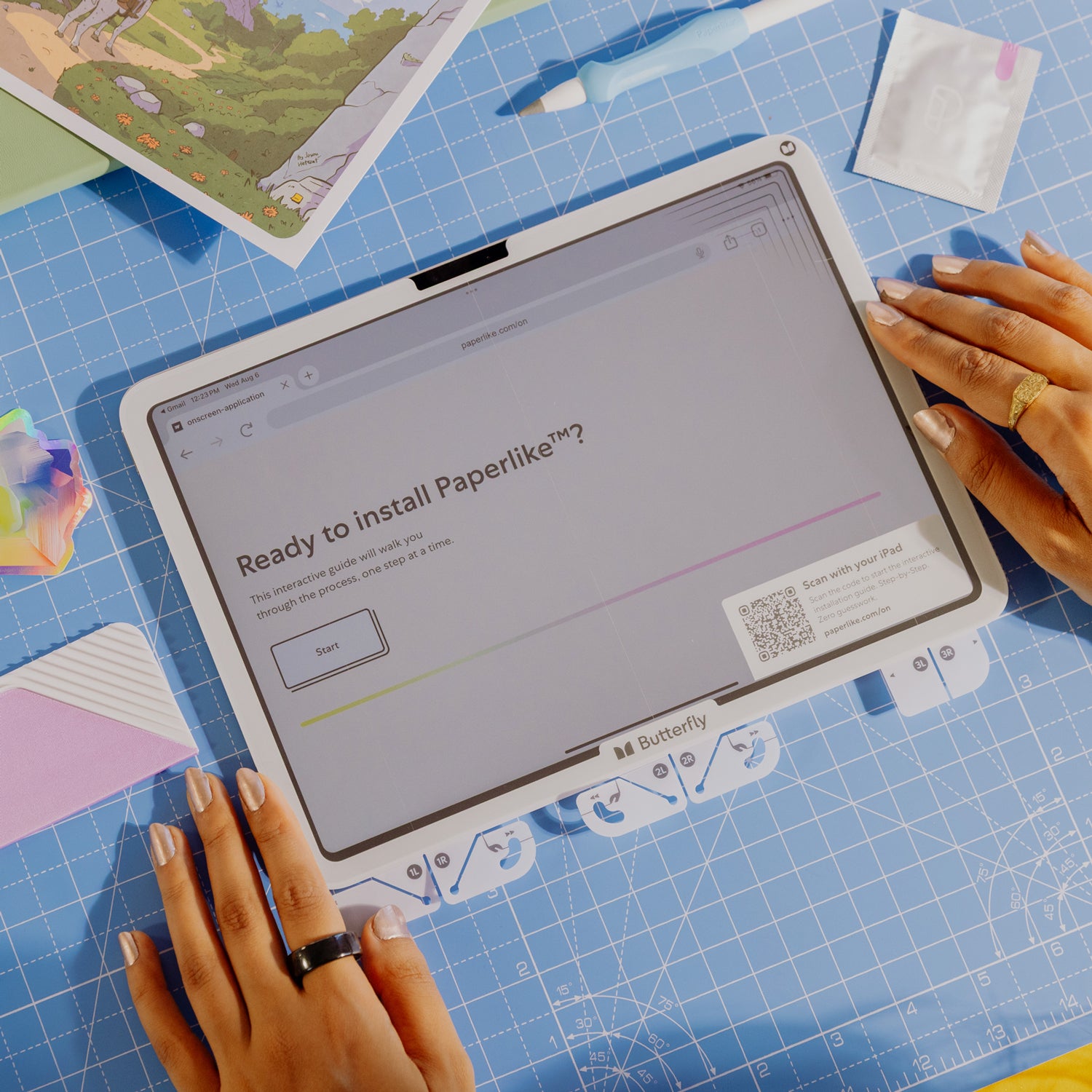
Forget lengthy paper manuals. Your iPad is right in front of you — so we turned it into the guide. With the interactive on-screen walkthrough, you install at your own pace, with detailed steps, videos, and help just a tap away.
And if it’s not perfect the first time, no worries: every pack includes two Paperlikes, and our satisfaction guarantee means we’ll send you a replacement if anything goes wrong.
Made for iPad and Apple Pencil.
Paper-feel is great — but not if it dulls your display or slows your Pencil.
That’s why we constantly refine our Nanodots surface to deliver the natural feel of paper without getting in the way of your iPad’s vibrant screen or the Apple Pencil’s precision.
Paperlike 3 enhances your setup instead of holding it back.
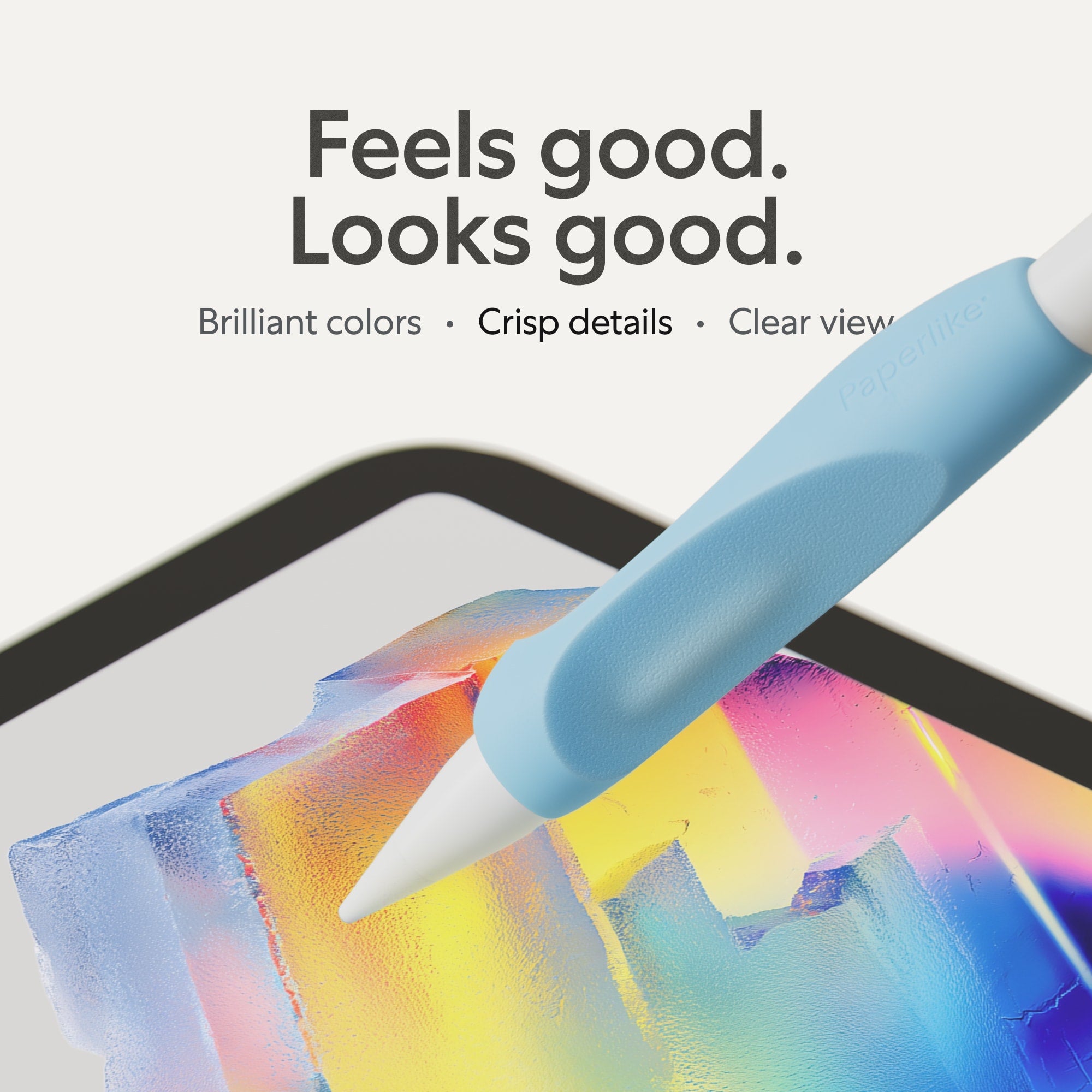
Full clarity. No compromise.
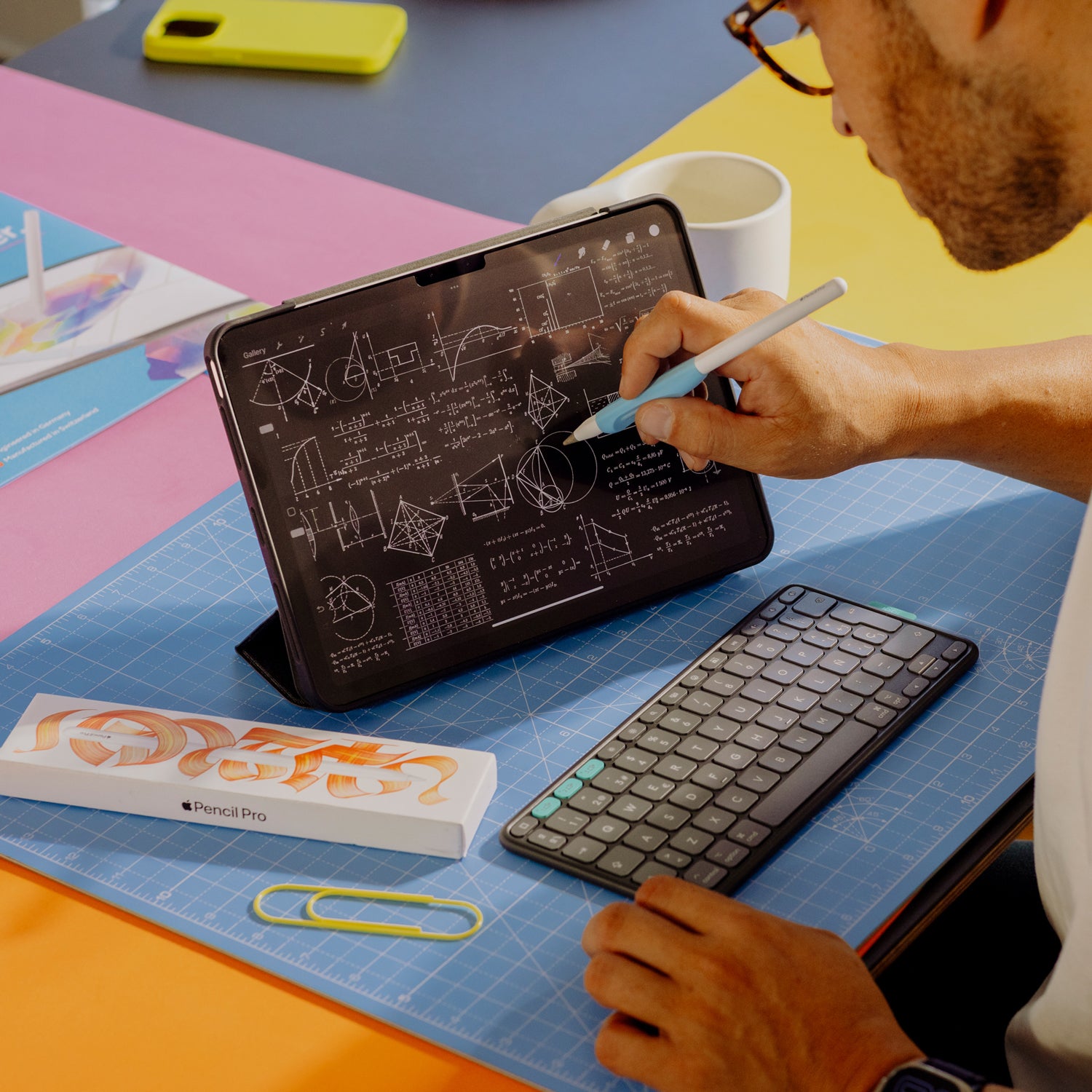
Textured surfaces bend the light coming from your iPad’s LEDs or OLEDs, causing refractions and rainbow effects — especially on bright, white backgrounds.
Unlike conventional matte screen protectors, Paperlike’s Nanodots surface delivers the paper-feel you love while keeping distortions to a minimum.
So you can write, draw, and watch your favorite Netflix show in brilliant clarity.
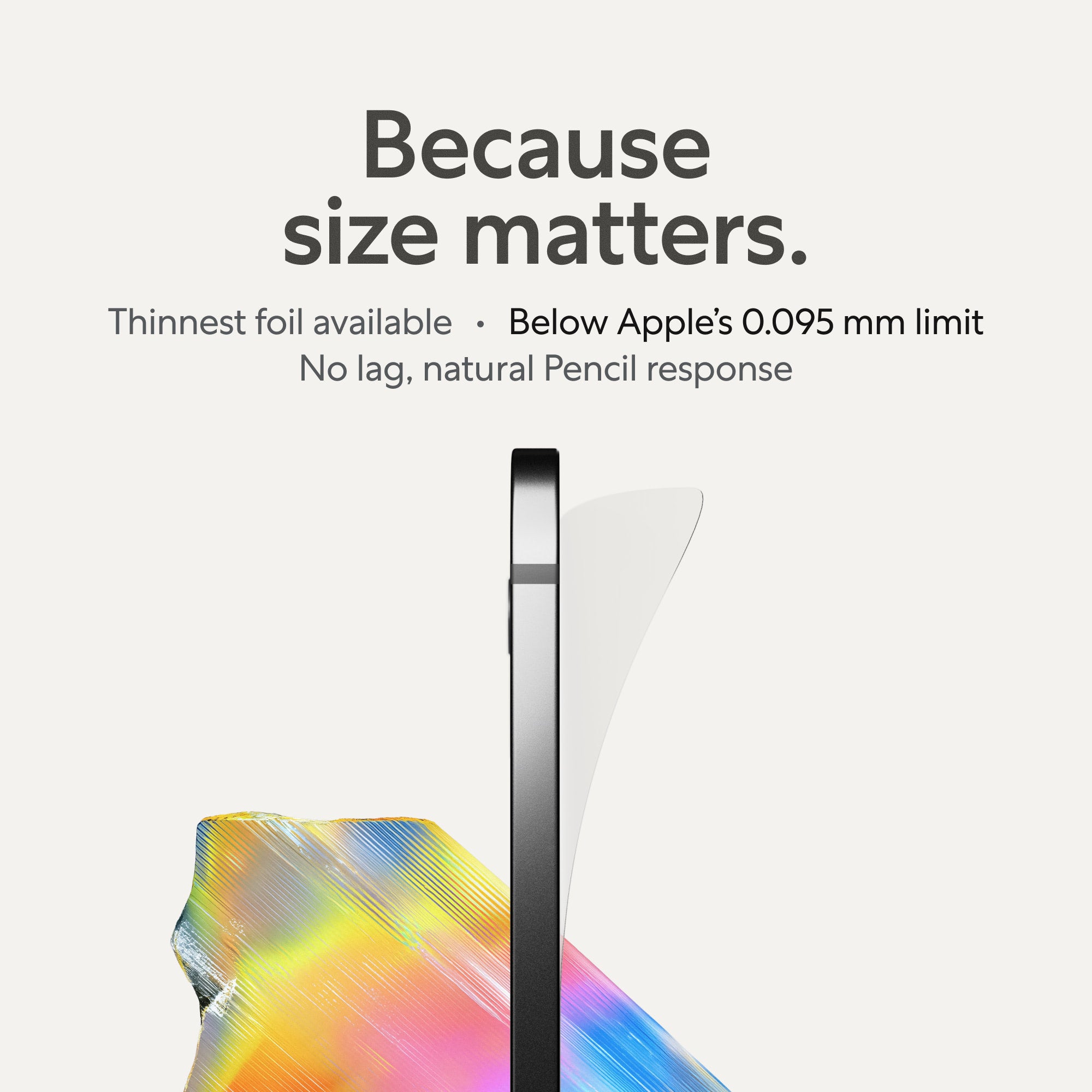
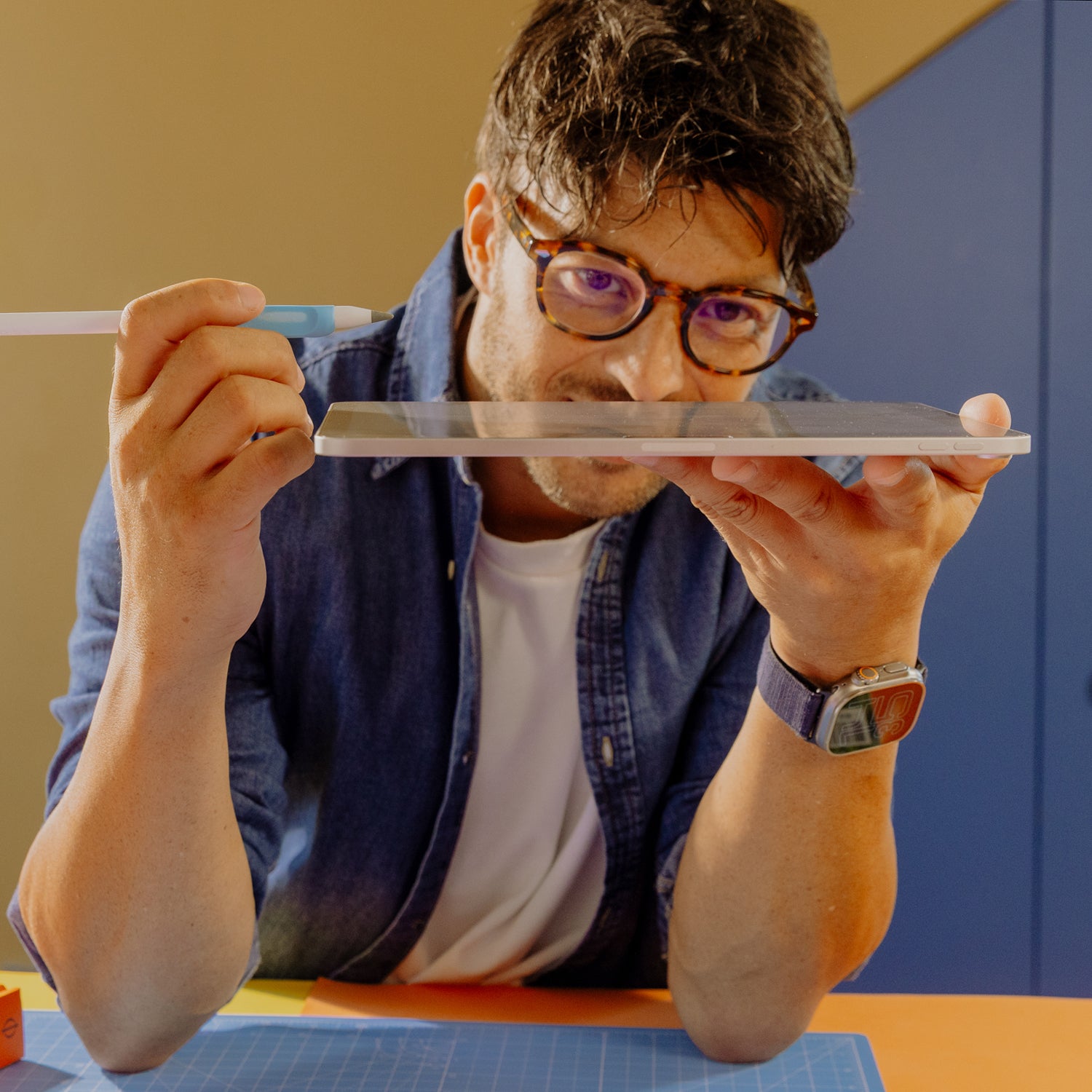
Ultra-thin, ultra-responsive.
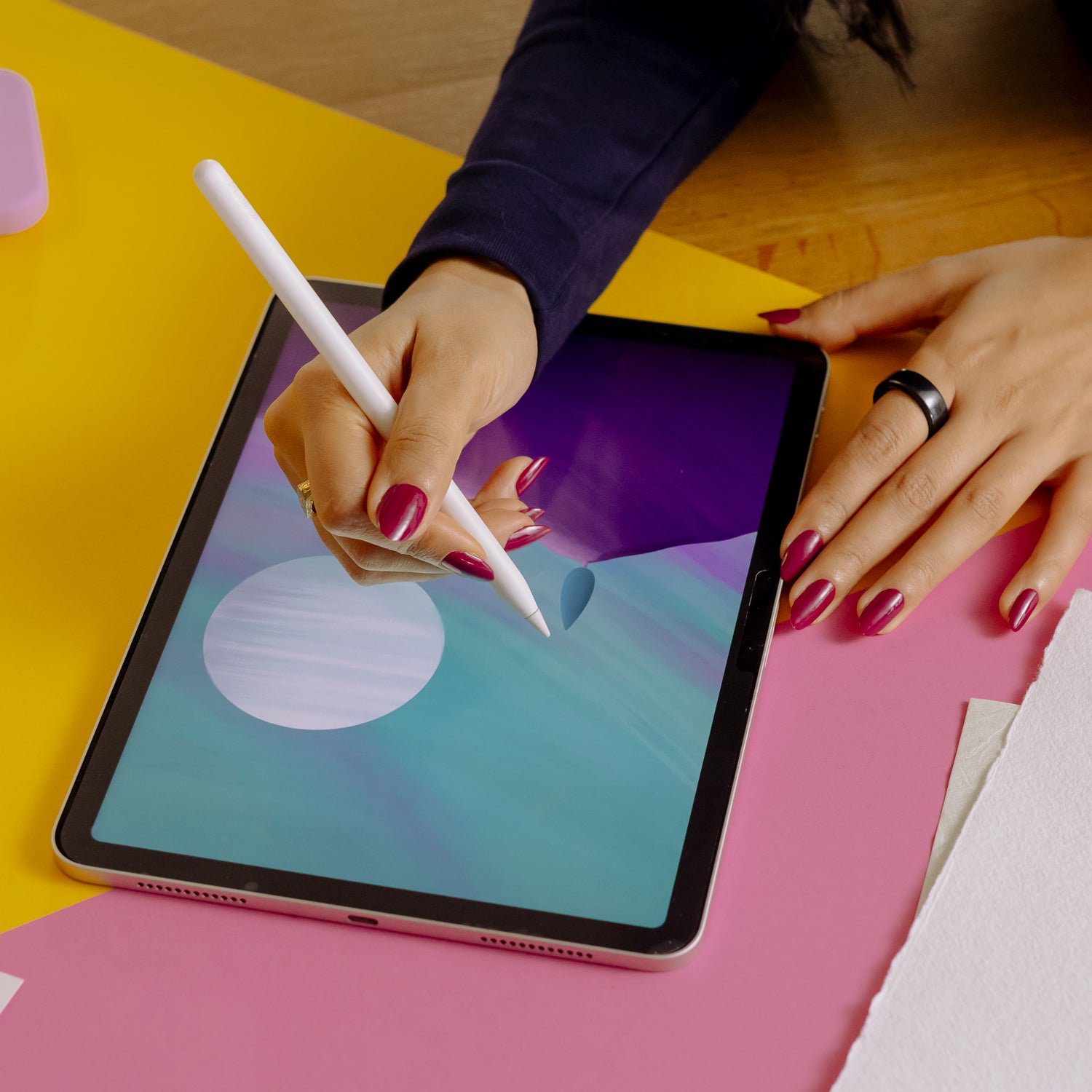
Thicker screen protectors create a gap between the Pencil tip and screen. The iPad tries to guess your movement, and diagonal lines become wobbly.
Paperlike 3 is different: at under 0.095 mm — thinner than a human hair and within Apple’s own design guidelines — it keeps the tip close to the screen for instant, precise, and natural response with every stroke.
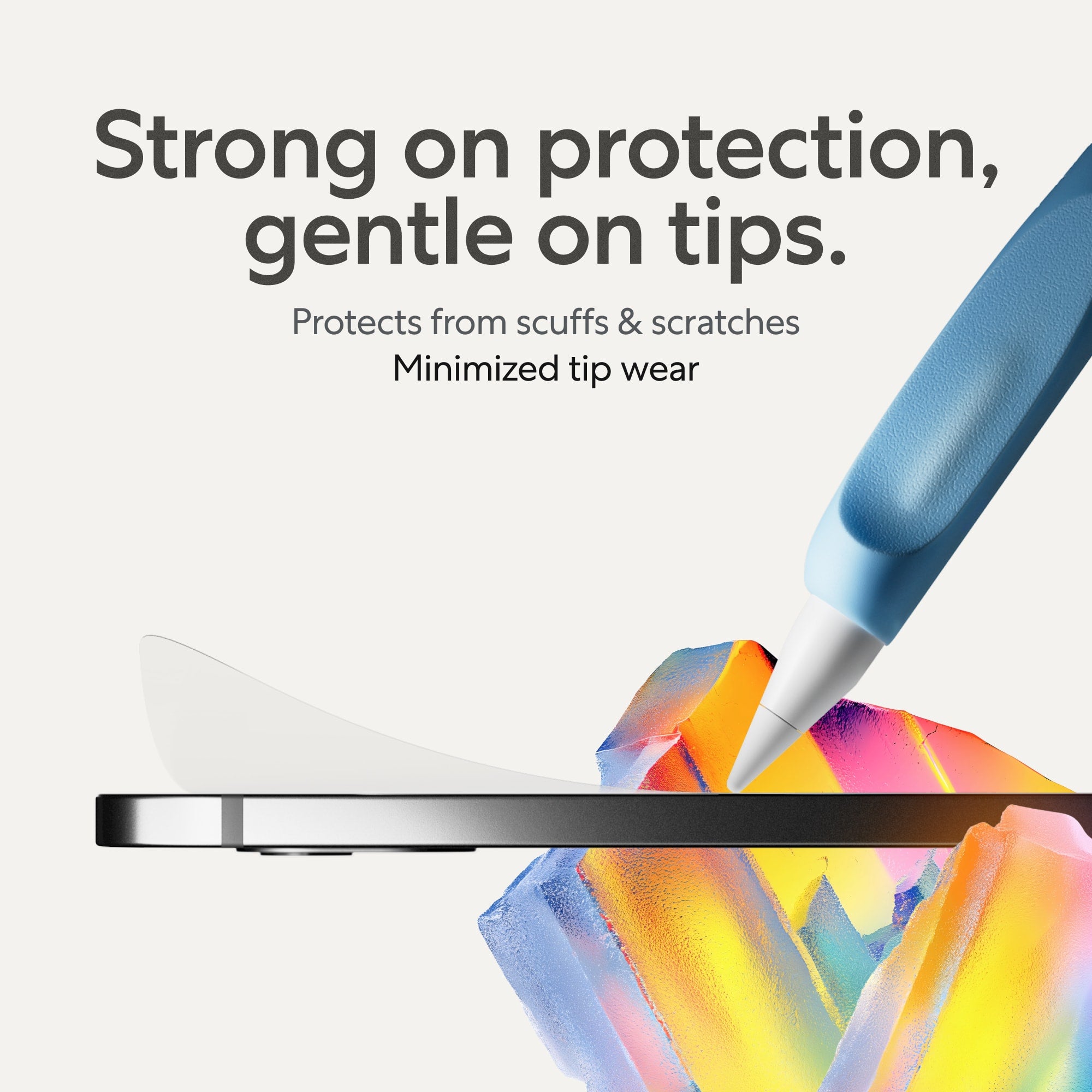
Minimal tip wear, maximum paper-feel.
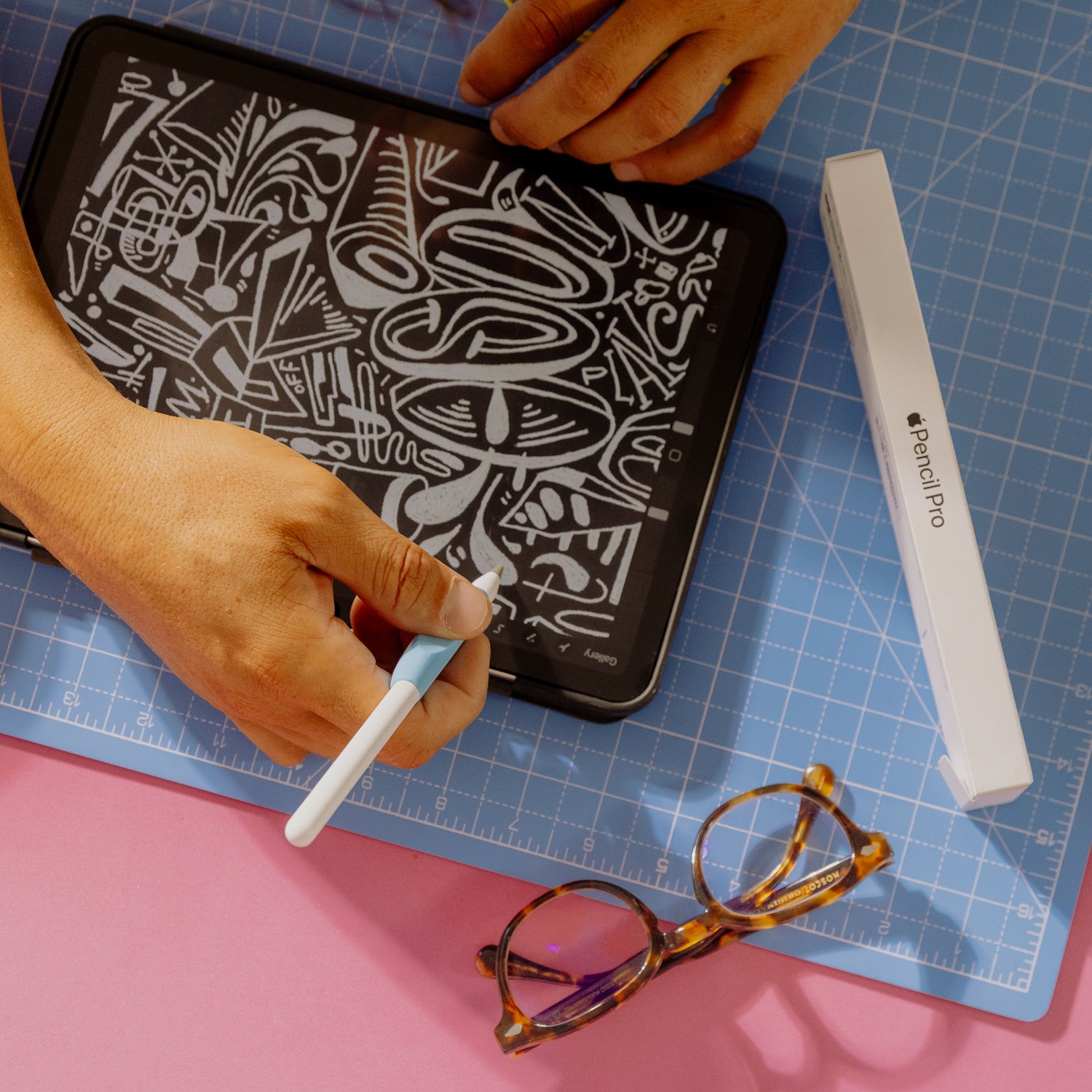
When a hard Pencil tip moves against a textured foil, wear is inevitable. That’s physics.
But with Paperlike 3, we’ve optimized for minimal wear while keeping the natural paper-feel. Other protectors often feel like sandpaper and can wear down your tip in hours. Not Paperlike™.
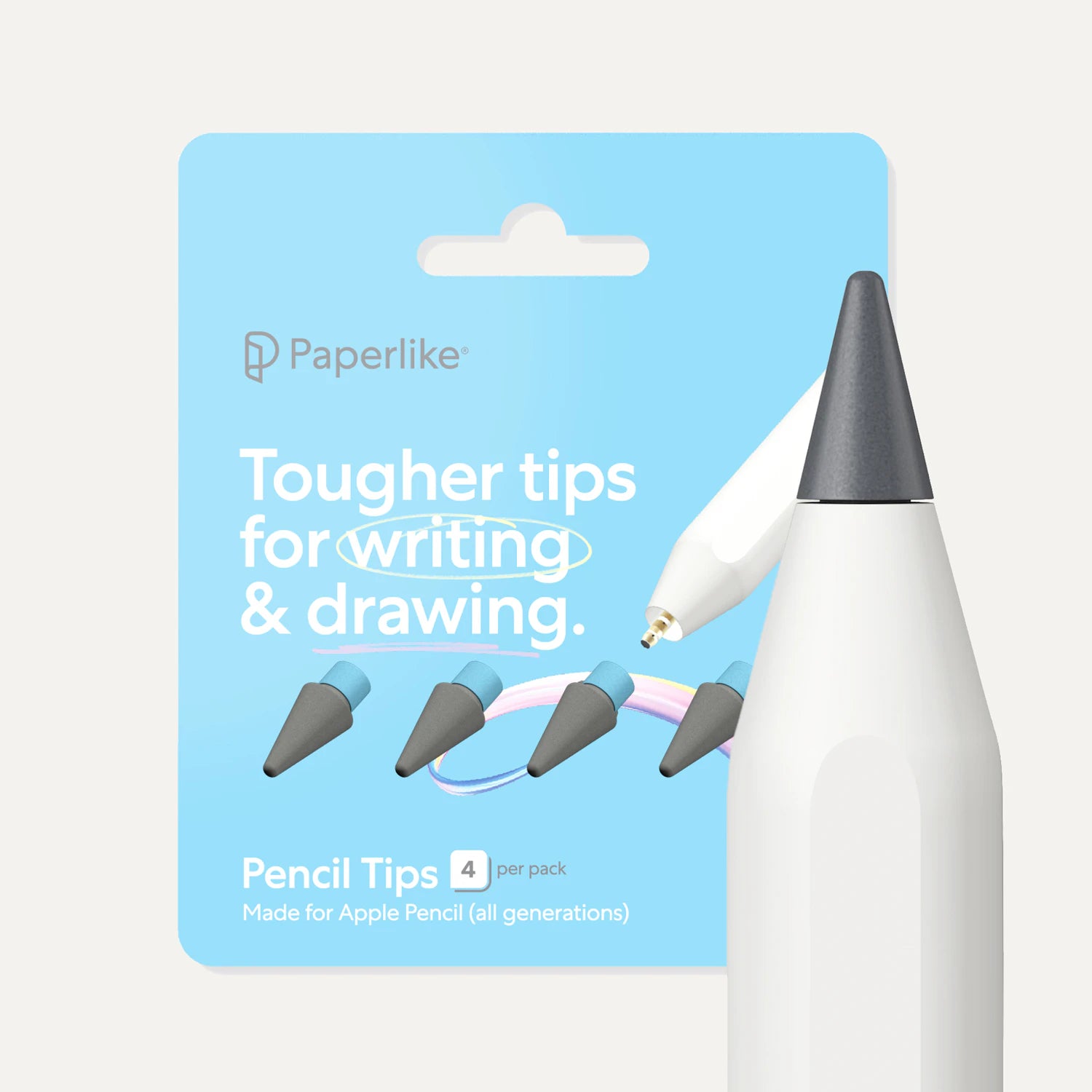
On average, our customers replace their Apple Pencil tips every six months. And if you want even more durability, try our own Pencil Tips — built for 10× durability and a tad more friction on Paperlike.
Protect your iPad where it matters most.
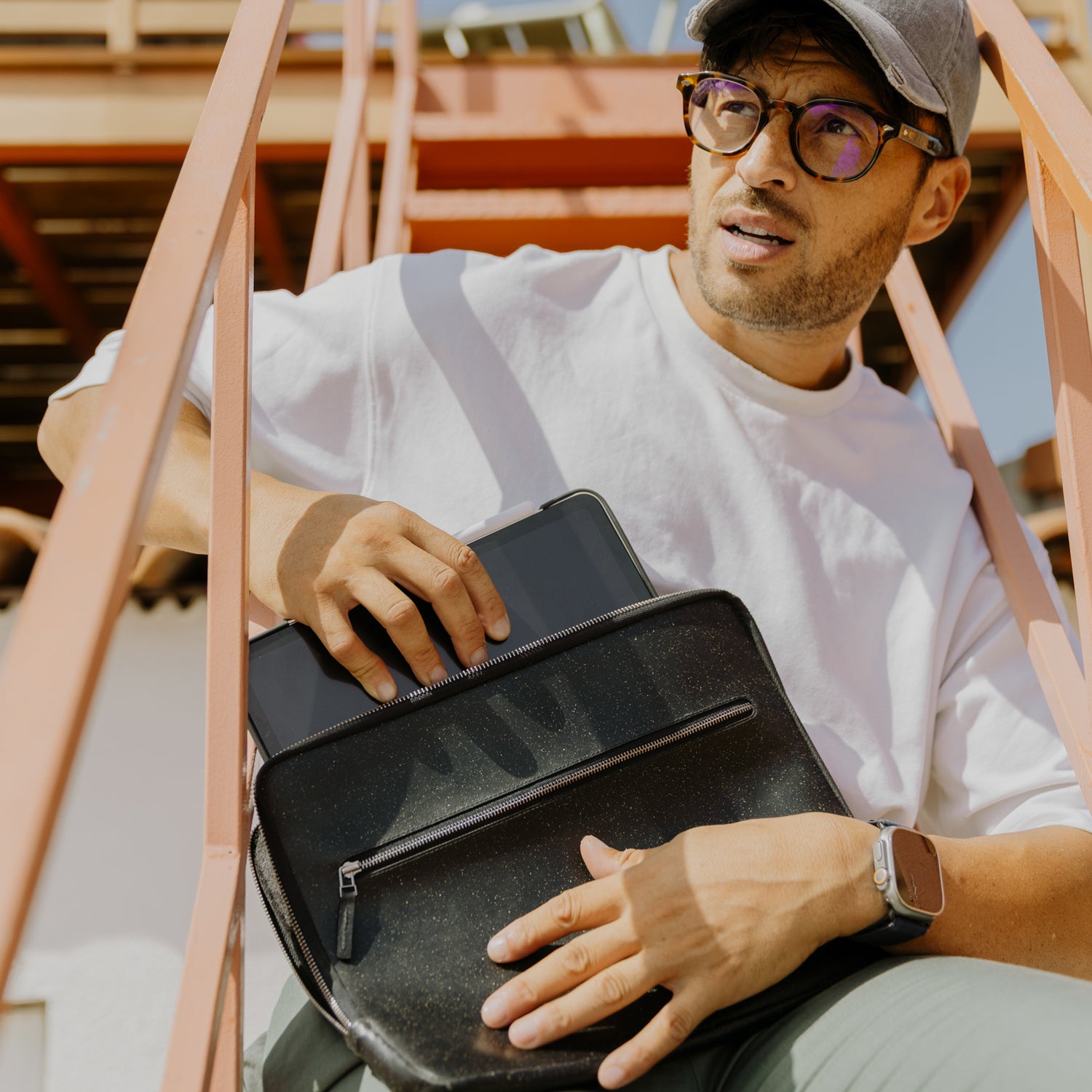
Scratches on your iPad’s screen are more than annoying. Once they’re there, you see them every time you use it. Luckily, Paperlike 3 shields your display from scuffs and scratches.
And if something does happen, no stress: every pack comes with two protectors, and replacing one is a lot easier (and cheaper) than replacing your screen.
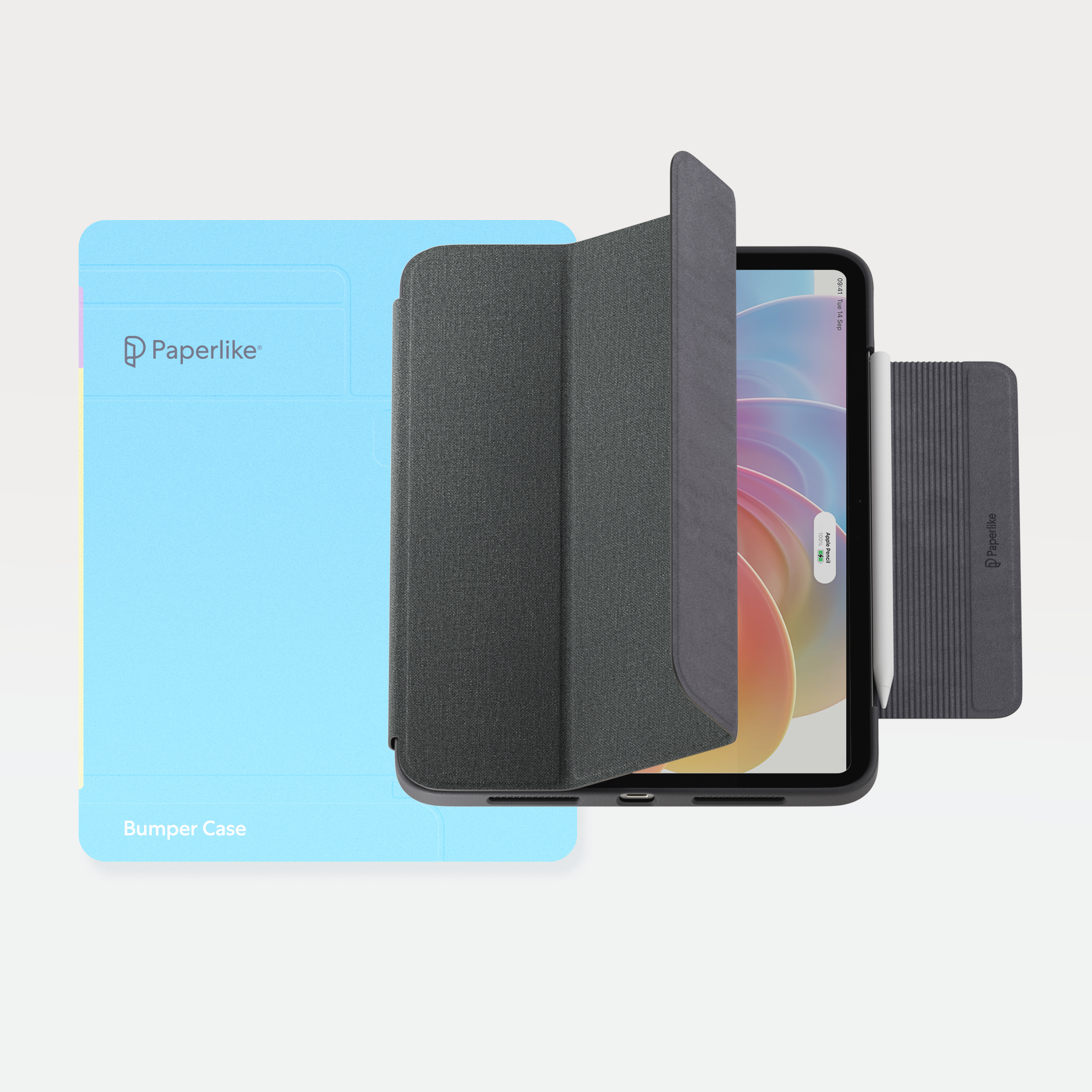
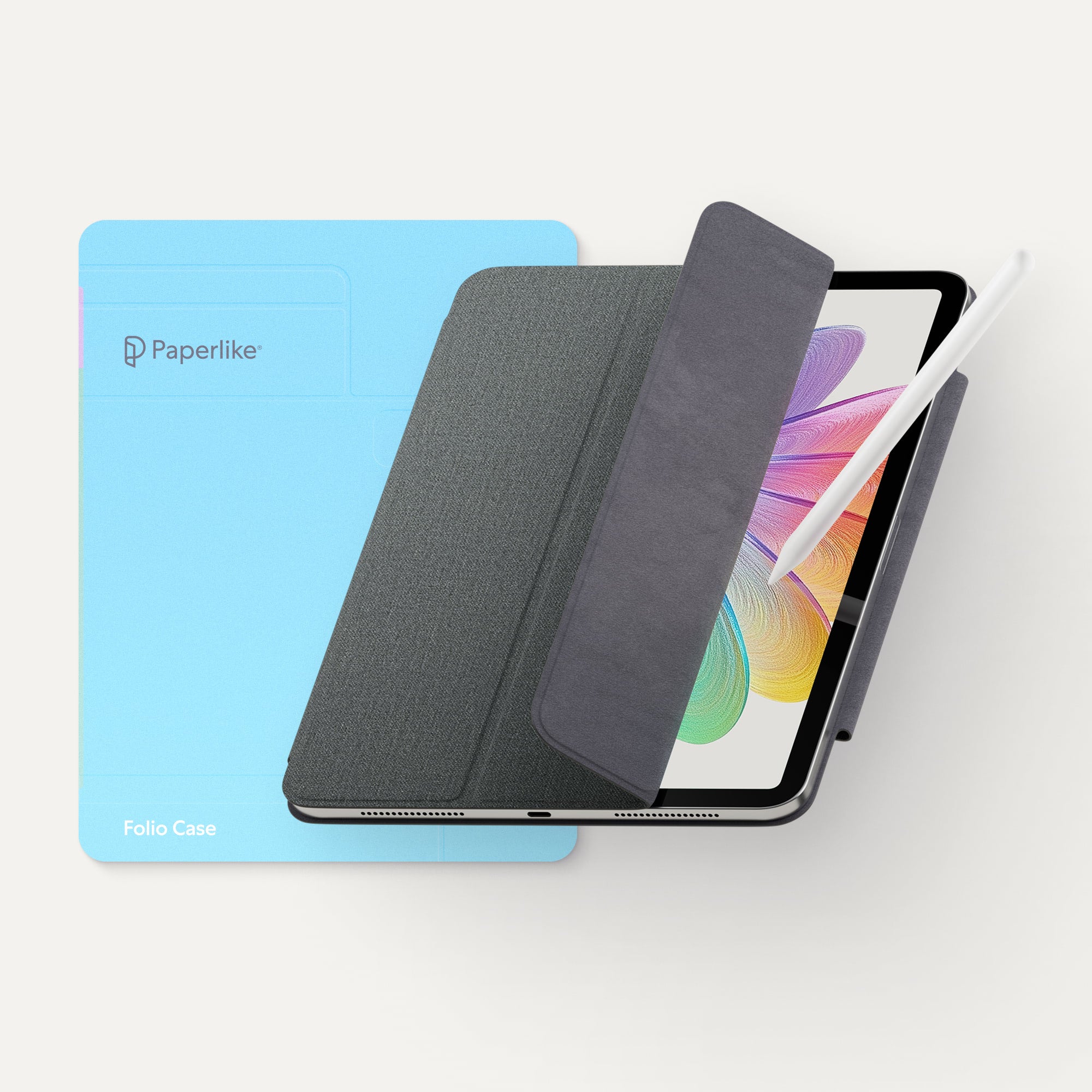
For full protection, add a case — and if you don’t want to compromise on quality, finish, or feel, check out our iPad Cases.
See for yourself.
Watch creators and reviewers put Paperlike 3 to the test — so you don’t have to take our word for it.
The new Butterfly Application System is WILD.
— Harrison Howe, Artist
I flew to Germany to try it out and trust me, the drawing and lettering experience is unreal.
— Jimbo Bernaus, Lettering Artist
Installing it was actually a really fun process.
— Olivia Girgis, Comic Artist
Paperlike 3 makes my perfectionism sing!
— KDigitalStudio, Tech Reviewer
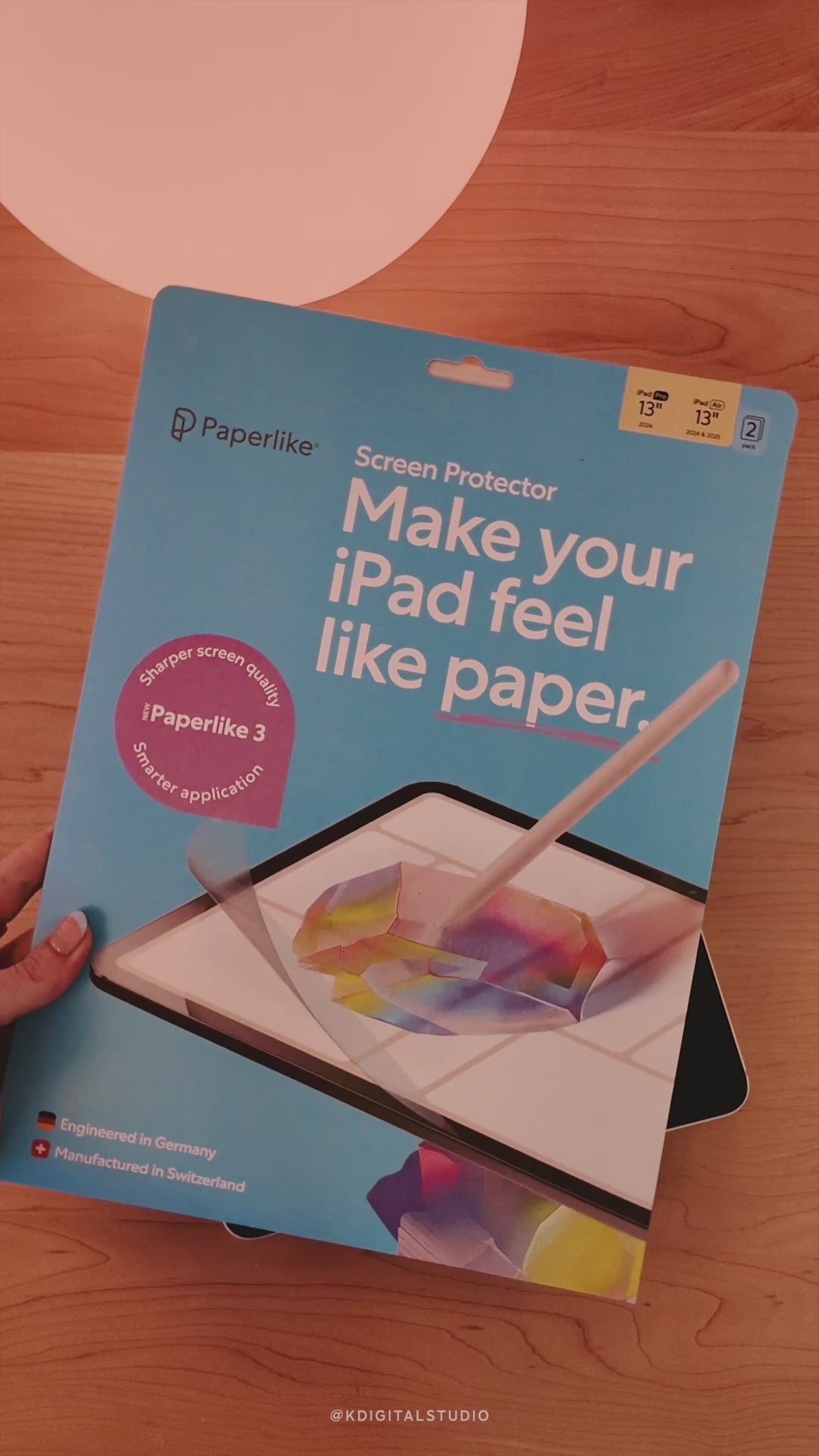
20x easier to apply your screen protector!
— IsiomaVlogs, Tech- & Productivity Expert
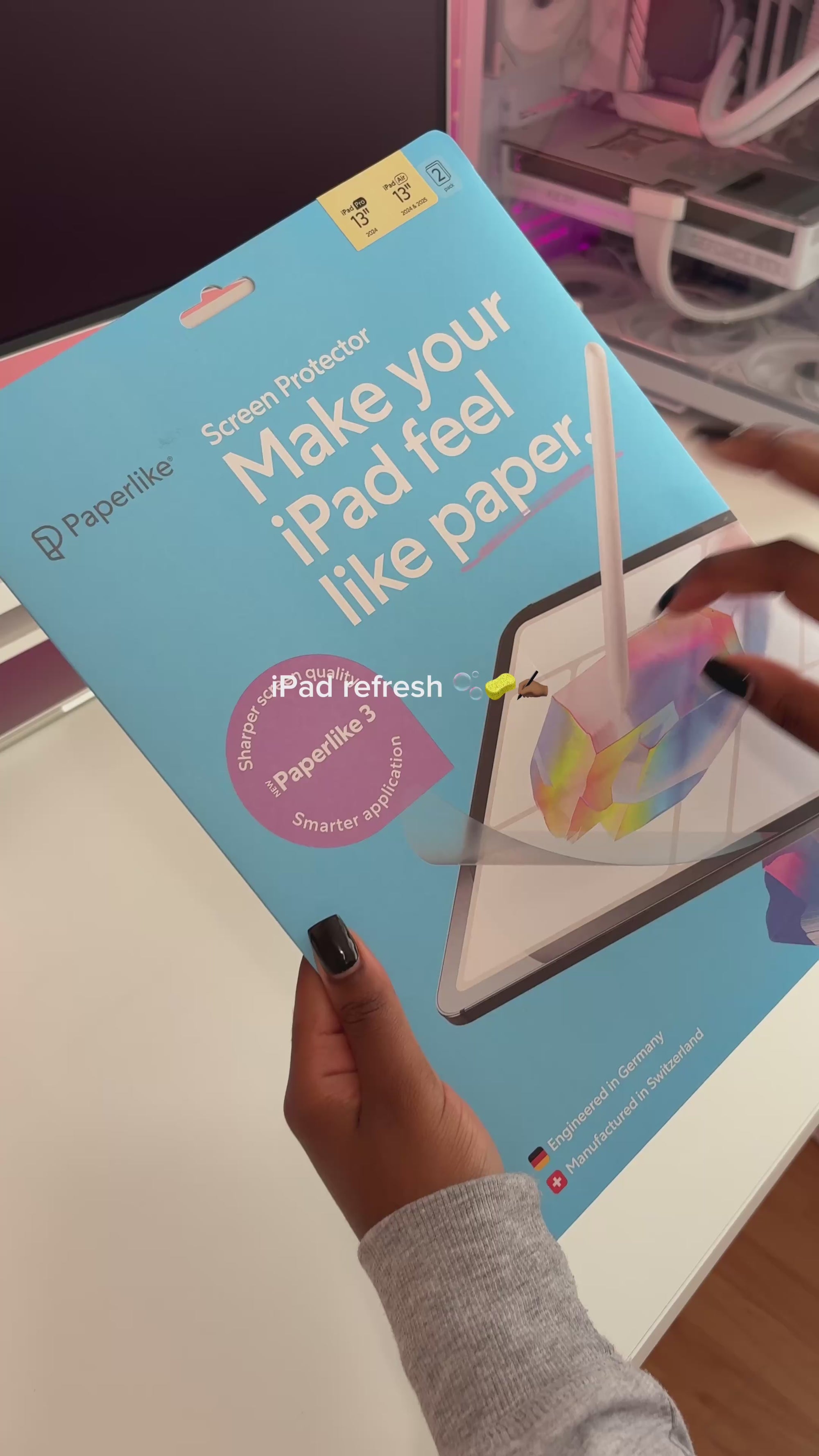
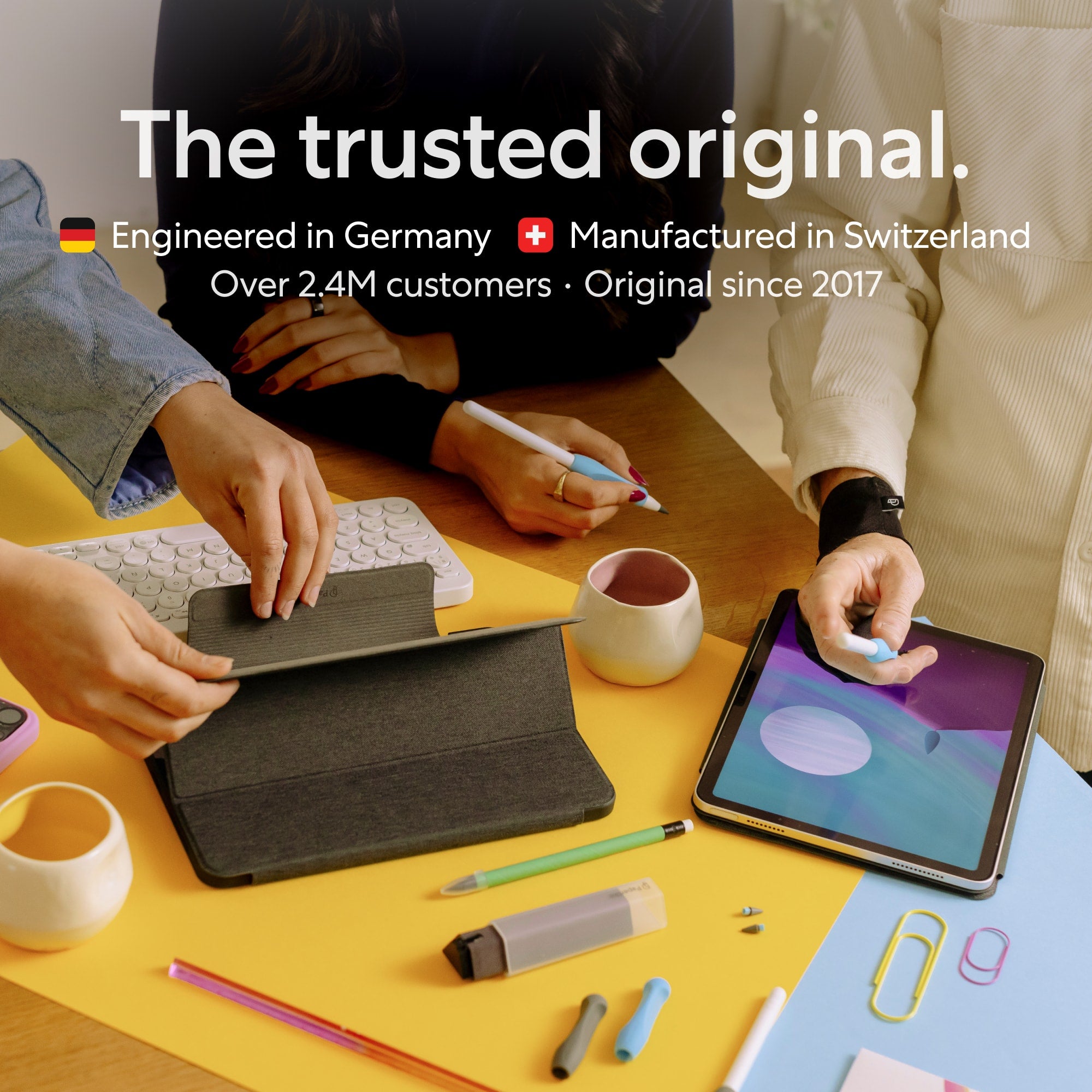
The trusted original, engineered in Germany.
Paperlike 3 isn’t just another off-the-shelf product. It’s engineered in Germany and manufactured in Switzerland with the best partners in the business.
Our Nanodots surface is produced by foil experts with over 100 years of experience, resulting in a level of quality, precision, and reliability you won’t find in cheap imitations.
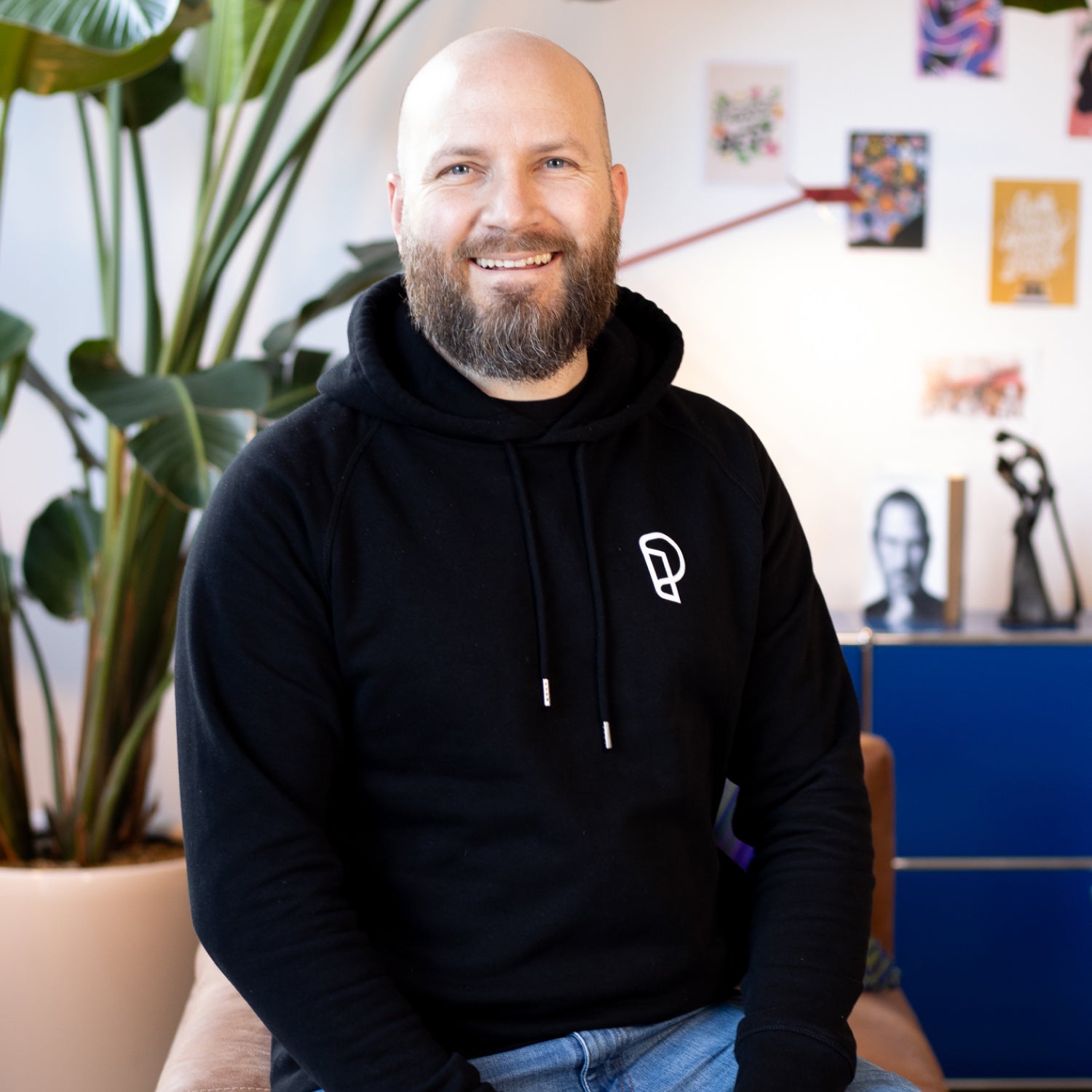
Driven by vision, built for us and you.
Paperlike 3 was developed under the lead of our founder, Jan Sapper, with a single goal: to create the perfect paper-feel screen protector.
As his own best customer, he relentlessly pushes every detail forward. We only make iPad accessories we want to use ourselves, for everyone else who cares as much as we do about equipping their iPad with the best.
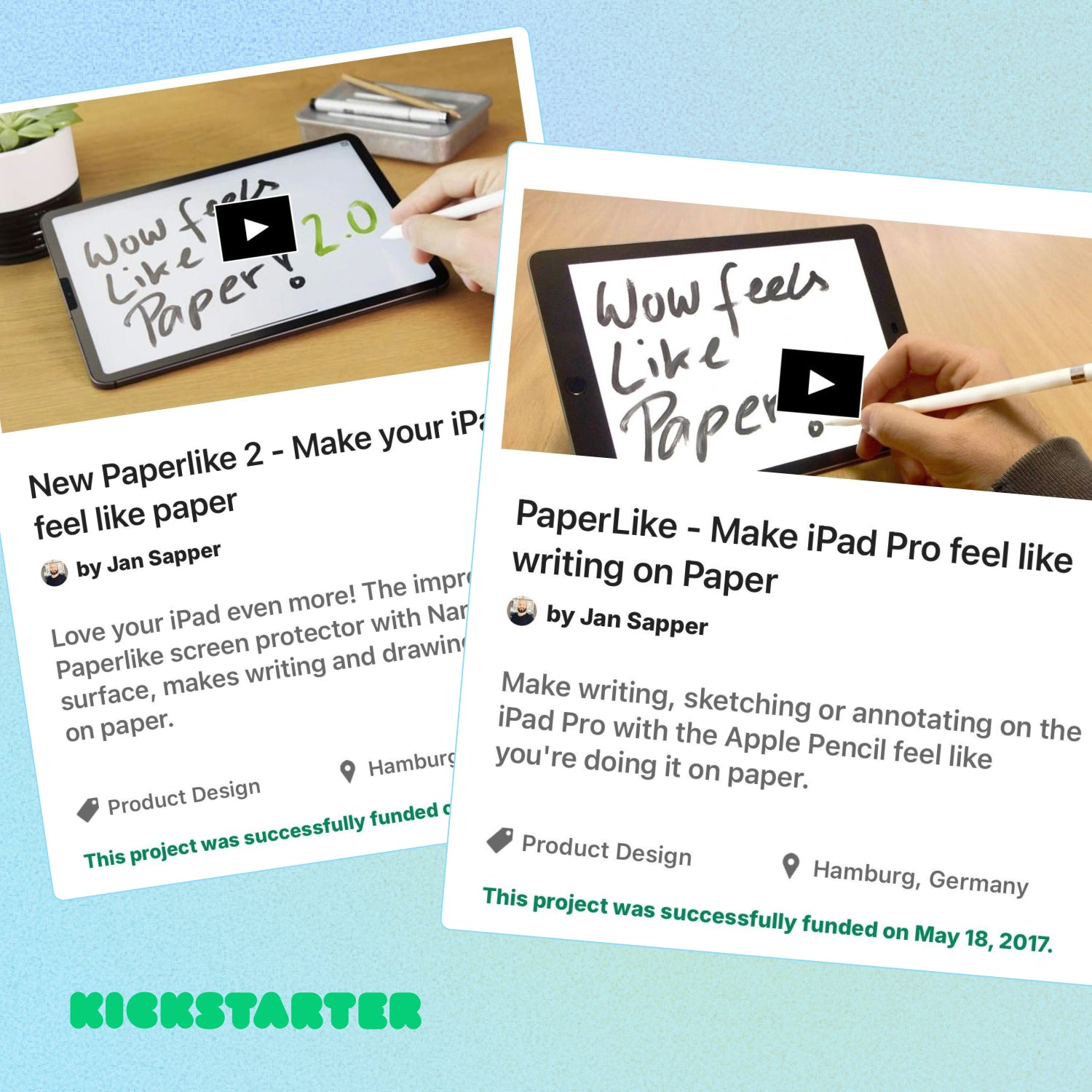
Years in the making.
In 2017, we launched the first Paperlike on Kickstarter and invented the paper-feel category.
Since then, we’ve refined every detail through continuous feedback, testing, and development. Paperlike 3 is the third iteration — built with hundreds of thousands invested in R&D, from new material compositions to the perfected Nanodots surface and the revolutionary easy Butterfly Application. It’s our most advanced Paperlike yet.
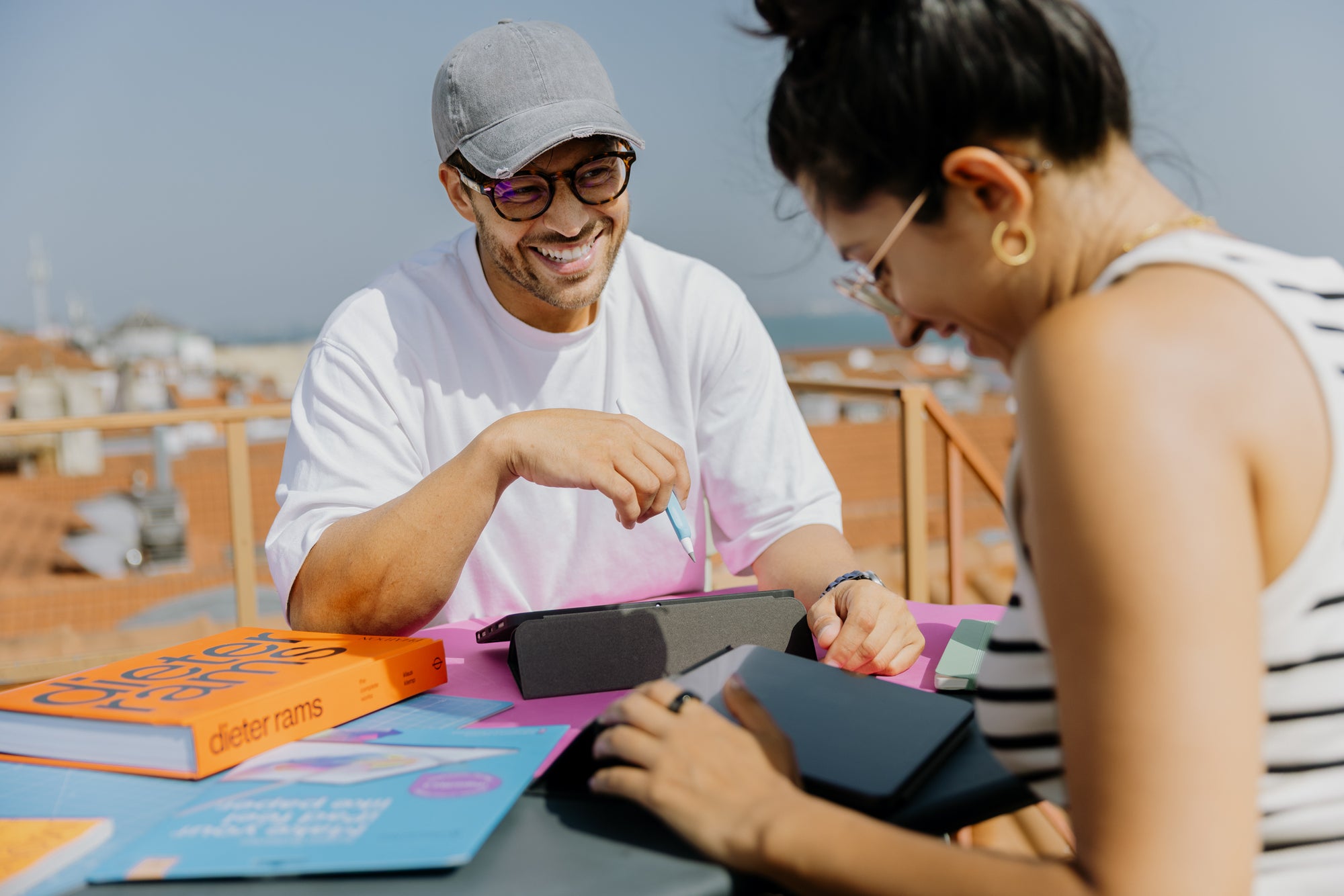
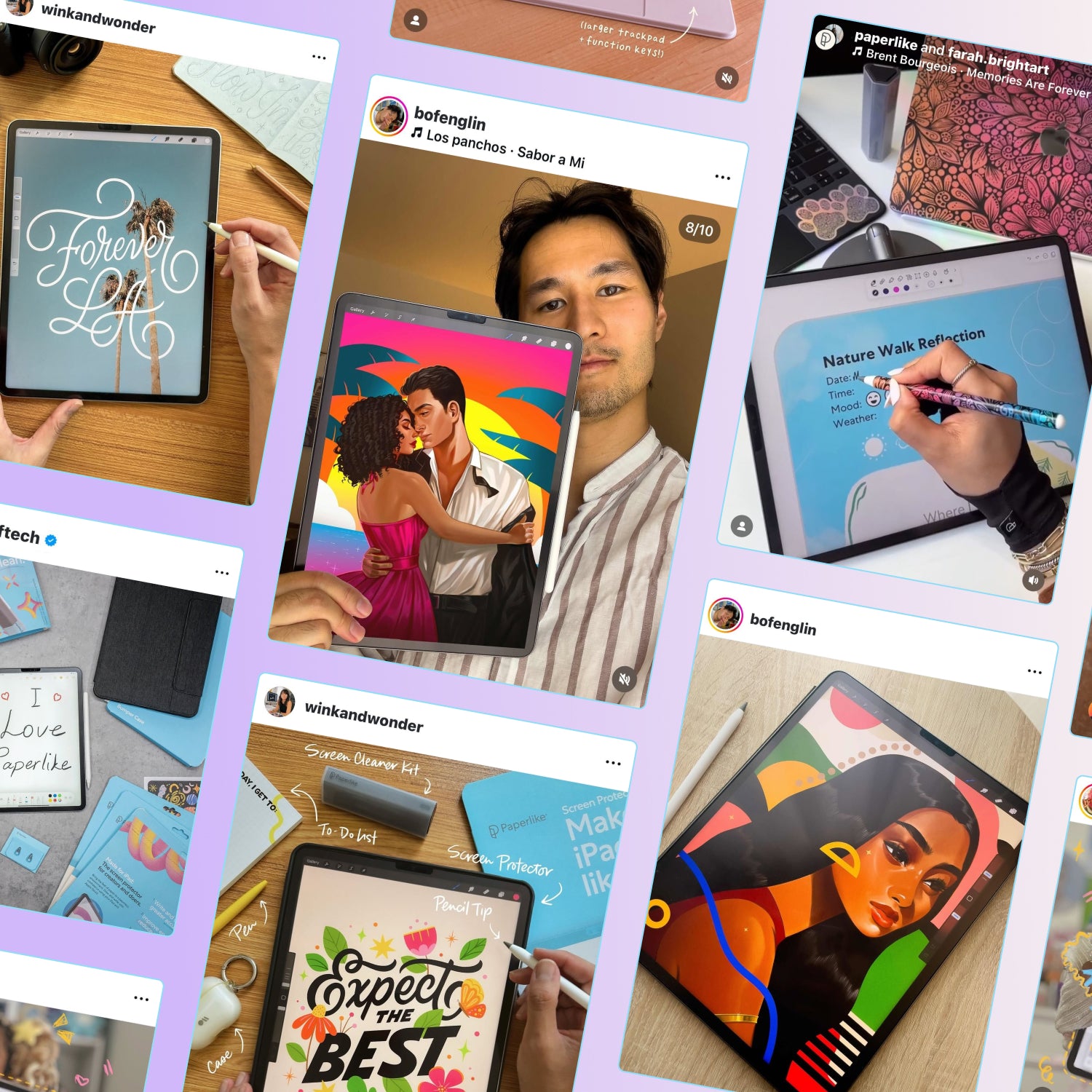
Loved by millions (2.4m to be exact).
Creators and doers, students, artists, designers, teachers, business professionals, entrepreneurs, tattoo artists, photographers, and many more.
For over 7 years, people who refuse to compromise have chosen Paperlike, and we’re proud to call them our customers.
Why Paperlike 3 stands out
Enjoy true paper-feel without compromise —for anyone serious about their iPad.
Paperlike™ 3 | Others | Bare iPad | |
|---|---|---|---|

Paper Feel | ✅ ✅ | ✅ | ❌ |

Screen quality | ✅ | ❌ | ✅ ✅ |

Responsiveness (thin) | ✅ ✅ | ❌ | ✅ ✅ |

Pencil tip wear | ✅ | ❌ | ✅ ✅ |
Up to 15 % off when bought with Paperlike
All the iPad accessories you need.
For serious creators and doers, we design every accessory with the same no-compromise approach as Paperlike 3.
From Pencil Grips and Pencil Tips to Cleaning Kit and more — everything is built for quality, comfort, and the perfect feel.
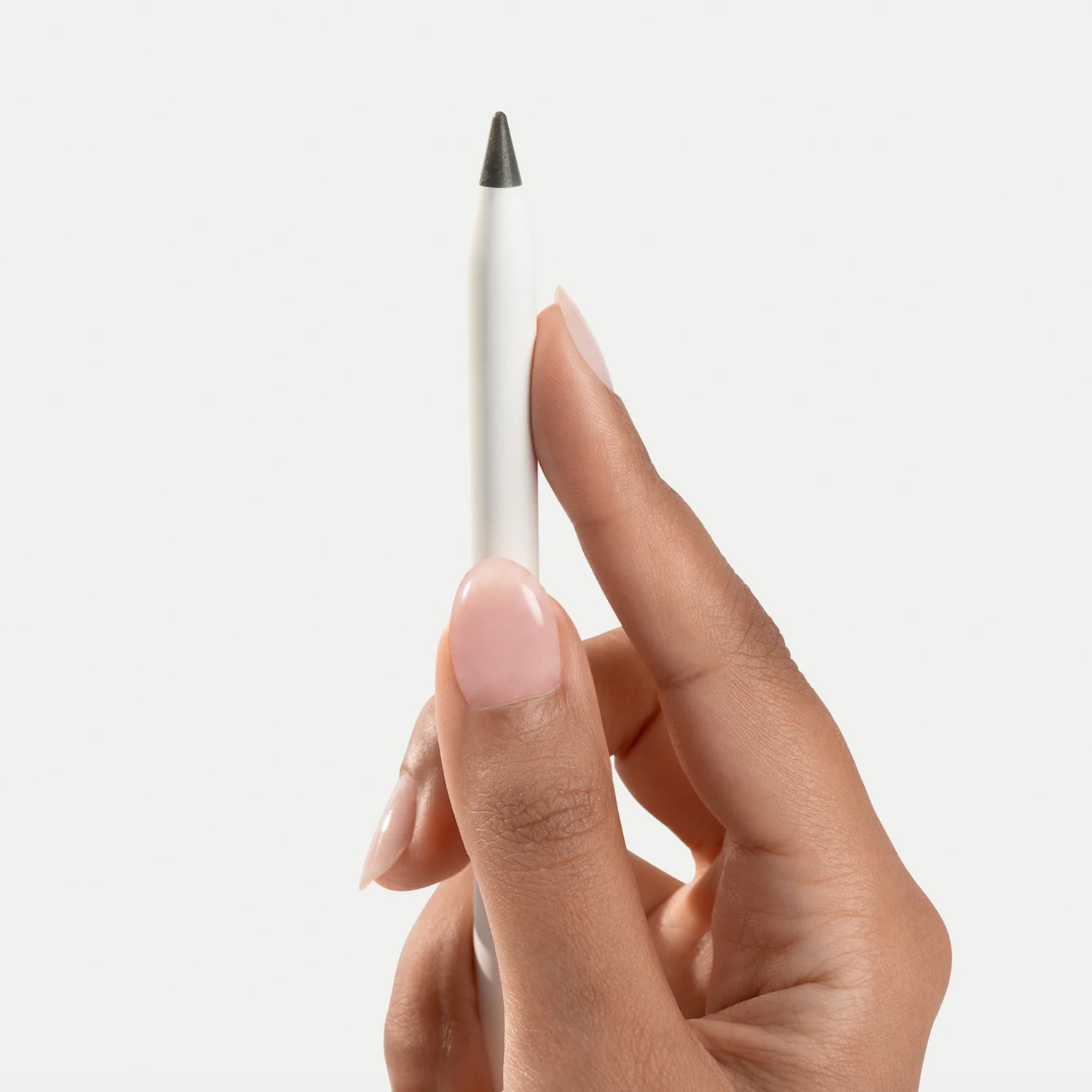
Regular price€24.00 Sale price€20.40
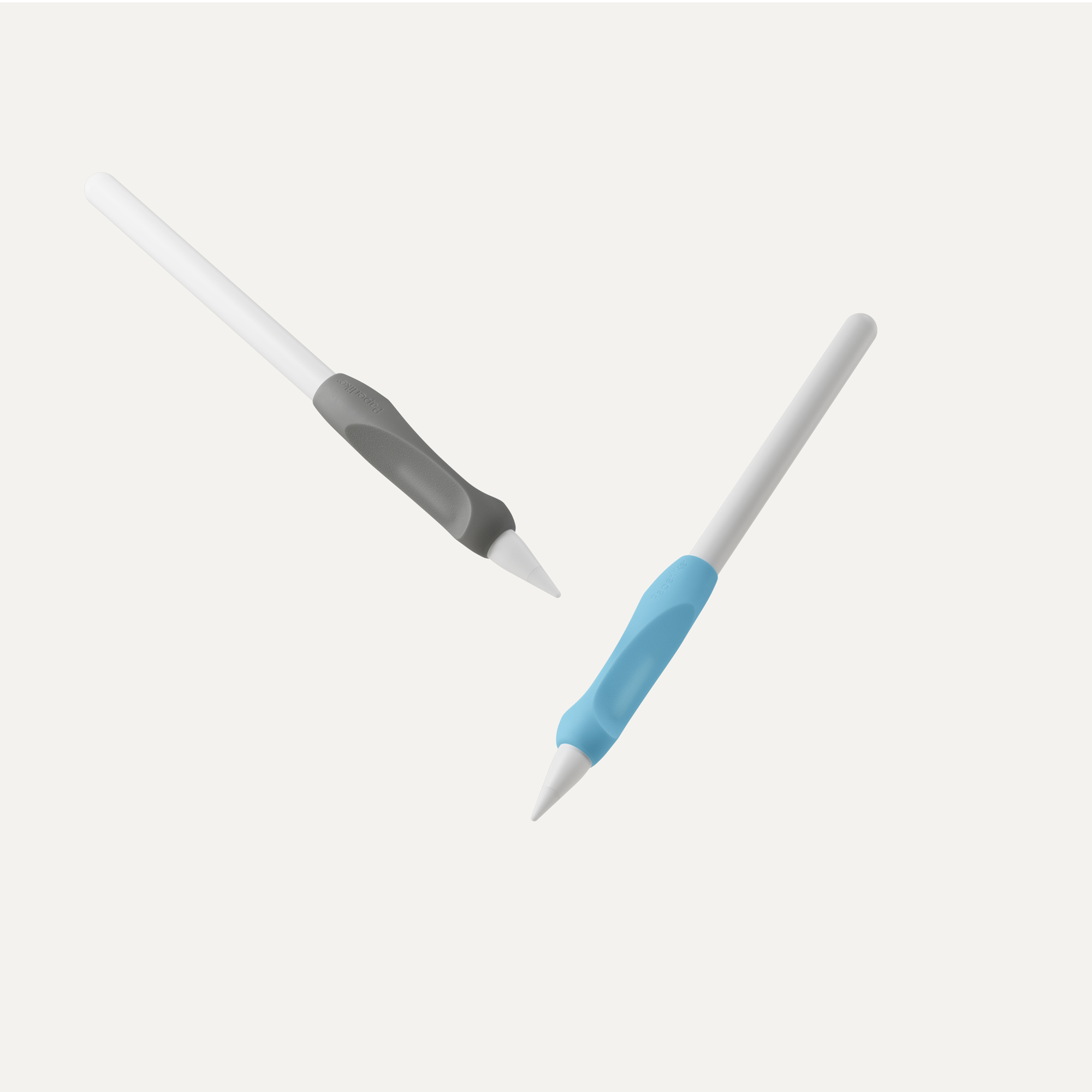
Regular price€19.00 Sale price€16.15
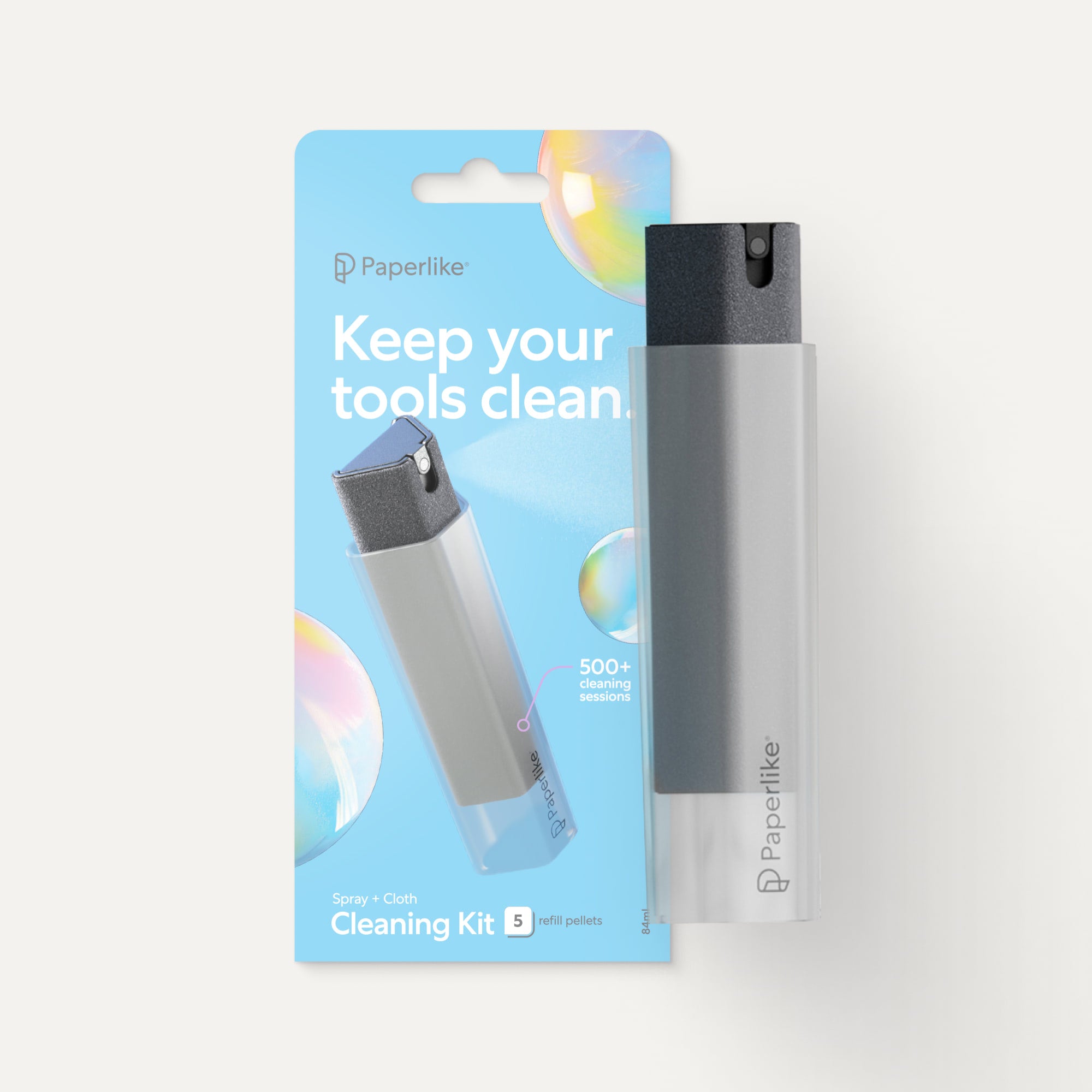
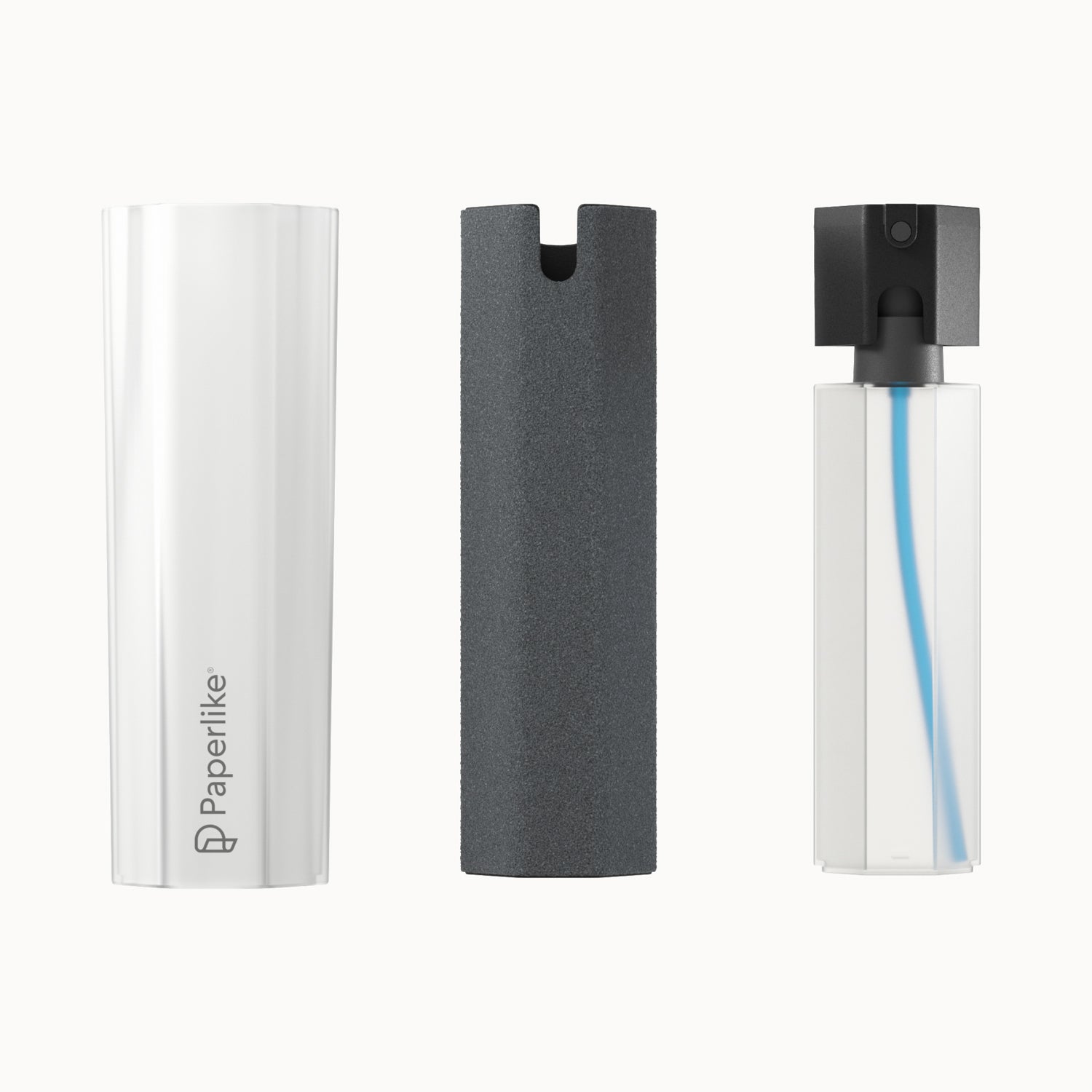
Regular price€24.00 Sale price€20.40
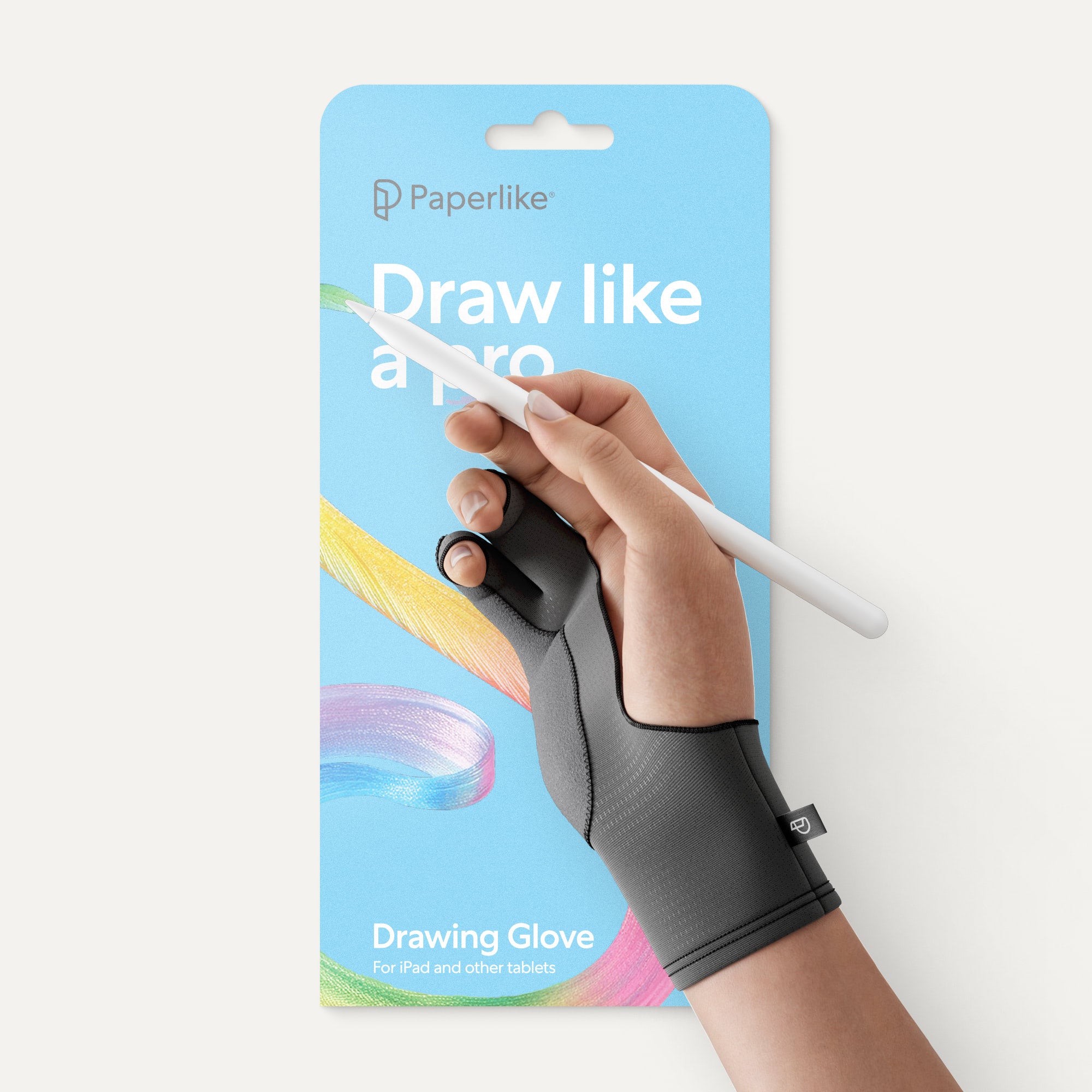
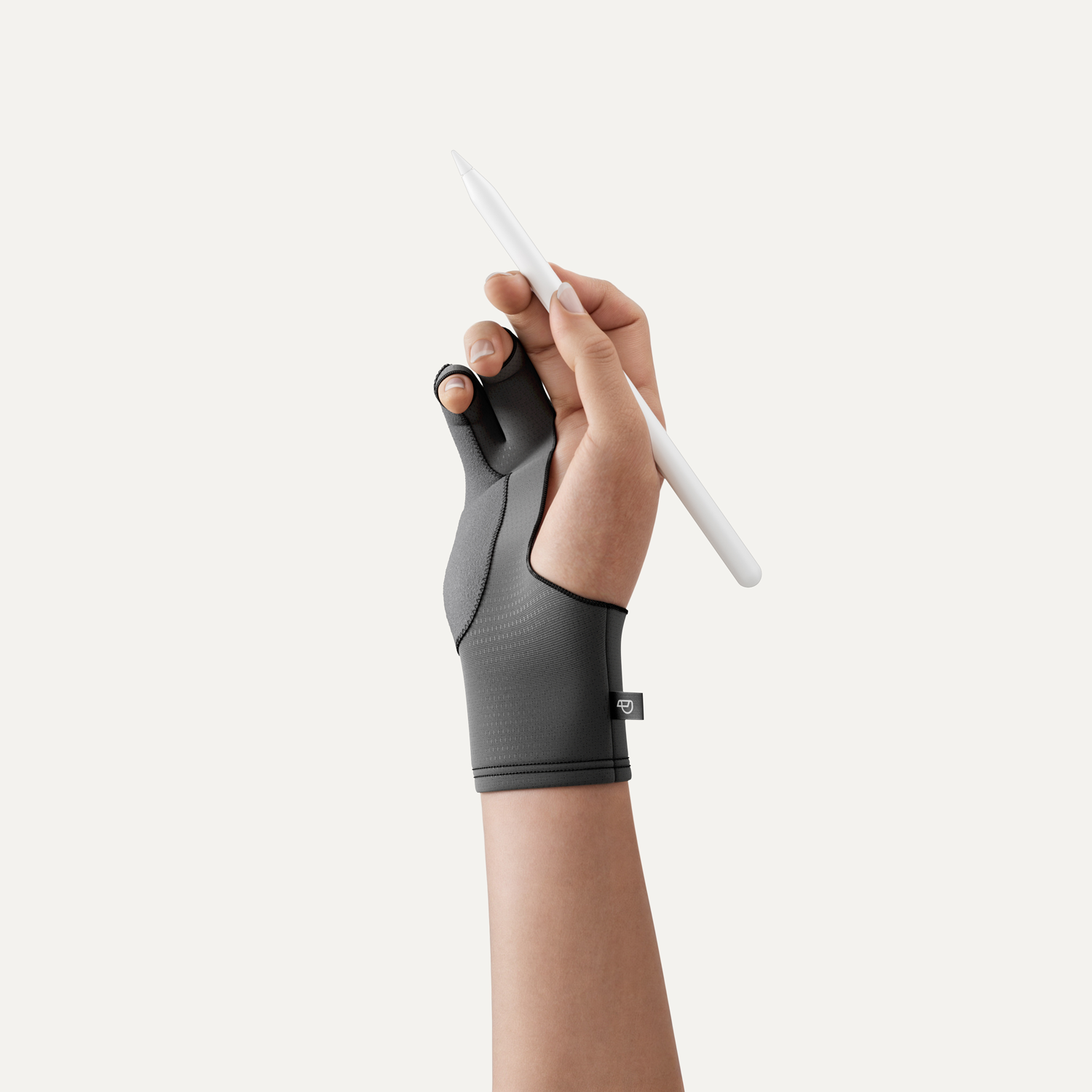
Regular price€19.00 Sale price€16.15
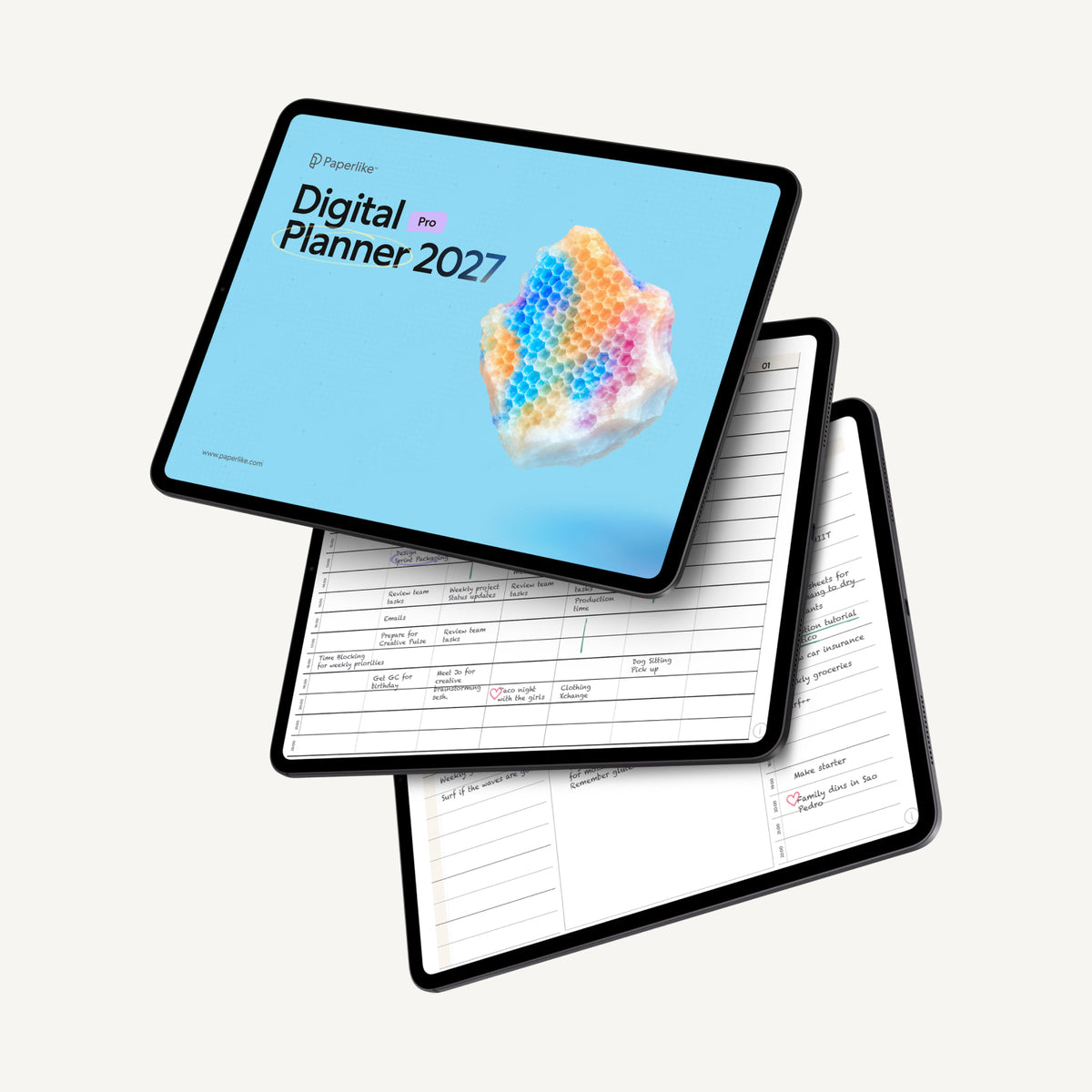
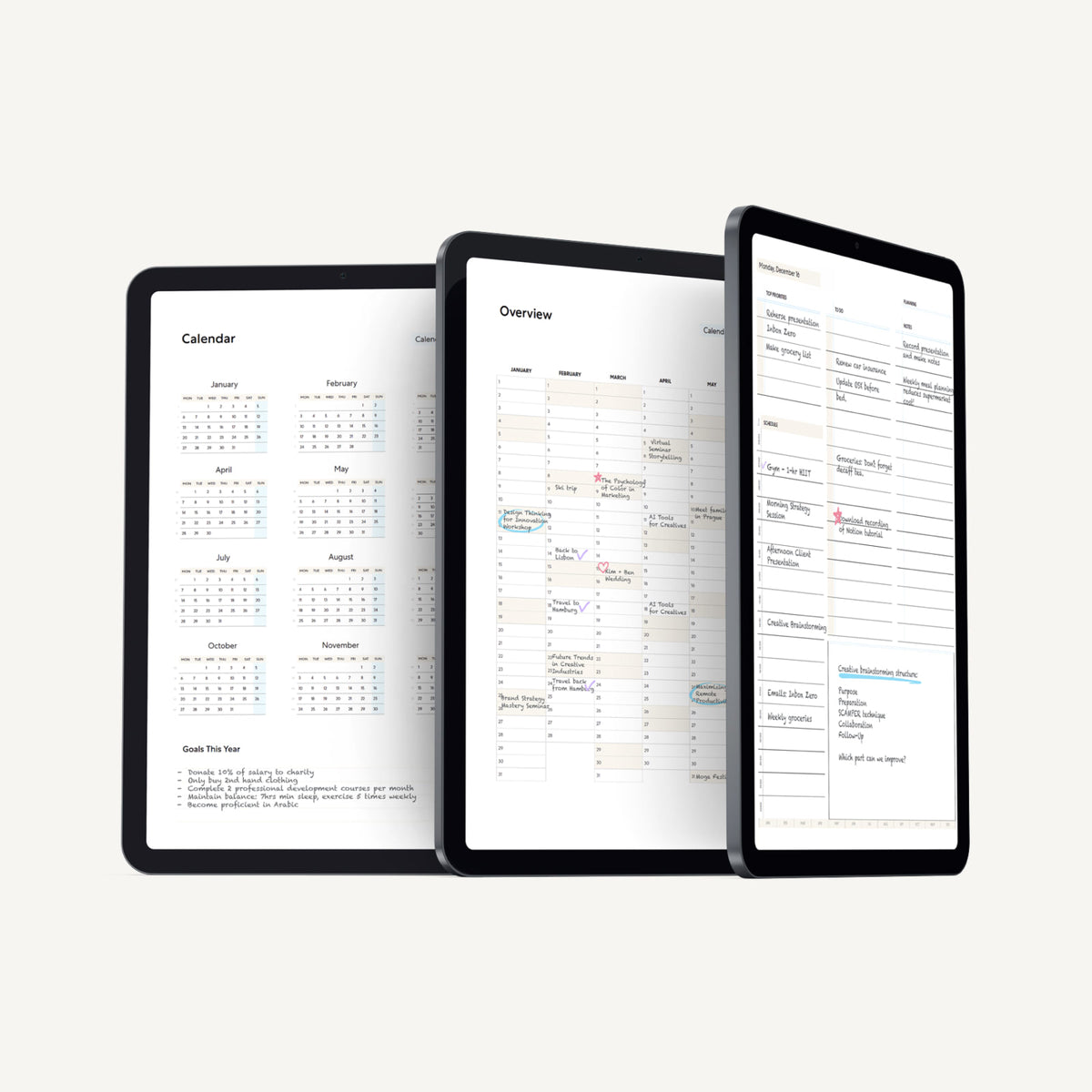
Regular price€12.00 Sale price€10.20
Paperlike 3 FAQs
Will Paperlike 3 fit my iPad?
Yes, very likely. Paperlike 3 is available for all current iPad models. Not sure which iPad you own? Use our “Find my iPad” table before purchasing to get the right size for your device.
What’s the difference between Paperlike 3 and Paperlike 2.1?
Paperlike 3 introduces the Butterfly Application for easier, stress-free installation, and features a refined Nanodots surface for the most natural paper-feel yet.
Does Paperlike 3 affect screen clarity or brightness?
Just a little. All textured surfaces bend light and reduce brightness slightly.
But thanks to our refined Nanodots surface, Paperlike 3 does this far less than conventional matte or paper-feel screen protectors. You still enjoy the natural paper-feel without sacrificing your iPad’s brilliant display.
How long does a Paperlike last?
How long your Paperlike lasts depends on how often you use your Apple Pencil and how much pressure you apply.
Every pack comes with two screen protectors, so you always have a backup ready.
Does Paperlike 3 wear down the Apple Pencil tip?
All textured surfaces cause some wear — that’s physics. But Paperlike 3 is optimized to minimize it. On average, our customers replace their Apple Pencil tips every six months.
For even more durability, check out our Pencil Tips — built for 10× longevity and a tad more friction.
Is Paperlike 3 easy to apply?
Yes. The Butterfly Application makes installation simple and reliable, with on-screen step-by-step instructions, a Helper Tool for alignment, and a dust-catching layer to prevent bubbles.
And if it’s not perfect, every pack includes two Paperlikes and our satisfaction guarantee has you covered.
Can I still use my case or keyboard with Paperlike 3?
Yes. At under 0.95 mm thin, Paperlike 3 works perfectly with Apple accessories like the Smart Keyboard, Magic Keyboard, or your favorite case.
And if you want protection that feels like a premium hardcover notebook, check out our own Paperlike Cases — built with the same no-compromise approach as Paperlike 3.
Does Paperlike come with a warranty or return policy?
Yes, with a 100-day, no-questions-asked money-back guarantee. If you’re not happy with your Paperlike for any reason, just email us within 100 days of purchase, and we’ll refund you in full.
Judge for yourself.
See what thousands of creators and professionals say about Paperlike.
Nice packaging and easy to use.
The video guide was very helpful, installation was quick and easy
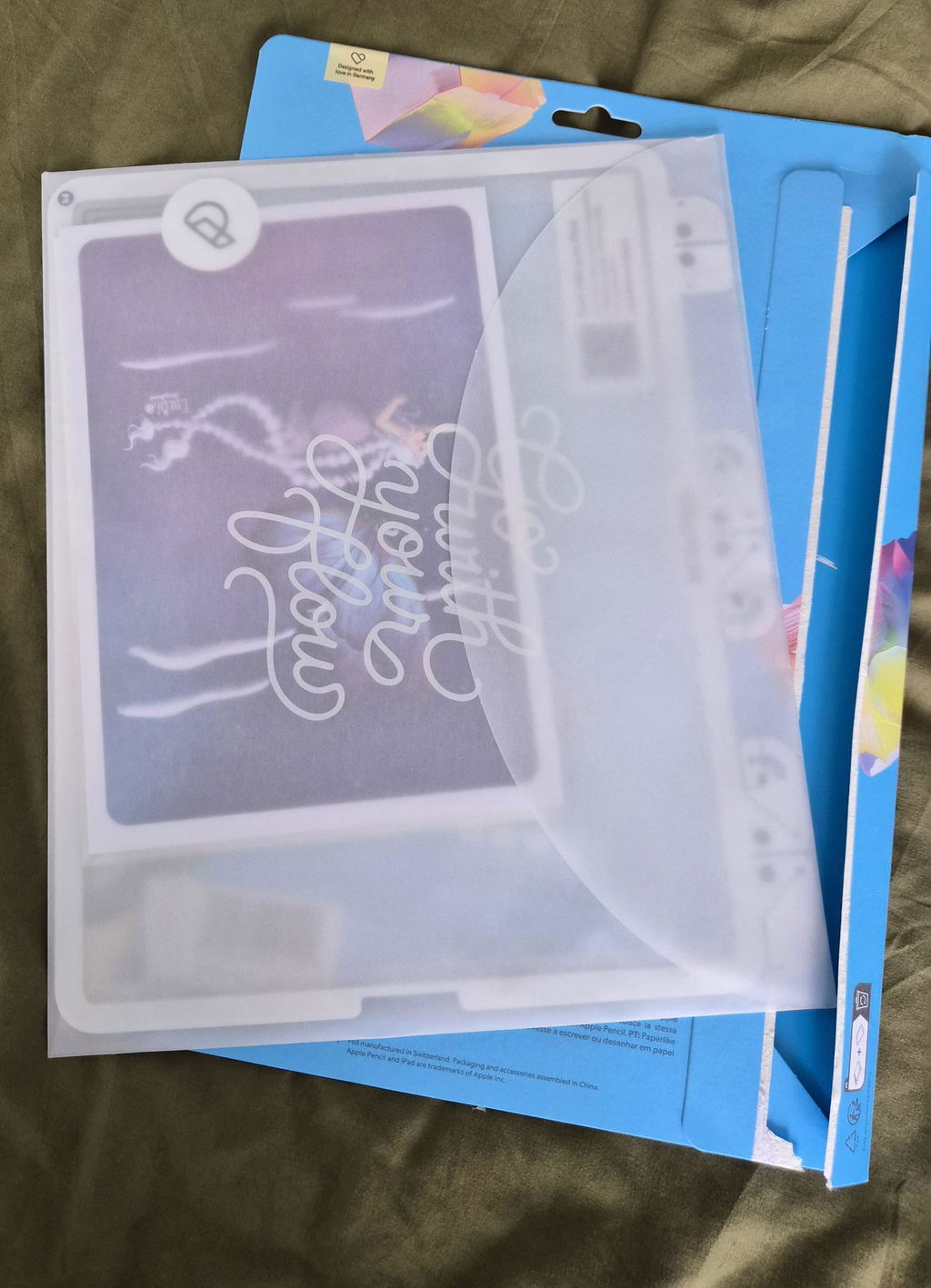
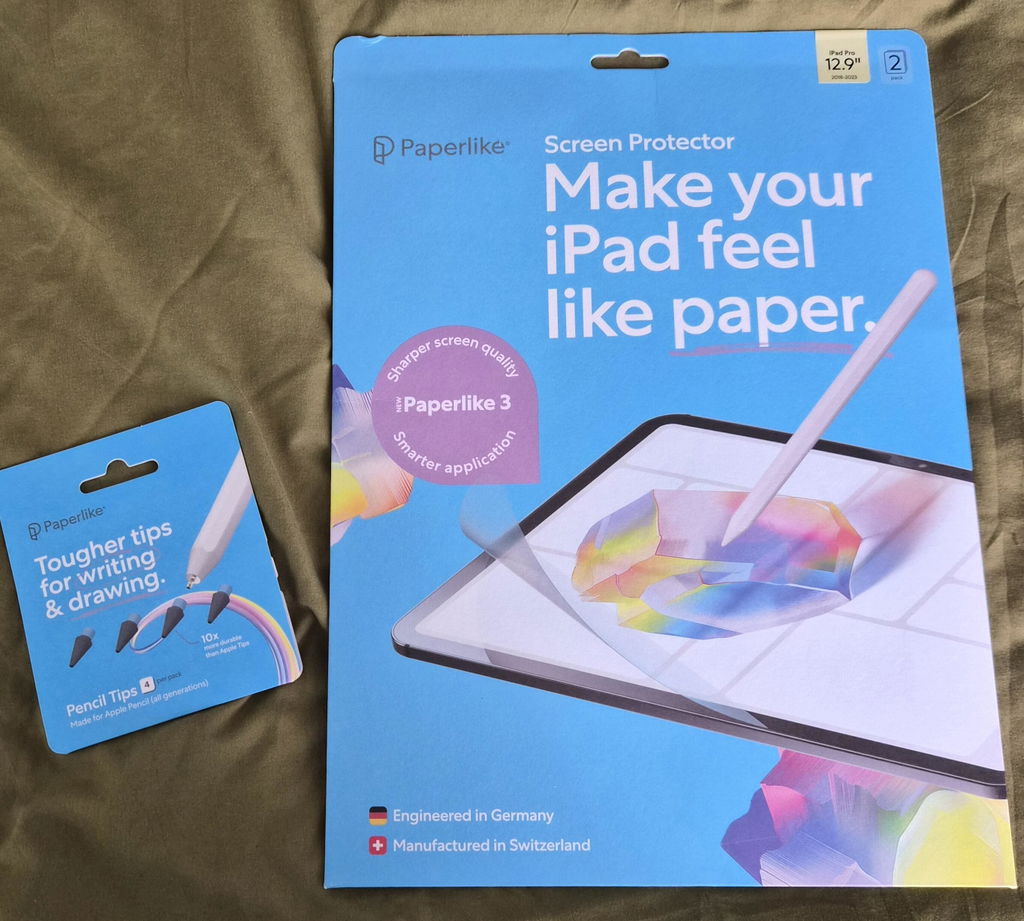
I’m a recently retired industrial designer, so I’ve had some experience applying films in my work. I was impressed with how your multi layer system works, even before buying one! So it came as no surprise that a product engineered in Germany and made in Switzerland worked so seamlessly. It’s one thing to design a great thing, but the UI of installing it, using the device you’re installing it on as both instruction and template, is perhaps the best example of compleat product delivery I’ve ever had! Brilliant! Even beat my SpaceX Starlink setup! So well done! Now where’s my Apple Pencil?! Thanks 🇩🇪 & 🇨🇭‼️
I just received my Paperlike and my pen tips today and I will say they’re incredible. They were everything that the review said they were and more. It truly feels like real paper and the tips make it feel even more realistic. These guys are genius and the set up was simple. The tutorial video helped me out tremendously. This is a great company and I would love to try and become some type of partner with these guys.
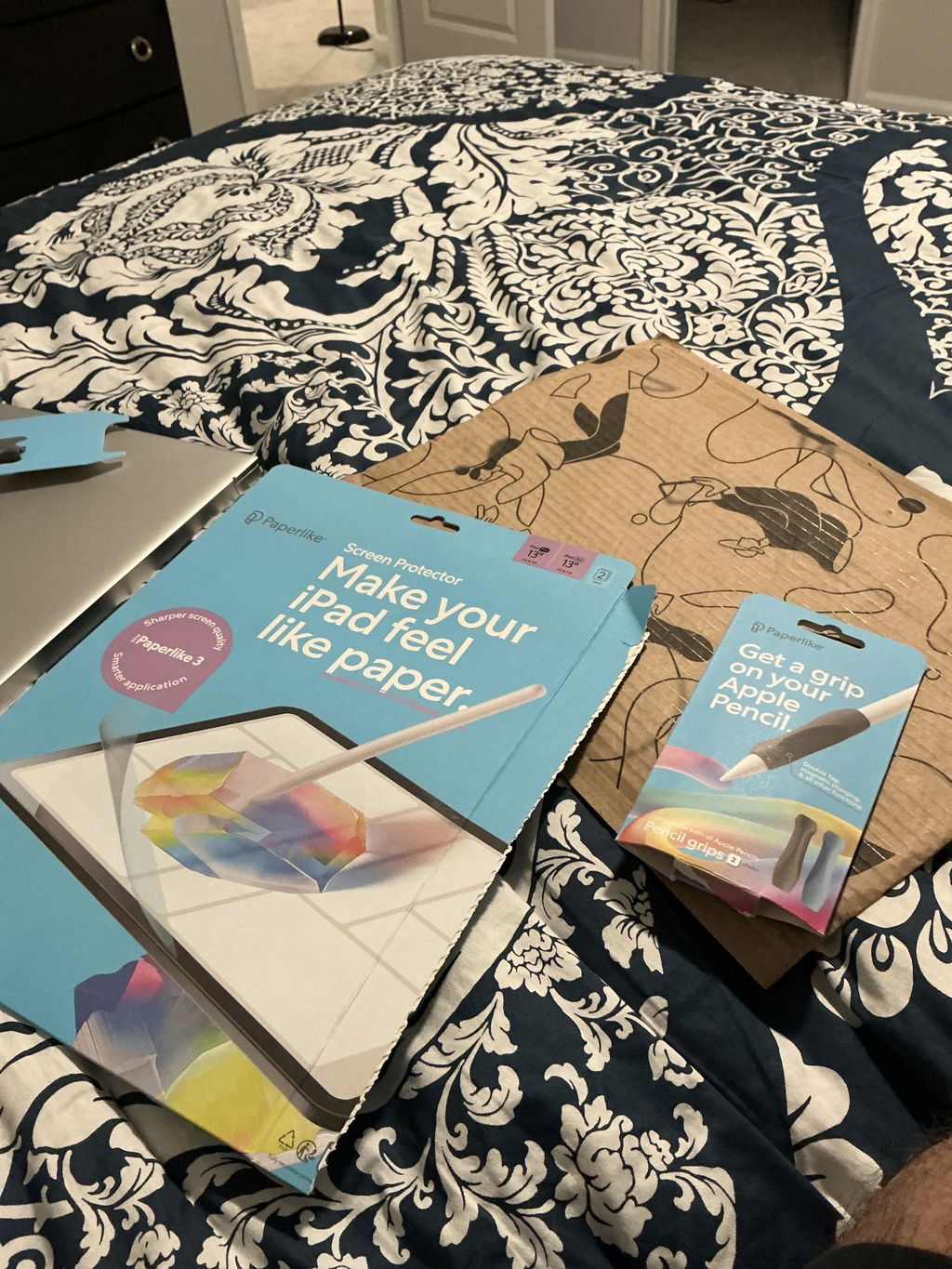
The products are all well packaged and look premium quality. The step-by-step guidance video is fantastic! The only worry I had was taking the bubble out while being careful not to scratch it. I believe the entire one side can be soft and the other side can have the hook instead. edges free will be a better option. But it’s not a significant inconvenience. Just something that could make it even better. Overall, fantastic experience!
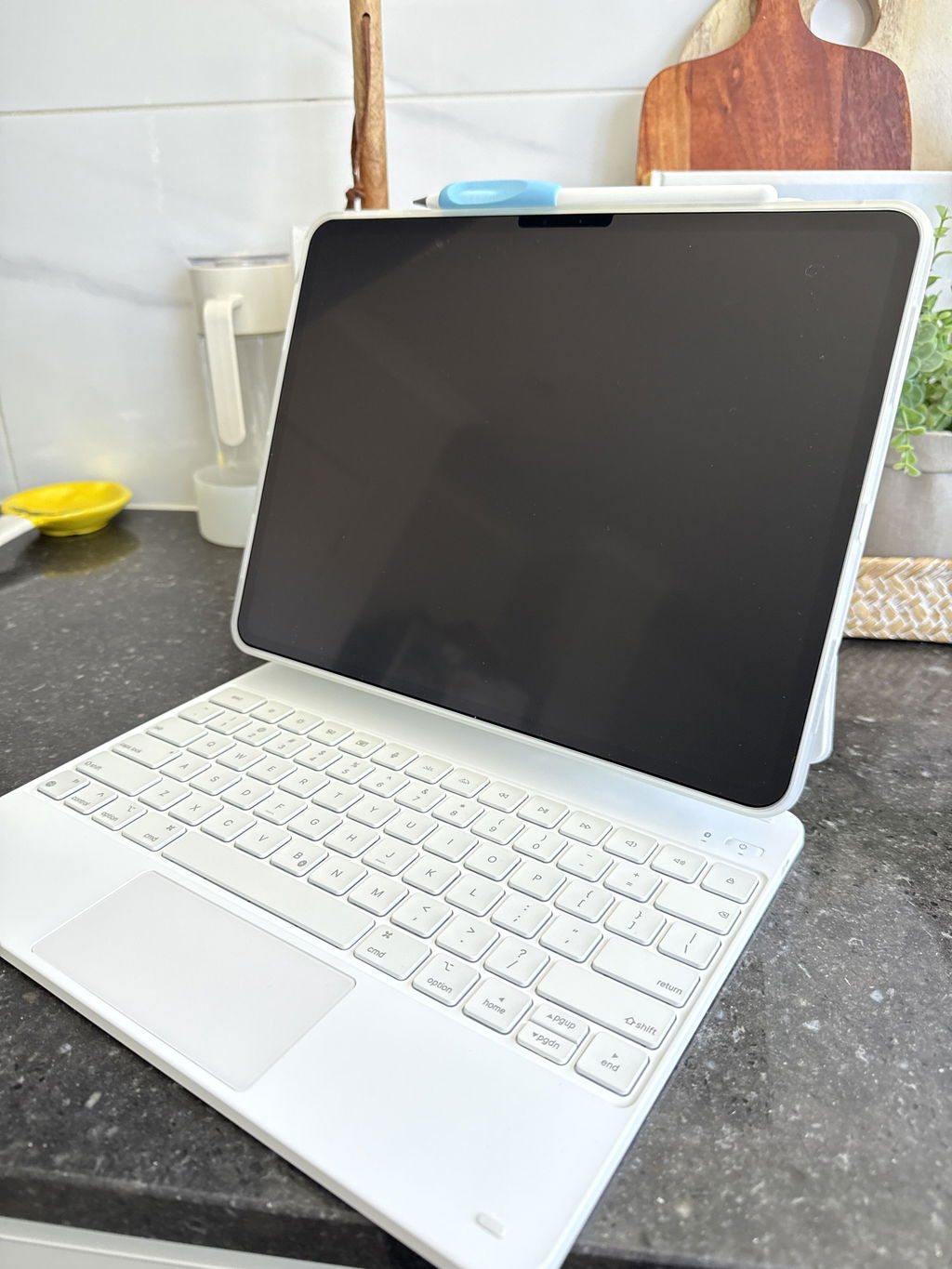
This is massive, packaging + product itself is one of a kind .. never seen such a perfect product. Very authentic product, it’s worth the prices and all guides are pretty easy. I just installed mine today screen protector , bumper case , etc, also received gift for the pen tips, also cleaning kit. Fast delivery less than 3days from Germany - Poland .
I will definitely buy again in the future, recommend and from now I am a loyal customer .
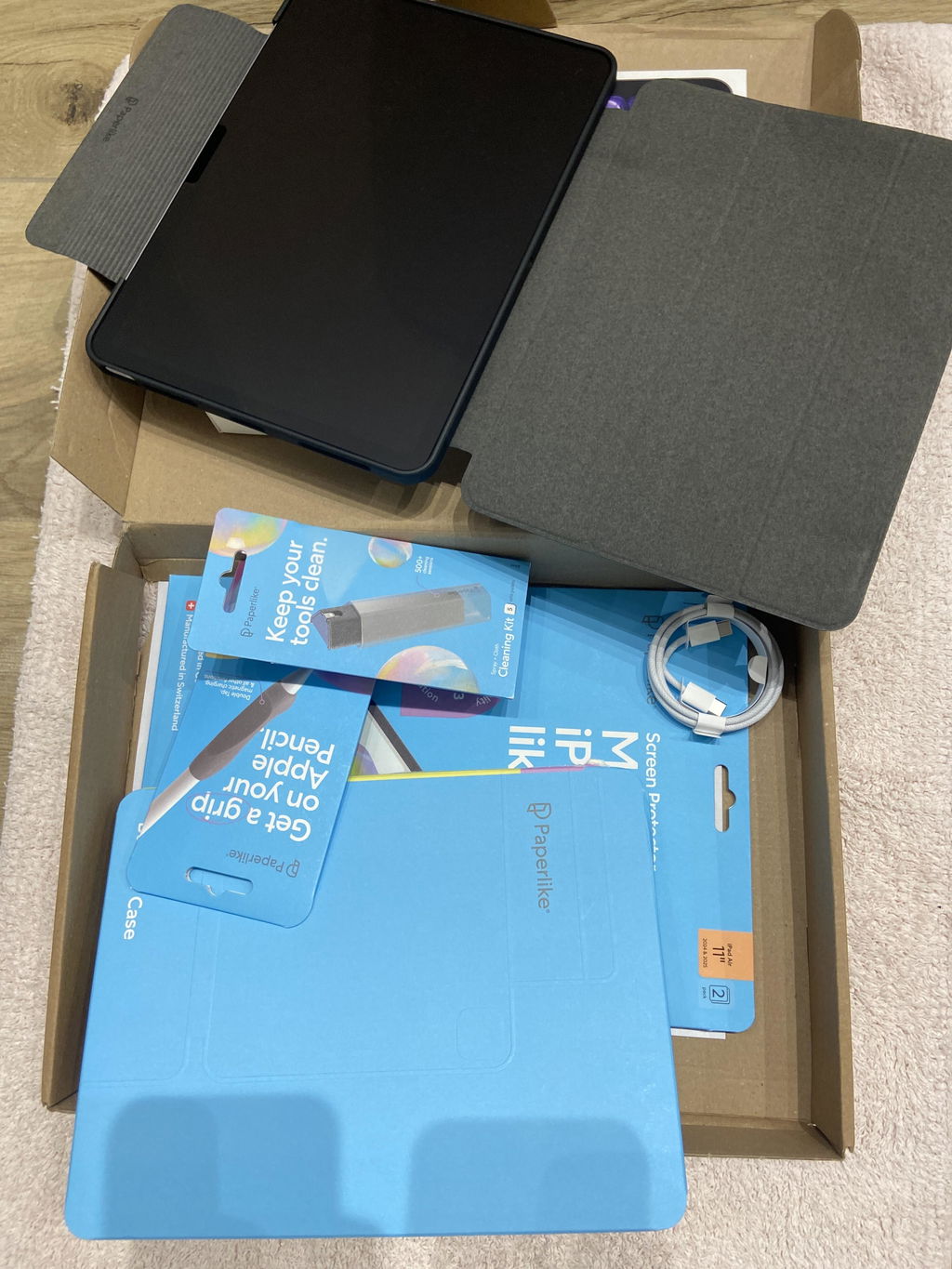
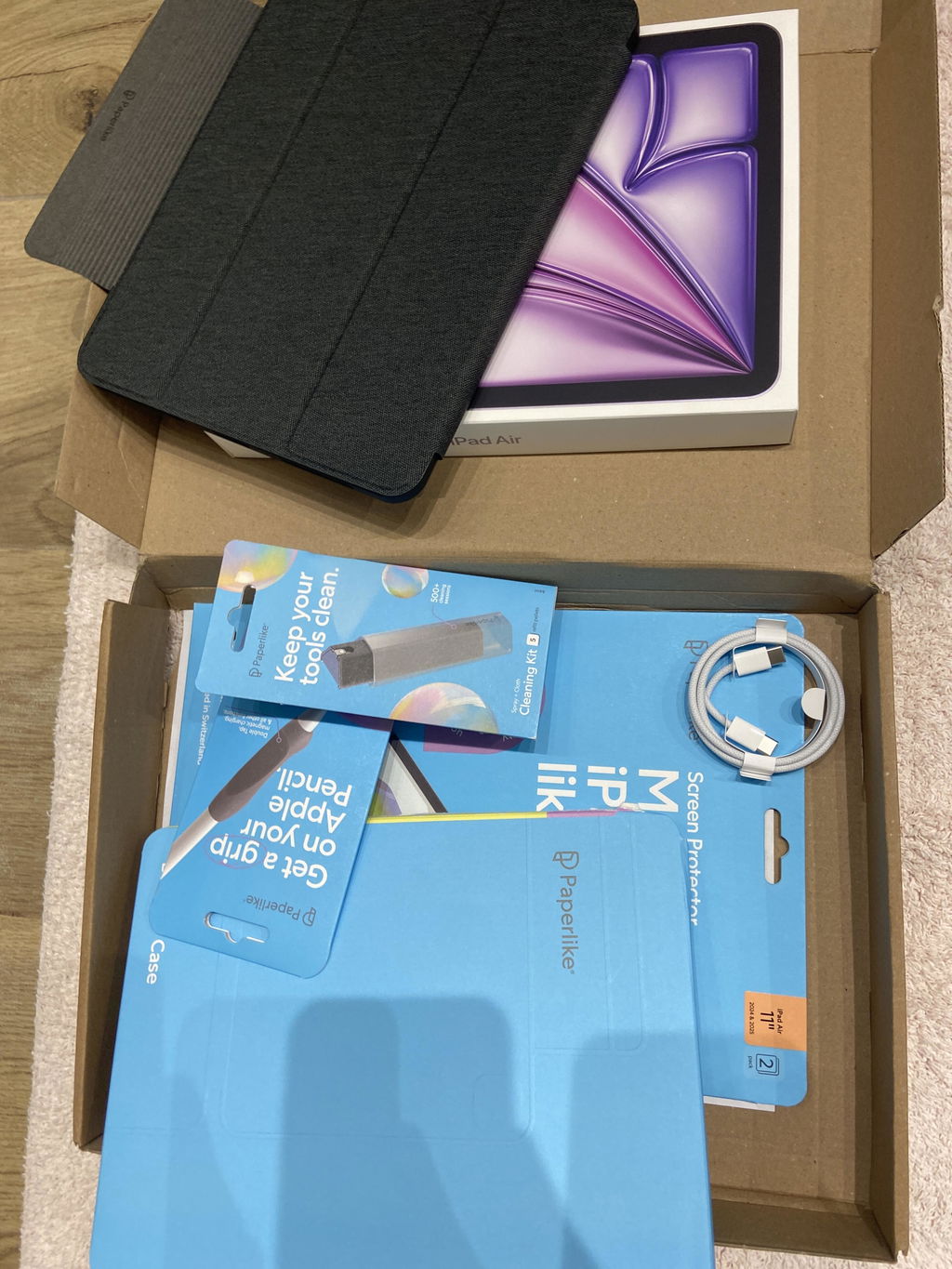
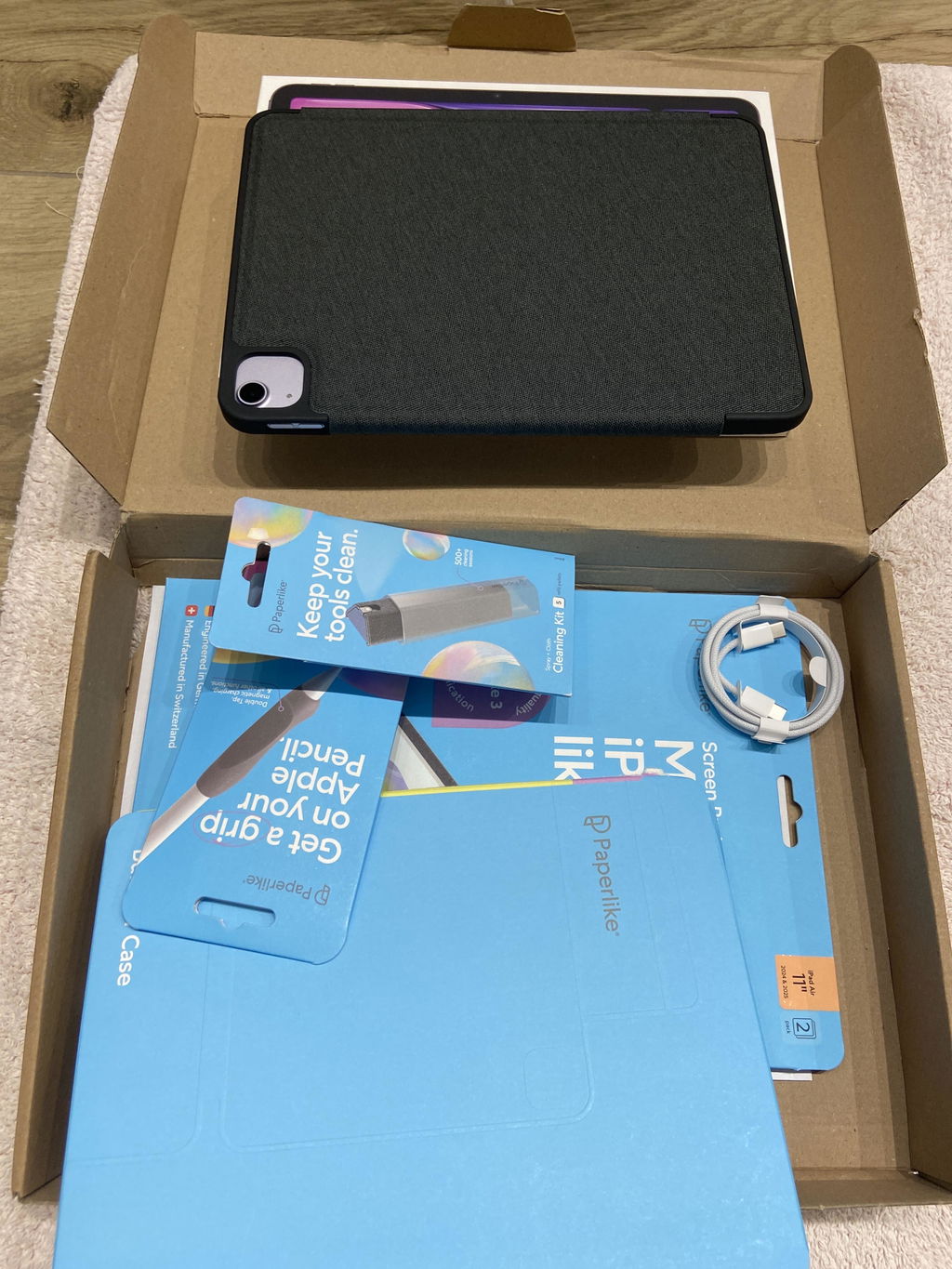
This was my first time applying paperlike3 and compared to its predecessor, this one was a complete breeze on first go!! The dust catching layer is such enormous help making the screen look clean no matter what while you're applying and the helper tool is a true lifesaver. 👍 not to mention the steps of the paperlike protector L1 etc and video steps are making the whole installment a child's play. All I can say is to developers who made these improvements...THANK YOU SO MUCH!!! This is first time I actually didn't stress over putting screen protector or ended up with any errors like leftover bubbles or few specs of dust.😅
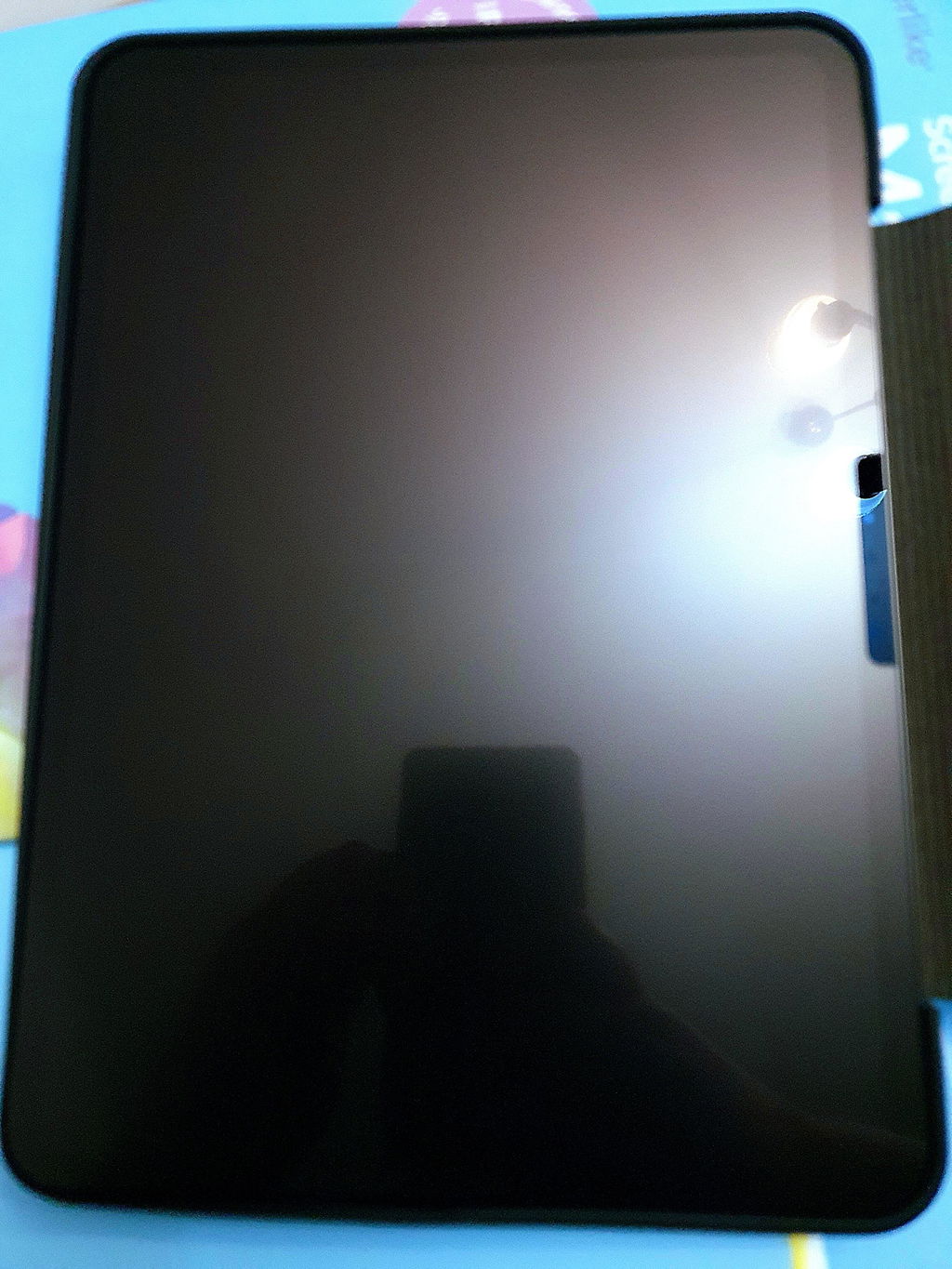
Not a big fan of the installation process, with the tabs and using a credit card. It would be nice if Paperlike did something similar to iPhone screens where you attach a covering and then pull a tab to apply the protector. No bubbles, done in a second.
As for the protector, 10/10 love it, the texture, the feel, it’s amazing even when using my fingers and not a pen.
Will purchase again! Might try their other bits
Hi Justin, thank you for your review! Sorry to hear you weren’t fully satisfied with your Paperlike experience! We’d love to help with the issues you’re having. Our support team will be reaching out to you soon if they haven’t already. So be on the lookout for an email from us. Thank you for choosing Paperlike!
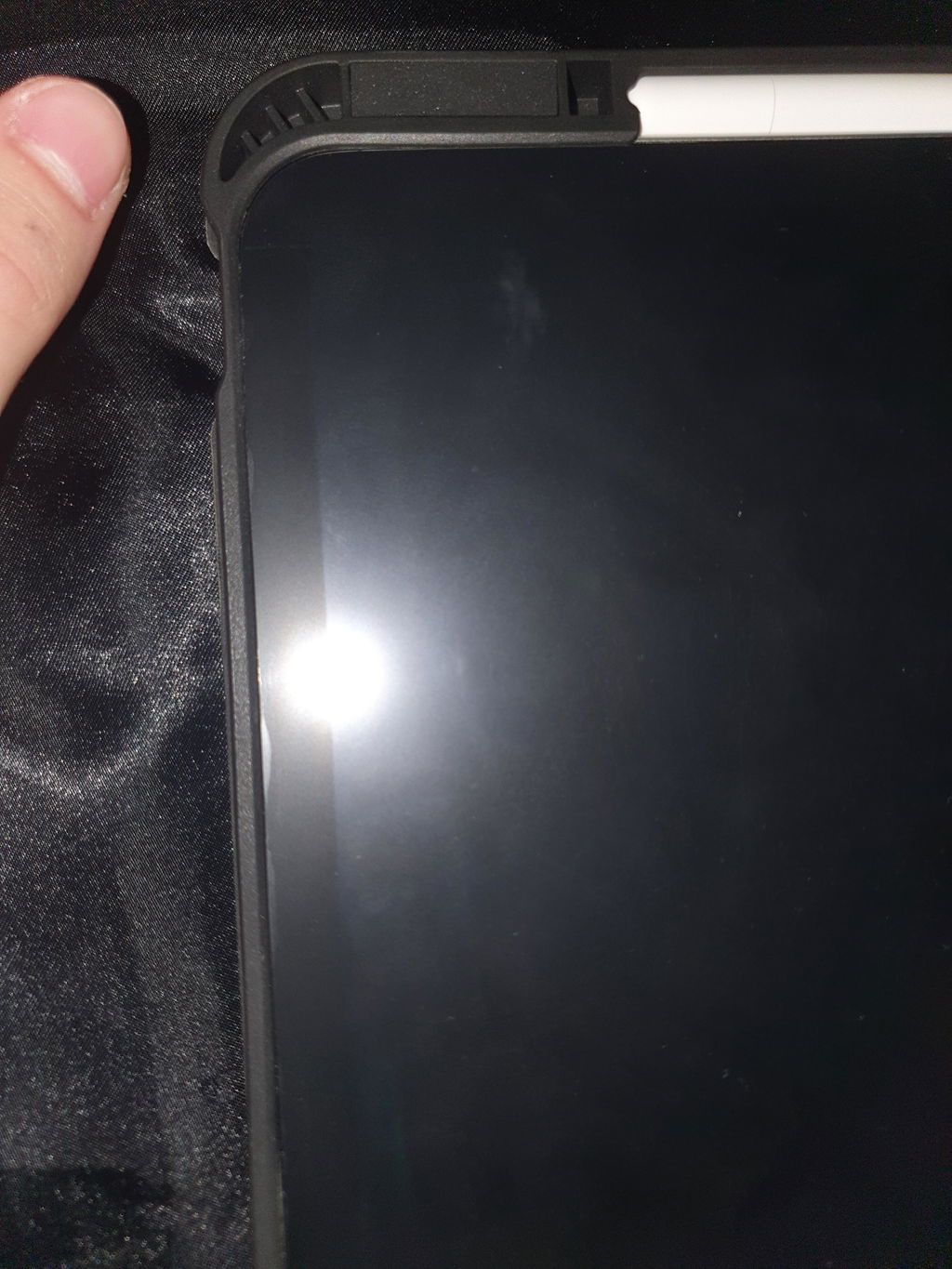
The texture and the feel is unique(in a good way, i love it). i would recommend it. But the application is really hard i messed up both times. that's why 3 stars instead of 5
Hi Sebastian, thank you for taking the time to leave a review for our iPad Screen Protector. We're glad to hear that you love the unique texture and feel of our product. We apologize for any difficulties you had with the application process and understand how frustrating that can be. Our Support team is here to assist you with the next steps and make sure you have a smooth experience. Please reach out to us at help.paperlike.com. Thank you for choosing Paperlike!
While searching for a screen protector, I read about Paperlike and decided it was worth a try. And wow, it really upped my game immediately.
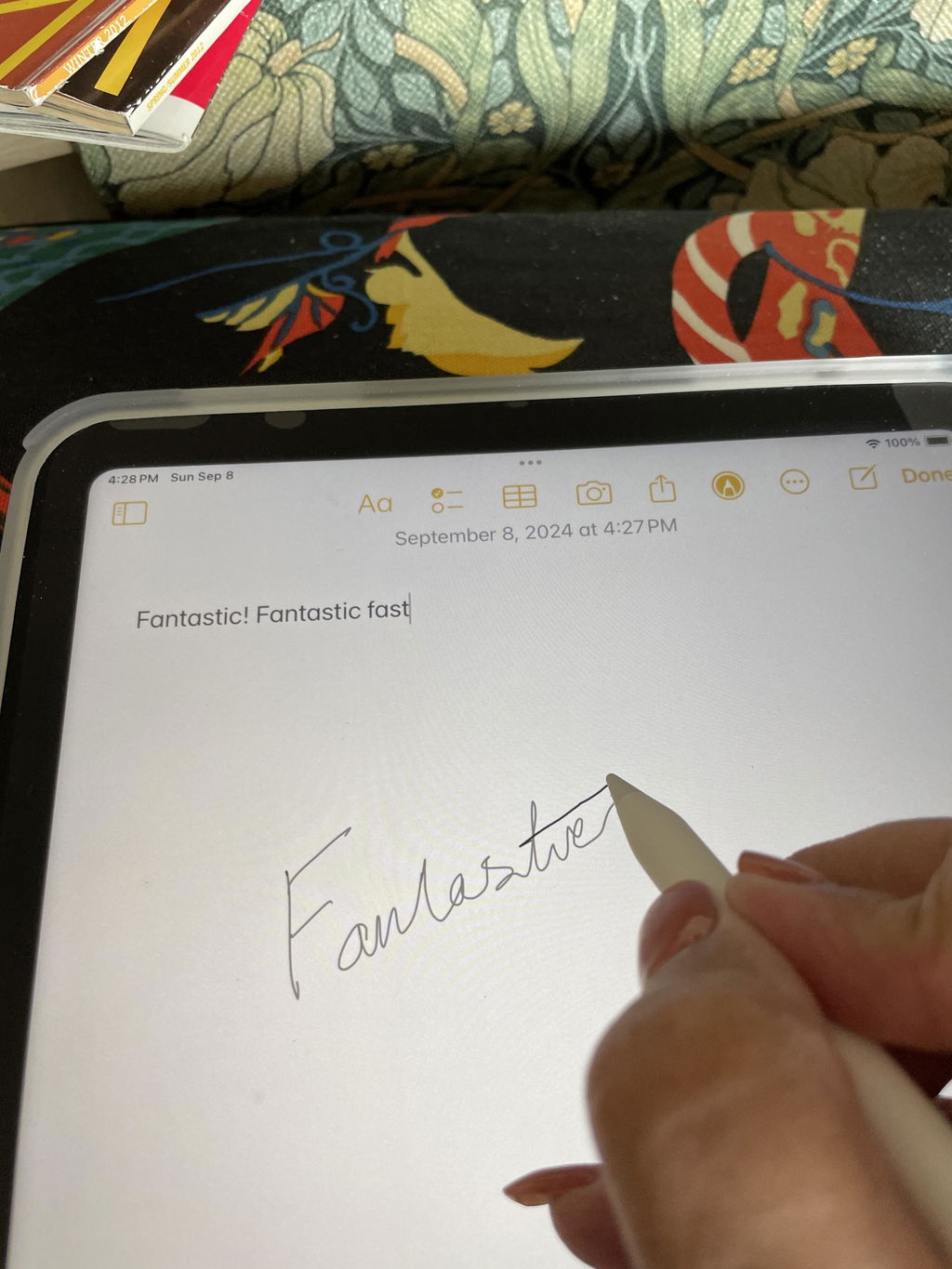
Things that disappoint me:
1. It was really difficult to apply the screen protector, even though I followed the video instruction. I tried several times but still have a lot of dust under the protector especially close to the edges. Helping attachments are too sticky and did more harm than help.
2. My screen protector started getting scratches and even slick spots which makes my drawing process super annoying. And it's after less than 1 month of using...
It's not 1 star because I think that the paper texture itself is really satisfying. I also bought a glove which I like. But I'm so disappointed with applying process and the slick spots that I can't give more than 2 stars.
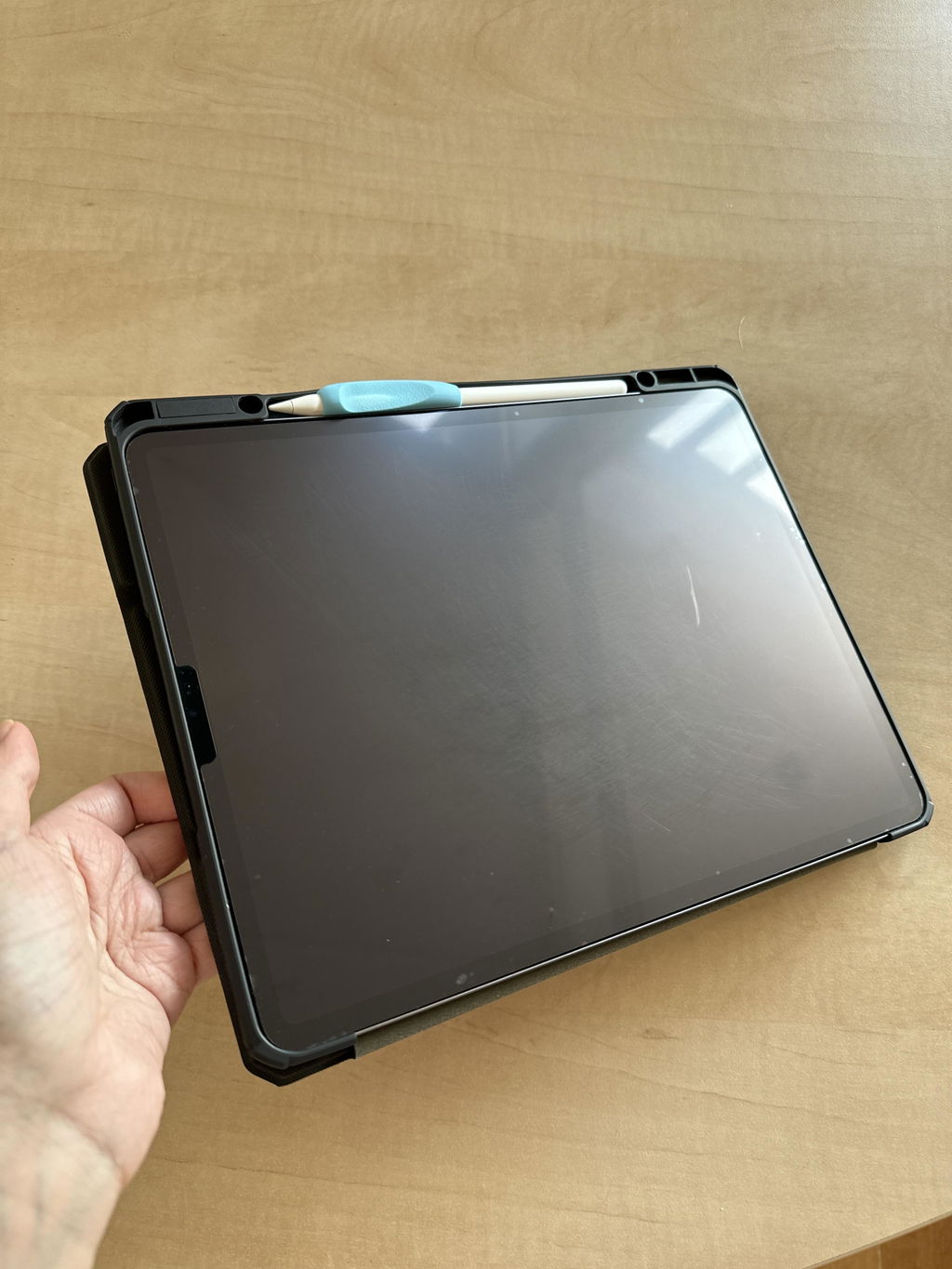
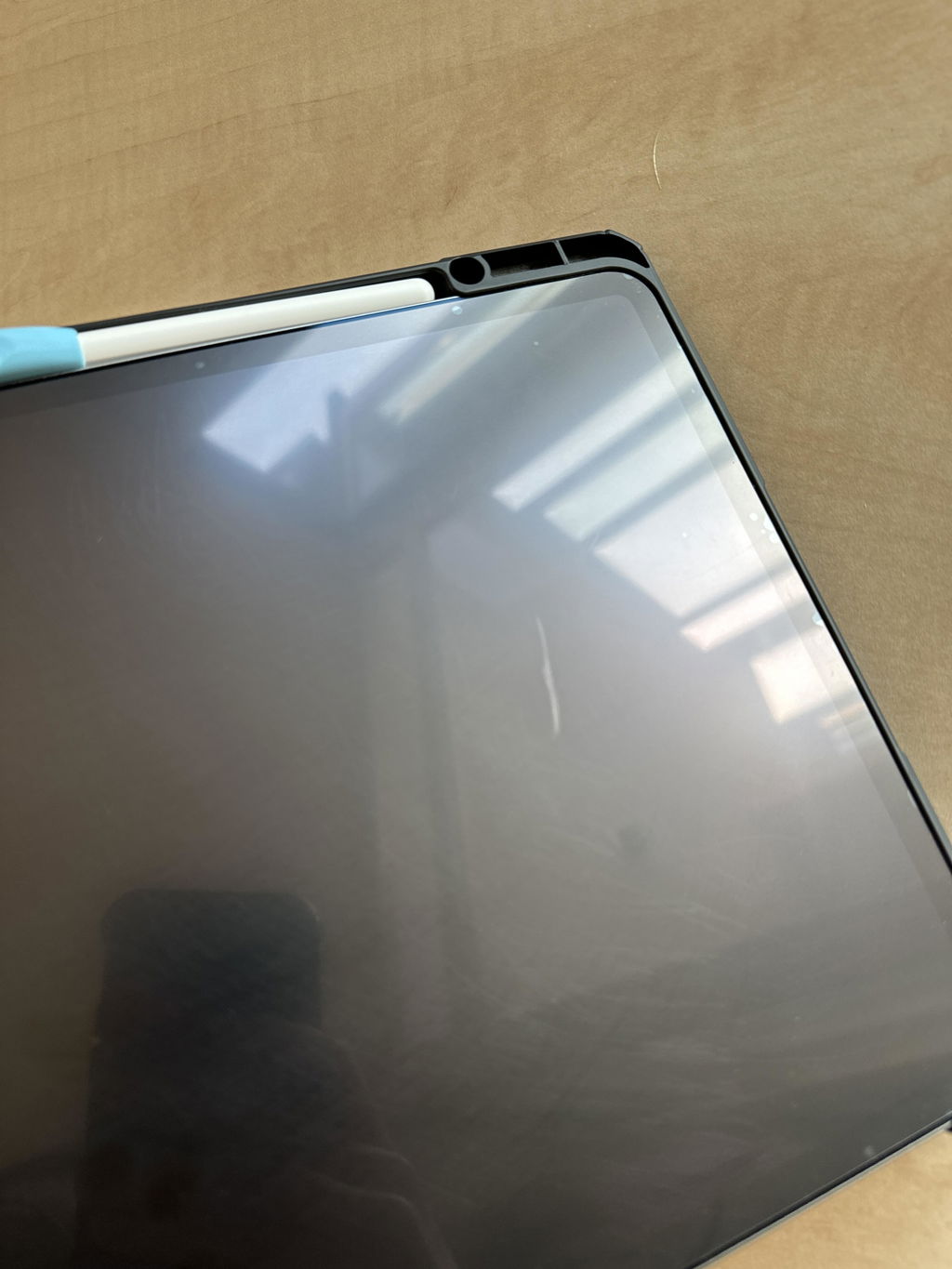
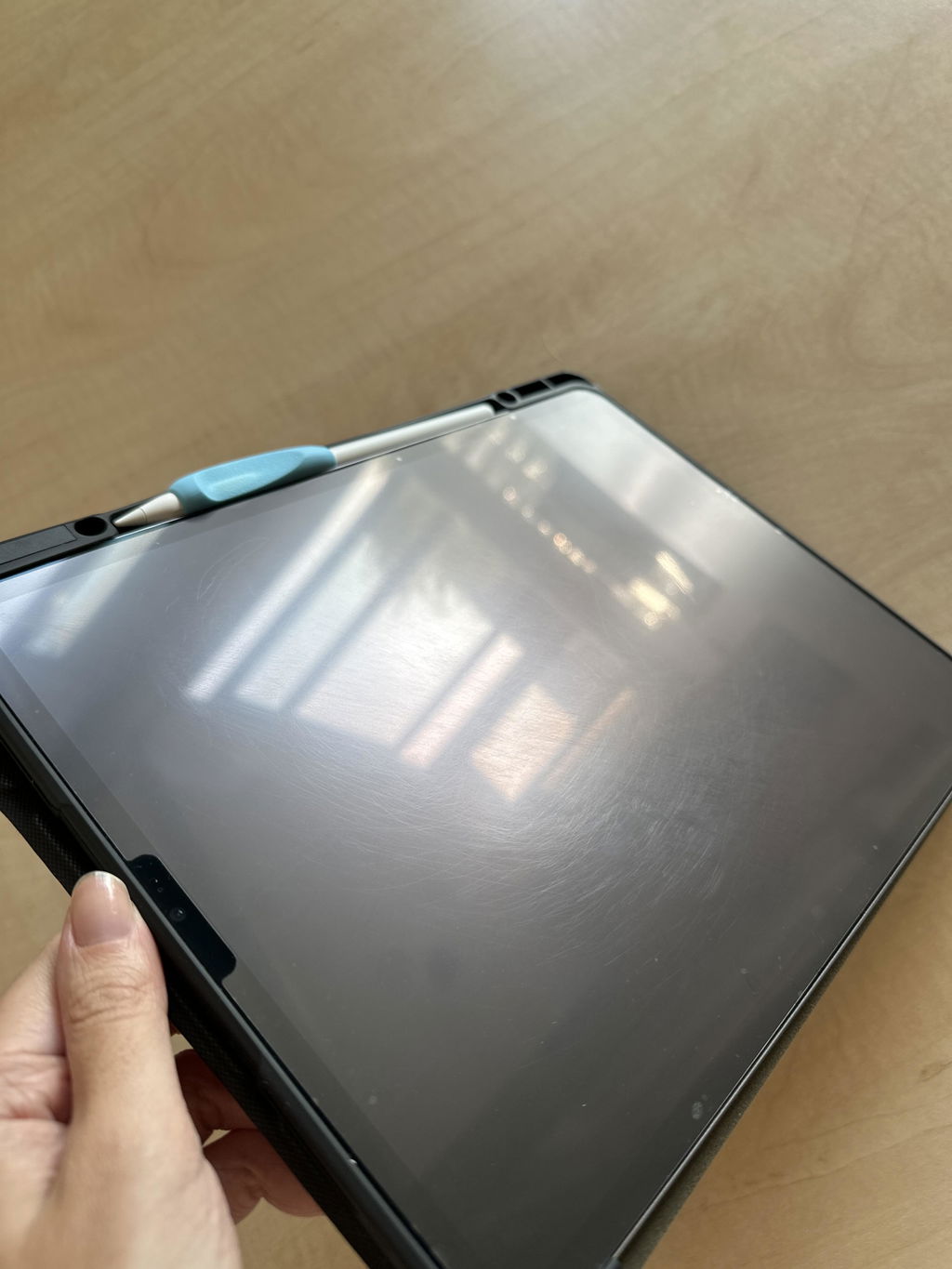
Hi there, thanks for taking the time to leave a review. We're sorry to hear that the Screen Protector didn't meet your expectations. We understand your frustration and want to make sure you're completely satisfied with your purchase. Our support team has been notified and will reach out to help solve any issues you may have. Thanks :)
I’ve only had my paperlike for a month. i’ve been gentle when using it, and I have a folio style case to protect the screen during travel. And the areas where I am drawing the most, the paperlike is completely scratched up. The texture is completely worn down , it doesnt feel like paper at all, and I’m extremely disappointed. My boyfriend’s version of this product (which he bought off of amazon for $10) is WAY better and so much more durable.
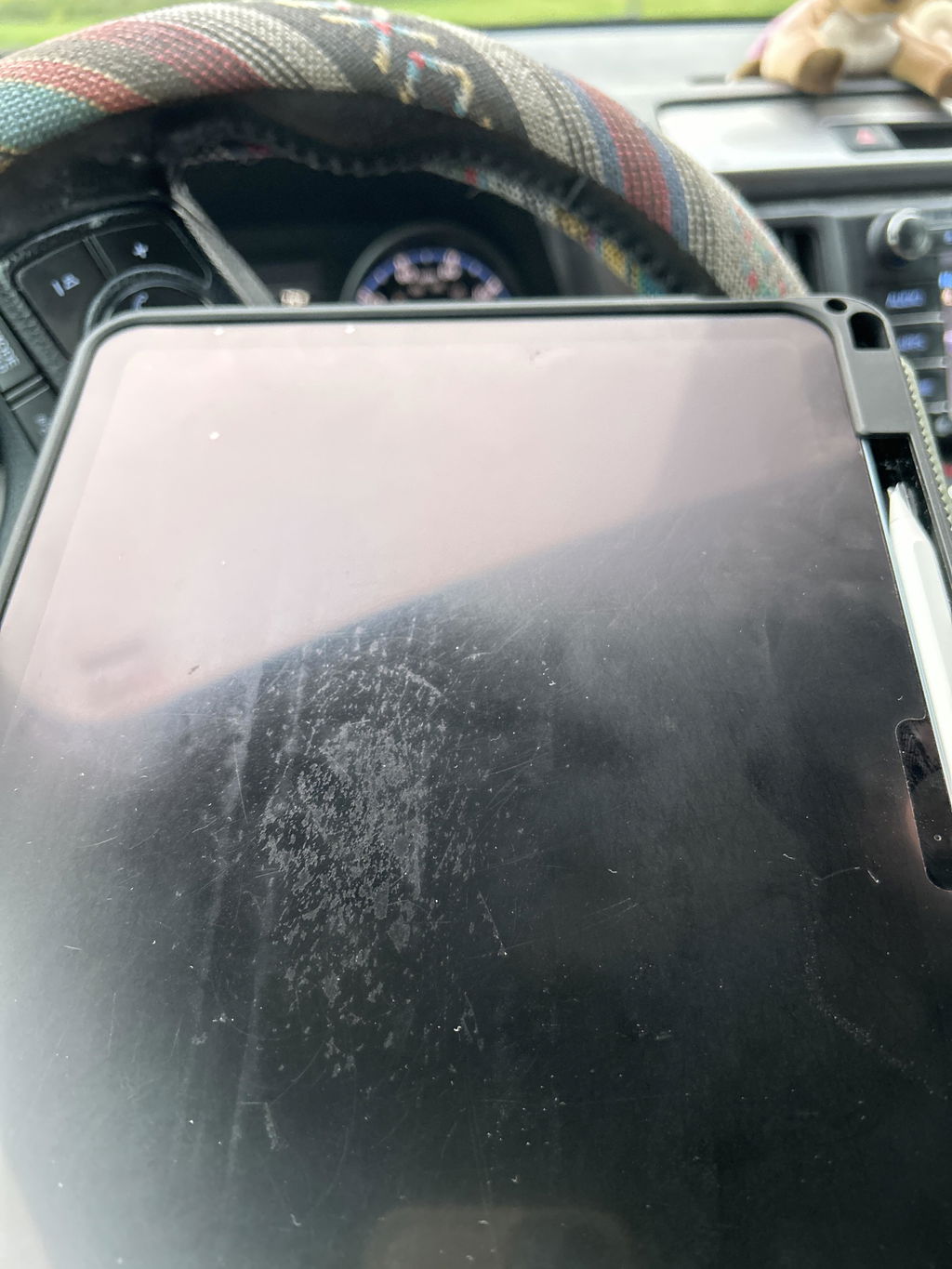
Hi there, scratches often turn out as traces of writing that the pencil left behind naturally. You can try cleaning it with a damp cloth and a drop of dishwashing liquid (or Paperlike’s Cleaning Kit!). Our Support team has also reached out to you with more tips, so be on the lookout for that email :)
I’m a classical music composer and use an app called StaffPad which enables a composer to hand write music on a stave which is then converted to proper engraved music. This can then be sent to musicians for performance, or played directly by the software.
Staffpad is perfect for me because I always wrote pencil on paper and I found other music software difficult and counterintuitive to use. Paperlike adds an extra element of realism to my process…Instead of hearing the pencil clacking on the screen and causing streaks, the Paperlike screen protector stops all that and helps with glare too!
Most importantly, because it makes writing more like using a pencil on paper, it makes me feel ‘at home’.
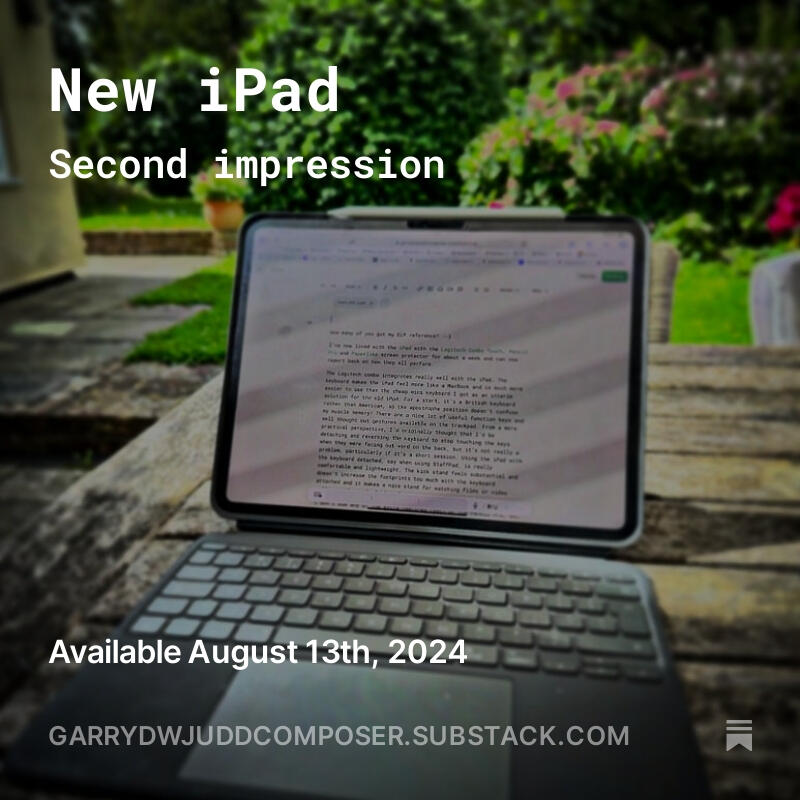
The screen protector was very easy to install on my iPad Pro.
The difference in writing on my iPad with this screen protector fitted was huge, compared to traditional screen protectors and yes it really does feel like paper.
The screen protector has a matte finish, which didn’t affect the image quality when viewing videos on the iPad.
However, after using the screen protector now for a few months I’m now not as impressed as I was at first.
From mainly using my iPad for note taking at work, the Apple Pencil has left lots of marks in the screen protector, which are easily seen when the screen is off and you hold the iPad at an angle. Not a problem when note taking, but when watching videos, the picture quality is affected, and the image is not as sharp as it can be with a regular screen protector.
This screen protector also makes it harder to see the screen when using outdoors in sunlight with all the pencil marks on it, as the marks create a kind of fogging to the screen.
Impressed at first, now not so and going back to my original regular screen protectors.
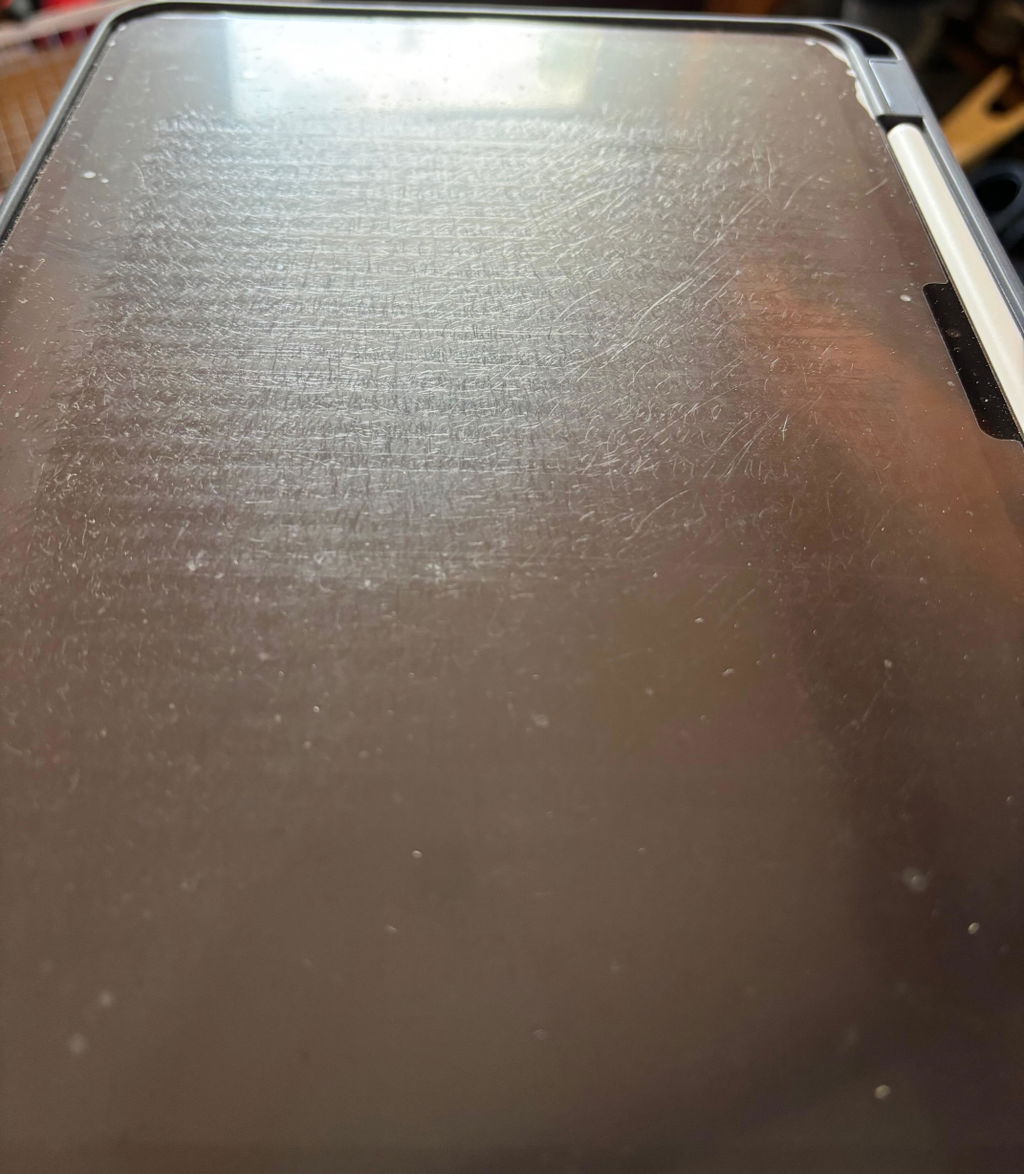
Hi there, thanks for taking the time to leave a review. We're sorry to hear that the Screen Protector didn't meet your expectations. We understand your frustration and want to make sure you're completely satisfied with your purchase. Our support team has been notified and will reach out to help solve any issues you may have. Thanks :)
Performs as designed and promoted. However, and this could be my fault, when I tried to press bubbles out by folding promotional card that came with the product, it left marks on the Paperlike cover.
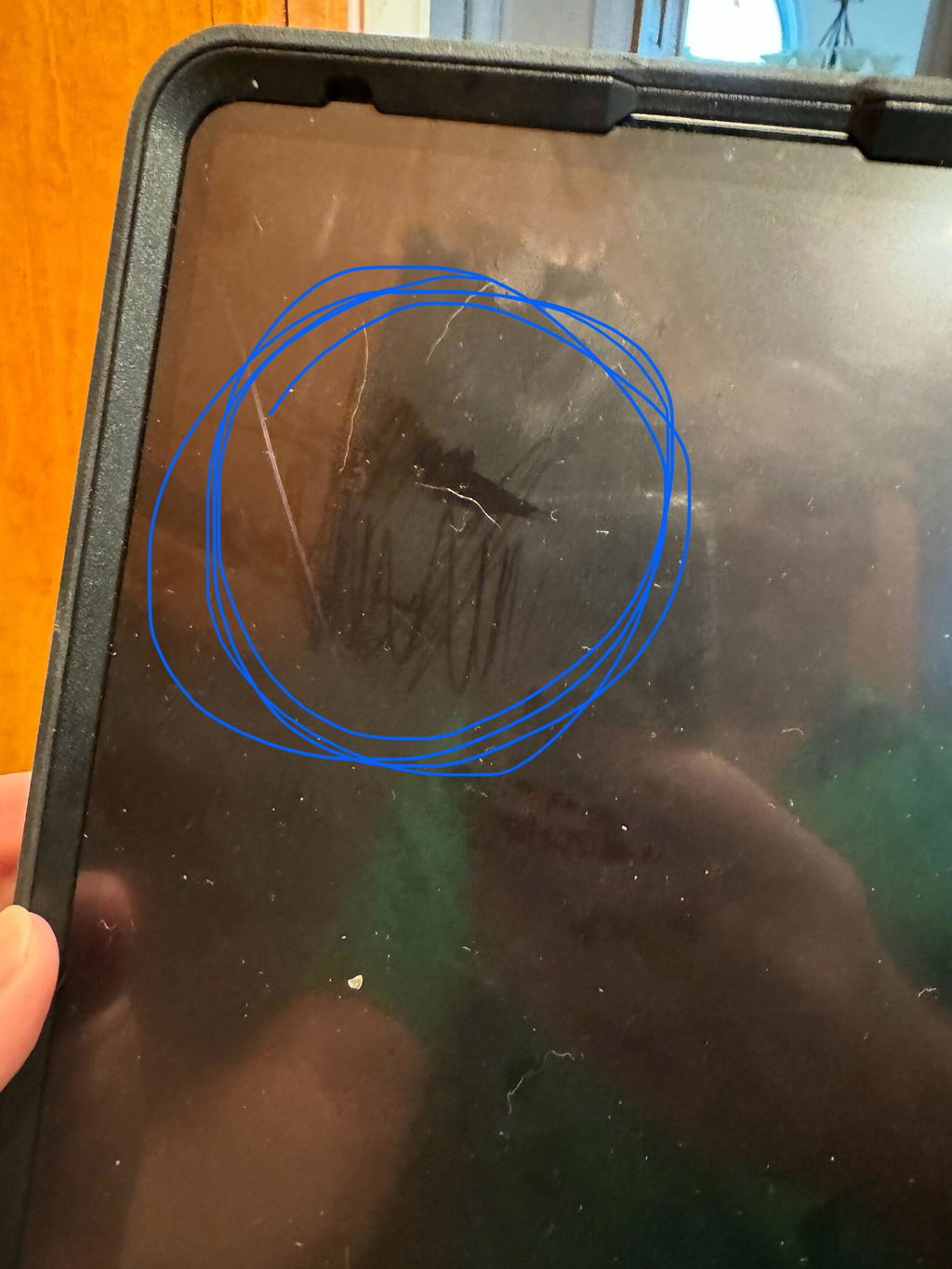
It’s my first time using an original paperlike on my iPad. I‘m really careful with my iPad and always have a good cover on it that protects the screen when I don’t use it.
I don’t know how it happened but now there are two scratches on the screenprotector. I feel them with the Apple Pencil. I paid a lot of money for this product and I‘m disappointed that the resistance is low like that.
But the video for putting on the paperlike on the iPad is good. That worked pretty well.
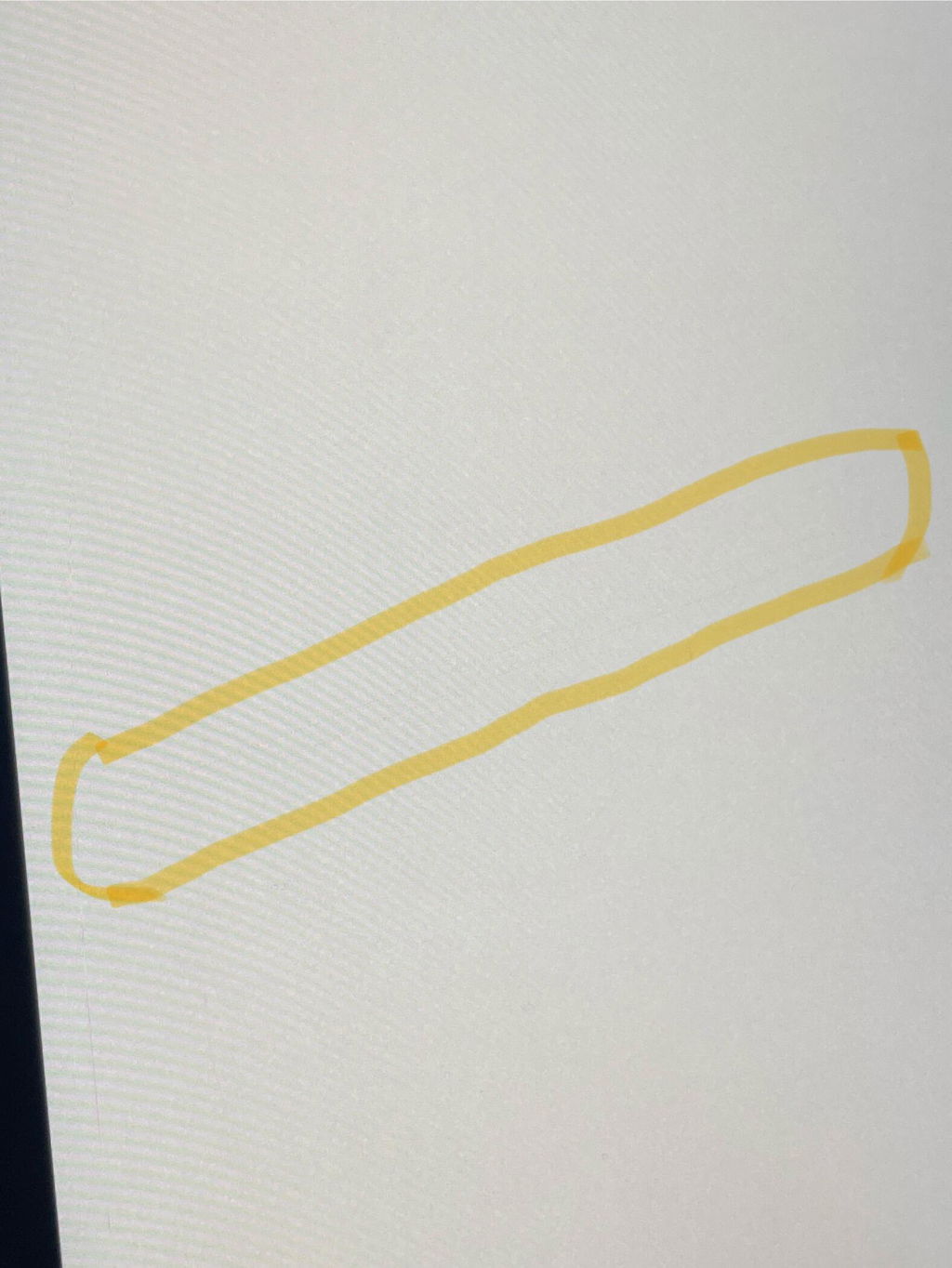
Hi there,Thank you for taking the time to leave a review for our product. We're sorry to hear that you experienced scratches on your Paperlike screen protector. We understand how frustrating that can be, especially after being careful with your iPad. It's important to note that scratches often turn out as traces of writing that the pencil left behind naturally. We recommend trying to clean the scratches with a damp cloth and a drop of dishwashing liquid (or our Paperlike Cleaning Kit!). If that doesn't improve the situation, please reach out to our customer service team for further assistance. We appreciate your feedback and are glad to hear that you found our installation video helpful. We hope you continue to enjoy using our product.
I use paperlike on my iPad Air 13” as a protector for the screen and minimize glare, not for writing so for that use i can not give a review but for my use case its perfect!
Best Tobias
Sweden

Unfortunately did not meet expectations. I have decided to switch to a competitor offering a similar product where the experience of use friendlier. Also the price was very high in comparison. For information I had to use up both paper like folios provided. Unfortunately I had to throw out the 1st paperlike folio.
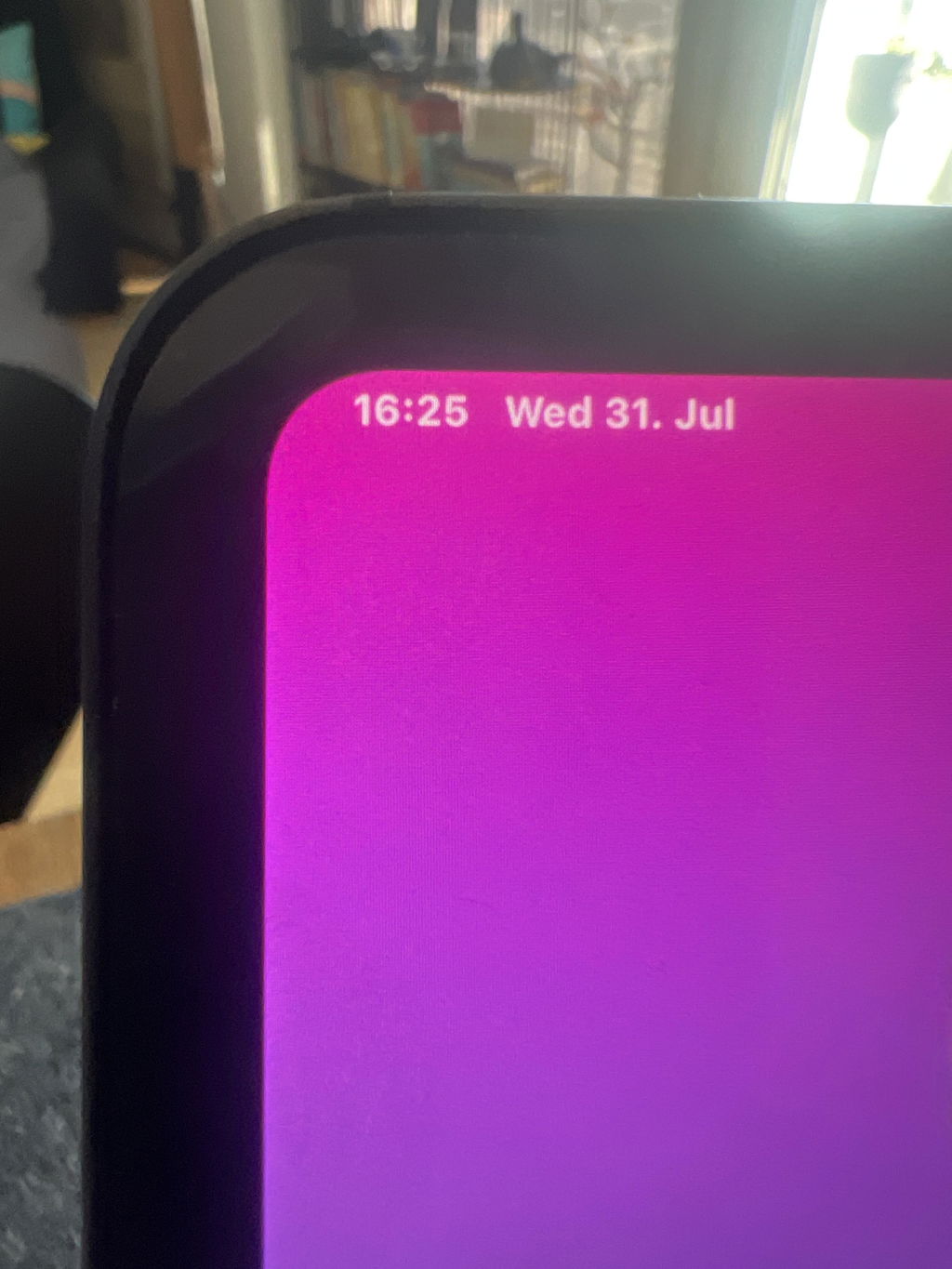
Hi there! Thanks for taking the time to leave a review. We're sorry to hear that the Paperlike didn't meet your expectations. We want you to be completely satisfied with your purchase, so our support team has reached out to help out. We appreciate your feedback and hope we can find a solution that works better for you. Thanks again for giving Paperlike a try!
Instillation is not easy to get seamless. The actual paper feel is fine. Causes less sensitivity on the iPad which is to be expected but can be annoying. There are likely other options for cheaper that have a similar effect.
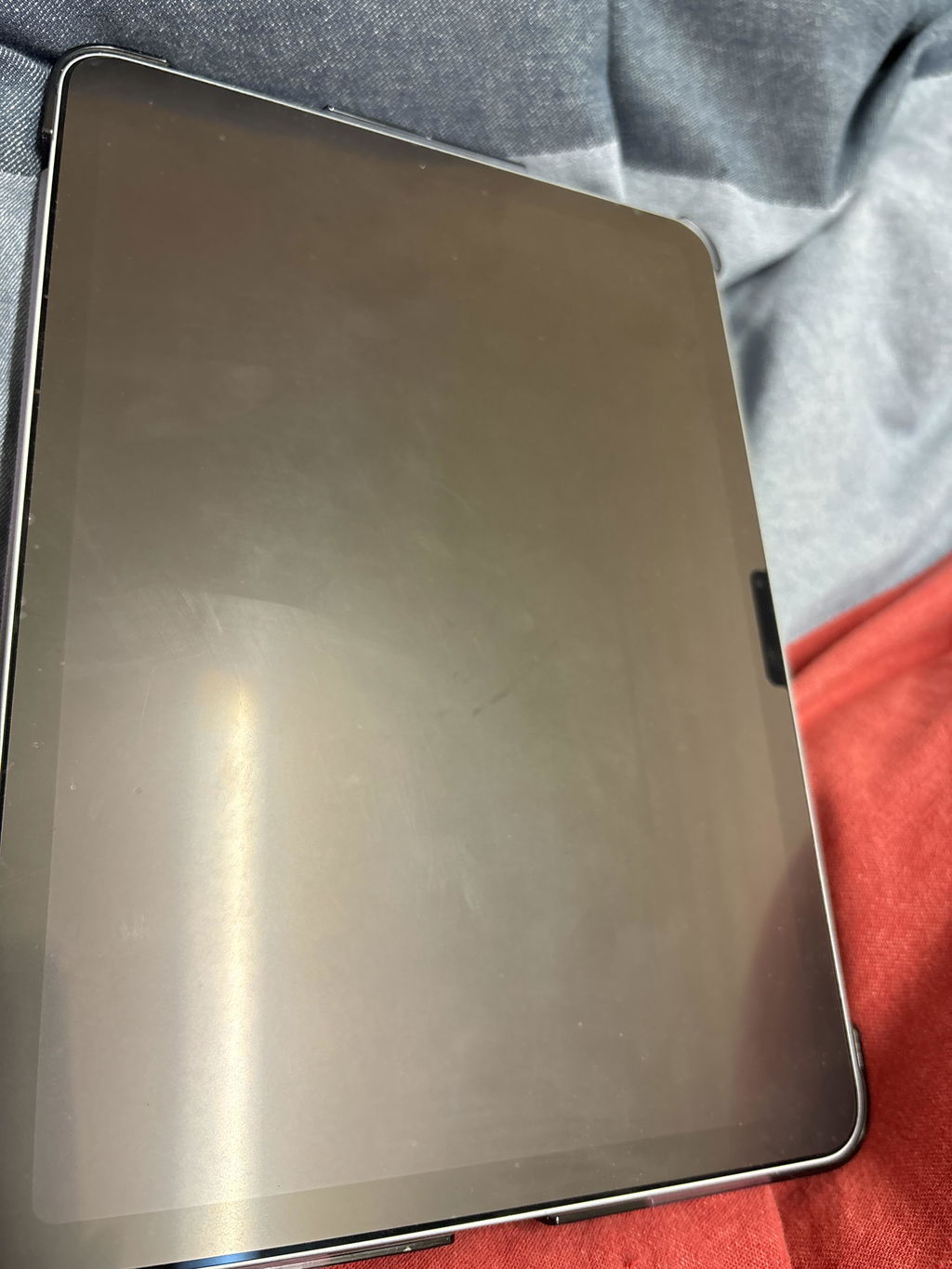
A free gift to get you started.
Your iPad can do more—you can too. Sign up and get our Free Digital Planner to help you get started.
- Optimized for iPad & Apple Pencil.
- Downloaded over 55.000 times.
- Works with all popular notetaking apps.
*If you're already subscribed, fill out the form to verify your email, and your digital planner will be on its way to your inbox.