

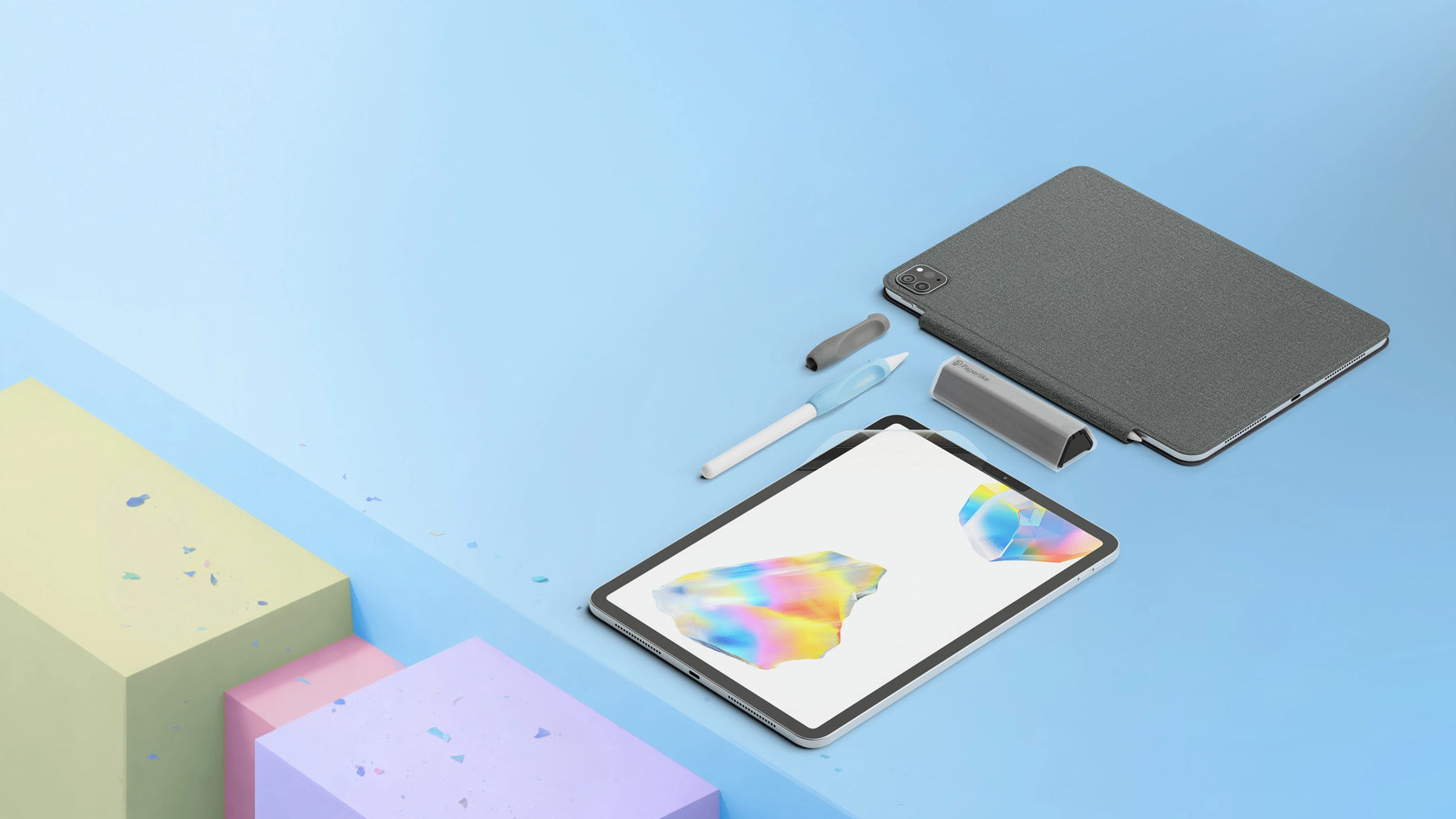
iPad Accessories for those who care.
Paperlike™ 3 iPad Screen Protector and accessories that turn heads and feel wonderful.
iPad Essentials Everyone Loves
Discover the accessories that creators and doers swear by. These bestsellers are must-haves for any iPad setup.
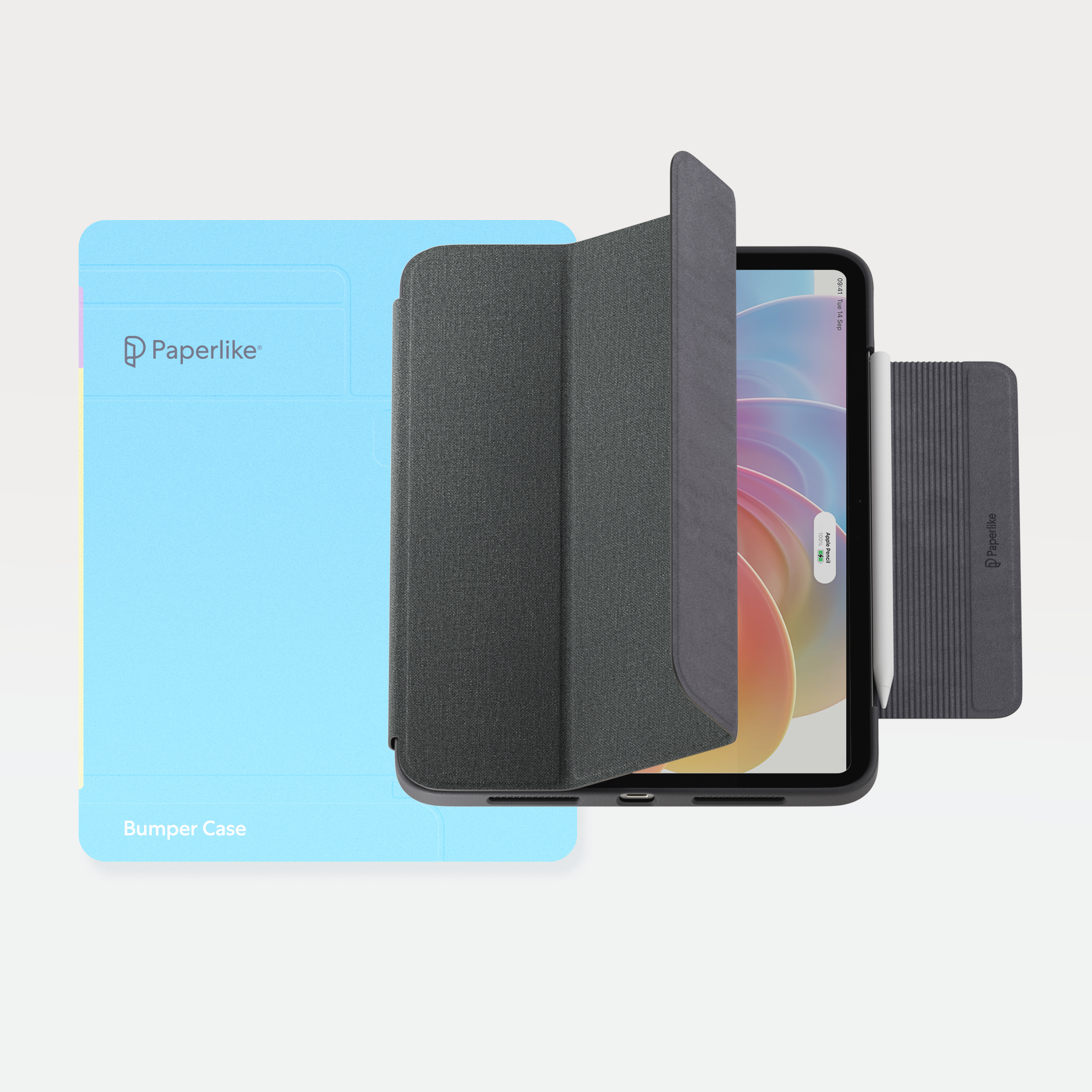

The Screen Protector That Started It All
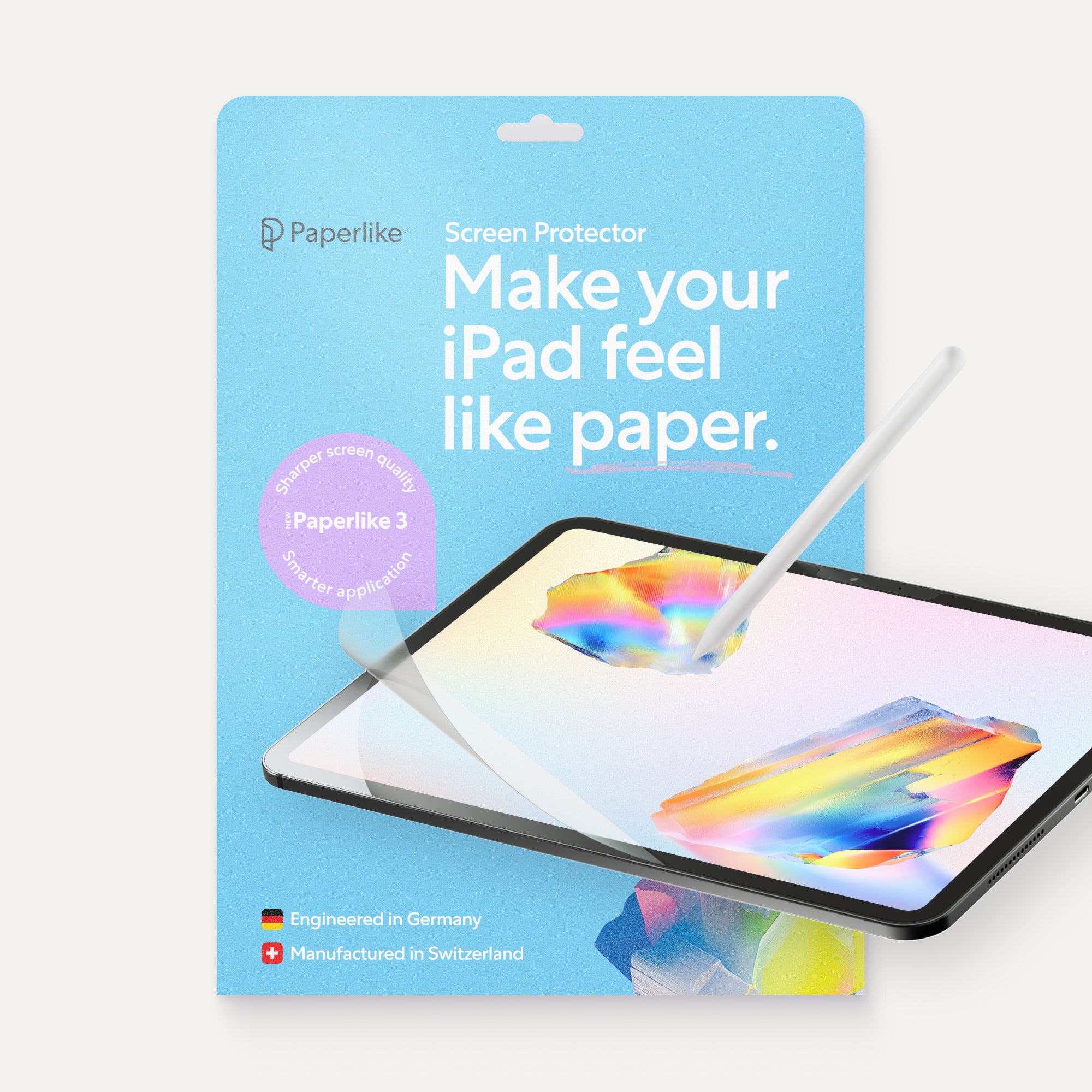
Loved by creators, embraced by notetakers, and trusted by millions worldwide. Paperlike’s Screen Protector redefined what an iPad can do—offering a tactile, paper-like experience that launched an entire range of innovative accessories.
Made for the Apple Pencil
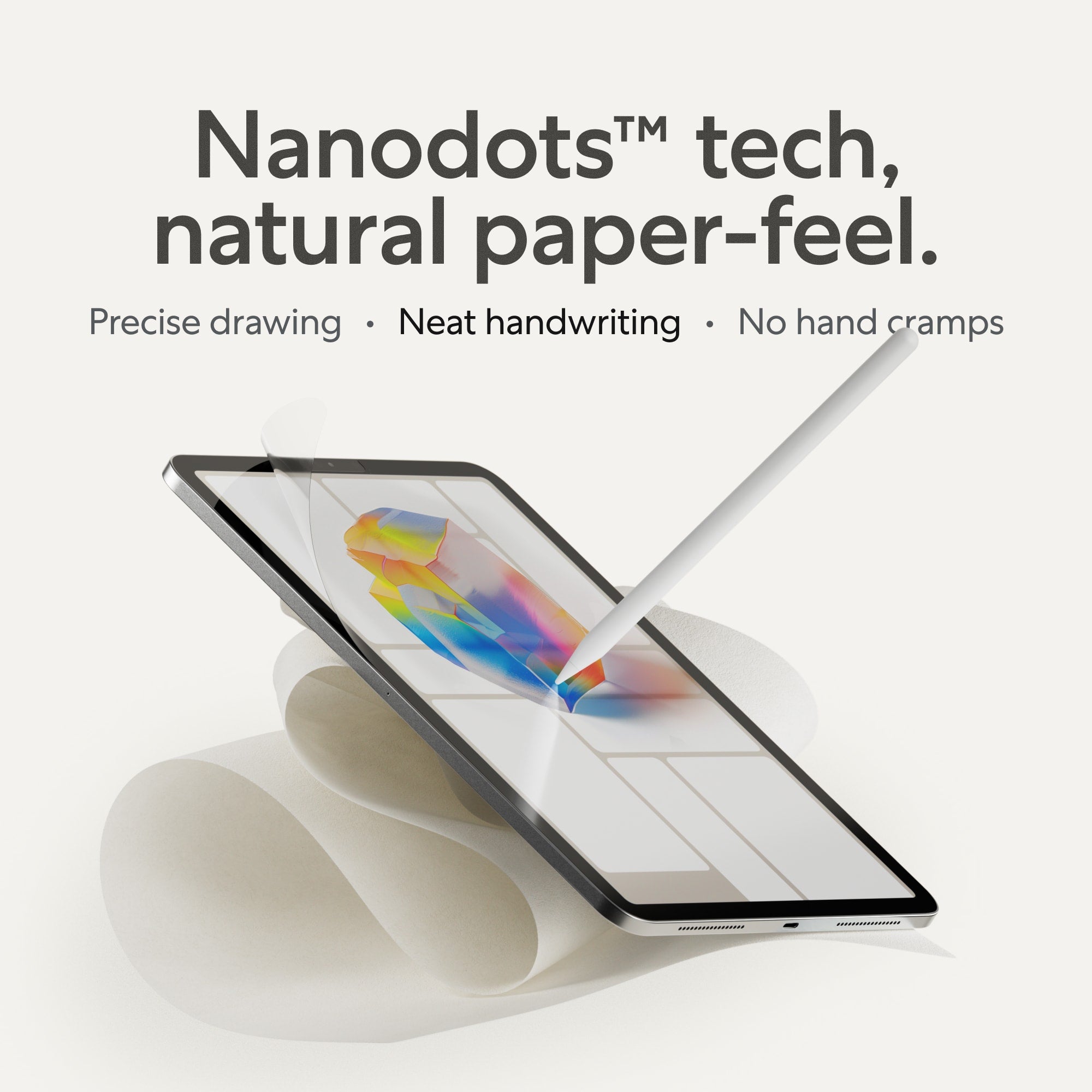
Paper Feel, Precision Response
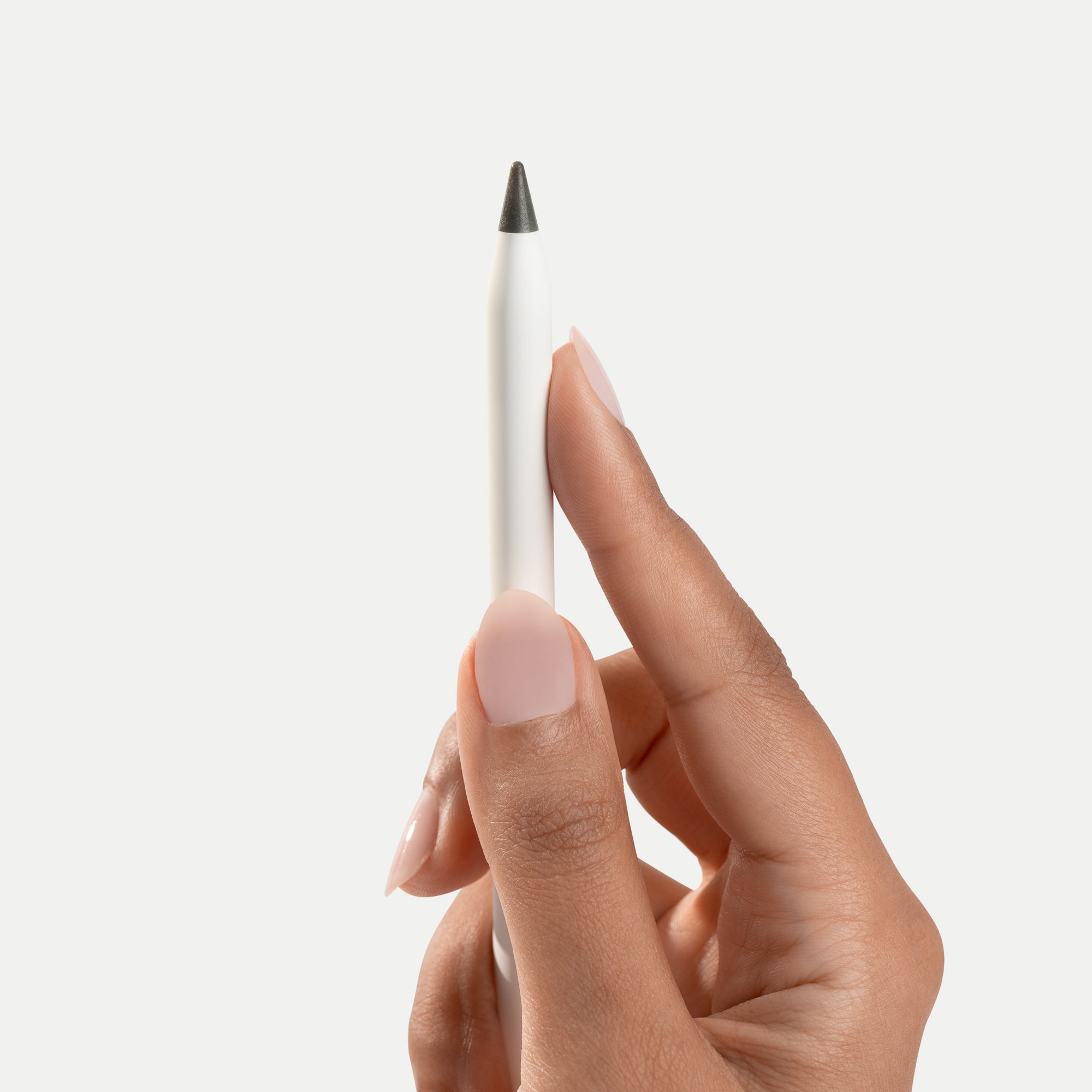
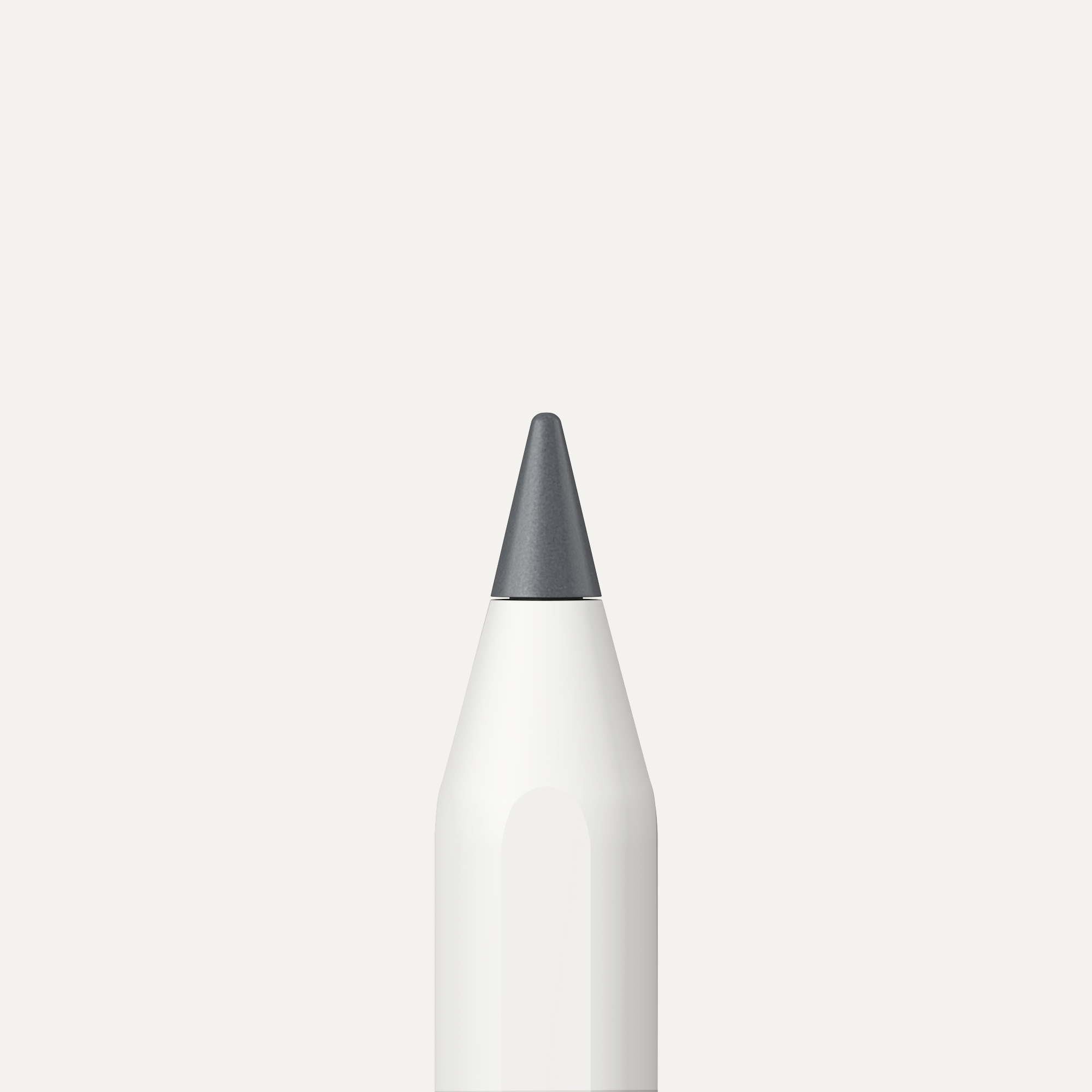
Carefully engineered to replicate the sensation of high-quality Japanese paper, our Screen Protector delivers the perfect resistance for writing and drawing. Its ultra-thin design ensures your Apple Pencil glides with precision while keeping the tip in great condition for longer.


Made for iPad
Clarity and Protection in Harmony
Enjoy outstanding screen clarity and vibrant visuals while protecting your iPad from scratches and smudges. Designed to complement the iPad’s stunning display, Paperlike’s Screen Protector enhances your creative flow without compromise.
Made for You
Effortlessly Durable and Designed to Last
Applying your Screen Protector has never been easier. Designed in Germany and manufactured in Switzerland, every detail is crafted for durability, precision, and a seamless fit. It’s made to work as hard as you do.

About Us
Creators Supporting Creators
At Paperlike, we’re creators and doers—just like you. That’s why we design tools that help you do your best work. Watch our story and see how we’re shaping the future of iPad accessories.
Let customers speak for us
The Paperlike Blog
Tips, Tools, and Inspiration
Explore expert advice, creative workflows, and the latest insights into getting the most out of your iPad.

More Than Accessibility: How Technology Gives Kids Creative Agency
Visually impaired children rely on digital tools to communicate, learn, and create, but need tactile feedback to make iPads fully usable.
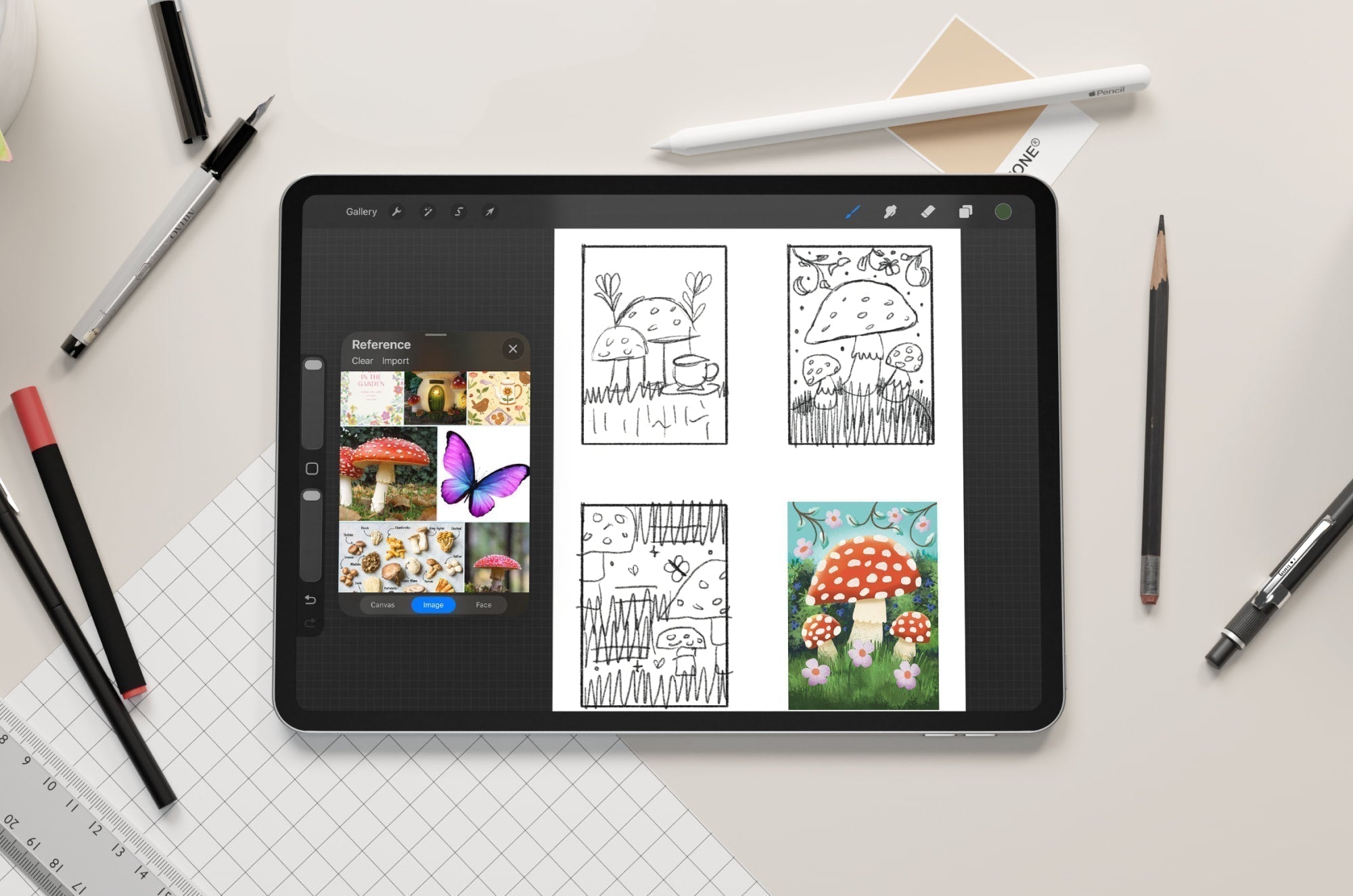
From Sketch to Finished Illustration: A Complete iPad Workflow for Digital Artists
You don’t start with a masterpiece. You start with a rough idea and build from there.That’s the beauty of working on the iPad. You can sketch, test, and refine as you go, no pressure to get it perf...
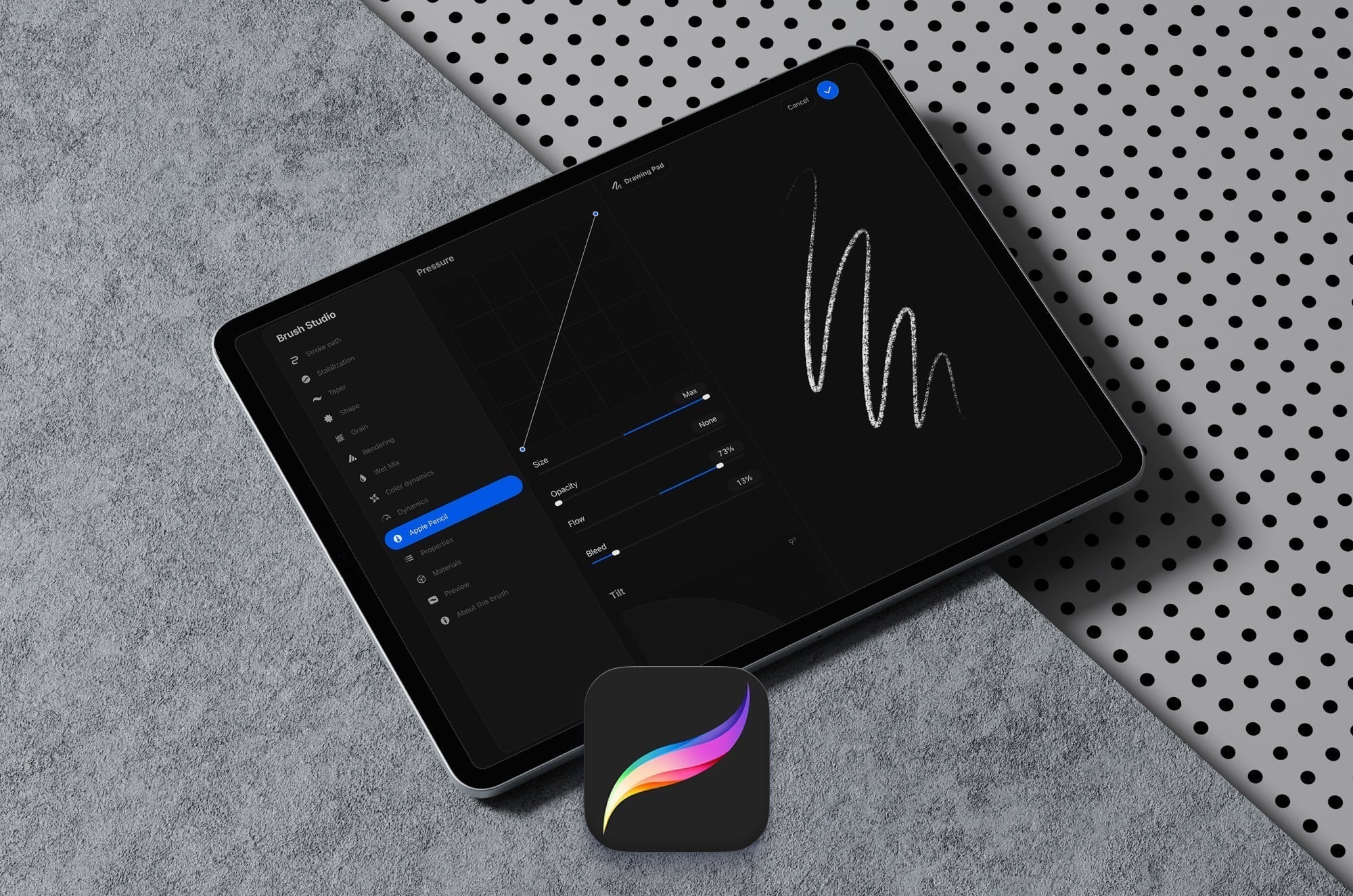
Procreate Brush Studio Explained: How to Create and Customize Your Own Brushes
Learn how to create custom Procreate brushes using Brush Studio. Master key settings like shape, grain, and pressure to design brushes that match your style.
Your Free Digital Planner Awaits
Sign up for our newsletter and get your free digital planner instantly. Plus, stay inspired with iPad tips for creativity and productivity, be the first to know about new product launches, and enjoy exclusive special offers.
*If you're already subscribed, fill out the form to verify your email, and your digital planner will be on its way to your inbox.
