
My brain is great at remembering ideas, tasks, and random details... right up until it isn’t. Some days feel like I’m carrying every open loop at once, and it’s hard to tell what needs attention and what’s just noise.
So I tried the Getting Things Done productivity method.
Would it help me get all of that mental clutter out of my head? Would having a system to hold everything make my days feel less scattered?
About Getting Things Done
Created by David Allen, Getting Things Done (GTD) has been a go-to productivity system for decades. It became popular for one simple reason: It helps you get all the mental clutter out of your head and into a place you can trust.
The concept: Collect every open task or thought in a trusted system. Clarify what each one means and decide what needs to happen next. Organize everything into lists or categories. Review regularly to keep things current. Then, take action on what’s most important.
The goal: To reduce mental clutter and make progress on the right things with less stress and more focus.

From capture to clarity
When I tried GTD in November, I wanted to see if it could help me stay grounded during the pre-holiday rush. Between project deadlines, campaign planning, and early shopping prep, my brain felt like an overstuffed inbox.
What was I aiming for? To empty my head, organize the chaos, and stop worrying about what I might be forgetting.
I began with the first step, Capture. I wrote down everything that was taking up mental space: finishing the next blog draft, updating the Paperlike Gift Guide, buying plane tickets, wrapping up edits, and even small things like replacing my Apple Pencil tip. No sorting. No organizing. Just one long list in Goodnotes.
Next came Clarify. For each item, I asked, “What’s the next action?” A vague note like 'holiday prep' turned into specific tasks: buy wrapping paper, check delivery times, finalize the shopping list. Once each task had a clear next step, the list already felt lighter.
Then it was time to Organize. I split everything into categories: Work, Home, Personal, and Errands. Work went into my project planner in Goodnotes, while the rest lived in a simple checklist I could reference on the go.
For Reflect, I set aside ten minutes at the end of each day to review what I had finished and move anything incomplete to the next day. This kept the system up to date and prevented things from falling through the cracks.
Finally came the Engage step. Each morning, I looked over my lists and chose the next thing that actually fit where I was. If I was at my desk, I would stick with Work. If I was out and about, I would pull from Personal or Errands. It felt straightforward to adjust as the day shifted.
With the system in place, it was time to see if it would actually help.

Working the system
The first few days felt like a mental exhale. For once, my brain wasn’t trying to keep a running list of everything I needed to remember. It was all written down, clarified, and waiting for me inside Goodnotes and my Paperlike™ Digital Planner.
That alone changed the tone of my week. Still, it took some adjusting. Early on, I realized that Capture only worked if I did it instantly.
If a thought popped up and I told myself I’d “remember it later,” I wouldn’t. I had to pause, write it down, and get it out of my head. It slowed me down at first, but it also kept me from losing small but important things, like checking shipping deadlines or adding a note to update an image caption before publishing.
As the days went on, Clarify became the make-or-break step. If a task wasn’t specific, I’d skip right over it without meaning to. “Holiday travel” sat in my list untouched for days until I finally broke it down into next steps, like comparing flights or checking carry-on rules. Once it was clear, it stopped feeling overwhelming, and I could actually do something about it.
By the second week, I started to notice patterns. Some tasks made more sense in specific contexts. If I had an hour in the morning with my laptop, I would focus on Work. If I was waiting in line or running errands, I would open Personal or Errands. That simple shift made my days smoother. Instead of guessing what to do, I just matched the task to the moment.
Mid-month is where the system got tricky. I skipped a daily review. Just once. The fallout hit fast. I forgot to move a few tasks forward, and suddenly the lists felt out of sync. I could see why GTD emphasizes reflection so strongly. The system isn’t designed to run on autopilot. It runs on upkeep.
I got back on track quickly, but it proved something: GTD is powerful only when it’s current. If I maintained it, the structure held everything for me. If I didn’t, it fell apart.
By the end of the month, the system felt natural. Capture was second nature. Clarifying was faster. Organizing took only a few minutes. More importantly, I wasn’t carrying everything in my head anymore. I could trust the lists to hold the work for me instead of mentally juggling tasks all day.
As everything sped up, that consistency really helped. I didn’t feel buried under the extra errands or the surprise tasks that always show up this time of year. Each item had somewhere to go, and each step was clear. Even on the busiest days, I didn’t feel like I was losing track of anything.
By the time the month wrapped up, GTD had become a reliable system that guided me through the noise and into a smoother, calmer workflow.
What worked and what didn’t
What worked? GTD gave me a reliable way to offload the mental clutter and stay grounded throughout the month.
- My head felt clearer. Capturing everything gave my brain room to breathe.
- Clarifying next actions prevented procrastination. If the task was specific, I did it.
-
Simple lists kept things organized without overcomplicating my setup.
But what didn’t? A few difficulties showed up right away.
- Capture is a habit. If I didn’t jot something down right away, it slipped through the cracks, and the whole setup felt less dependable.
- Clarifying took effort. Vague tasks slowed me down until I rewrote them.
- Skipping reviews made things messy. The system only worked when I kept it up to date.
Final thoughts
What surprised me most about GTD was how quietly effective it is. It doesn’t ask you to plan every hour or limit how many tasks you take on. It simply gives you a place to put everything so your brain doesn’t have to keep track of it all.
Once I got used to capturing and clarifying, the rest of the system fell into place. My days felt steadier. I wasn’t guessing at what needed attention or trying to remember what I’d forgotten. Letting the system handle the details gave me room to focus on the work itself.
If you often feel overwhelmed by the number of tasks on your plate, GTD might be the structure you need. It helps you see everything at once, so you can act with purpose rather than panic.
Simple, practical, and genuinely effective. GTD turns overwhelm into order, one clear step at a time.
Frequently Asked Questions
How do I set up GTD on an iPad?
A: Start with one central place to capture everything, such as Goodnotes. Then, organize your clarified tasks into simple lists or categories inside a digital planner like the Paperlike Digital Planner. Keeping everything in one system helps you stay consistent.
What lists do I actually need for GTD?
A: GTD can seem complicated because it includes many optional lists, but you only need a few to make the system work. At minimum, you’ll want a place to capture new thoughts, a Next Actions list for tasks you can do right now, a Projects list for anything that requires more than one step, and a Waiting For list to track anything you’re expecting from someone else. Everything else is optional. Keep it simple, and build from there as your workflow grows.
What counts as a next action in GTD?
A: A next action is the very next visible step you can take. “Email the client,” “revise the opening scene,” or “buy detergent” all qualify. If you can picture yourself doing it, it’s a next action.
Do I need weekly reviews for GTD?
A: Yes. Reviews keep the system stable. They help you update lists, clear out outdated tasks, and refocus before the week ahead. If you want a more structured approach, our blog on Weekly Reviews has tips that might help.
Is GTD useful for creative projects?
A: It can be. Creative work often involves multiple stages, and breaking those into specific next actions makes the process easier to manage. GTD helps prevent creative projects from feeling overwhelming or ambiguous.
What tools work best for GTD?
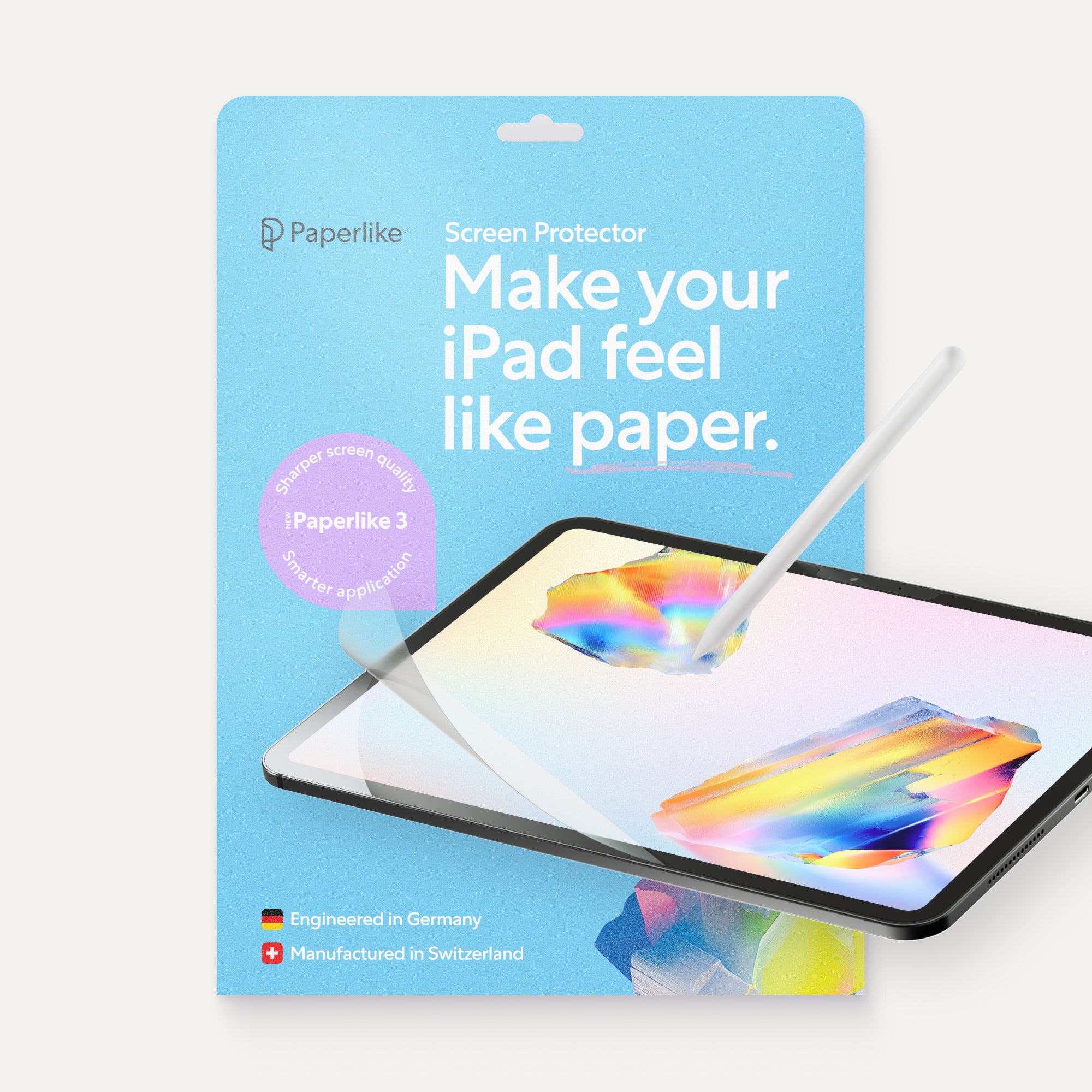
A: Anything simple. A notetaking app for capturing, a planner for organizing, and a setup that you use every day. If you’re using an Apple Pencil, the Paperlike™ Screen Protector adds a natural paper feel, making planning and writing more comfortable.
Weiterlesen
 Lindsay Armstrong