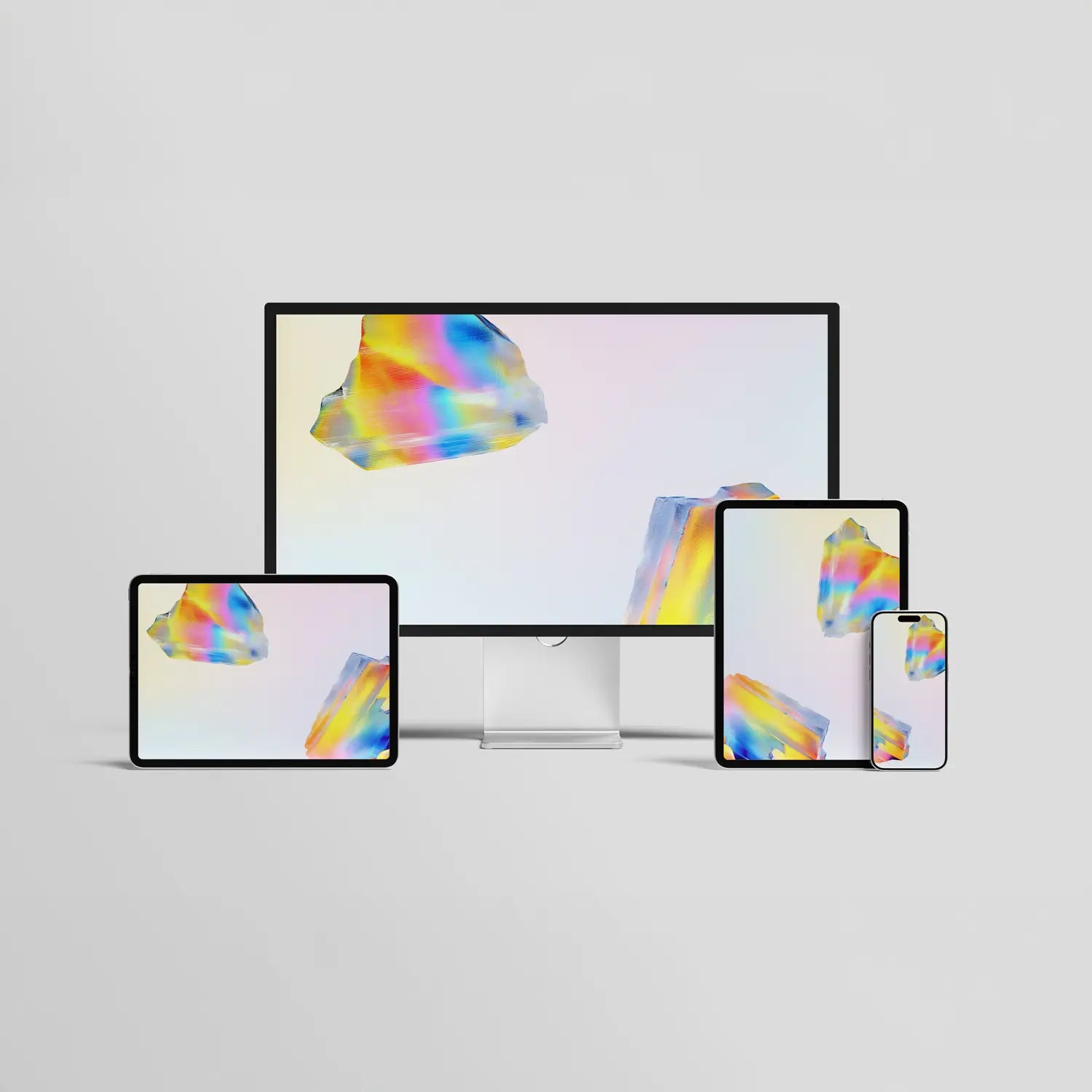
PL3 Wallpaper Pack


We whipped up a new batch of digital wallpapers to bring some spark, color, and creativity to your screens.

Grab the full set and make your desktop, tablet, or phone feel a little more you.

How to download and use these wallpapers

Getting up and running with these wallpapers is quick, easy, and free. Here's how:

  1. Sign up below to receive the download links.
  2. Open Settings.
  3. Scroll down and click on Wallpaper.
  4. Tap Choose a New Wallpaper and select which type of Wallpaper you want to use.
  5. Select an image and you'll be given a preview.
  6. If you like what you see, tap set and pick between using the wallpaper for your Lock Screen, Home Screen, or both.

You're all done!

Sign up to get the wallpapers

*If you're already subscribed, fill out the form to verify your email, then refresh the page to see the download link. If you have any issues seeing the form above, try turning off your adblockers and ensure you have cookies enabled.

How to download and use these wallpapers

Getting up and running with these wallpapers is quick, easy, and free. Here's how:

  1. Sign up below to receive the download links.
  2. Open Settings.
  3. Scroll down and click on Wallpaper.
  4. Tap Choose a New Wallpaper and select which type of Wallpaper you want to use.
  5. Select an image and you'll be given a preview.
  6. If you like what you see, tap set and pick between using the wallpaper for your Lock Screen, Home Screen, or both.

You're all done!

Sign up to get the wallpapers

*If you're already subscribed, fill out the form to verify your email, then refresh the page to see the download link. If you have any issues seeing the form above, try turning off your adblockers and ensure you have cookies enabled.