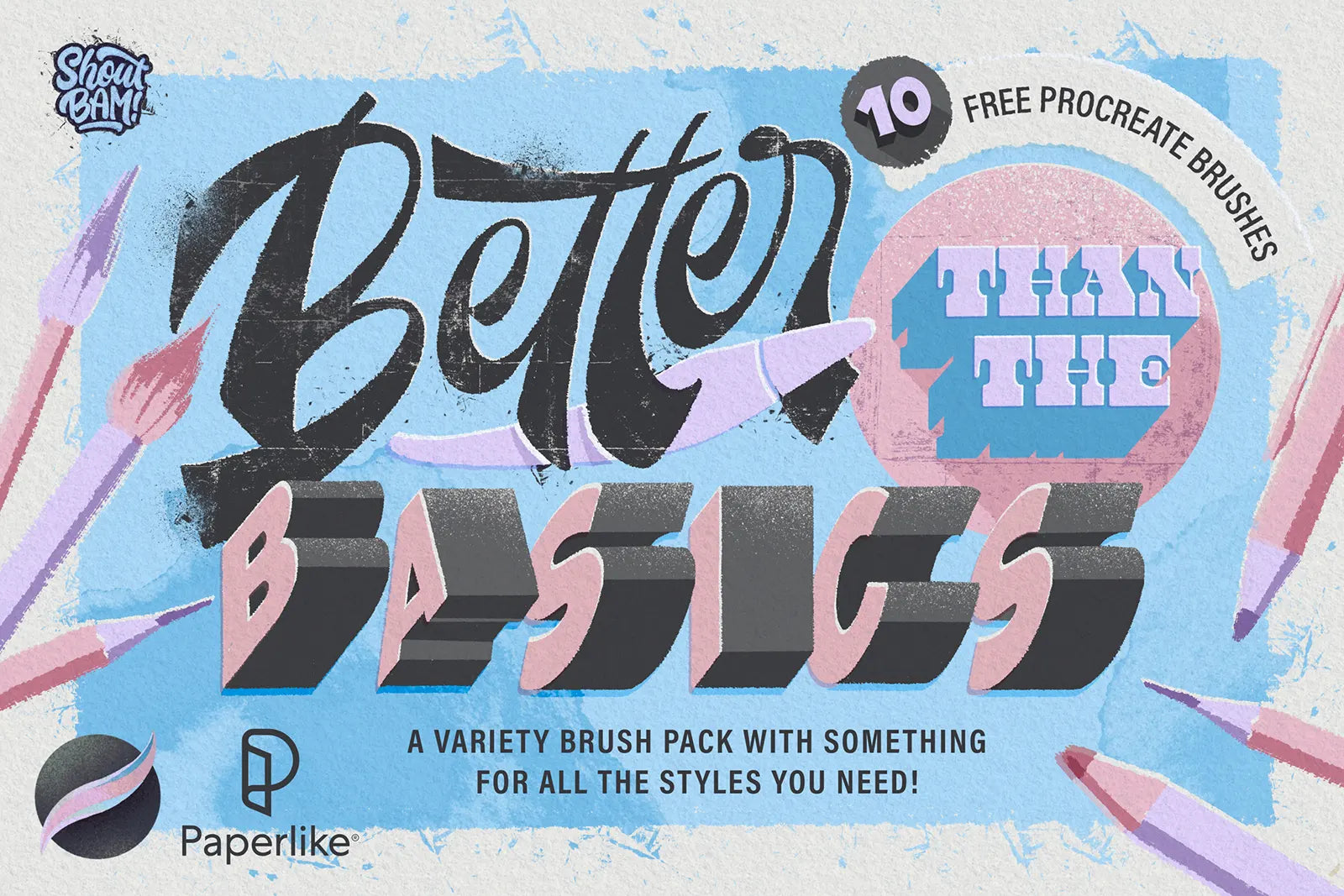
Better Than the Basics Brush Set [10 Brushes]


Procreate comes with a lot of standard brushes for digital artists of all types, but those brushes get old pretty quickly. You're left wanting something a bit more interesting, but not over the top.

This Paperlike-exclusive brush set, from the incredible Jimbo Bernaus (@jimbobernaus), takes the basic brushes you use every day and elevates them to something truly special.

Enter your email address on the next screen to access the Paperlike Library.

What makes it special?

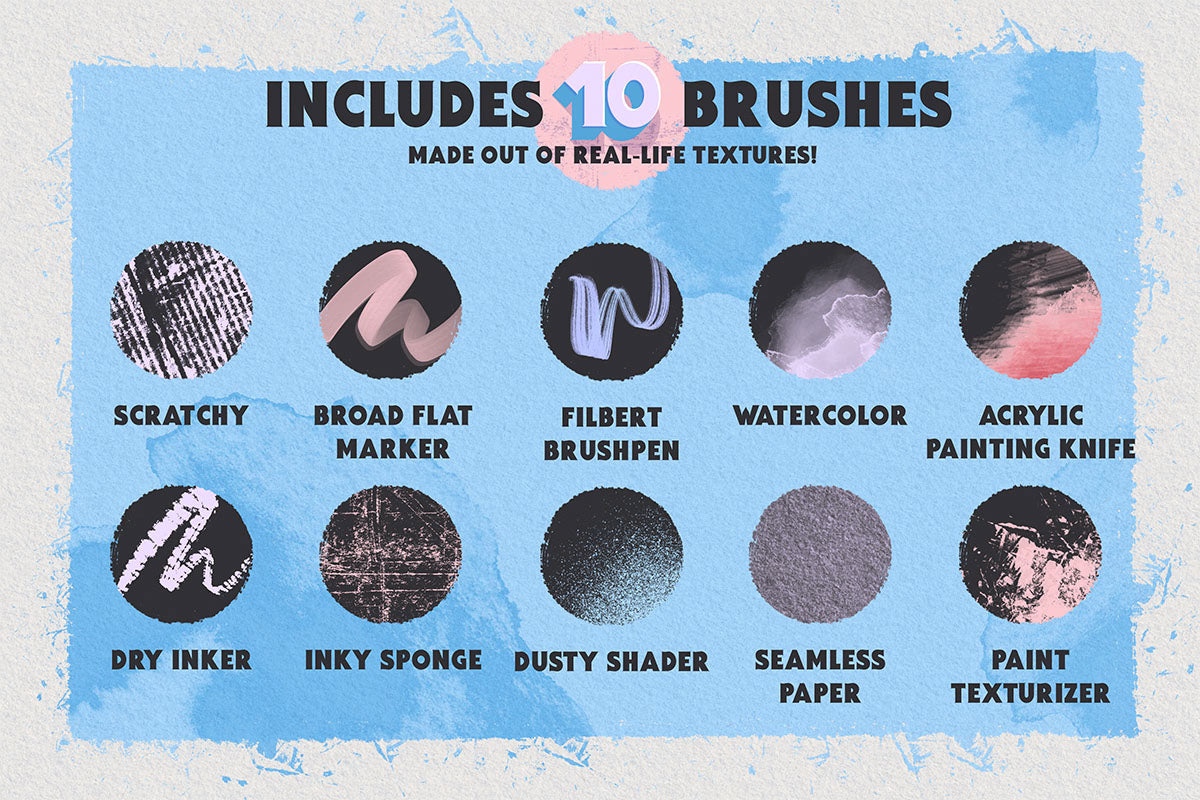
Created from real-life textures, Better Than the Basics consists of 10 all-new brushes that add character and life to all forms of art. Whether you're into lettering or landscapes, or something in-between, you'll find something in this set for you. Check out the preview below.

About Jimbo Bernaus

Jimbo Bernaus is a lettering artist and designer based in Barcelona. At his design studio,BAM!, he and his partner Tea Shockats (@teashockats) create visual content for Brands through design, lettering and illustration. He also is a master at crafting digital resources for creatives to help them step up their design.

How to get started

Getting up and running with this brush set is quick, easy, and free. Here's how:

  1. Click “Get your Free Digital Product” and use your email address to access the Paperlike Library.
  2. Download your Brush Set to your iPad.
  3. Open Procreate and open a new canvas.
  4. Click on the brushes icon and either select or create a new folder with the + icon.
  5. Tap the + button above the list of brushes and select import.
  6. Using the iPad file interface, find and select the brush set.
  7. You’re all done!

We want to see what you create!  Be sure to follow and tag @paperlike on Instagram and show us your incredible art.

Access the Paperlike Library to get your Free Brushes


Download your Free Digital Product, then discover more free resources in the Paperlike Library to help you create, stay organized, and get more out of your iPad.

Enter your email address on the next screen to access the Paperlike Library.