
🎉 Free Pro Planner Claimed!
Get a FREE Pro Planner with any purchase — automatically added to your cart. Enjoy!

Paperlike™ 3 - iPad Screen Protector
Make your iPad feel like paper

– Savannah Brooks, Portland, Oregon
We’ve been writing on paper for 2,000 years. Now you’re supposed to write on your iPad’s glass screen? How does that work? Spoiler: it doesn't.
Your Apple Pencil glides uncontrollably like a five-year-old learning to ice skate. Smudges all over your screen look gross and make your pencil stick a bit. And honestly, it just kind of feels weird, doesn’t it?
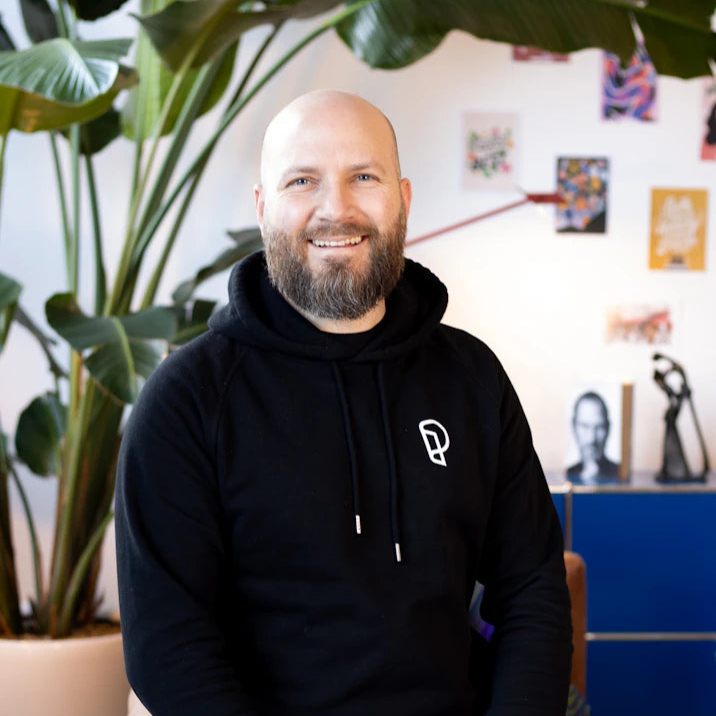
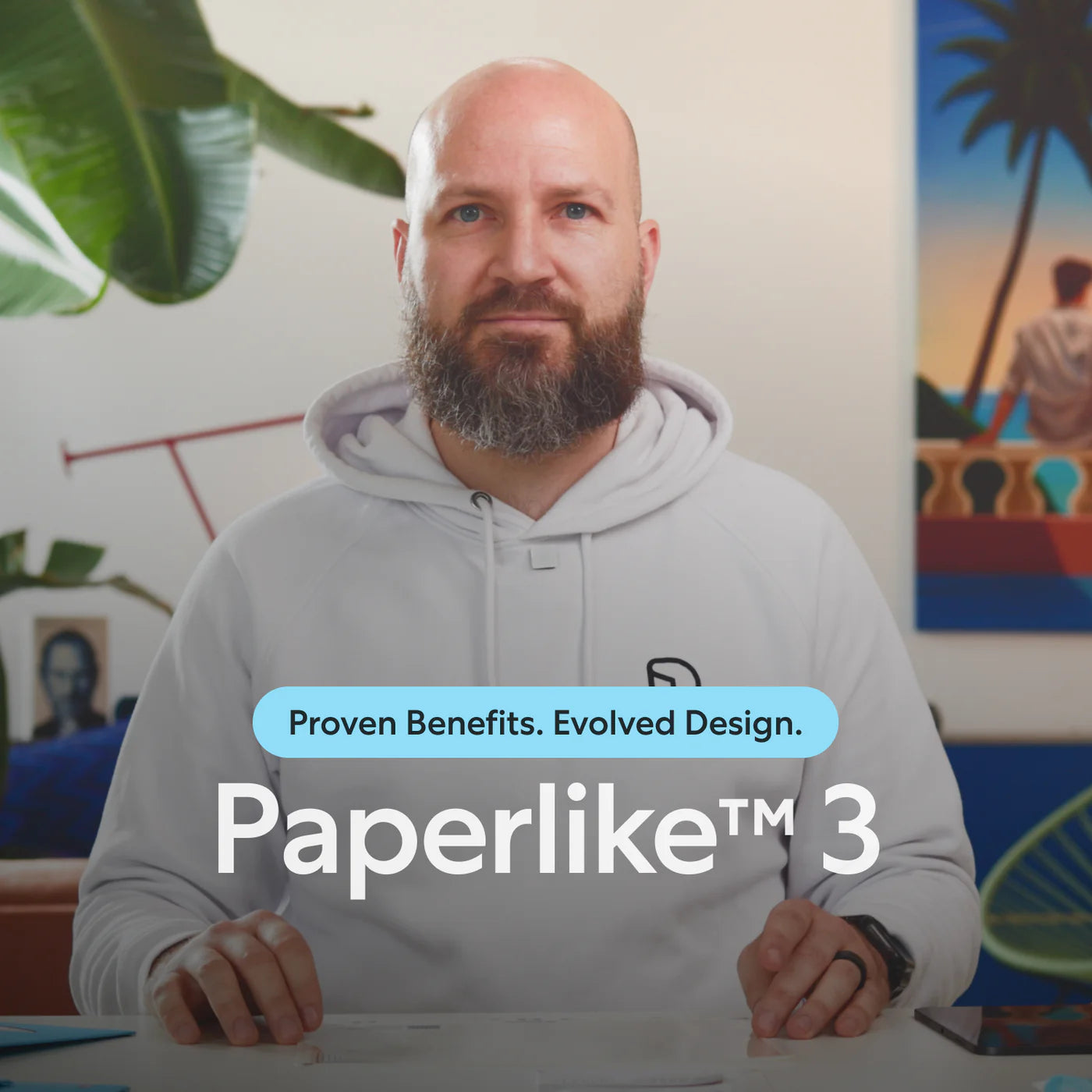
Jan, Paperlike’s founder, had the exact same experience nine years ago when the first iPad Pro with pencil support came out. He was certain someone would fix it, but no one did. So he went for it and launched the first Paperlike™ with the help of Kickstarter. iPad users worldwide supported the launch, and Paperlike, the company, was born.
Jan wanted to push the envelope. He wanted a better paper-feel, fewer refractions, and better scratch resistance. Because, let’s be honest, the first version wasn’t great. It solved the problem, sure, but with what we know now, we’re actually a bit embarrassed.
After years of research and over $1,000,000 spent on development, we made a product we’re proud of.
And over 2,460,000+, yep, that’s two million four hundred sixty thousand plus customers love their Paperlike™ and can’t imagine using their iPads without it.
“Love my Paperlike! Game changer!”
How does this work?
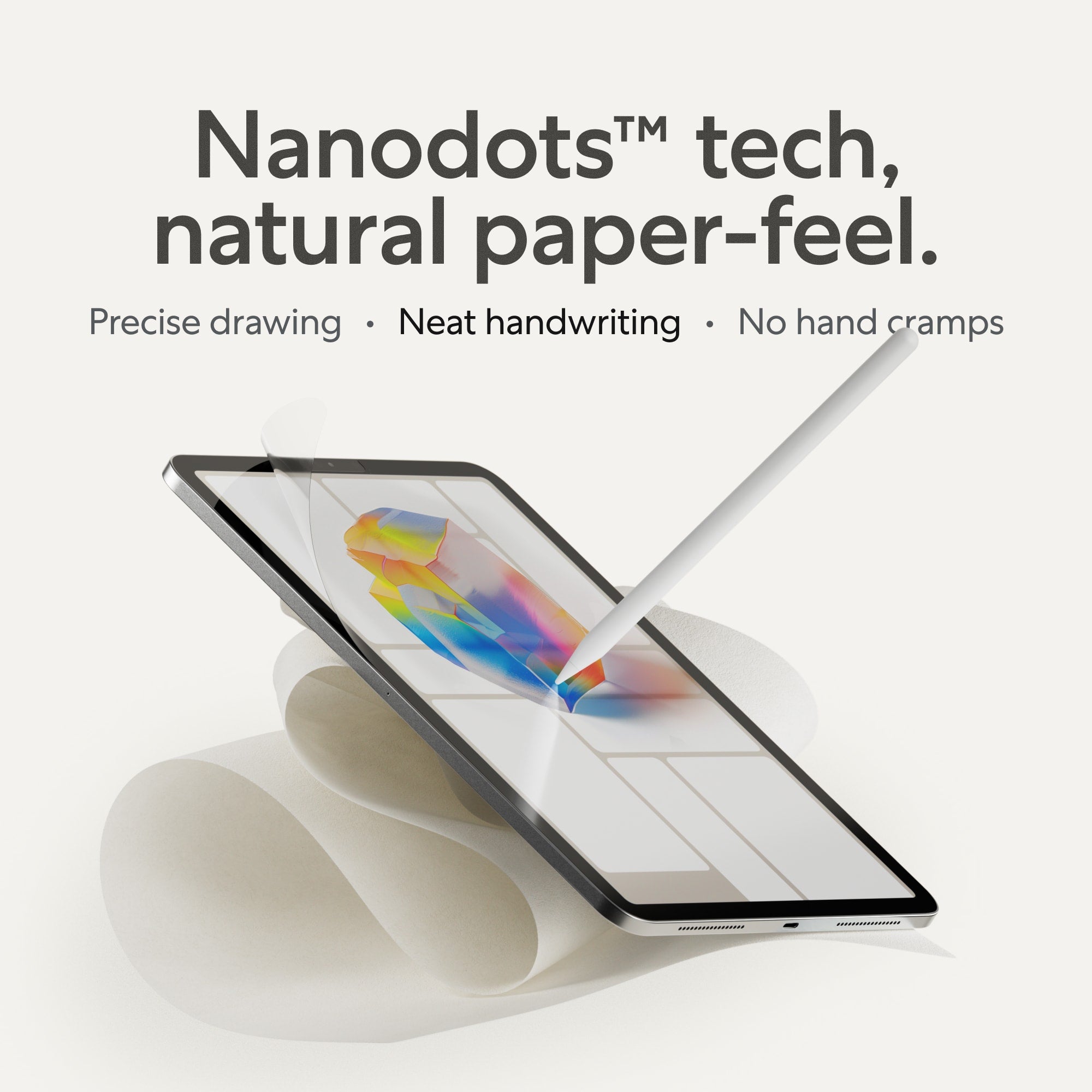
The secret sauce to Paperlike is our Nanodots™ surface. A proprietary technology you won’t find anywhere else.
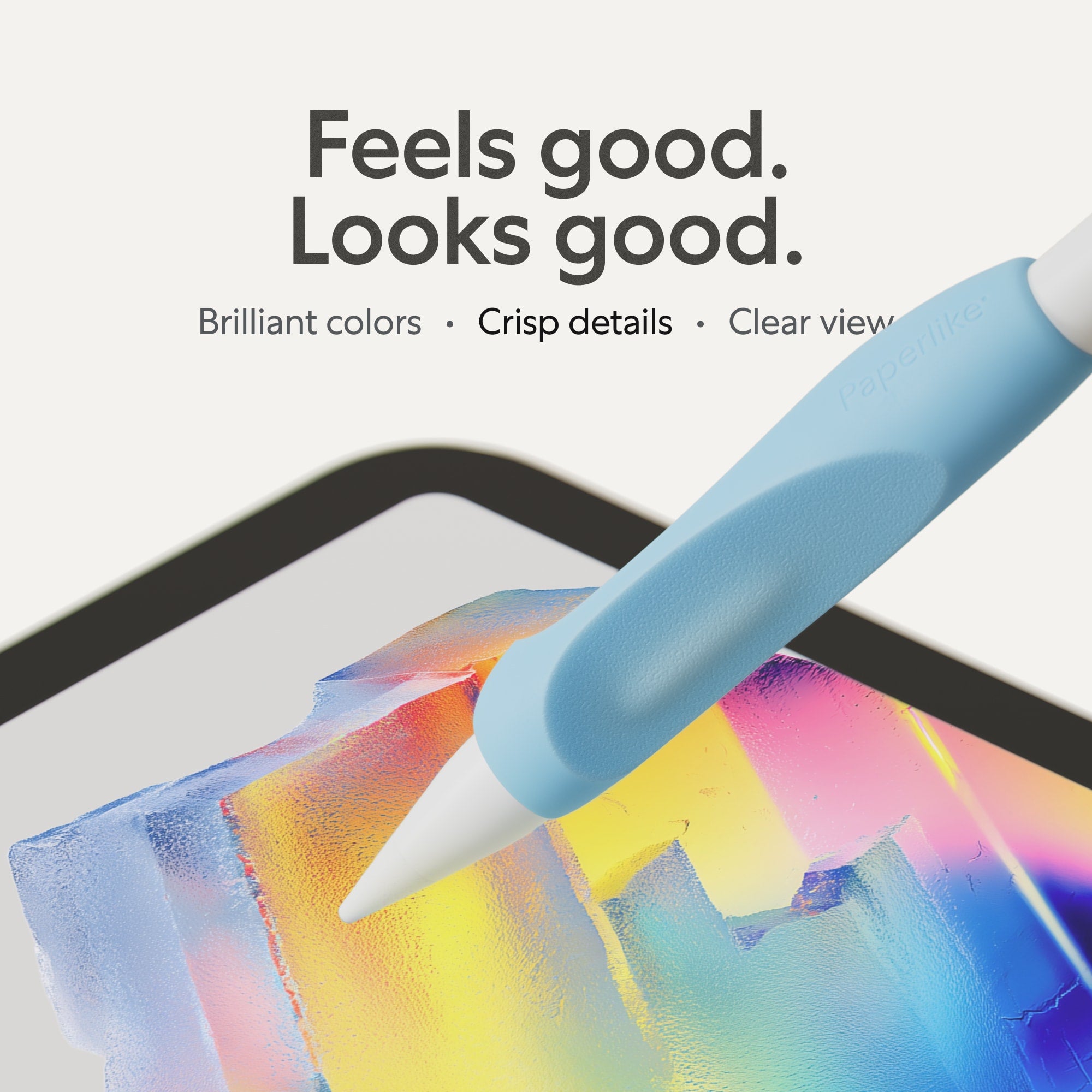
Tiny micro-beads make your pencil vibrate ever-so-slightly, giving you that stroke resistance and control you know from paper. Modeled after high-quality Japanese paper, the paper-feel strikes the exact right balance between smooth and rough.
You will feel it. And you will see it: way better handwriting and instantly improved sketches.
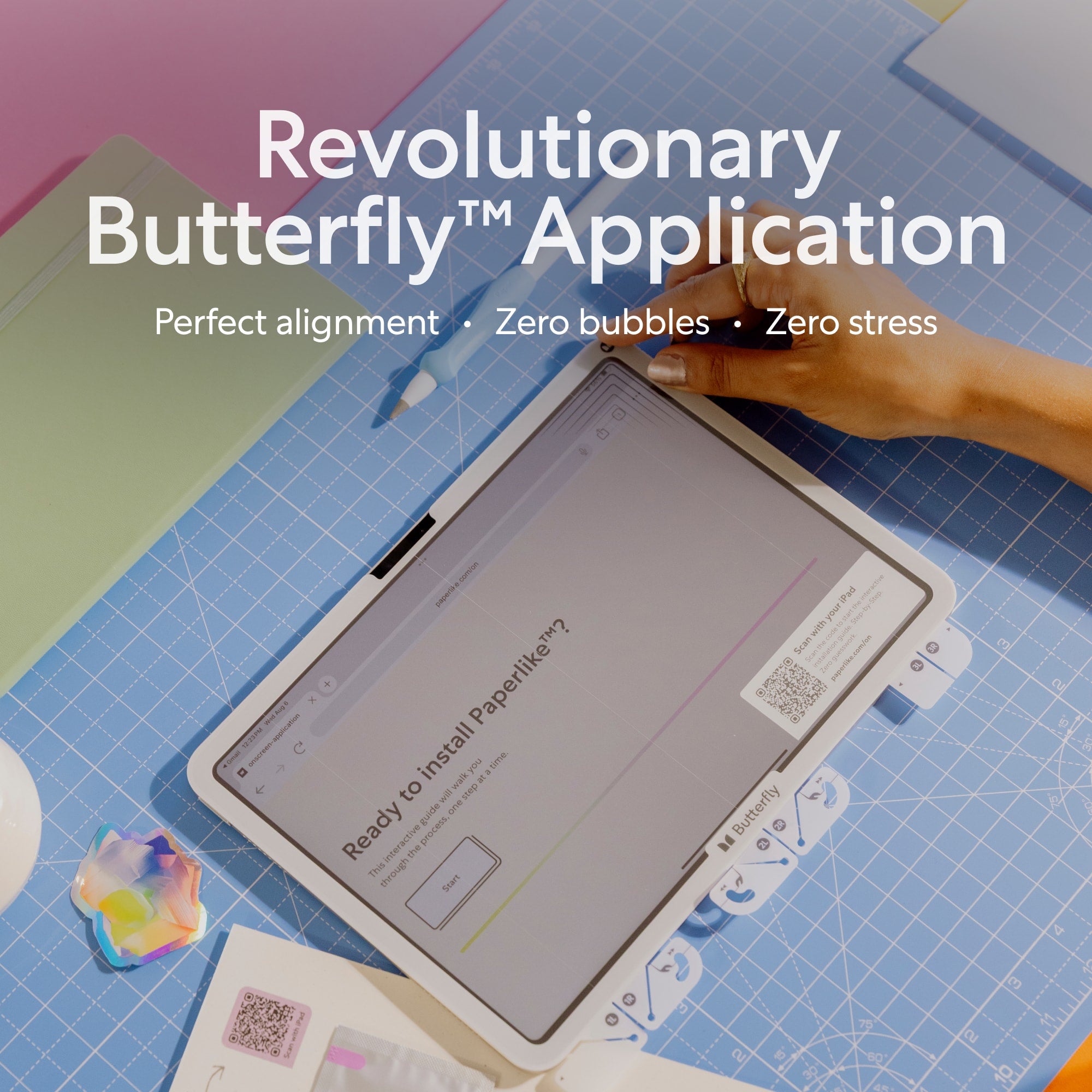
And because you have to apply it before you can experience the paper-feel, we've made the process super easy with our Butterfly™ Application System.
It's a revolutionary, simple process to apply your Paperlike stress-free, bubble-free, and perfectly aligned—every time.
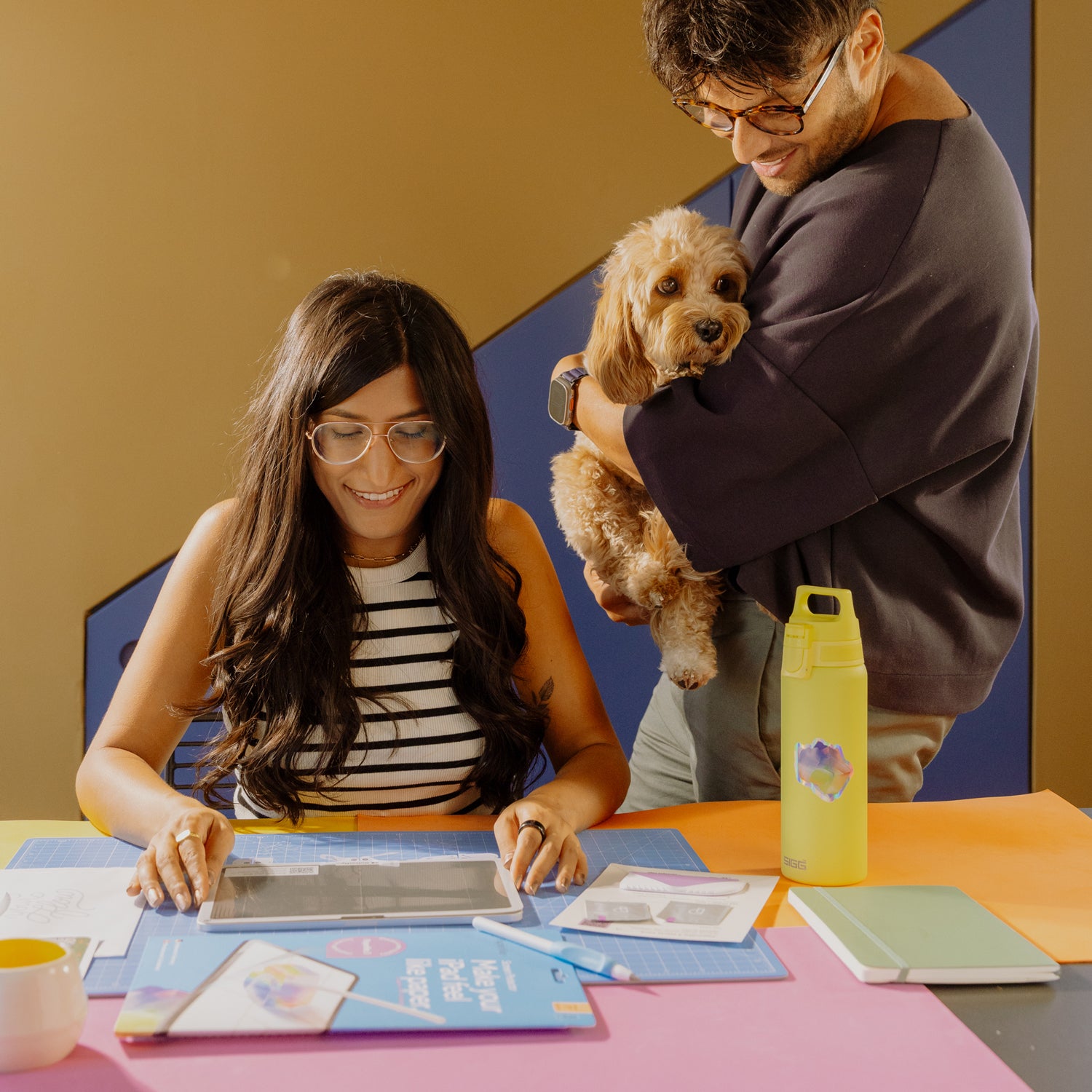
Made for the iPad
But wait a second: Wouldn’t putting something on your iPad diminish its brilliant screen quality? Good question. And you’re right; any screen protector will affect clarity. Rough surfaces typically have a rainbow effect when the pixel light shines through them (like a prism).
And you might have guessed it: we solved that problem with our Nanodots technology. Undisturbed, the light shines around and through the Nanodots right into your eyes.
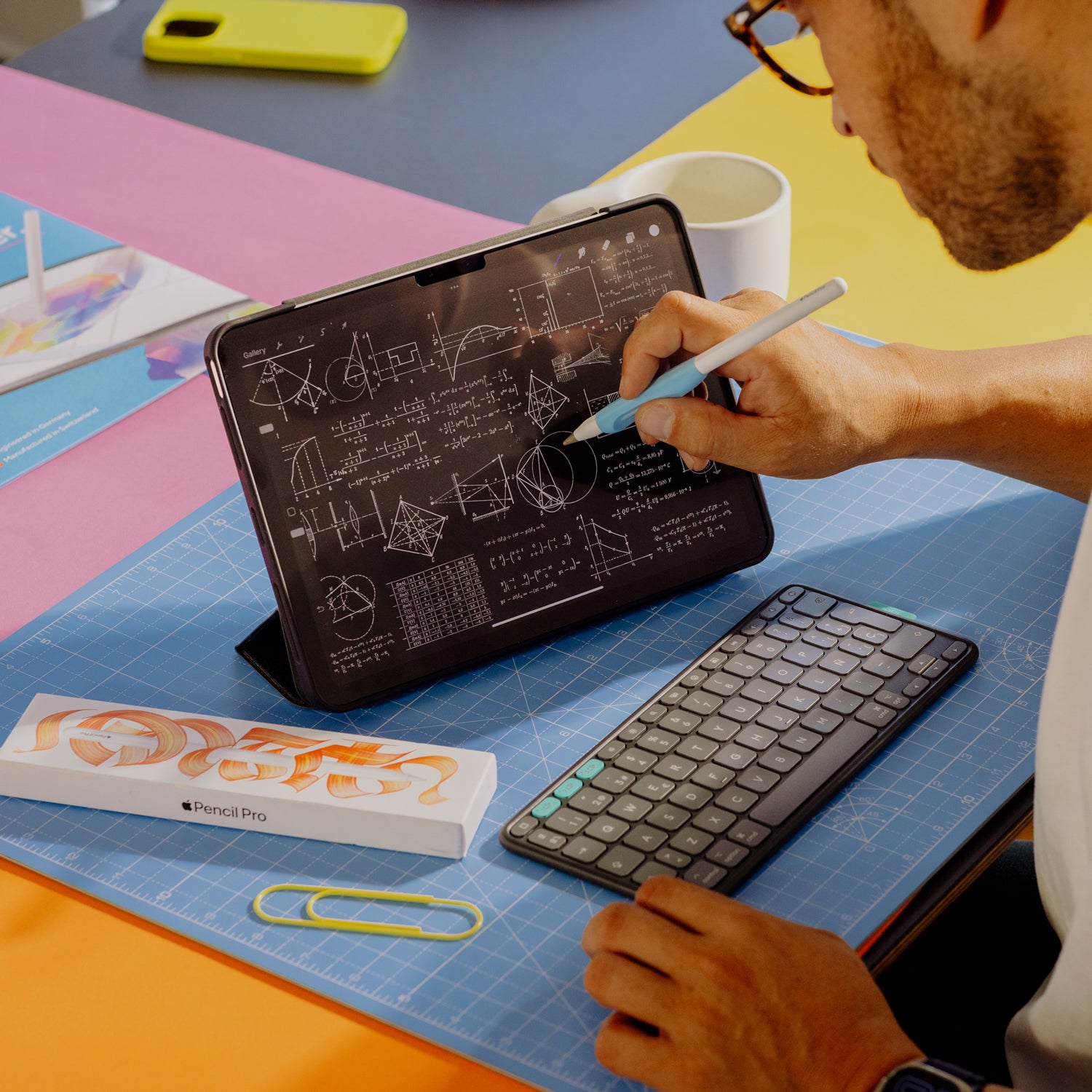
After all, you want your iPad to FEEL like paper, not look like paper.
And yes—it also protects your screen. Not the “throw-it-off-a-six-floor-building” kind of protection, but more than enough for anyone who values their iPad enough not to run it over with an RV.
Made for the Apple Pencil
Ok, that sounds great. But wouldn’t putting something between your screen and the pencil affect responsiveness?
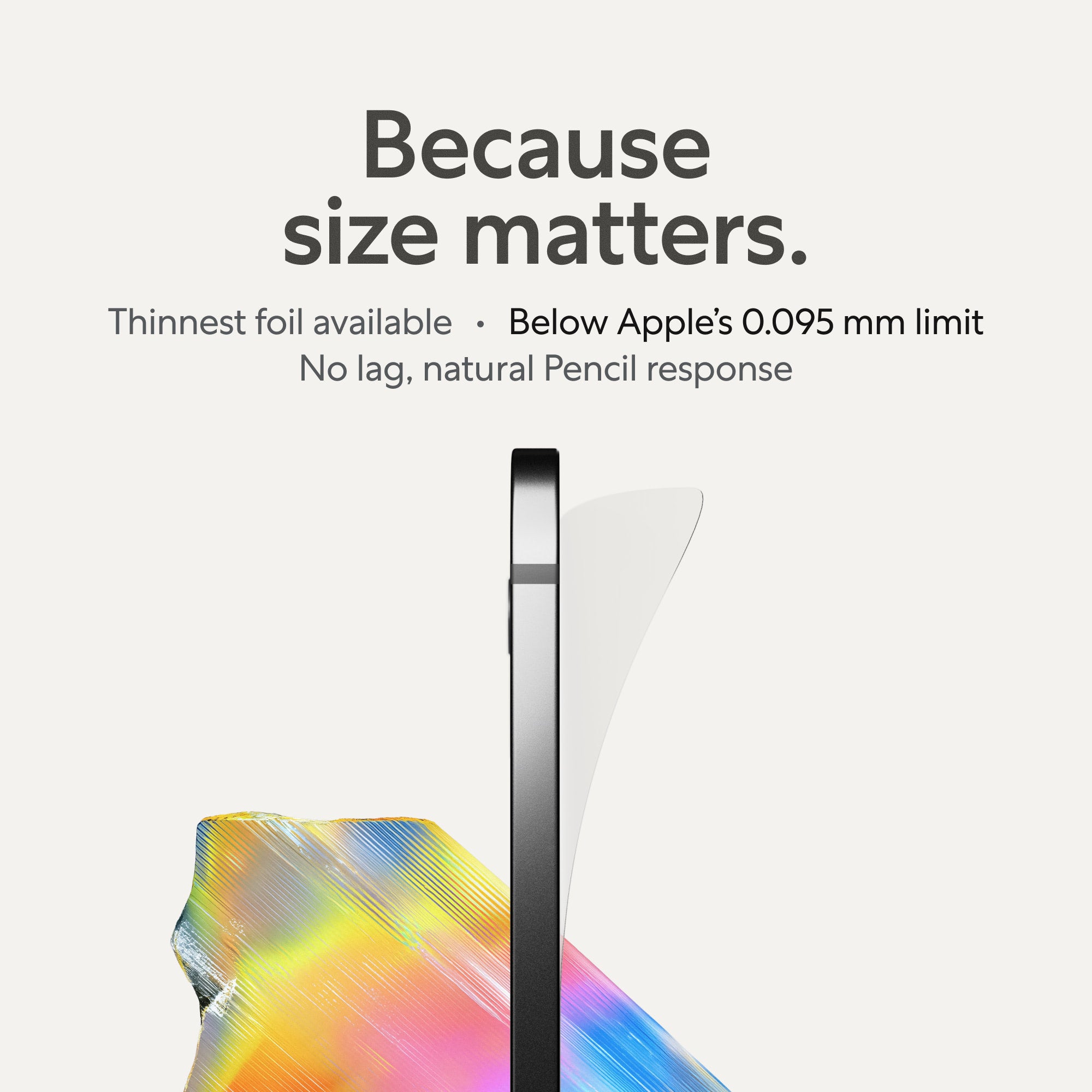
Yes. Unless it’s ultra-thin. Apple recommends a max thickness of 0.0037 inches (0.095mm) for full Apple Pencil support.
So we made Paperlike a little less than that—around half as thin as a human hair.
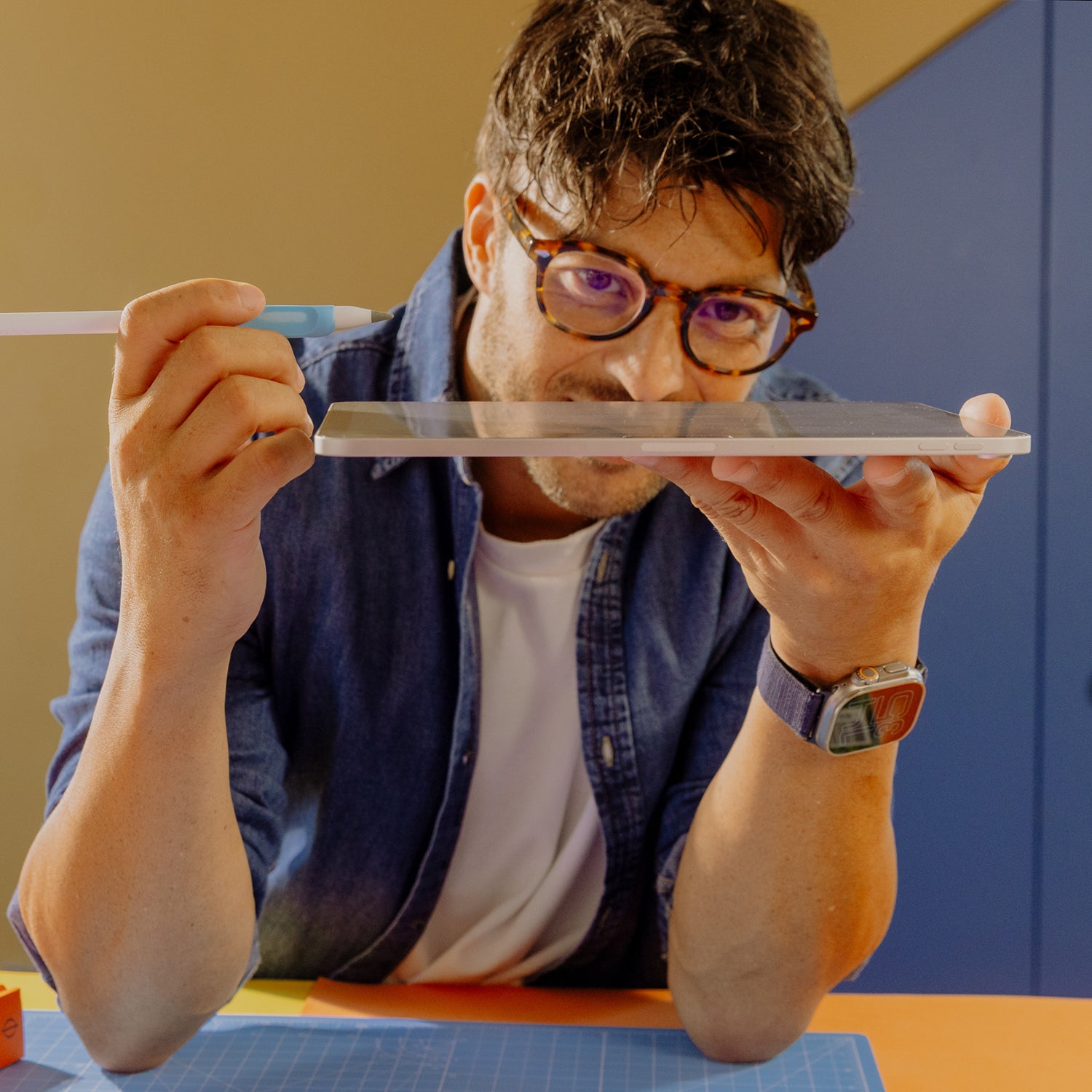
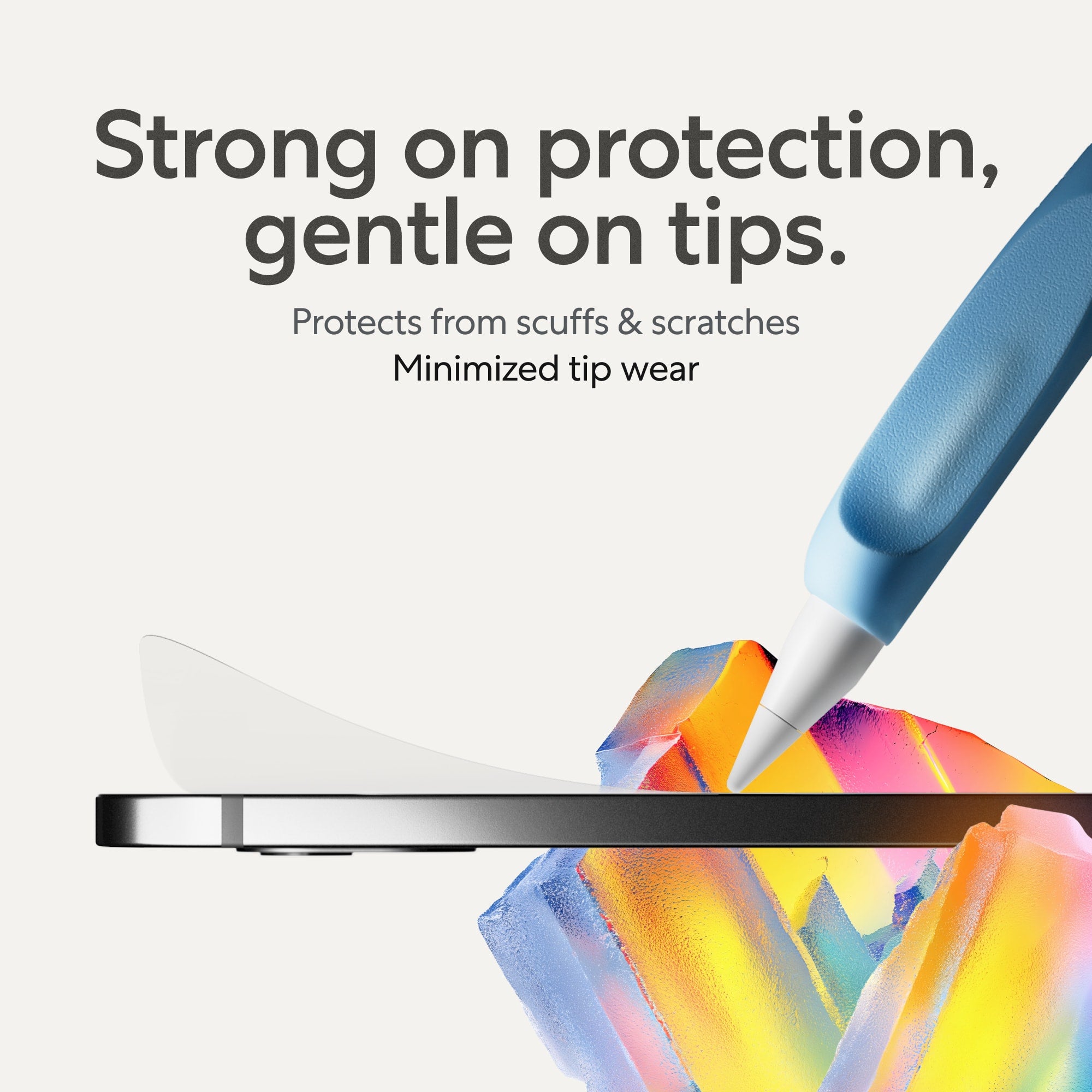
Talking about splitting hairs, we also made the Paperlike surface hard enough to withstand scratches but not wear off the pencil tip. Like we made this thing deliberately for the Apple Pencil, can you believe it?
Made in Europe. Made for you.
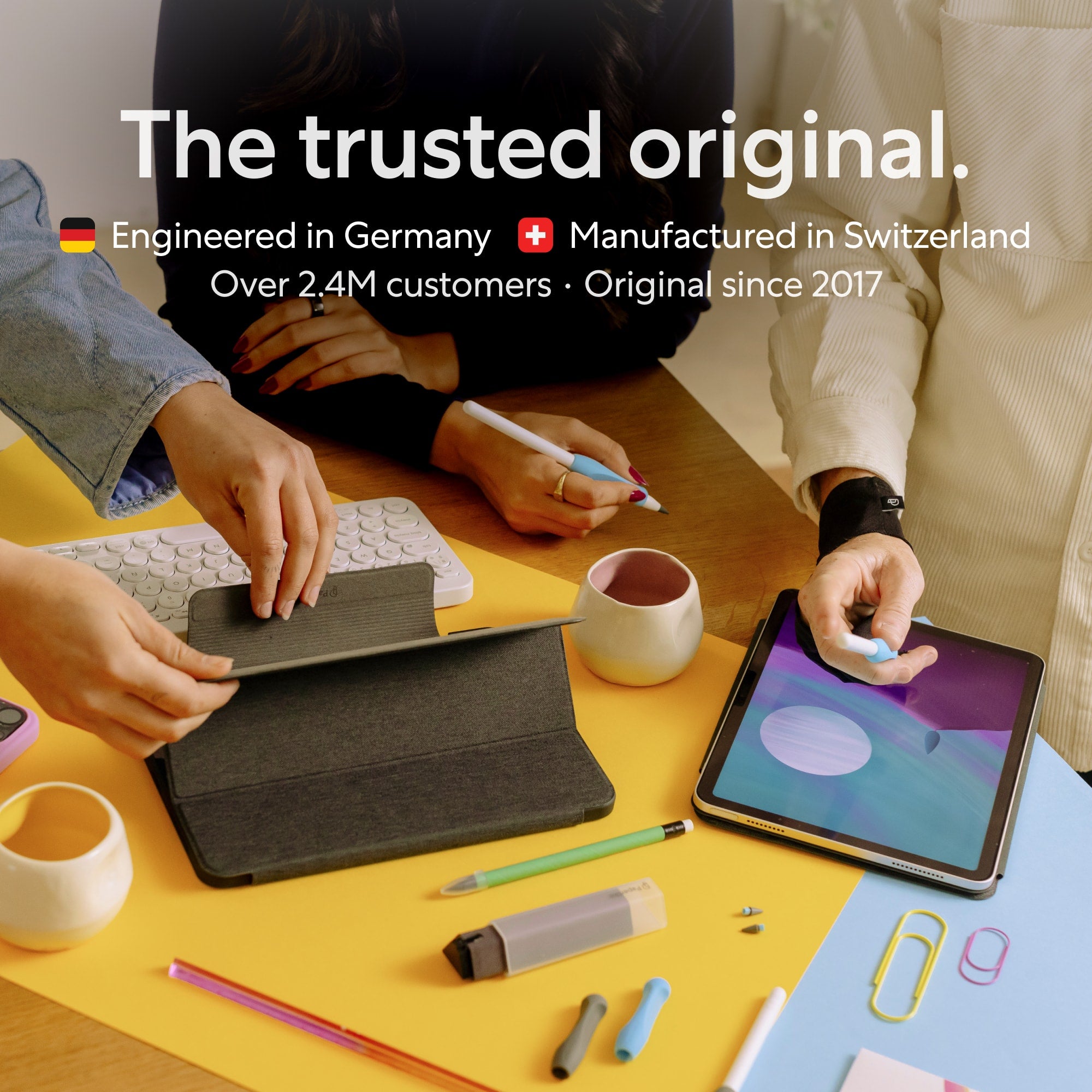
The Paperlike’s Nanodots surface is manufactured in Switzerland. You know those people famous for cheese, fonts, and precise watches? Turns out, they also make outstanding plastic foils with unparalleled precision.
And while Jan started Paperlike to scratch his own itch, we worked with hundreds of digital artists, notetakers, and paperless professionals to make this thing better and better. Today we are confident, this is the best product you can put on your iPad. Even better than sliced cheese.
What if …
… you don’t like it?
You read through the whole page, and you really like the idea of improving your iPad—or, as some would say, making it usable in the first place. You’re almost ready to push the buy button. Almost. But what if you don’t like it after trying it?
We get it. We’re really hyping this up (and 2.460.000 customers agree). But you don’t trust us fully yet.
You'd love to try before you buy, right?
Since you're buying online, we can offer you the next best thing: buy it, try it, and if you don’t love it you’ll get your money back.
Send us an email, we’ll give you a 100% refund within a week. No questions asked, no hard feelings.
Just 1.7% of people have taken us up on this offer. 98.3% believe Paperlike is absolutely worth the price.
… the application goes wrong?
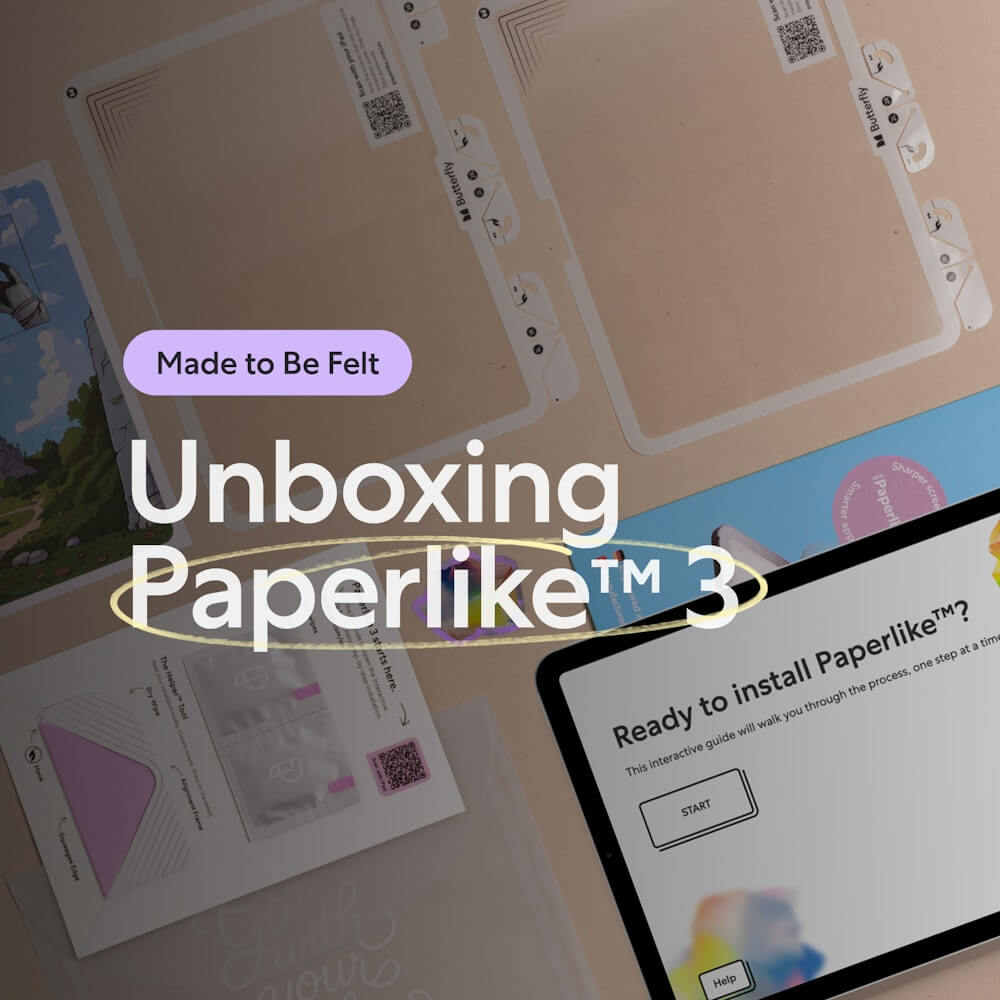
Not a problem anymore. With Paperlike 3 we introduced the Butterfly Application System—a brand new way to apply a screen protector. Just follow the step-by-step guide on your iPad, align with the included Helper Tool and unfold the wings. Stress-free, bubble-free, and perfectly aligned every time.
And if your cat still decides to “help” you halfway through … don’t worry. Every Paperlike pack comes with a spare. We believe in second chances.
… you want more stuff to make writing and drawing on the iPad better?
Hm. That’s a tough one. If only there was a brand dedicated to creators and doers like you...
They'd make things like more durable pencil tips or a grip that makes the Apple Pencil ergonomic without compromising magnetic charging or double-tap features.
Or maybe they'd create a cleaning kit to keep your iPad spotless on the go. Or a drawing glove so your hand glides smoothly across the screen. Or, of course, a folio case that gives your iPad the warm notebook hug it deserves.
If only… oh wait.
Try Paperlike risk-free
Shipping is free, and if you aren’t 100% satisfied, you get your money back.
Select your iPad:
FAQ
What's inside
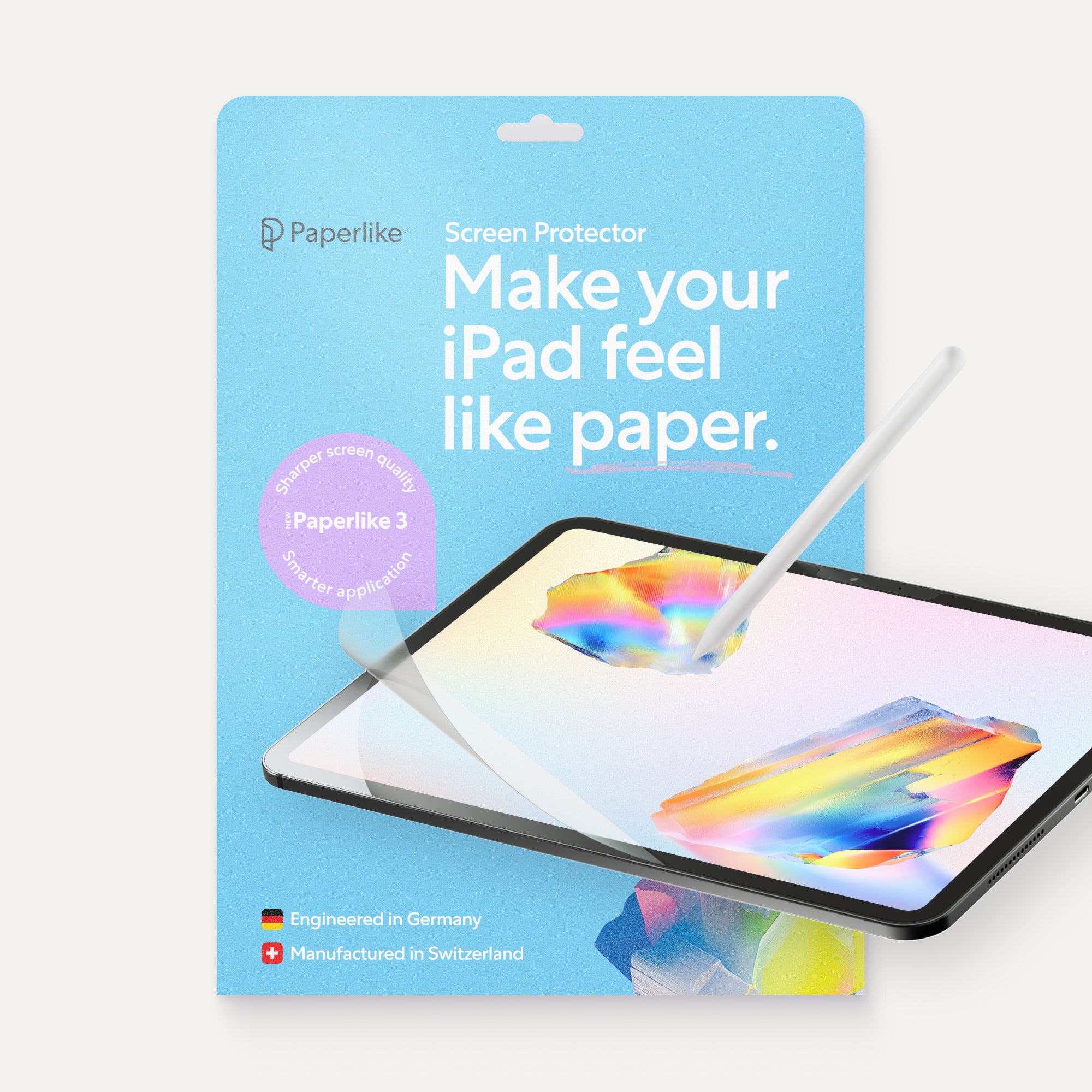
- 2× Paperlike™ 3 Screen Protectors with the new Butterfly™ Application System
- Wet wipes to prepare your iPad before installation
- Helper Tool for perfect alignment, cleaning, and guidance
- Free access to exclusive digital products
Why are there two Paperlikes in the package?
Every Paperlike ships with two separate screen protectors so that you’ll have a spare if the first application doesn’t go according to plan.
Make sure to scan the QR code and follow the onscreen instructions on your iPad when applying! With the new Butterfly Application System, it’s an easy install—but you must follow the steps for that perfect, bubble-free finish.
If you apply it correctly, you’ll have a spare! Give it to a friend or keep it as a backup in case you need to replace or upgrade your iPad.
Does Paperlike really feel like paper?
Most of our customers think so!
A few have told us that, while the screen protector doesn’t feel exactly like paper to them, it correctly emulates that responsiveness of paper while writing and drawing.
Is Paperlike made of glass or plastic?
Paperlike is made from polyethylene terephthalate (PET), which is 100% recyclable and won’t harm the environment.
The envelopes and shipping materials are also recyclable, including the container envelopes and the protective plastics designed to protect the screen protector during transit.
Can I use Paperlike on top of my glass screen protector?
While we have heard from happy customers that placing the Paperlike on top of a glass screen protector can work, we don’t recommend using the Paperlike in this way.
To maintain responsiveness during tap/touch interactions, screen protectors are typically engineered to a precise level of thickness based on the materials used.
By placing your Paperlike on top of another screen protector, you may see reduced responsiveness when touching your screen or working with your Apple Pencil.
Does Paperlike cause wear and tear on my Apple Pencil?
Minimally, yes.
Here’s what we mean: The added resistance that Paperlike creates will generate a small amount of friction between your Apple Pencil tip and your screen. This will result in minor wear over time and use.
However, this is also true for any other paper-feel screen protector on the market.
We’ve invested heavily in creating a quality product that minimizes this downside, so wear and tear should be negligible even over an extended period of time.
If you’re a heavy user, we offer Pencil Tips with 10x durability. Just in case.
Which Apple Pencils are supported?
Paperlike 3 is designed for all Apple Pencils. We’ve also tested it with popular alternatives like the Logitech Crayon—and it works perfectly.
Will Paperlike fit my iPad?
Yes, very likely. Paperlike 3 is available for all current iPad models.
How long does a Paperlike last?
With daily use, one Paperlike typically lasts several months to years, depending on how much you use it.
Every pack comes with two screen protectors, so you always have a backup ready.
Why is Paperlike more expensive than others?
Sure, there are cheaper paper-feel protectors out there—and if “ok” is good enough, those will do. But Paperlike 3 isn’t about “ok.” It’s the result of years of research, engineering in Germany, and manufacturing in Switzerland to ensure the best quality and innovation. We use it ourselves every day, and we wouldn’t settle for less.
Your iPad costs hundreds of dollars. Don’t compromise with a poor display, mediocre paper-feel, or worn-down Pencil tips just to save a few bucks.